

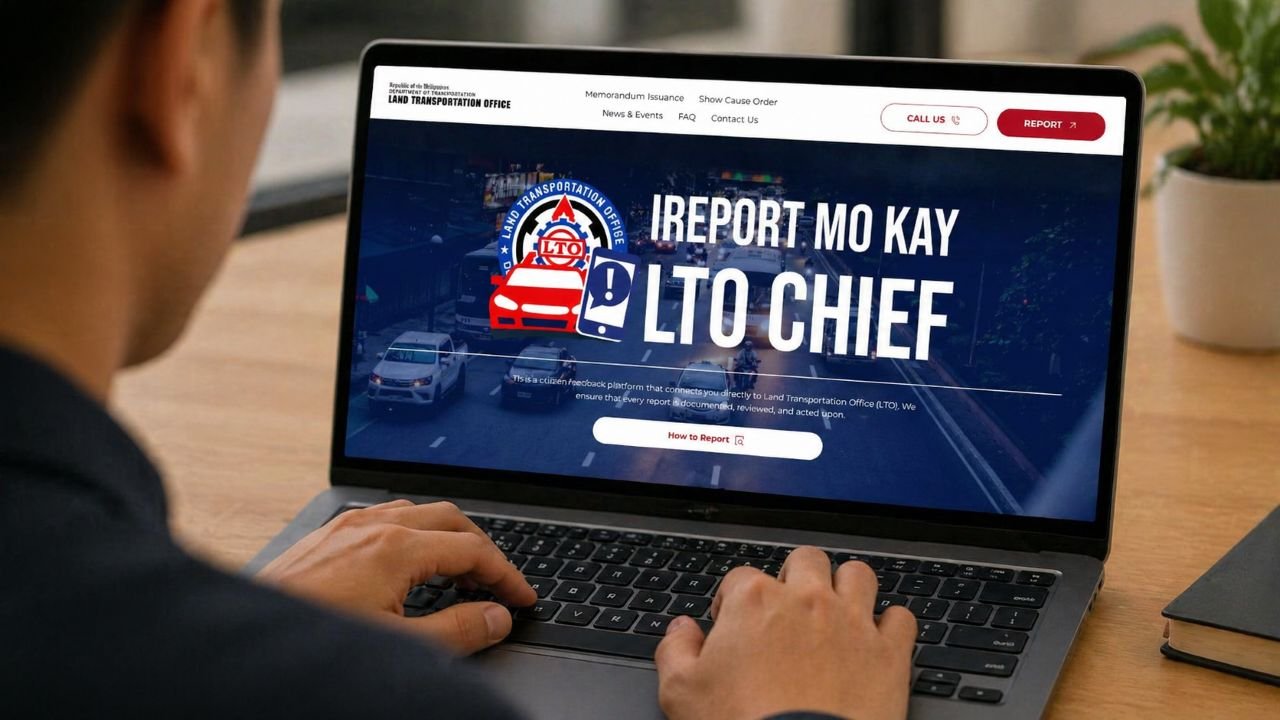
The Land Transportation Office has launched “i-Report Mo Kay Chief”. It’s an online platform that allows the public to report traffic violations, complaints, and transport-related concerns.
How to Use LTO “i-Report Mo Kay Chief” to Report Traffic Violations
Here’s how to use LTO “i-Report Mo Kay Chief” online:
- Go to the official LTO reporting page — Access the LTO “i-Report Mo Kay Chief” platform using your browser.
- Click on Submit report if you want to report online
- Enter incident details and provide complete informatio
- Upload evidence — Attach clear photos, videos, or documents to support your report. This helps the LTO verify your complaint faster.
- Submit your report — Double-check all details before submitting your complaint.
Requirements for LTO “i-Report Mo Kay Chief”
Before submitting a report, make sure you have:
- Complete and accurate incident details
- Clear photo or video evidence
- Correct date, time, and location
- Valid contact information
Providing complete information helps ensure your report is processed properly.
Using LTO “i-Report Mo Kay Chief” gives the public a direct way to report traffic violations and concerns. It supports better enforcement, improved accountability, and safer roads.




Leave a Reply