

Microsoft has rolled out performance and memory optimizations designed specifically to enhance 8GB Windows 11 PCs. The latest update delivers up to 40% faster multitasking and improves everyday responsiveness across the desktop.
Smarter Memory Compression for 8GB Windows 11 PCs
To maximize physical RAM without slowing down the system, Microsoft tuned its memory compression algorithms specifically for 8GB configurations. The operating system now keeps up to 2GB more active data directly inside physical memory rather than paging it out to your storage drive.
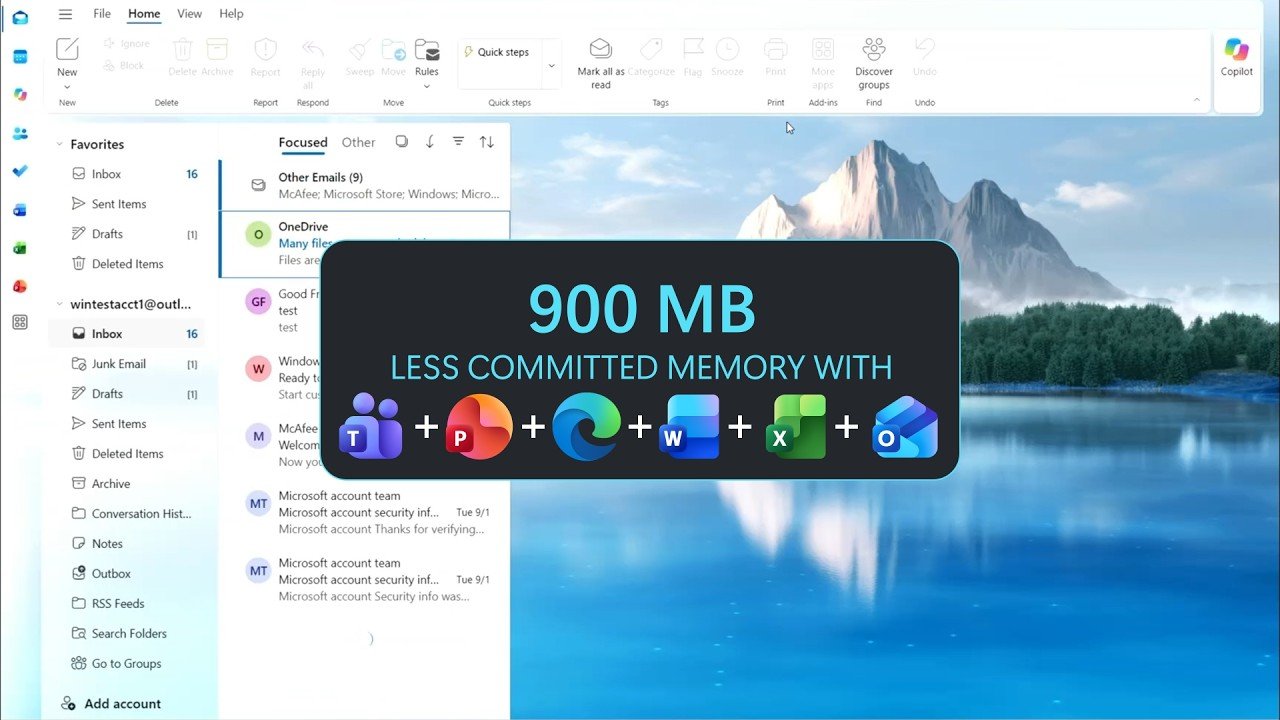
This change reduces the delay experienced when returning to minimized applications or idle browser tabs. Overall, the new memory management approach cuts committed-memory growth by up to 900MB during heavy multitasking.
Faster Start Menu, File Explorer, and App Responsiveness
Everyday shell interactions including opening the Start menu, searching, right-clicking, and browsing File Explorer now respond up to 20% faster compared to earlier builds. Windows temporarily prioritizes user actions while momentarily throttling background maintenance like search indexing.
Microsoft Edge also launches up to 33% quicker by connecting directly to background instances. Furthermore, inactive Edge tabs now automatically go to sleep after 15 minutes instead of the previous two-hour threshold.
Efficiency Mode in Teams, Microsoft 365, and Third-Party Apps
Productivity software receives significant resource trims under the new framework. Microsoft Teams activates Efficiency Mode by default on 8GB machines, speeding up app launch by 20% and dynamically managing video resolution to preserve clear call audio.
Core Microsoft 365 applications like Word, Excel, PowerPoint, and Outlook contribute roughly 360MB in memory savings through streamlined memory allocation. Third-party developers like WhatsApp have also reported double-digit memory reductions using the updated platform.
Modern Hardware Benchmarks and How to Install the Update
Microsoft has mentioned that newer processors significantly improved on what 8GB machines can achieve. In third-party lab testing, a 2026 Dell XPS 13 with 8GB RAM matched the performance of a 2021 16GB model in CPU tasks, web browsing, and 4K video exports.
To receive these performance improvements, users must update to Windows 11, version 26H2, build 26300.9818 or later through Settings > Windows Update.

Leave a Reply