

If you spend eight to twelve hours a day sitting at your desk working, editing, or gaming, a standard chair stops supporting you the moment you shift positions. Over the past few weeks, I have been daily-driving the LiberNovo Omni Dynamic Ergonomic Chair alongside their Footrest, and it is wild. It actually has an electric motor inside the backrest.
Design and Assembly: No Obnoxious RGB, Built in Under 30 Minutes
Whenever you hear that a chair has an electronic motorized lumbar system and a built-in battery, your first worry is usually complicated wiring and a two-hour build. Surprisingly, LiberNovo includes huge, straightforward printed guides for both the chair and the footrest, and I put the whole thing together in under 30 minutes. Honestly, you could finish in 15 minutes if you are not slouching around like me.
It skips the loud, obnoxious RGB aesthetic you see on flashy gaming seats like older gaming chairs and looks right at home in a clean studio or office. Even with a motor and battery packed inside, there are no messy cables underneath, though it does carry a bit more weight than a barebones mesh chair.
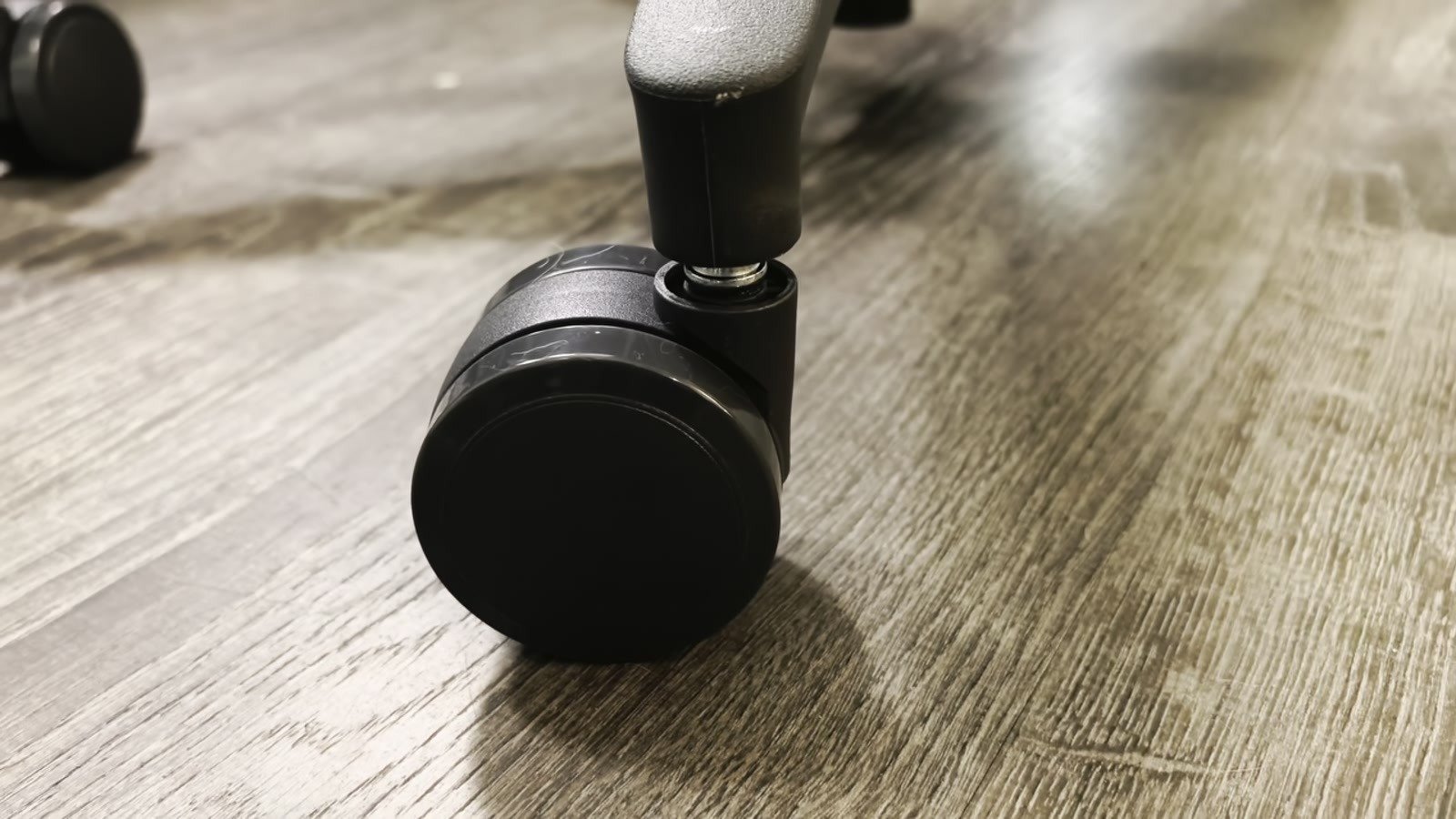
There’s five caster wheels that handle real-world floors really well. I have a lot of dogs at home so fur and dust are unavoidable, yet the wheels glide smoothly with just the right amount of resistance so the chair does not roll away accidentally when you lean in.
Bionic FlexFit and ErgoPulse Motorized Lumbar Support
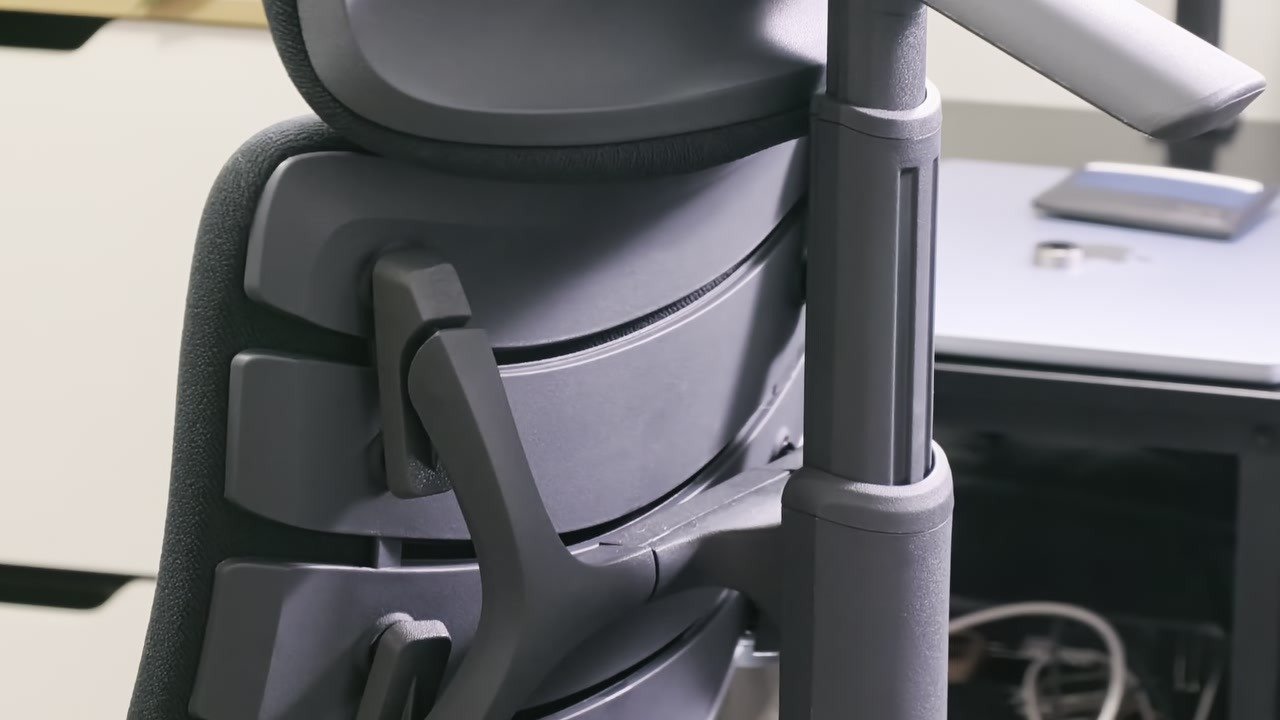
The star of the LiberNovo Omni is its Bionic FlexFit eight-panel backrest paired with the ErgoPulse motorized lumbar actuator. Most ergonomic chairs only give you a basic manual knob or lever that locks into one static spot regardless of how your spine moves.
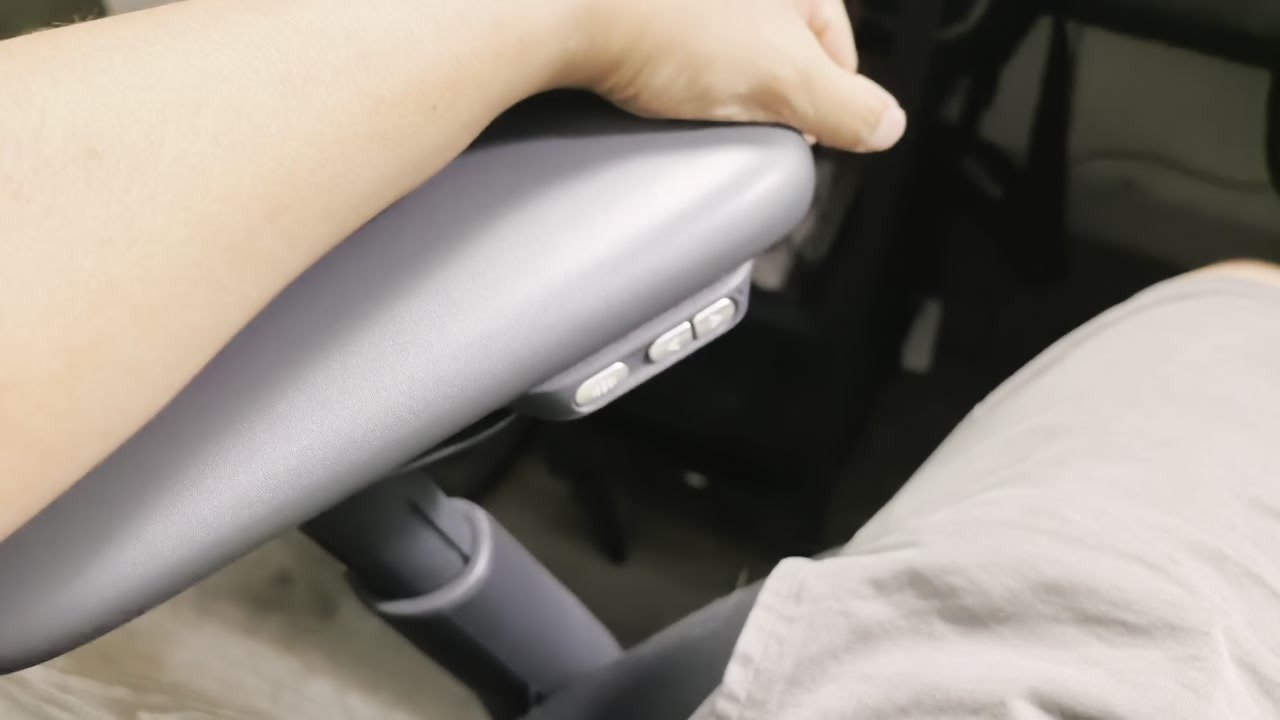
On the Omni, integrated controls right under the armrest let you articulate the lumbar curvature with a button tap so it actively hugs your lower back. After weeks of using it every day at my desk, I genuinely noticed less lower-back soreness because the backrest physically supports my posture rather than letting me slump.
Powering the motor is a removable battery pack that charges over USB-C. Since you are not constantly firing the actuator every minute, battery life stretches across days of normal use without turning into another daily charging chore.
3-Zone Waterfall Cushion, SyncroLink Armrests, and 160-Degree Recline
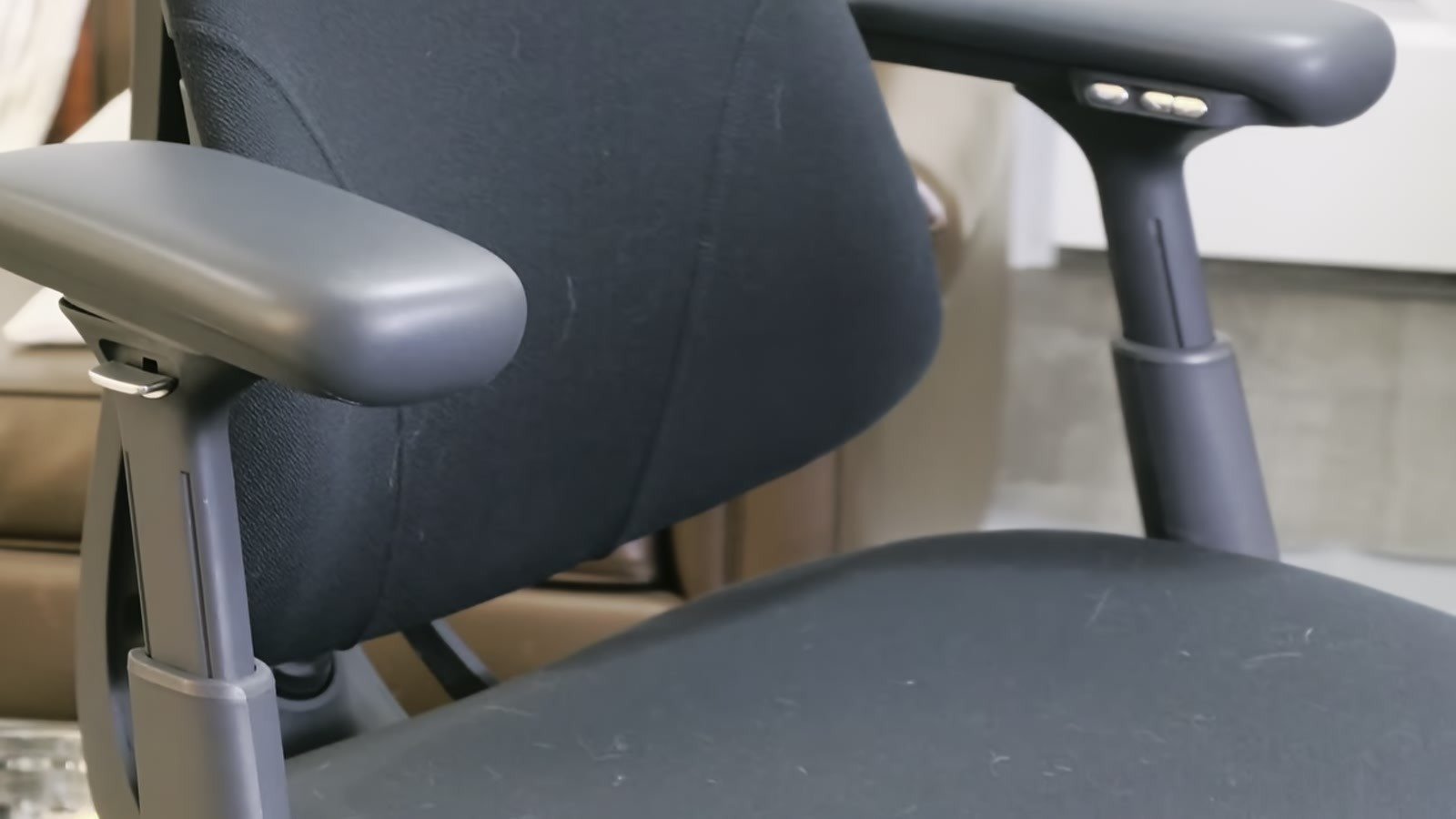
Also there’s a three-zone multi-density memory foam seat cushion paired with an adjustable Eye-Line Sync headrest. The rear section under your sit-bones stays firm enough to keep you from bottoming out during marathon sessions.
As for the SyncroLink gliding armrests, they move effortlessly back and forth with your arms whether you are typing, editing on a productivity setup, or leaning back with a controller. When it is time to take a break, the 160-degree Spine Flow recline pairs with the cushioned StepSync footrest so well that I actually fell asleep in the chair during testing.
LiberNovo Omni Key Features and Pricing
On LiberNovo’s official store, the LiberNovo Omni Gen starts at $1,019 USD for the Basic Bundle, while the Standard Bundle with the matching StepSync Footrest comes in around $1,093 USD in Graphite or Glacier finishes. You can also check current bundle availability via LiberNovo’s official store (note: LiberNovo sent over the Omni and StepSync Footrest for review).
| Feature | LiberNovo Omni Specifications |
|---|---|
| Backrest System | Bionic FlexFit 8-panel dynamic spine support |
| Lumbar Support | ErgoPulse motorized lumbar actuator (armrest controls) |
| Recline | Up to 160-degree Spine Flow zero-gravity recline |
| Seat Cushion | 3-zone multi-density waterfall memory foam |
| Armrests & Headrest | SyncroLink gliding armrests, Eye-Line Sync headrest |
| Power | Removable USB-C rechargeable battery pack |
| Accessories Tested | StepSync ergonomic footrest |
| Official Price (US) | From $1,019 USD (Basic) / $1,093 USD (Standard w/ Footrest) |


Leave a Reply