


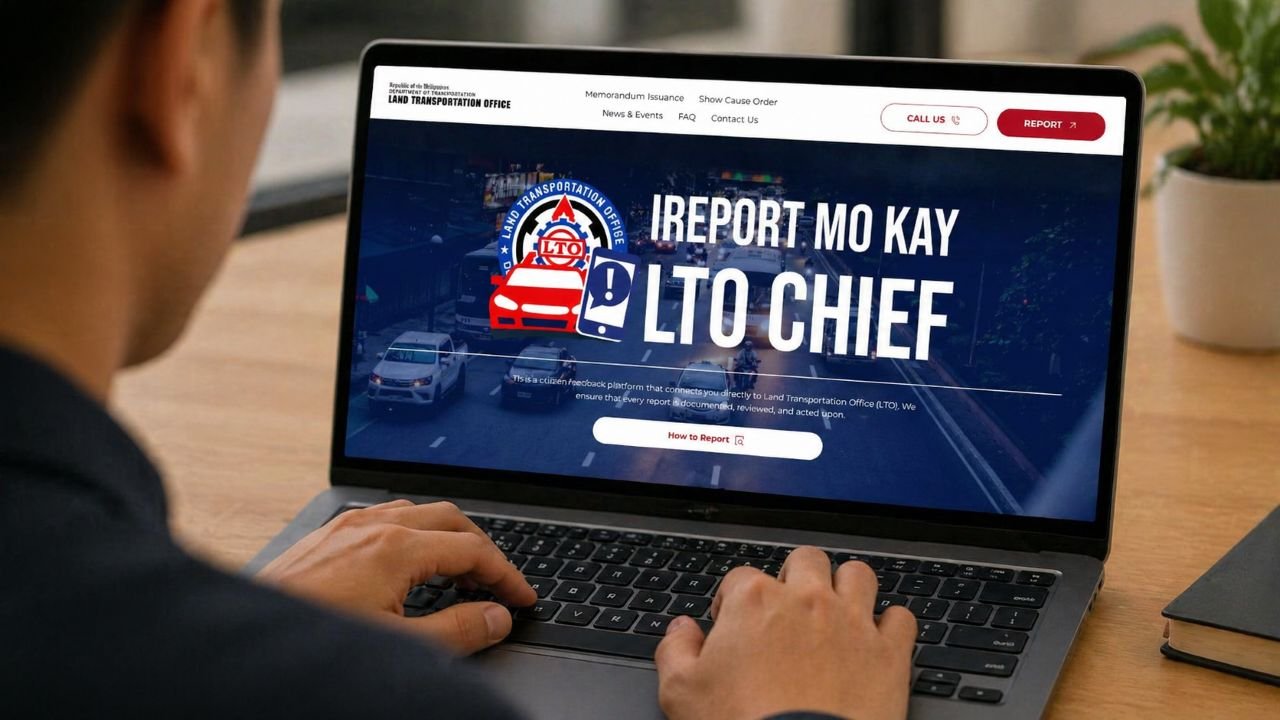
LTO has recently announced that Digital Driver’s License system is now online and you can finally view your license online. This initiative of LTO is part of digitalization that is being done by the Marcos administration. This will temporarily replaced the paper-based OR that is being served as a temporary’s driver’s license in the country.
And if you want to know how to check your Digital ID or your Driver’s license online, here’s how: 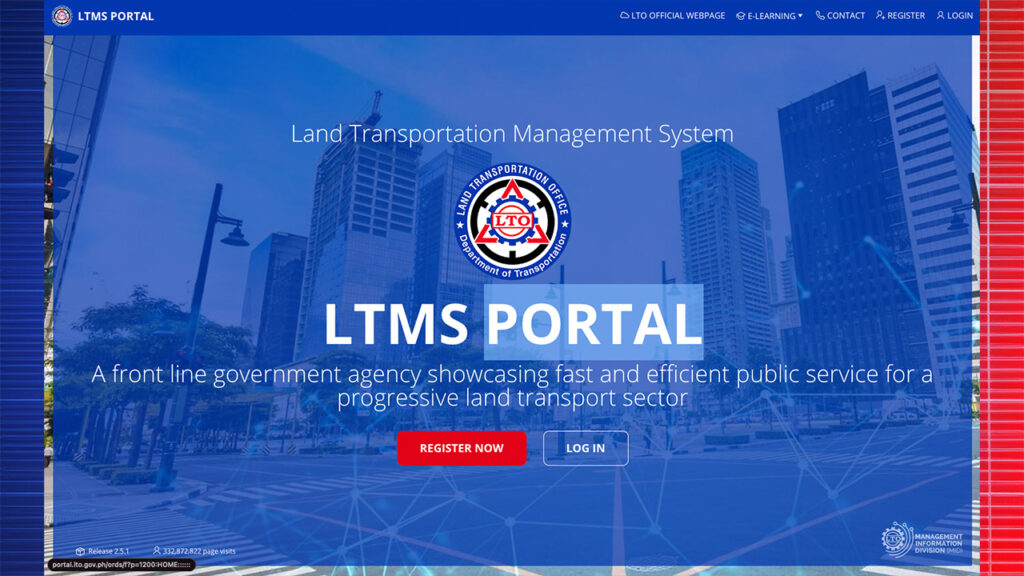
- Open your browser and go to https://portal.lto.gov.ph/
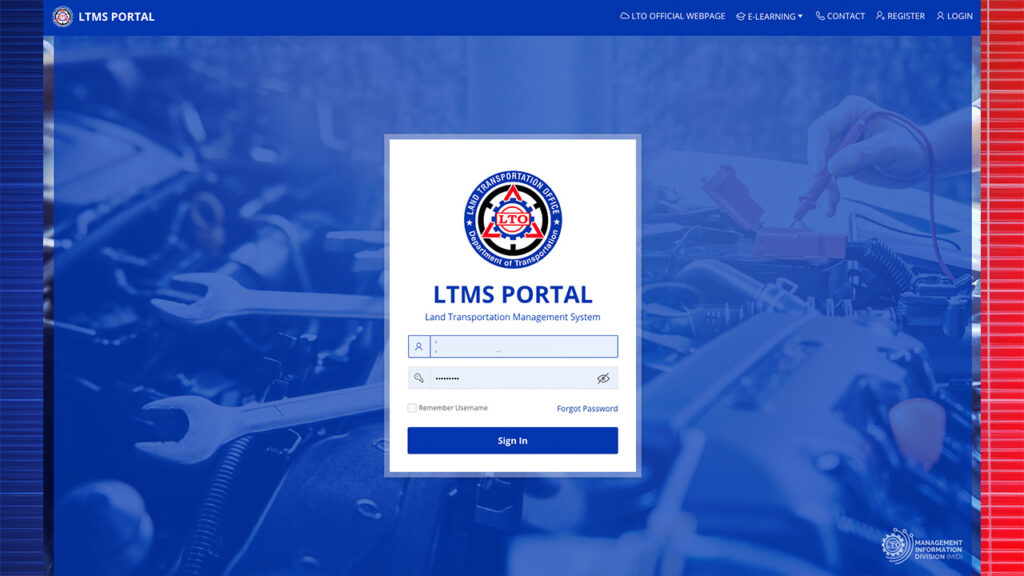
- Click log-in and type in your credentials of your LTO account
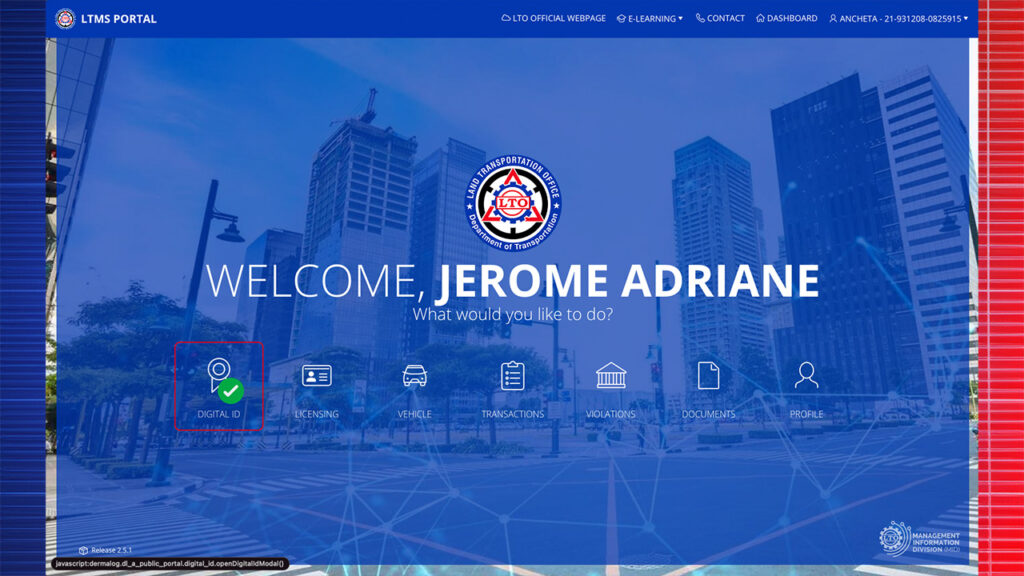
- Click on the Digital ID
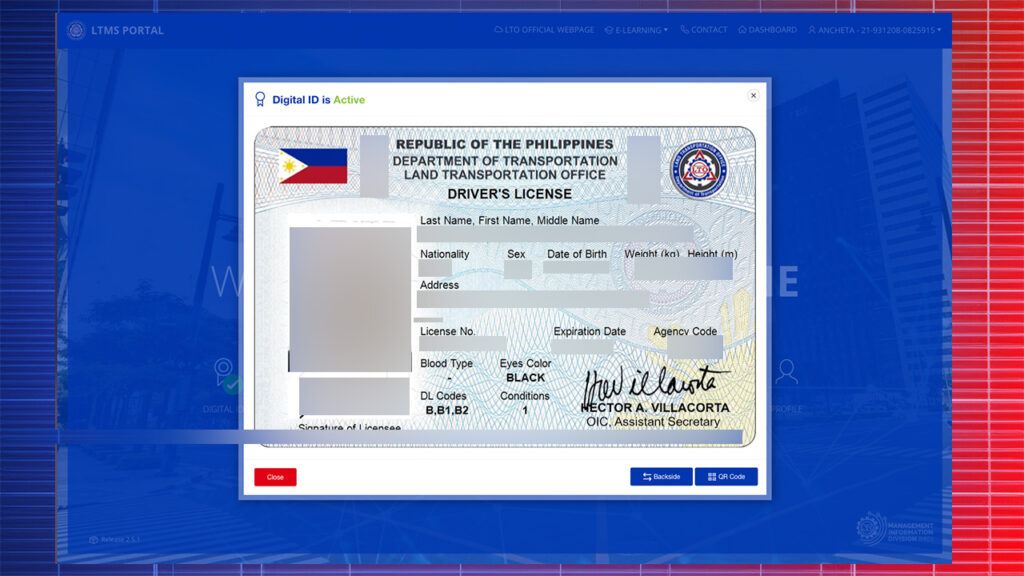
- It will now show your Digital driver’s license
You can also check the backside of your license and even the QR code so enforcers and authorities can double check if your license is still valid.
According to LTO, drivers with electronic license will have the same privileges and responsibilities of holders of physical licenses. Unfortunately for us drivers, motorists must present their e-driver’s license through LTMS only. Screenshots or photographs are not allowed.



Leave a Reply