Home Blog Page 333

Xiaomi Mi 10 series and Black Shark 3 coming to the Philippines soon

0

The powerful smartphones from Xiaomi and Black Shark will be coming to the Philippines soon according to their latest price catalog and these are the Xiaomi Mi 10 series and the Black Shark 3 series gaming smartphones. 

The Mi 10 series is the flagship smartphone of the company for 2020 as the smartphone packs a Snapdragon 865 processor with both the Mi 10 and the Mi 10 Pro featuring a curved display with 90Hz refresh rate and of course, there’s the 108MP camera on both smartphones with different setup and a 50W charging on the Mi 10 Pro version.

Xiaomi Mi 10 Now Official: Snapdragon 865 & 108MP camera

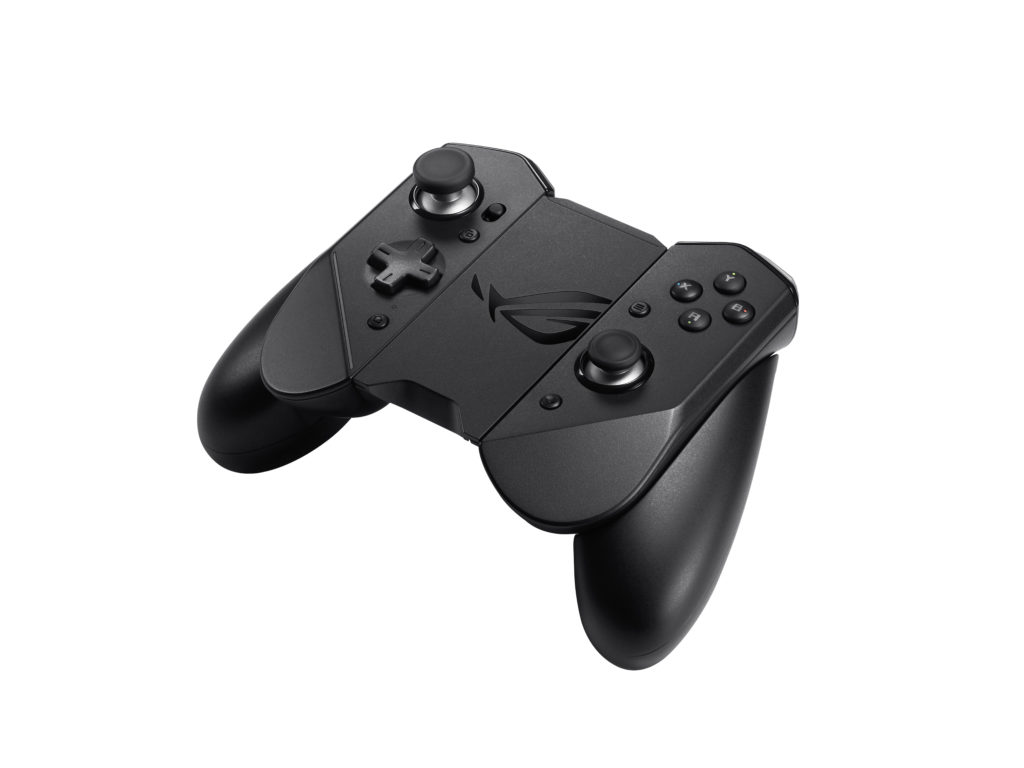
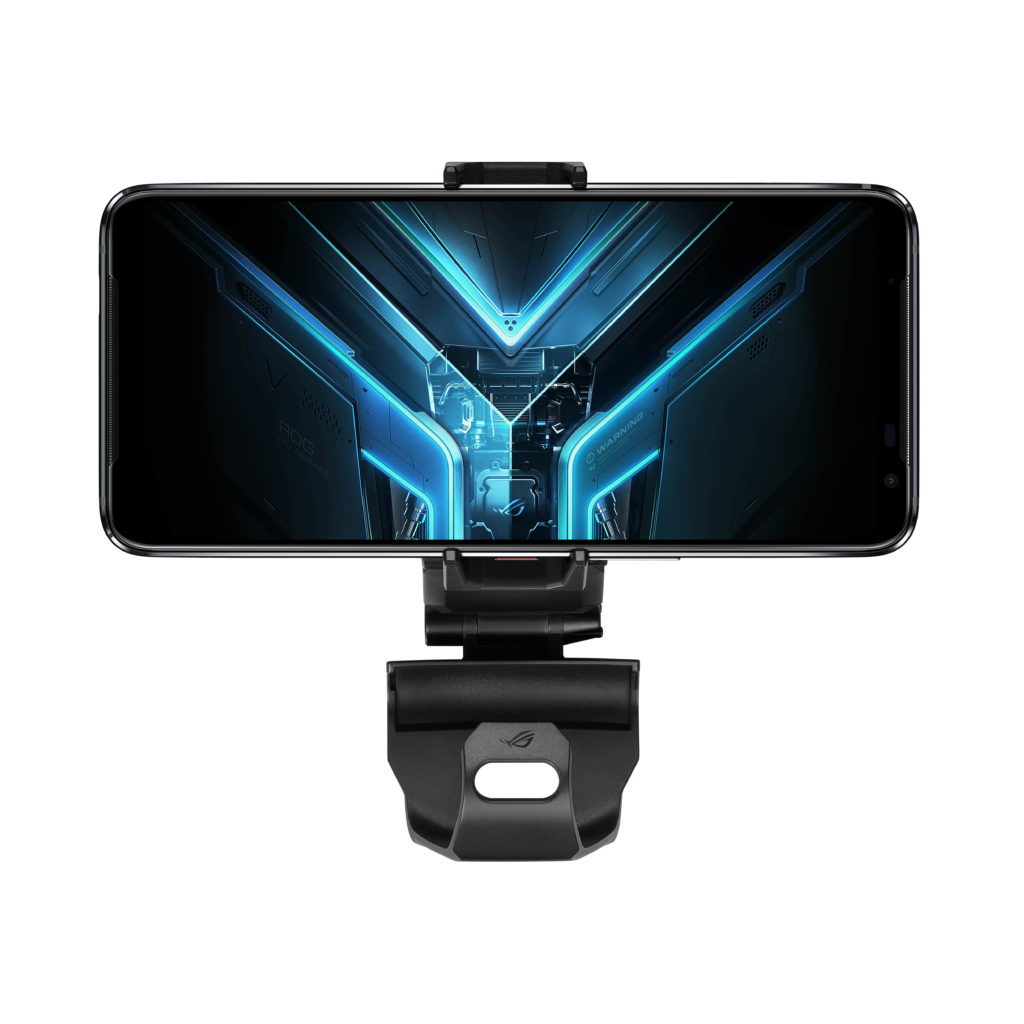
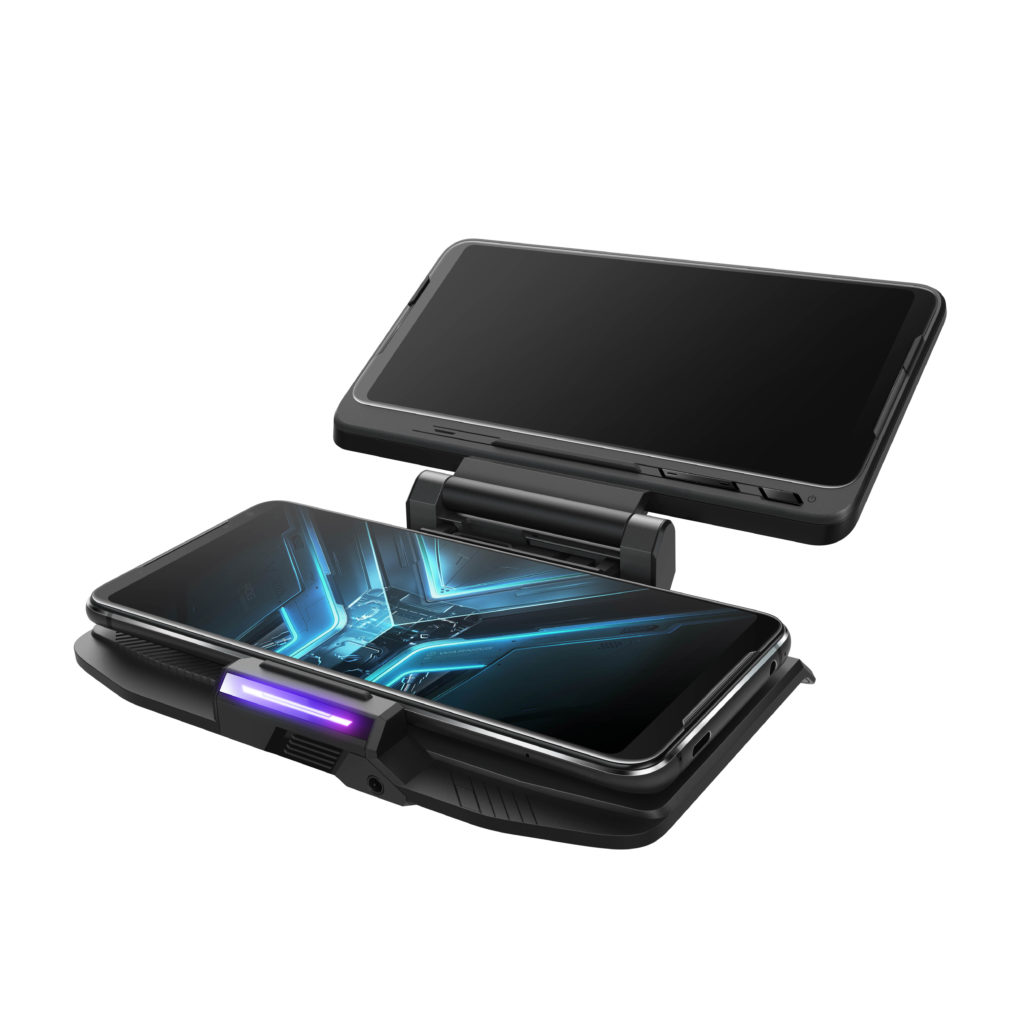
While the Black Shark 3 is the gaming smartphone of the company and it features a large 6.67-inch AMOLED display and it also comes with 90Hz refresh rate. The smartphone comes with a lot of gaming-centric features and accessories and there’s the large 5000mAh battery for longer gaming along with its 65W wired charging.

Black Shark 3 and 3 Pro Unveiled: 90Hz display and physical shoulder buttons


The Mi 10 series along with the Black Shark 3 smartphones are expected to arrive in the country next month.

Huawei Nova 5T and Y6s get a price drop!

0

Two smartphones from Huawei are getting a price drop and these are the Huawei Nova 5T and the Huawei Y6s. Both smartphones are incredible in their own way with the Huawei Nova 5T featuring a powerful Kirin 980 processor inside while the Huawei Y6s is a very affordable entry-level smartphone.

Huawei Nova 5T Specs

  • 6.26-inch Full HD+ display with a punch-hole design
  • HiSilicon Kirin 980 processor
  • 8GB RAM
  • 128GB Internal Storage
  • 48MP f/1.8 main camera + 16MP f/2.2 ultra wide angle camera + 2MP f/2.4 macro camera + 2MP f/2.4 depth sensor
  • 32MP f/2.0 front selfie camera
  • WiFi, Bluetooth, GPS, A-GPS
  • LTE, Dual SIM
  • EMUI 9.1 based on Android 9 Pie
  • Side fingerprint scanner
  • 22.5W Fast Charging
  • 3750mAh battery

The Huawei Nova 5T is one of the best smartphones of 2019 due to the processing power inside it which makes Huawei Nova 5T a pretty good smartphone for gaming and of course, there’s the quad-camera setup that can take pretty good photos.

The Huawei Nova 5T is initially priced at Php16,990 but this time, it’s priced at Php15,990

Huawei Y6s Specs

  • MediaTek MT6765 Helio P35 Octa-Core processor
  • 6.09-inch HD+ IPS Display
  • 3GB RAM
  • 64GB Internal storage expandable via MicroSD
  • 13MP rear camera
  • 8MP front camera
  • WiFi, Bluetooth, GPS, A-GPS
  • Dual SIM, LTE
  • micro USB port
  • 3020mAh battery
  • EMUI 9.1 based on Android 9 Pie

The Huawei Y6s is one of the most affordable Android smartphones out there and for an entry-level smartphone, this is one is pretty capable as the Huawei Y6s features a Helio P35 Octa-Core processor and there’s a pretty large 64GB of internal storage.

The smartphone is initially priced at Php5,990 but you can now get it for Php5,490.

Samsung Galaxy A21s Now Official

0

The Samsung Galaxy A21s is finally official after a series of pictures has been leaked on the internet and as expected, this smartphone does pack a punch-hole cutout for the selfie camera of the smartphone and at the back, we’re looking here at a quad-camera setup with a 48MP main camera. Aside from that, the smartphone also comes with a large 5000mAh battery inside.

Samsung Galaxy A21s Specs

  • 6.5-inch Infinity-O display
  • 2.0GHz Octa-Core Processor
  • 3GB/4GB/6GB
  • 32GB/64GB internal storage expandable via MicroSD
  • 48MP f/2.0 main camera + 8MP f/2.2 ultra wide camera + 2MP depth camera + 2MP macro camera
  • 13MP f/2.2 selfie camera
  • Rear fingerprint scanner
  • WiFI, Bluetooth, GPS, A-GPS
  • 15W Fast Charging
  • 5000mAh battery
  • OneUI

The processor of the smartphone wasn’t specified but earlier leaks suggest that the smartphone might pack a brand new chipset from Exynos — the Exynos 850 SoC. There’s a large battery on the smartphone too at 5000mAh along with the large Infinity-O display at 6.5″.

No word regarding pricing and availability of the Samsung Galaxy A21s in the Philippines.

COVID-19 Online Self Assessment Tool Now Available

0

COVID-19 is a serious problem dealt by many countries around the world. As many countries race around the world to develop a vaccine, others have been fighting on another front with most of them developing rapid test kits that detect the virus at an early or asymptomatic stage. There are also non-profit organizations fighting the good fight such as a set team of volunteers who developed fightcovid.app online assessment tool.

A team of volunteers from Whitewidget.com developed a self-assessment website in cooperation with doctors and the Department of Health. www.fightcovid.app lets users take an online test to determine if their risk factor and if they have COVID-19. There are 17 languages and dialects supported by the website with more to come in the near future.

FightCOVID.App is a tool meant to reduce overcrowding in hospitals, clinics, and health centers. By accomplishing this self-assessment survey, you’re doing your part in making sure high-priority patients get the care they need.

https://fightcovid.app/index.html

Apart from the self-assessment tool, fightcovid.app also contains other COVID-19 related information. Clicking the site menu on the upper right corner shows an option to find the nearest COVID-19 accredited hospital near your location. Doctors can also request for database access in the website subject to DOH approval. Moreover, fightcovid.app has a news section for COVID-19 updates. The news section has local and worldwide updates. It’s a great reference and eliminates the risk of wrong information aka fake news. Lastly, there’s a Volunteer and Donate tab which lists institutions and other non-profit organizations in need of assistance.

Here’s how you can get a 10% discount on XSplit products

0

In case you’re bored at home and you’re just playing games whole or you want to have a webinar in front on your desktop to be more productive then you might want to check out Xsplit products as the product gives you the best live streaming and recording tools for beginners and professionals.

They have different products that can cater to your live stream and recording needs. First, there’s the XSplit Broadcaster that can provide you professional production features and you can stream and record in 4K60fps with a minimal impact on your PC. And of course, this one comes with stream management and it supports all major capture cards.

There’s the XSplit Gamecaster too that supports automatic game detection and of course, you can control your stream in just one screen with a hundred of customizable themes to choose and a powerful scene editor. In case you’re worried about changing PCs, then you don’t have to worry because this one stores everything in the cloud.

Then XSplit VCam is probably my favorite one as you can use this one to blur your background and even remove your background and replace it with a video or image which is perfect for Skype, Messenger, Discord, Zoom, and Slack. As long as you have a webcam, the XSplit Vcam can support that.

HOW TO GET A 10% DISCOUNT ON XSPLIT PRODUCTS

Yep, you can now enjoy a 10% discount if you’re purchasing an XSplit product.

The promo code will expire on December 31, 2022

Huawei MateBook X Pro 2020 Review

0

Last year, the Huawei MateBook was released in the Philippines and it’s one of my favorite notebooks last year and this time, we’re getting here their premium notebook in the country, the Huawei MateBook X Pro 2020. This one sports a bigger and beautiful display, more powerful hardware, and sleek design.

Huawei MateBook X Pro 2020 Review: Build and Design

The best thing about the Huawei Matebook and the Huawei MateBook D 15 that we’ve reviewed last year is the body of these notebooks and the Matebook X Pro 2020 is no exception as we got here a beautiful design in here thanks to the simplicity and the premium feel of the Aluminum alloy unibody design.

But of course, having a metal build has its downsides too as you can easily feel the heat of the notebook as we all know, metals are good conductors. But I’m willing to give that a pass since we’re getting here a really premium notebook. The body weighs at 1.33kg which just makes this notebook portable.

We got here a clean and sleek look inside and out and with the Huawei MateBook X Pro 2020, we’re getting here a power button that also acts as the fingerprint scanner for the notebook and that’s pretty cool.

There’s a reason why we have a really thin bezel on the notebook and that’s because the webcam of the notebook hides behind the keyboard. Yep, there’s the webcam that is recessed in the keyboard, and with a single press, it pops up the webcam of the notebook, however, the quality that we’re getting on the webcam is not great but fair enough for basic webcam usage.

When it comes to ports, the Huawei MateBook X Pro 2020 comes with 2x USB-C port, 3.5mm headphone jack, and also a USB-A port. Unfortunately, there’s no thunderbolt on this one but all of them are USB 3.0 so you won’t have any problems when it comes to speeds. In case you want to connect an HDMI on this one, be sure to buy a dongle for you. Unfortunately, there’s no support for Thunderbolt 3 on this one

There’s a 4x microphone on the notebook along with quad-speakers and it’s not so surprising for me that I’m getting clear and crisp audio whenever I use the notebook for video calls and that speaker? It’s really good, loud, and clear. I’ve been using the notebook for watching videos on YouTube and Netflix and the speakers of the notebook are just good.

Huawei MateBook X Pro 2020 Review: Battery life

Inside the notebook, there’s the 56Wh Li-Po battery and Huawei promises 13 hours of playback on this one but in our daily usage, we can expect that the notebook can last up to 6-7 hours of usage at 50% brightness with casual tasks and office use. When it comes to charging, this one is pretty fast and we got here a USB-C 65W Charger. Oh and any charger with 65W would work on the notebook.

Huawei MateBook X Pro 2020 Review: Keyboard and touchpad

For the keyboard, we got here chiclet-style keys and the feel is very much the same as the other Matebooks. The travel distance isn’t that short but I feel that it lacks some tactile but after some time, I already got used to the keyboard of the notebook. There’s easy control too for the functions and it’s backlit too unlike the Matebook D 15.

For the trackpad, it’s actually pretty big and spacious. It’s very responsive too and I really didn’t have any problems with it. As using it is actually a breeze.

Huawei Matebook X Pro 2020 Review: Display

The display is one of the highlights of this notebook. First, we got here a 13.9-inch display with a 3:2 display aspect ratio. For some, they might find the aspect ratio a little bit weird but it’s actually the same one with the Surface devices from Microsoft and personally, I prefer this one as having two applications side by side on the monitor feels right.

The resolution of this one is 3000×2000 which is why the display of the notebook is very crisp. It’s also bright enough at 450 nits and the colors on this one are really good thanks to the 100% sRGB color gamut. Aside from the things that I mentioned, the notebook’s display is also touch screen which gives you more flexibility when navigating on the notebook and the 91% screen-to-body ratio is just really good which is why despite having a 13.9-inch display on this one, the Huawei Matebook X Pro 2020 feels like a 13-inch notebook.

The hinge of the notebook is pretty solid although there’s a little bit of wiggle whenever I’m using the touchscreen of the notebook, it’s not as annoying, unlike other notebooks. Unfortunately, the display can only go up to 120-degrees so if you want to use it for drawing, you might have a hard time with the Huawei MateBook X Pro 2020.

Huawei MateBook X Pro 2020 Review: Performance

Before we talk about the performance of the Huawei MateBook X Pro 2020, let’s talk about what we can expect in the notebook. First, there’s the Intel Core i7-10510U processor along with 16GB of LPDDR3 2133MHz RAM and also Nvidia MX250 GPU. For the memory, we got here a 1TB M.2 SSD which is pretty fast.

First, let’s start with memory. Inside the notebook is a 1TB Western Digital SN720 NVMe SSD that promises sequential read speed up to 3,400MB/s and in CrystalDiskMark, the SSD did its job well and really got the fast speeds that we can expect on the SSD as seen below:

Now, let’s talk about the CPU and the GPU inside it. Basically, the Intel Core i7-10510U processor inside it is really powerful and if you’re into heavy CPU usage applications, you won’t have a problem with this one and it was proven in Cinebench R20 as we got here a high score of 1173. In Geekbench, we got a high score of 1132 on single-core and 3599 on multi-core.

The Nvidia MX250 can do a little bit of magic too as the GPU can support external displays just fine but if you want to use it for gaming, you might want to turn down the graphics settings of the game that you want to play. We’ve tried No Man’s Sky, Cities Skylines, and Resident Evil 2 on the notebook but I really had to sacrifice the graphics to enjoy it.

In Cities Skylines, we played a city with 1920×1200 resolution and lowest settings possible and we’re able to run it just well but we notice that the CPU got really hot when playing this game.

In Resident Evil 2, we noticed that the game is really optimized for PC and despite being an having the MX250 GPU inside, we still enjoyed FPS that we got in here. We ran Resident Evil 2 at 1280×720 at the lowest settings possible. In No Man’s Sky, the game was a little bit demanding and we notice a lot of frame drops on the game but toning down the graphics of the game can make the game playable.

One thing that I’ve noticed in the notebook is that the Huawei MateBook X Pro 2020 gets really hot when playing games even reaching up to 95 degrees Celsius according to Core Temp. But during Idle, it goes down to 40-degrees. Overall, the CPU is pretty powerful on this one and despite being an ultrabook, the Matebook X Pro 2020 can do a little bit of gaming.

Huawei MateBook X Pro 2020 Review: Software and Ecosystem

The thing that sets this notebook apart from the others is the ecosystem. The MateBook X Pro 2020 supports Huawei Share. With this feature, you can connect and send files to your Huawei MateBook X Pro 2020 from your Huawei device easily by just tapping your supported smartphone to the right side of the trackpad in where the Huawei Share sticker is located.

My personal favorite on this one is the display mirroring of my Huawei P40 to the Matebook X Pro 2020 which makes my life easier and less distracting as I don’t need to look my phone every time there’s a notification.

Thankfully, the Huawei Matebook X Pro 2020 doesn’t have a lot of pre-installed software but this one comes with PC Manager which is pretty helpful in a lot of cases. How? With a single click, the PC Manager can diagnose if the drivers need to be updated or if there’s a problem in your hardware.

Huawei Matebook X Pro 2020 Review: Verdict

The Huawei Matebook X Pro 2020 is an excellent notebook and it’s a great alternative to the MacBook Pros and it can really compete as this one has a more powerful Intel Core i7-10510U processor compared to the Intel Core i5 processors of the Macbook Pro 13”.

The Huawei MateBook X Pro 2020 can also be your workhorse as this one packs a powerful hardware inside and the MX250 GPU can also do a little bit of gaming. The battery of the notebook is quite fine too and the design and display of the notebook are really excellent.

However, the notebook comes with a steep price of Php119,990 which competes against the likes of the Lenovo Yoga S940. So who is the Huawei MateBook X Pro 2020 for? Well, if you are aiming for a premium notebook as your workhorse and you want to join in the Huawei ecosystem then you might want to opt for this one.

The Huawei Matebook X Pro 2020 is now available for Php119,990

Huawei Matebook X Pro 2020 Specs

  • Intel Core i7-10510U processor
  • 13.9-inch 3000×2000 touchscreen LTPS display
  • 16GB LPDDR3 2133MHz
  • Nvidia GeForce MX250
  • 1TB NVMe PCIe SSD
  • WiFi, Bluetooth, NFC
  • 1x USB-A
  • 2x USB-C
  • Color: Emerald Green, Space Gray, Mystic Silver
  • Fingerprint power button
  • 56Wh battery
  • Windows 10 Home

Poco F2 Pro Now Available at LazMall

0

Poco has recently unveiled their latest flagship smartphone, the Poco F2 Pro. It’s the direct successor of the very popular Pocophone F1 in where it received a lot of positive reviews due to the affordable price tag and powerful hardware inside and now, we have the Poco F2 Pro that packs the latest Snapdragon 865 processor and of course it comes with 5G and a quad-camera setup.

Poco F2 Pro Specs

  • 6.67-inch Full HD+ Super AMOLED display
  • Qualcomm  Snapdragon 865
  • 6GB/8GB RAM LPDDR5
  • 128GB/256GB internal storage, non-expandable, UFS 3.1
  • 64MP main camera + 13MP ultra wide angle + 5MP Telemacro + 2MP Depth
  • 20MP selfie pop-up camera
  • Dual SIM, LTE, 5G
  • WiFi 6, Bluetooth, GPS, A-GPS, GLONASS, BD
  • In-Display fingerprint scanner
  • Vapor Cooling Chamber
  • 30W fast charging
  • 4700mAh battery
  • Android 10 with Poco Launcher 2.0

LazMall through Xiaomi Mall is now selling the Poco F2 Pro for an early bird price of Php24,950 and since the smartphone hasn’t officially launched yet in the Philippines, the unit ships from overseas which is why you should take note that the unit might not have a warranty. The only available variant is the 6GB/128GB and it comes in 4 colors — Blue, white, grey, and violet.

You can check out the listing here: https://www.lazada.com.ph/products/new-arrival-xiaomi-poco-f2global-version-xiaomi-poco-f2-pro-6gb-128gb-qualcomm-snapdragon-865-64mp-quad-rear-camera-smartphone-667-20mp-pop-up-front-pro-smartphone-world-premiere-on-may-12-add-to-cart-to-win-more-discount-i728758076-s2139736794.html?

Grand Theft Auto V will be available for free at Epic Games Store for a limited time

0

Grand Theft Auto V is still one of the most popular games right now on Steam despite being out in the market for a while now. This an open-world sandbox game and it has been one of the most successful game franchises in the world not just because of the single-player gameplay of GTA V but also because of Grand Theft Auto Online.

With GTA Online, you’ll be able to play with your friends and others and of course, you can roam Los Santos whenever you wanted to and even complete missions with them. Since this is an open-world game, you can also buy properties and also cars, boats, and helicopters in the game.

GTA V is now available on Steam for Php999 but for a limited time only, you can get Grand Theft Auto V at Epic Games Store for free. All you need to is to download the epic games store application for your PC, register an account and just go to Grand Theft Auto V and grab one. I suggest that you get a copy of this one immediately.

Grand Theft Auto V will be available for free this 11 PM after the game has been unlocked. As of this posting, Death Coming is currently available for free on the Epic Games Store.

Source: Inverse

AMD Ryzen 3 3100 and 3300X Launched, Beats i7-7700K for Only Php 7k

3

Entry-level desktop processors don’t usually get enough limelight as it doesn’t attract enthusiasts despite being “back for the buck.” However, AMD’s latest Ryzen 3 processors changes the landscape thanks to its 7-nanometer process node. While we already have the Ryzen 3 3200G and Ryzen 5 3400G, these processors are still based on the old architecture and are essentially refined Ryzen 3 2200G and 2400G but with better-integrated graphics.  The Ryzen 3100 and 3300X are the true mainstream successors from the previous generation as they feature AMD’s 7nm architecture.

Ryzen 3 3100 and Ryzen 3 3300X Spec Table

Processor MSRP Cores / Threads Base / Boost Clock (GHz) L3 Cache (MB) TDP (W)
Ryzen 3 3300X  ₱7,000 4 / 8 3.8 / 4.3 16 65
Ryzen 3 3100  ₱6,000 4 / 8 3.8 / 3.9 16 65
Ryzen 3 2300X N/A 4 / 4 3.5 / 4.0 8 65
Ryzen 3 3200G ₱5,160 4 / 4 3.6 / 4.0 4 65
Ryzen 5 3400G ₱8,120 4 / 8  3.7 / 4.3 4 65


Yes, the Ryzen 3 3100 and Ryzen 3 3300X are priced at Php 6,000 and Php 7,000 respectively. AMD’s new Ryzen 3 7nm processors are strategically priced between the Ryzen 3 3200G and Ryzen 5 3400G to fill up every price point possible. AMD’s competitive pricing allows consumers to have more options that will suit their budget.

Ryzen 3 3100 and Ryzen 3 3300X Difference

Looking at the plain spec sheet shows only a clock speed difference between the two Ryzen 3 processors. However, the main difference between the two lies underneath their dies. The Ryzen 3 3100 uses a 2+2 CCX configuration inside a CCD while the more powerful Ryzen 3 3300X uses a 4+0 CCX configuration. Having all four cores in a single CCX benefits the Ryzen 3 3300X because the cores don’t suffer a heavy “core-to-core” latency produced by an X+X CCX configuration.

While we don’t have our hands on AMD’s latest offering, reviews are now up and running on various websites. Most benchmarks show the Ryzen 3 3300X performing within the same margin as the Intel Core i7 7700k and the Ryzen 3 3100 stacking up against the i7 6700K. The Ryzen 3 series compete with Intel’s latest 9th generation Core i3 processors with the 3300X matching the i5 9400F in terms of core count. Both Ryzen 3 Processors are significantly cheaper than the rest of the CPUs mentioned even at second-hand prices.

Both the Ryzen 3 3100 and Ryzen 3 3300X are overclockable and will work on the latest AMD B550 and X570 Chipset. The Ryzen 3 7-nanometer processors should be available in the Philippines by Q2 2020.

Realme Band Launched in the Philippines

0

The newest smartband from Realme is here and it’s jam-packed with features and it packs a very affordable price and it’s the Realme Band. The fitness band aims to compete against the likes of the Huawei Band 4 and also the Xiaomi Mi Band 4.

So what can we expect on the Realme Band? well, we got here 5 stylish watch faces on the 0.96-inch display of the smartband. It also comes with IP68 water resistance which is why this a perfect partner for different fitness activities. The Realme band supports different sport modes such as Yoga, Running, Cricket, Walking, Fitness, Hiking, Climbing, and Biking.

Aside from those features, the Realme band features a heart rate monitor and also sleep quality monitor that can generate reports base on your sleeping pattern, and of course, it also notifies you to drink your water and to stand up to be hydrated and healthy.

And of course, the Realme Band supports notifications too on apps, SMS, and calls so you won’t miss a thing. The Realme Band comes in three colors and it will be available at Lazada and Shopee for Php1,390. It will have a a flash sale on May 23 and 26 for Php990.