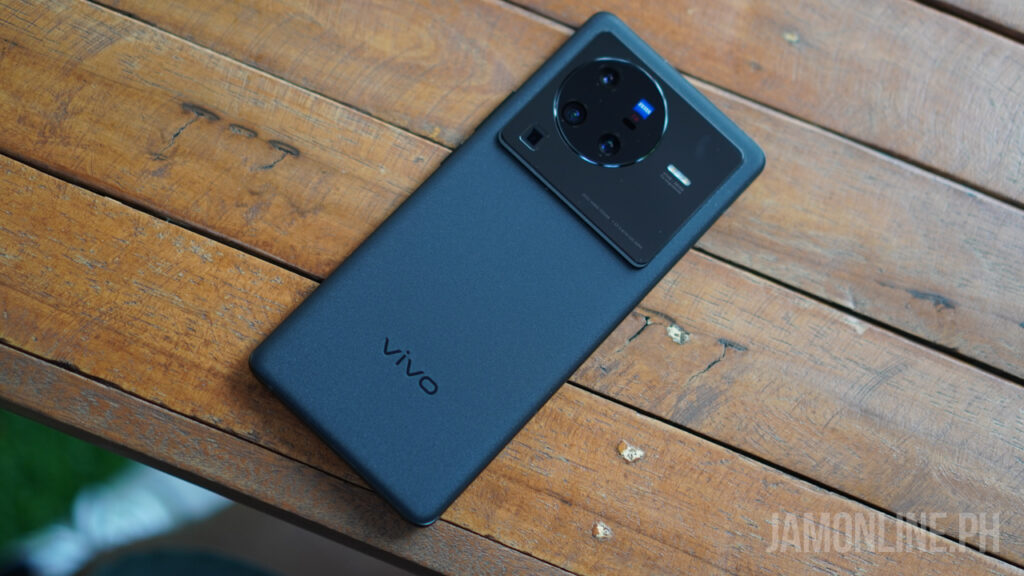
Home Blog Page 200

Tom Clancy’s The Division arrives to mobile with The Division Resurgence

0

Looks like we’re getting a mobile game from Ubisoft and this time, it’s from the The Division series and it’s the The Division Resurgence. According to Ubisoft, it will have the gameplay mechanics of the first two games and it will still be a third-person shooter that will launch later on mobile devices.

The Division Resurgence is expected to give us an AAA experience with a new storyline in its open world universe and it will give us a better look on the story of the Division 1 & Division 2. With this mobile game, we will still be able to collect and upgrade tons of gears and weapons and also do solo and cooperative campaigns.

However, Ubisoft didn’t give a launch date for this game but I’m definitely excited for this game. If you want to participate, you can register for the closed Alpha here. The Division Resurgence will be available on both Android and iOS.

More than just an e-wallet: Maya offers everything you’d look for in a bank and more

0

PayMaya was well-known for its convenient e-wallet features. But upon its recent relaunch last April, it now offers users an all-in-one money app experience – allowing you to complete all your financial transactions in just one app.
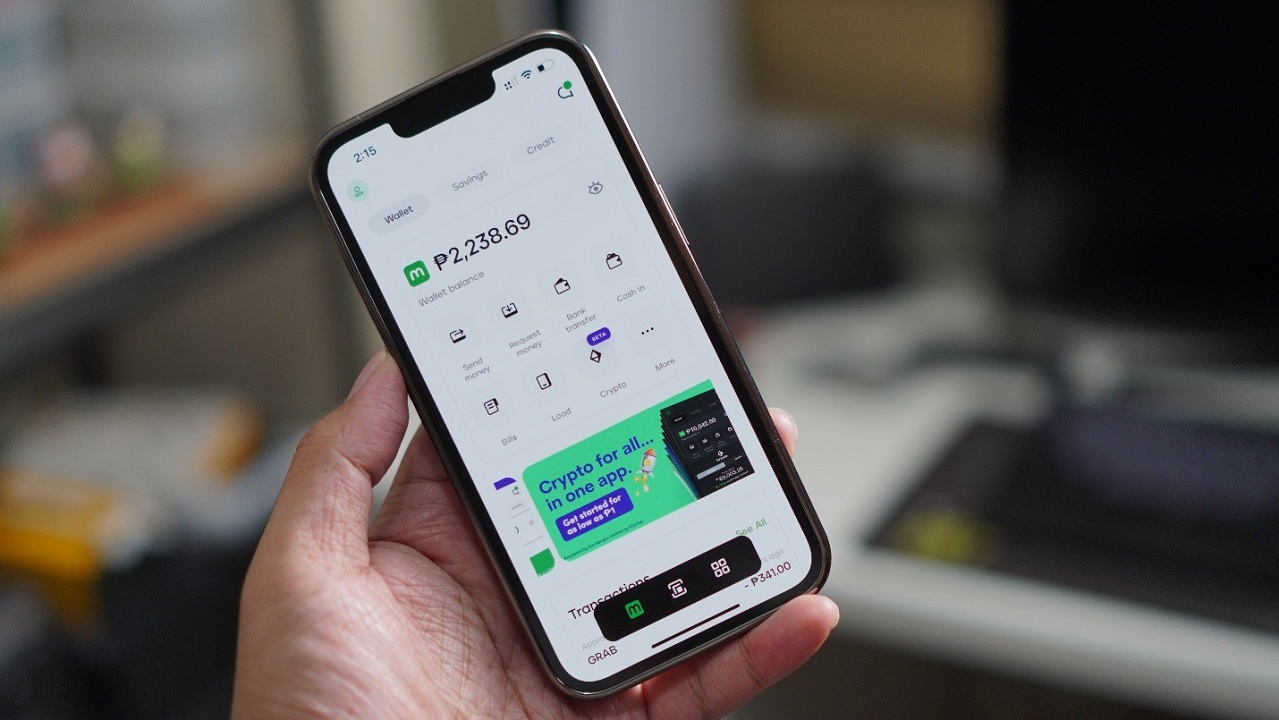
From being an e-wallet, Maya is now powered by BSP-licensed Maya Bank which allows the app to offer you more financial services to help you save, spend, grow, and master your money.

Whether you want to invest in crypto, save with one of the highest interest rates in the market at 6%, enjoy a credit line of up to P15,000, or simply use your wallet for your purchases – your Maya app is your trusted partner for all things money.

Here’s a quick guide on enjoying everything Maya has to offer:

ENJOY HASSLE-FREE FEATURES WITH MAYA

  • MAYA SAVINGS

Users can enjoy a 6% introductory rate for savings when they use Maya. It is one of the highest rates available, allowing users to get a seamless experience in-app when saving their money. Moreover, unlike its competitors, Maya’s savings feature is powered by Maya bank, its own BSP-licensed digital bank.

Just recently, Maya announced the launch of its newest feature, Personal Goals. This new offering lets you save up for multiple purposes at the same time. So if you want to save up for a new gaming laptop, a small business, or a vacation, you can easily save up for all three goals and track the progress of your savings for each. To top it all off, you can still enjoy a 6% interest rate on your savings with Maya.

How to sign up for Maya Savings:

1. Upgrade your Maya account by simply tapping the ‘Upgrade’ button on the app’s home page.
2. Fill out the requested details, submit a video selfie, and (1) one valid ID
3. Go to the Savings tab. Tap Start my savings.
4. Key in the one-time pin sent to your mobile number

Once done, your Maya Savings is now all set. Then, you can already deposit any amount from your existing wallet and enjoy 6% interest rates.

How to set your own Personal Goals:

1. On your Maya app, go to Savings.
2. Tap personal Goals
3. Select the mood that best fits your particular goal.
4. Key in the goal name, due date, and goal amount. Hit continue.
5. Check your goal details, then tap confirm. Key in the OTP.
6. Deposit money to start your ipon goals and enjoy 6% interest rate!
  • MAYA CREDIT

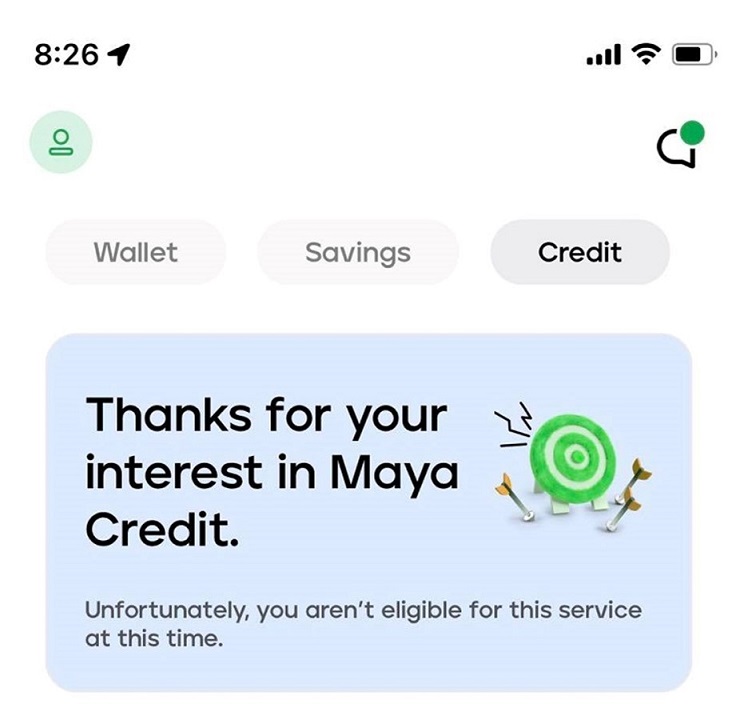
Tight budget? Money problems? Worry no more, as you can instantly get up to Php15,000 credit line with Maya Credit. You can use this to pay your bills, buy groceries, buy a load, or even purchase a new phone. What’s even more exciting is that users can access Maya Credit as fast as a minute upon registration.

How to enjoy Maya Credit:

See if you’re eligible to use Maya Credit

1. Go to the ‘Credit’ dashboard
2. Read and agree to the Maya Data Privacy Policy
3. Choose ‘Sign up for Maya Credit’
4. Your screen will flash if you’re already eligible for Maya Credit
5. Those who are not yet eligible will need to have an upgraded account and actively be using the Maya app for (6) six months to qualify for Maya Credit

How to Activate your Maya Credit

1. Those who are eligible for Maya Credit can access the feature by simply tapping the ‘Activate Now’ button
2. Review your credit limit, billing end date, and email
3. Ensure to confirm your billing end date as you won’t be able to edit it later
4. Verify your email where Maya will send your billing statement
5. Read and agree to the Terms and Conditions and Legal Forms/Statements
6. Enter the OTP
7. Maya will notify you once your Maya Credit is activated
8. Once activated, you’ll see your granted credit limit. You can also view your account details and see a sample of how your bill is computed.

How to use Maya Credit to Transfer to Wallet

1. Go to the Credit dashboard
2. Tap ‘Transfer to Wallet’
3. Enter the amount of credit available to use/transfer to your wallet
4. Confirm transfer

How to Pay Maya Credit Bill

1. Head to the Credit dashboard
2. See the summary of your bill
3. Tap ‘Statement’ to see your complete billing statement
4. Click on the ‘Pay Now’ button
5. Your amount due and account numbers will be auto-filled
6. Tap ‘Continue’ to pay your bill using your Maya Wallet funds

  • MAYA CRYPTO

Want to start your crypto journey but don’t know where to start? Maya is the key!
Maya also introduced its Crypto feature, allowing users to buy, sell, hold, or spend their crypto earnings – all in just one app. Now, you don’t have to download a third-party app to enjoy invest on crypto – you just need Maya.

Maya is also perfect for beginners who are just starting their crypto journey. Maya has a Learn tab which you can use as a guide when investing. You can start buying crypto for as low as P1, and you have 15 crypto coins to choose from – so you have more options in building your crypto portfolio.

How to enjoy Maya Crypto

Buy Crypto via Maya

1. Click on the ‘Crypto’ icon on the Maya homepage
2. Tap ‘Buy’ and select the desired cryptocurrency
3. Input the desired Philippine Peso (PHP) amount you want to spend. Then, Maya will show the equivalent cryptocurrency value based on an estimated market price.
4. Tap ‘Next’
5. A pop-up message containing a confirmation message will flash on your screen. On this tab, you will see the amount in PHP you will be spending and the amount of cryptocurrency you will be receiving through this transaction.
6. Confirm your purchase and slide to buy.

Sell Crypto via Maya

1. Select ‘Crypto’ on the Maya homepage
2. Tap ‘Sell’ and select the desired cryptocurrency
3. Choose a percentage value to sell a part of your currently owned asset. Maya will show the equivalent PHP value based on an estimated market price.
4. Tap “Next” on the upper right hand of the screen.
5. A Confirm Sale tab will pop up. On this tab, you will see the amount of cryptocurrency you will be selling and the amount of PHP you will be receiving through this transaction.
6. Confirm your transaction and slide to sell.

  • MAYA WALLET

Meanwhile, you can access your used-to-be PayMaya wallet through the Maya Wallet feature and enjoy all the features you’ve come to love – including Send Money, Buy Load, Pay Bills, and more. Here, you can still enjoy FREE cash-in to over 90,000 touchpoints nationwide. This gives users a much more affordable online experience than its rival, requiring additional fees when using its cash-in service.

With Maya’s all-in-one money experience, completing your everyday financial transactions has never been this easy and seamless. Download the app now and experience it for yourself!

Huawei Mate Xs 2 now official in the Philippines

0

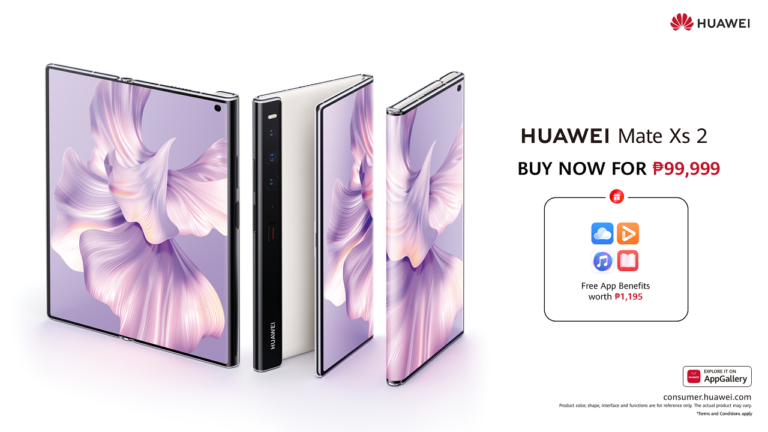
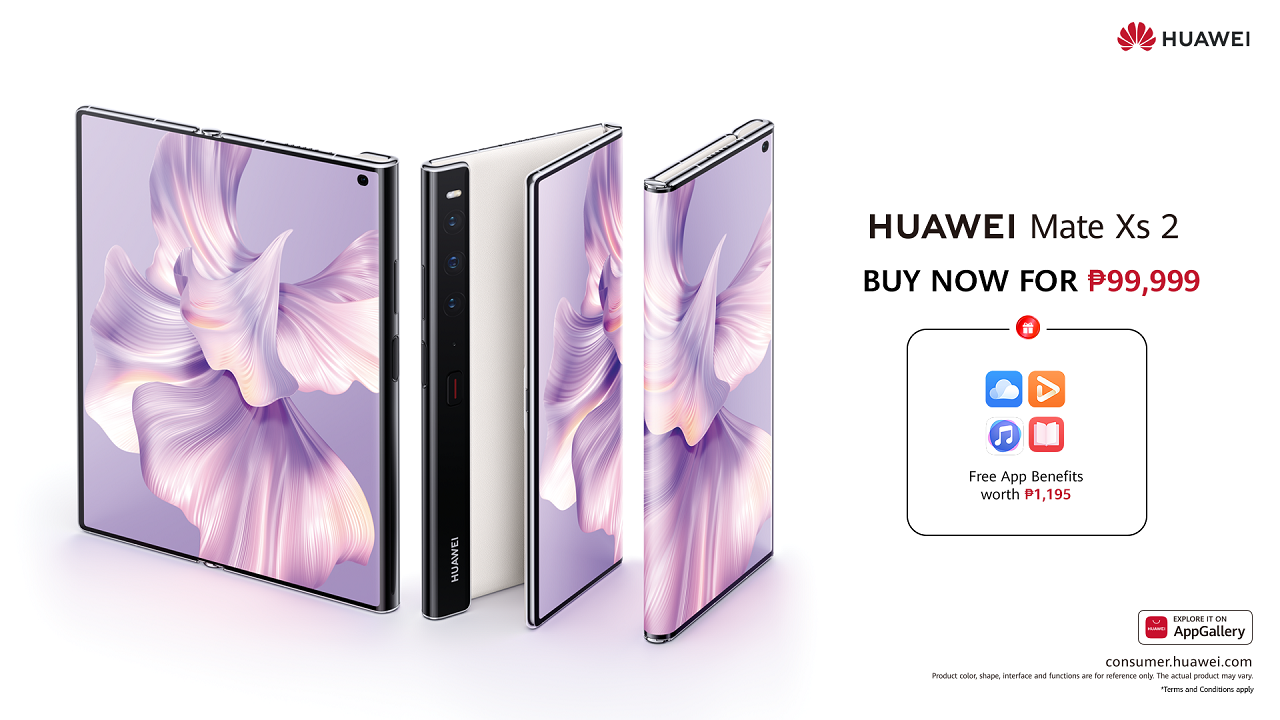
Huawei officially launched its newest foldable smartphone — the Mate Xs 2 — in the Philippines.

The new Huawei Mate Xs 2 offers an ultra-light, ultra-thin, ultra-flat, and ultra-reliable foldable phone that provides consumers with a premium mobile experience.

Looking great, Huawei dressed it in aesthetic design, featuring the brand’s first innovative 3D Fiberglass Design for more refined textures. This delivers a soft touch while reducing smudges from fingerprints. Moreover, the device is available in two colorways: Black, with a crosshatch leather texture, and White, with a natural leather texture.

Huawei Mate Xs 2 Key Specs:

  • 6.5-inch (2480 x 1176) OLED display (folded)
  • 7.8-inch (2480 x 2200) OLED display (unfolded)
  • 120Hz refresh rate
  • HarmonyOS 2.0
  • Qualcomm Snapdragon 888
  • Adreno 660 GPU
  • 8GB/12GB RAM
  • 256GB/516GB storage
  • Triple rear cameras: 50MP main + 13MP ultra-wide + 8MP telephoto
  • Selfie camera: 10.7MP
  • 4G LTE
  • WiFi 6
  • Bluetooth 5.2
  • NFC
  • USB-C
  • Side-mounted fingerprint scanner
  • 4,600mAh battery (8GB RAM + 256/512GB)
  • 4,880mAh battery (12GB RAM + 512GB Collector’s Edition)
  • 66W fast charging, reverse charging

The device flashes a 7.8-inch OLED display when unfolded, while it still has an immersive 6.5-inch screen when folded. It also comes with a 120Hz refresh rate, ensuring that users can run heavy graphics on the phone smoothly.

Under the hood, it sports a Snapdragon 888 processor with up to 12GB of RAM and 512GB of internal storage. The device also packs a 4,880mAh battery with a 66W fast charging solution.

Consumers can get the Huawei Mate Xs 2 (8GB + 512GB) for Php99,999 on Huawei Online Store, Lazada, and Shopee.

ASUS Zenfone 9 Product Video specs and design leaked!

0

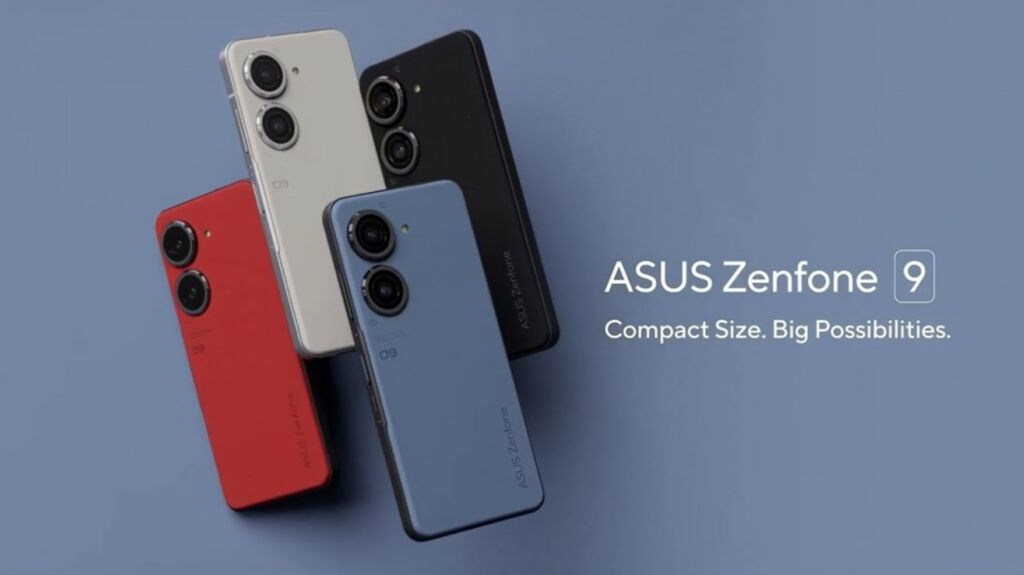
Looks like the ASUS Zenfone 9 is coming soon as the official product video has leaked and it shows the different main features of the smartphone including the 5.9-inch Samsung AMOLED 120Hz display and also the latest Snapdragon 8+ Gen 1 processor and also the 50MP main camera with Sony IMX766 sensor inside.

The smartphone comes with a large camera at the back which is common to most flagship smartphones these days but this smartphone comes with a Gimbal Module to give you a smoother and more stabilized shots on the smartphone. There’s a 6-Axis Hybrid Gimbal Stabilizer as well.

There’s the 4300mAh battery as well which is decent for its size and then there’s the ZenTouch as well which is a side-mounted fingerprint sensor and can also be use for scrolling webpages. And despite the size, the smartphone still comes with a 3.5mm headphone jack

Other features that are shown in the video includes the Smart Backpack Mount which is meant for those people who are always active and can take videos while mounted on your backpack and it also supports the CONNEX Phone Case that comes with a kickstand or card holder. Lastly, the smartphone is also IP68 water and dust resistant for active users as well.

No details has been unveiled aside from those features but these features makes the ASUS Zenfone 9 unique and exciting.

realme Narzo 50 5G series is coming this July 14

0

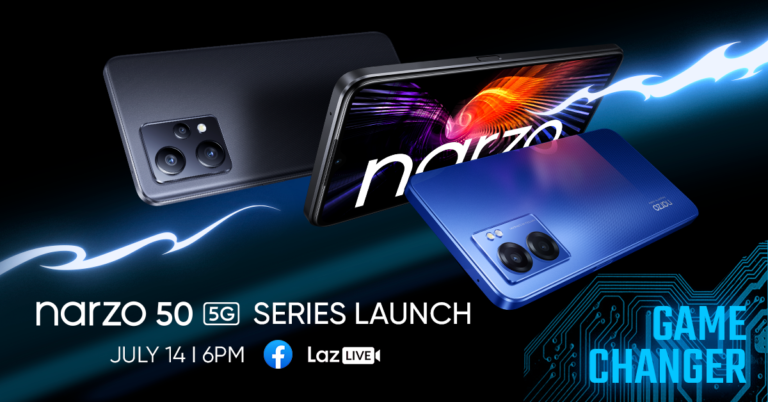
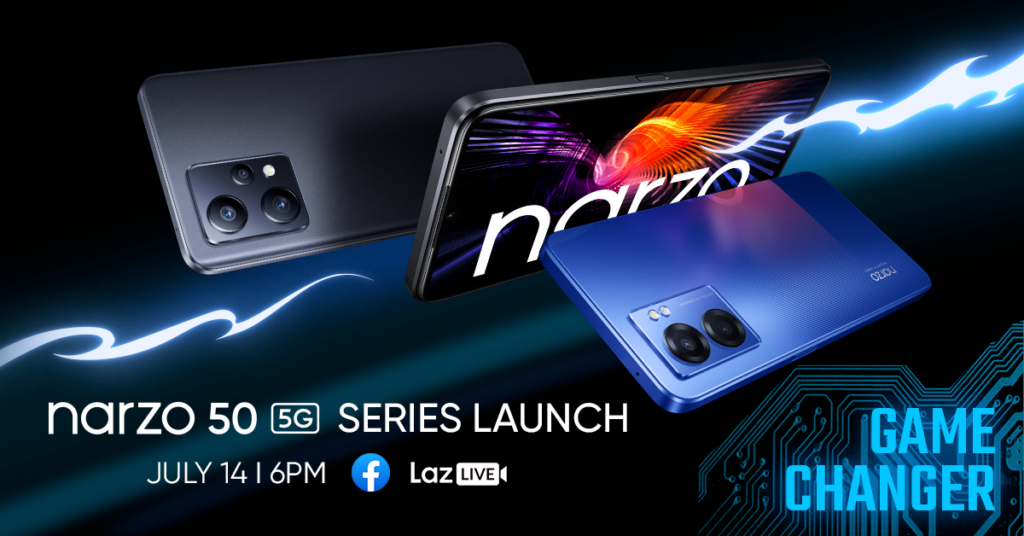
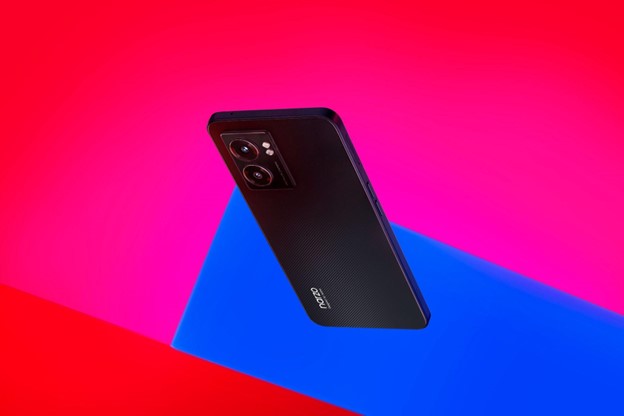
Another smartphone series from realme is arriving to the country and this time, it’s the realme Narzo 50 5G series. Obviously, both smartphones will rock 5G inside and both smartphones will come with a decent MediaTek processor inside which not only enables you to have 5G connectivity but also have a decent performance inside.

realme Narzo 50 5G Specs

  • MediaTek Dimensity 810 5G processor
  • 6.6-inch Full HD IPS Display, 90Hz refresh rate
  • 6GB RAM + 5GB Dynamic RAM
  • 128GB Internal storage with microSD card storage
  • 48MP main camera + 2MP depth camera
  • 8MP Selfie camera
  • 5G, LTE
  • Side fingerprint scanner
  • 33W Fast Charging
  • 5000mAh battery
  • realme UI 3.0 based on Android 12
  • Hyper Blue and Hyper Black

realme Narzo 50 Pro 5G Specs

  • MediaTek Dimensity 920 5G processor
  • 6.4-inch Super AMOLED Display, 90Hz refresh rate
  • 8GB RAM + 5GB Dynamic RAM
  • 128GB Internal storage
  • 48MP main camera + 8MP Ultra Wide-angle + 2MP macro camera
  • 8MP Ultrawide camera
  • 5G, LTE
  • In-display fingerprint scanner
  • 33W Fast Charging
  • 5000mAh battery
  • realme UI 3.0 based on Android 12
  • Hyper Blue and Hyper Black

The realme Narzo 50 Pro 5G comes with a more powerful processor inside thanks to the Dimensity 920 chipset inside and it also has an in-display fingerprint that can also be used for a heart rate sensor which is pretty cool.

While the realme Narzo 50 5G comes with Dimensity 810 processor and it might not be as fast as the Dimensity 920, it  is still decent enough for most usage.

The realme Narzo 50 5G series is launching this July 14

PLDT Home, Google announce ‘Be Internet Awesome’ online series

0

PLDT Home announced its partnership with Google, joining forces to launch a kid-oriented video series online.

Entitled “Be Internet Awesome,” the online series aims to educate Filipino kids and families about internet safety and digital responsibility. The series also combines animation and live action, making it more appealing to children.

Meanwhile, the series features Gen Alpha whiz Sam and his trusty friend Robo-berto. They will join viewers in fun-filled yet enlightening adventures on being intelligent, alert, strong, kind, and brave online.

The series is based on the values of Google’s Be Internet Awesome global program and is directed by Manny Angeles, an award-winning director, and producer of kid-oriented and animated shows.

The series will be available in both English and Filipino. For Google, this will help them reach more viewers and educate them about the online environment.

To watch the Be Internet Awesome online series, head to the PLDT Home YouTube channel, where it will premiere on July 8.

Lenovo outs modern business laptops, desktops

0

Lenovo launched all-new additions to its desktop and laptop portfolio, addressing the needs of next-generation small and medium businesses (SMBs).

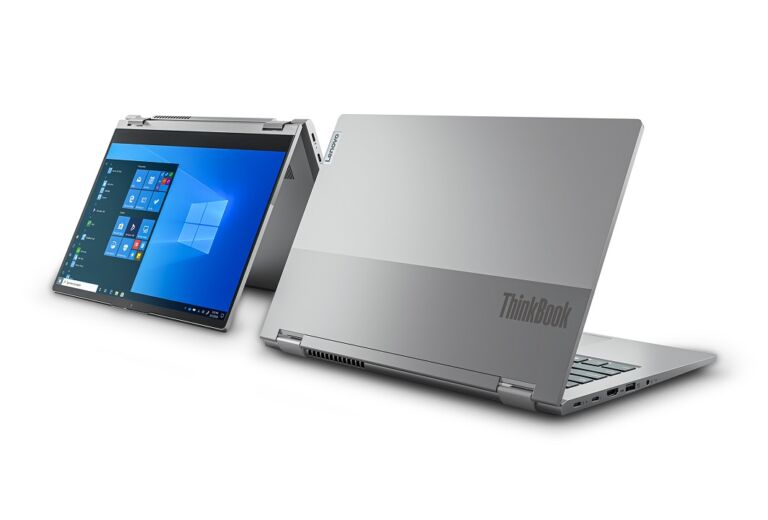
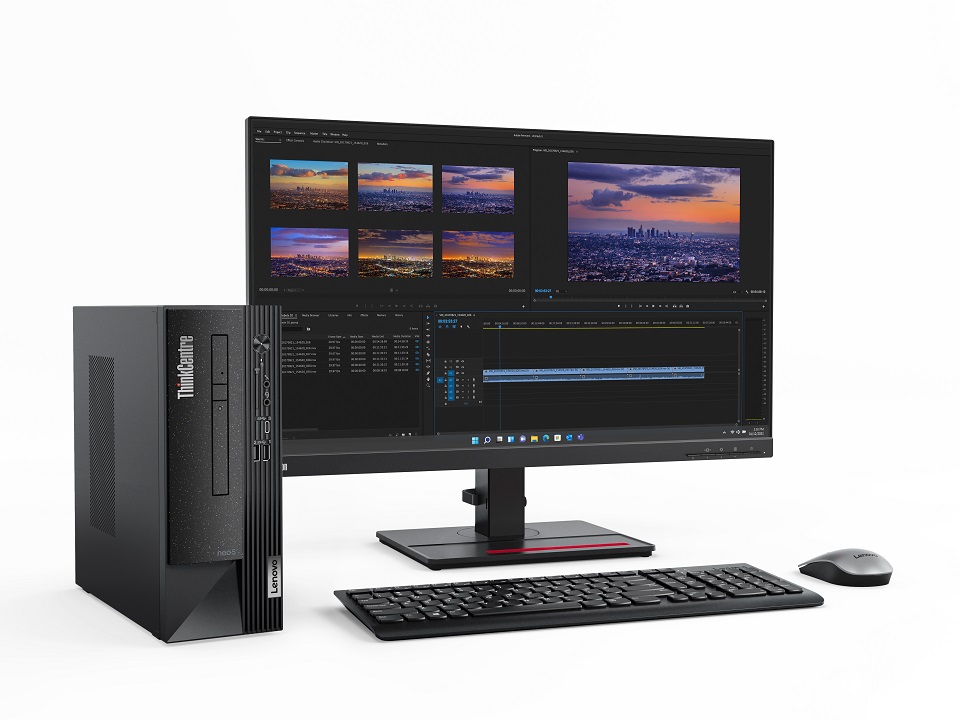
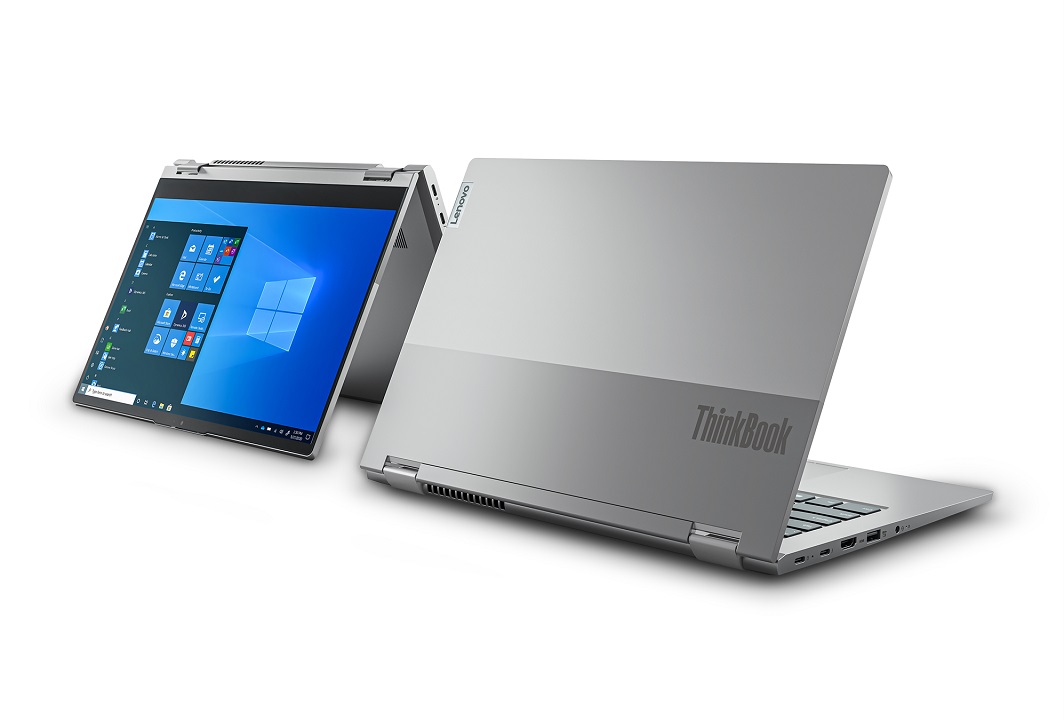
The new ThinkSeries Laptops and Desktops include the ThinkCentre Neo, ThinkPad X1 Carbon, and ThinkBook 14S Yoga.

ThinkCentre Neo

The new ThinkCentre Neo flaunts a stylish and minimalist design. It also comes with ThinkShield, ensuring that the devices are secure and sustainable. Meanwhile, ThinkCentre Neo has four models ThinkCentre 50s, ThinkCentre 50t, ThinkCentre Neo 30a 22, and ThinkCentre 30a 24. All variants packed 12th Gen Intel Core processors.

ThinkPad X1 Carbon

The ThinkPad X1 Carbon is powered by Intel vPro with 12th Gen Intel Core processors. Perfect for hybrid workers, the device offers higher levels of performance, better camera and audio capabilities, and security features.

It can also last up to 15 hours.

ThinkBook 14S Yoga

Lenovo equipped the ThinkBook 14S Yoga with smart, innovative technologies and high-performance features. The device delivers the combination of 12th Gen Intel Core processors, up to Windows 11 Pro, fast SSD storage, Intel Thunderbolt 4, and Intel Wi-Fi 6E.

PRICING AND AVAILABILITY

The Lenovo ThinkCentre Neo 50s and 50t are available starting in July, while the ThinkCentre Neo 30a 22, Neo 30a 24, ThinkPad X1 Carbon Gen10, and ThinkBook 14S Yoga will be available in August.

Here are the pricing details:

  • ThinkCentre Neo 50s
    SRP: Php50,999
  • ThinkCentre Neo 50t
    SRP: Php46,799
  • ThinkCentre Neo 30a 22
    SRP: Php52,499
  • ThinkCentre Neo 30a 24
    SRP: Php61,699
  • ThinkPad X1 Carbon Gen10
    SRP: Php128,999
  • ThinkBook 14S Yoga
    SRP: Php40,800

So, are you getting one? Share your thoughts with us!

CHERRY Home debunks 3 common plant myths

0

Are you a proud plantito or plantita?

If yes, you must have heard a couple of myths about planting. With this, CHERRY shared the top three things you might have encountered but should NOT believe.

Putting gravel in pots helps in drainage

Contrary to common belief, gravel doesn’t actually improve drainage. In fact, the roots would only have to suffer through exposure to waterlogged soil, which isn’t exactly healthy for your plants. So instead of adding an extra layer of rocks, you can use paper towel to prevent soil from coming out of your pot’s drainage hole.

Yellow leaves are a sign of overwatering

Leaves turn yellow for several reasons, including not watering your plant enough, overexposure to sunlight, and temperature changes. It is important not to immediately rule out the possible causes so you can adequately address the problem and bring back your plant’s healthy and vibrant color.

Wilting plants need to be watered

Before you drown your poor plant, try to assess the condition of the soil first. If the soil is relatively moist, your plant must be wilting for other reasons like pests or indecent exposure to sunlight.

INTRODUCING THE CHERRY HOME SMART HYDROPONIC PLANT BOX

The new Cherry Home Smart Hydroponic Plant Box allows plantitos and plantitas to look over their seedlings through the Cherry Home app. Then, the device does all the work for them.

Cherry equipped it with LED lights that function as alternative sunlight with three light levels—morning, afternoon, and sundown. Meanwhile, it also has built-in water and pumps to keep your plants adequately hydrated. Both features can be scheduled through the application. If you’ve been too busy to check on your plants, you can assure that they’d still be grown in a fitting environment as this product is outfitted with advanced water-level, temperature, and humidity sensors.

The new Cherry Home Smart Hydroponic Plant Box is available at a discounted price of just Php6,399.20 from Php7,999. Promo runs until August 31.

So, are you getting one?

Let us know what you think in the comment section below!

realme 9 Pro Review

0

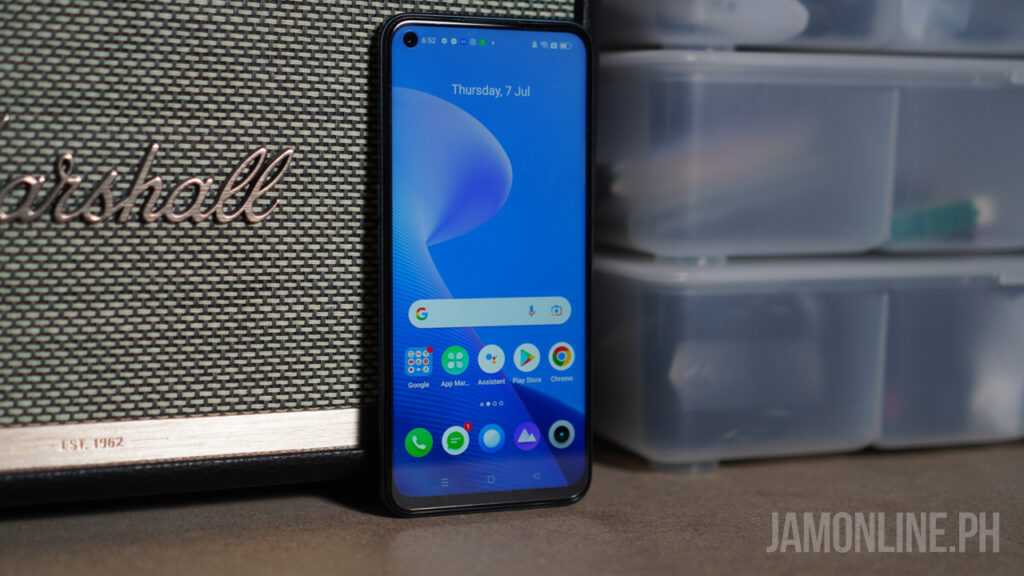
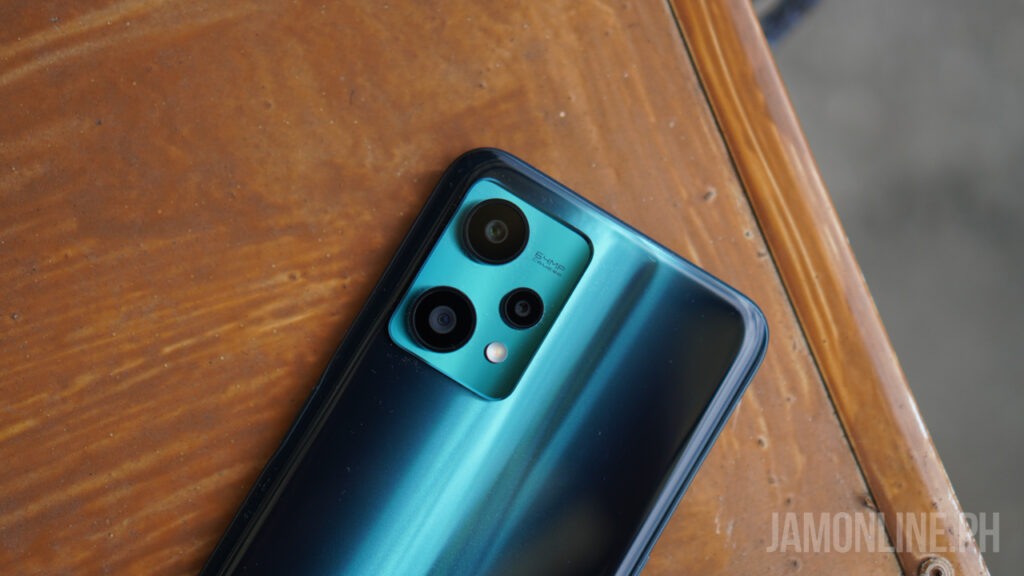
realme has finally launched their follow up to the realme number series and this time, we now have two smartphones in the realme 9 Pro series and we’re gonna review one of them – the realme 9 Pro. The smartphone brings a lot of new improvements compared to the previous generation and yes, we now have a brand new processor for the smartphone.

realme 9 Pro Review: Design and hardware

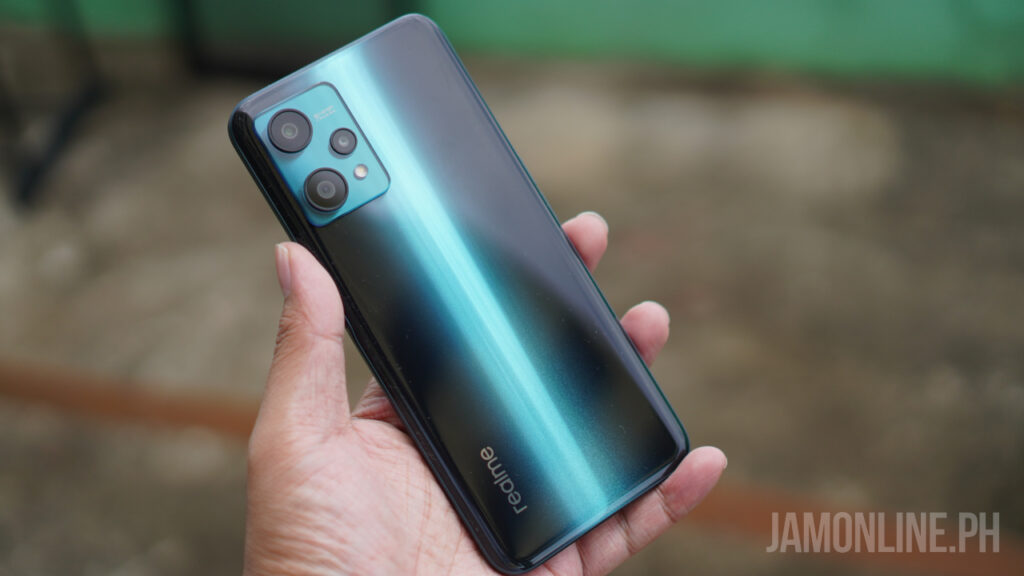
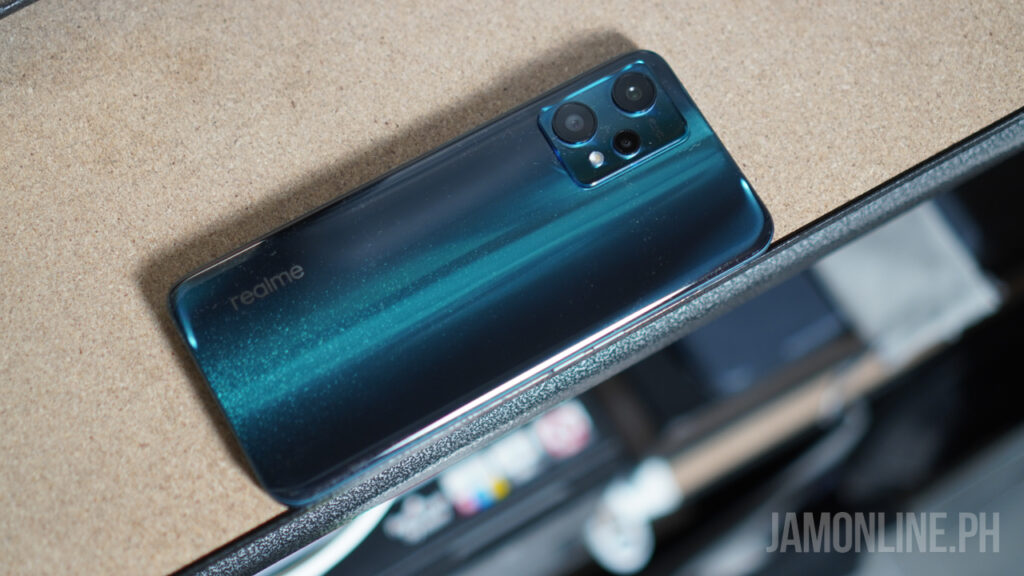
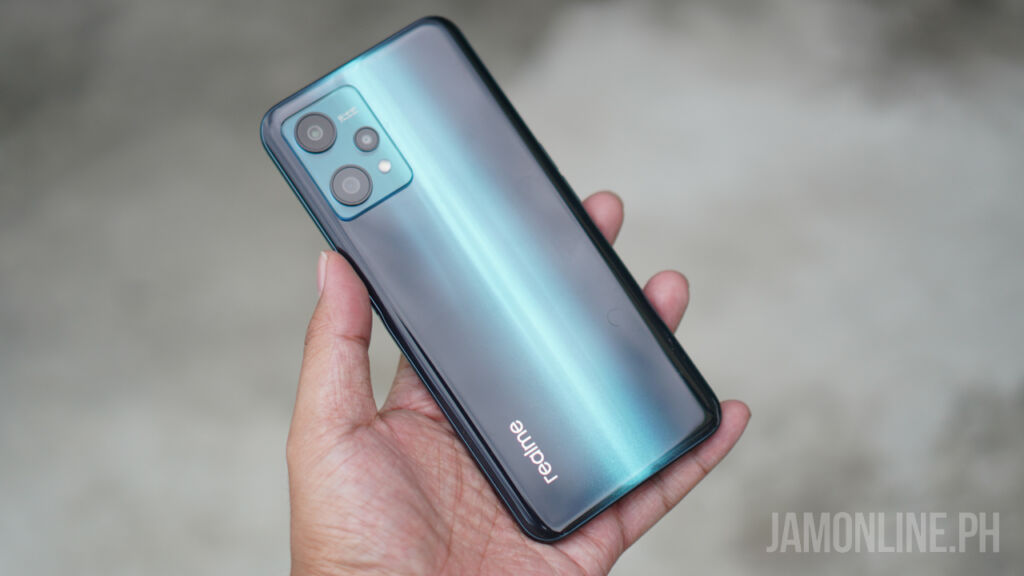
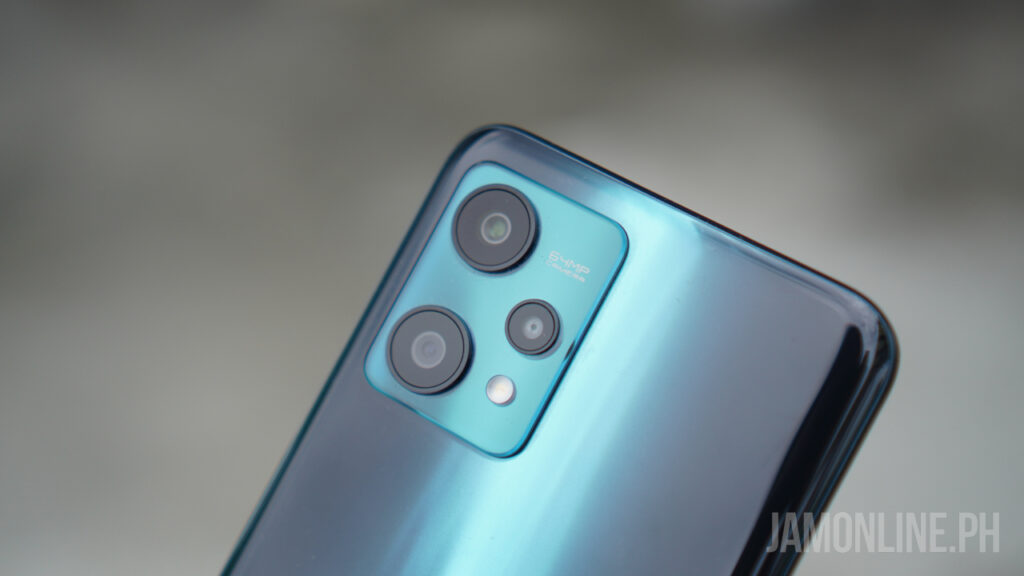
First, the design of the smartphone is new but the design language seems familiar. First, there’s the light shift design on the smartphone, a feature we’ve seen before on other realme smartphones and yes, it does attract some fingerprints since this one is glossy. This design actually reminds me of the realme 6 and the realme 7 series. 

The light shift design on the smartphone is cleaner and better but it’s only present on the Sunrise Blue version of the smartphone. The one that we got comes in Aurora Green and I love the glittery look along with the aurora feel at the back of the smartphone. It isn’t the most premium feel on the smartphone but it’s definitely clear that this one feels good to the hand and it’s very ergonomic to the hand. Nonetheless, you would probably use the included jelly case with the smartphone.

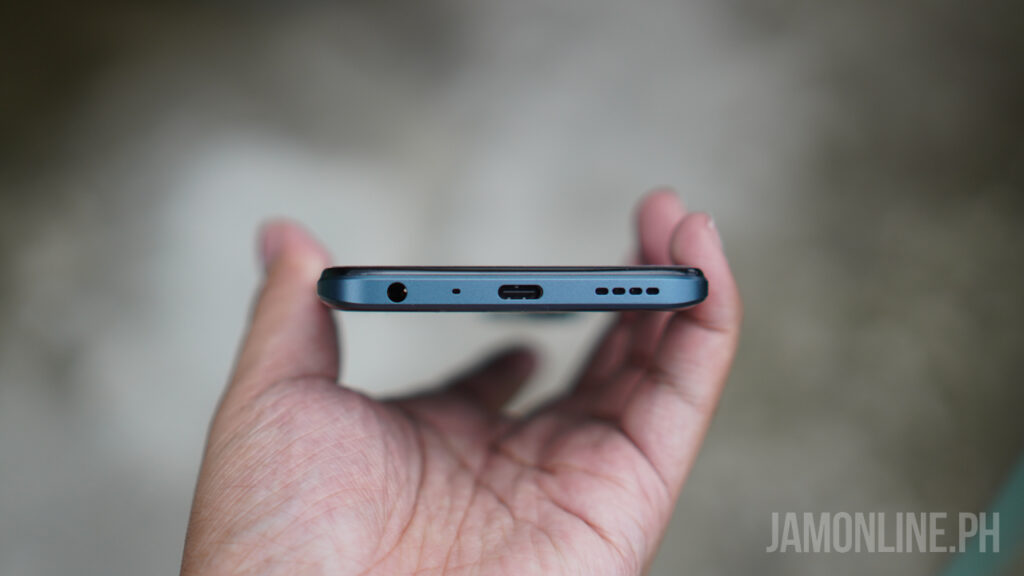
As for the ports, the smartphone only comes with a USB-C port which is what we expect already and no, there’s headphone jack on the smartphone so you can still use your handy dandy headphones with you. 

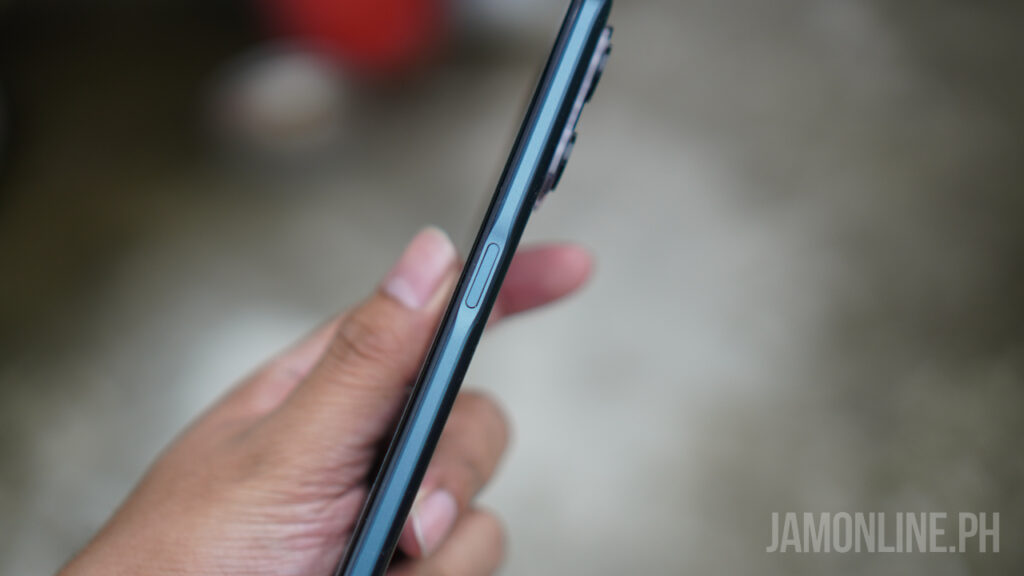
For the fingerprint scanner, the realme 9 Pro comes with a side-fingerprint scanner and it’s pretty fast whenever I use it.

realme 9 Pro Review: Display

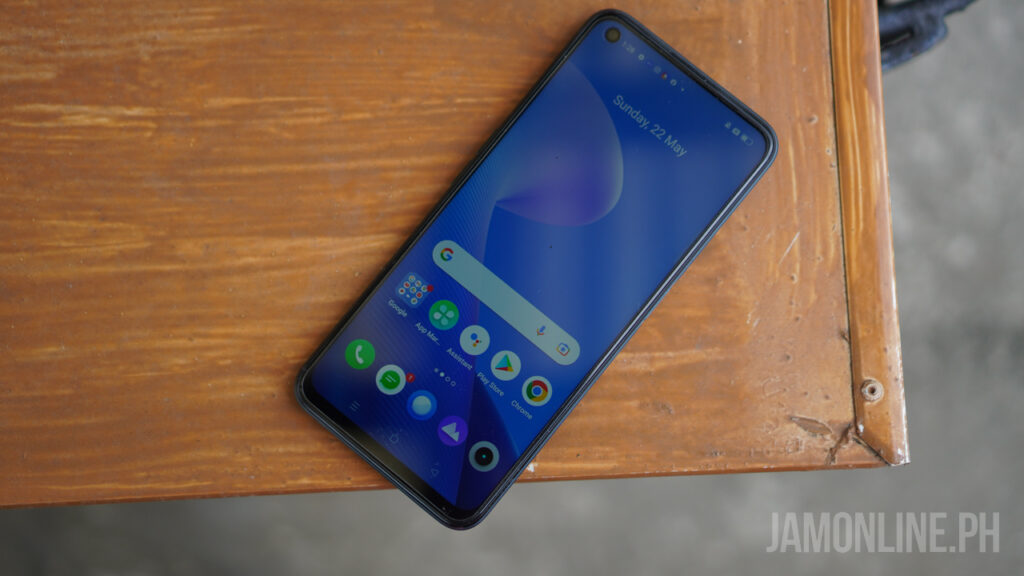
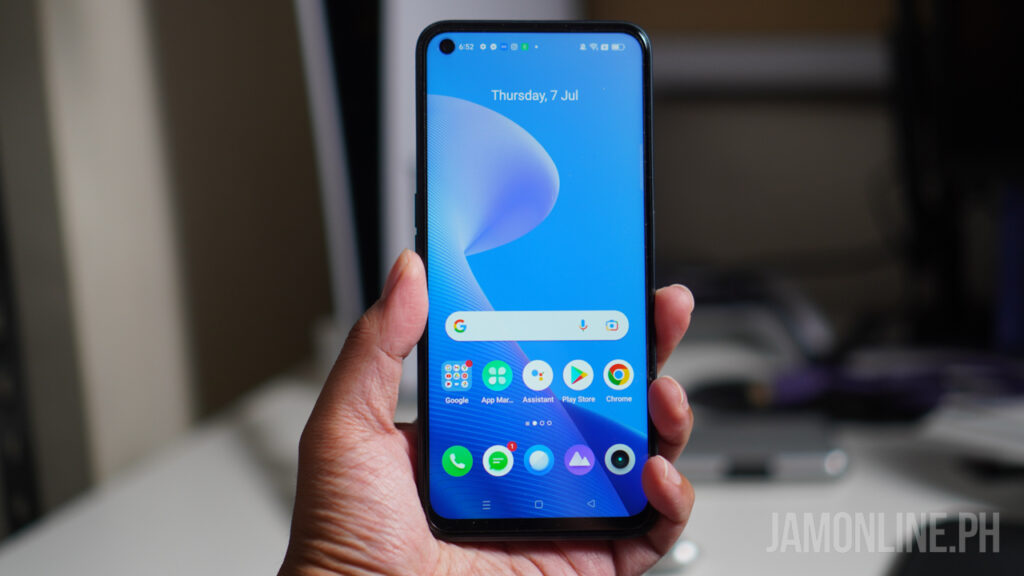
The smartphone is sporting a 6.6-inch IPS display and this display will come with a 120Hz refresh rate so it gives us a smoother experience however, games won’t be able to maximize its refresh rate.  

The display of the realme 9 Pro offers bright and vivid colors on the smartphone and even when using the smartphone outside won’t be a problem at all. There are slight bezels on the sides but there’s a noticeable one on the chin of the smartphone. But it’s still below the realme 9 Pro+ in terms of quality.


realme 9 Pro Review: Battery life

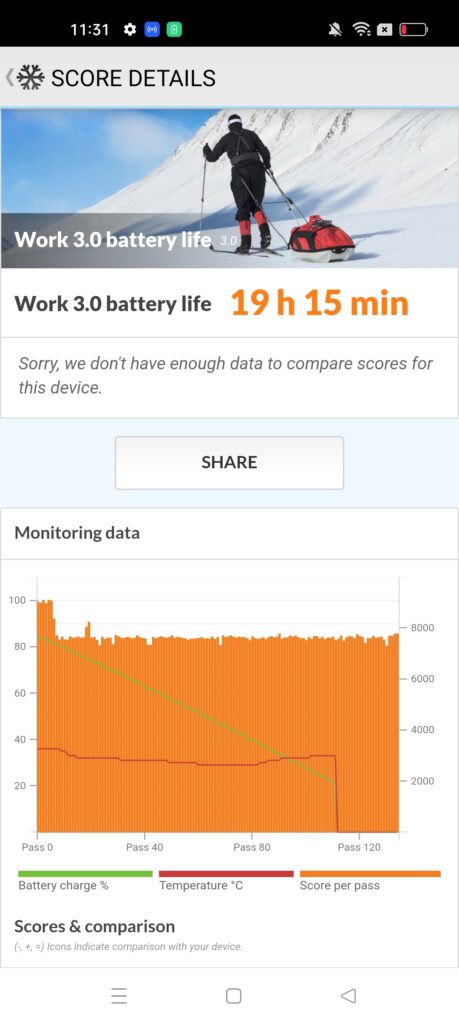
When it comes to the battery life, the realme 9 Pro didn’t disappoint just like its brothers and sisters. There’s a 5000mAh battery inside and boy, the smartphone can last really long as my usage can last up to a day and a half on the smartphone and in our PC Mark Work 2.0 Battery Test, we managed to get a score of 19 hours and 15 minutes which is pretty good.

As for the charging, the smartphone supports 33W charging so charging the smartphone is really fast even if you forgot to charge the smartphone overnight, that won’t be a problem anymore. It would be better if the smartphone had a 60W fast charging just like its brother

realme 9 Pro Review: Software and performance

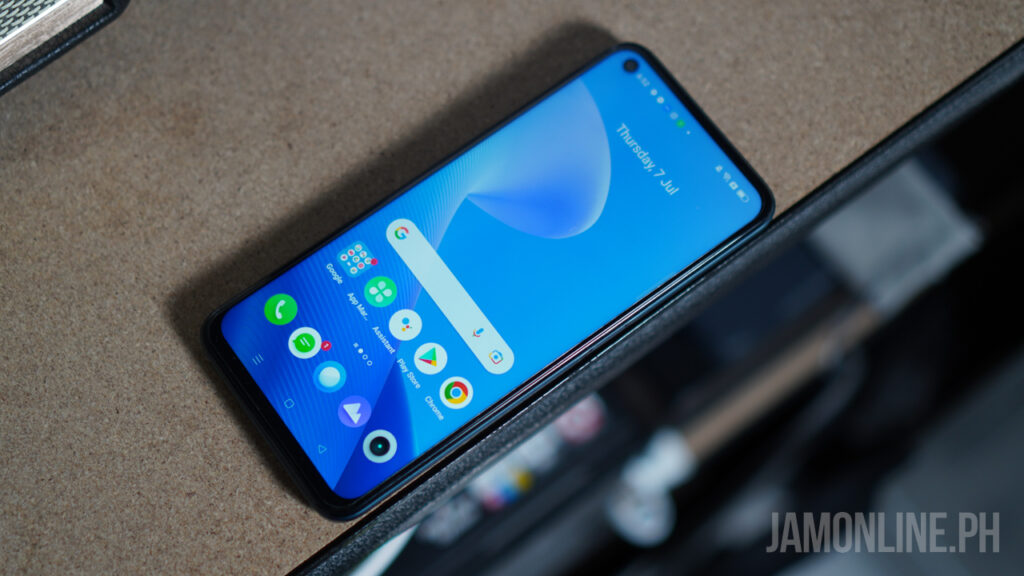
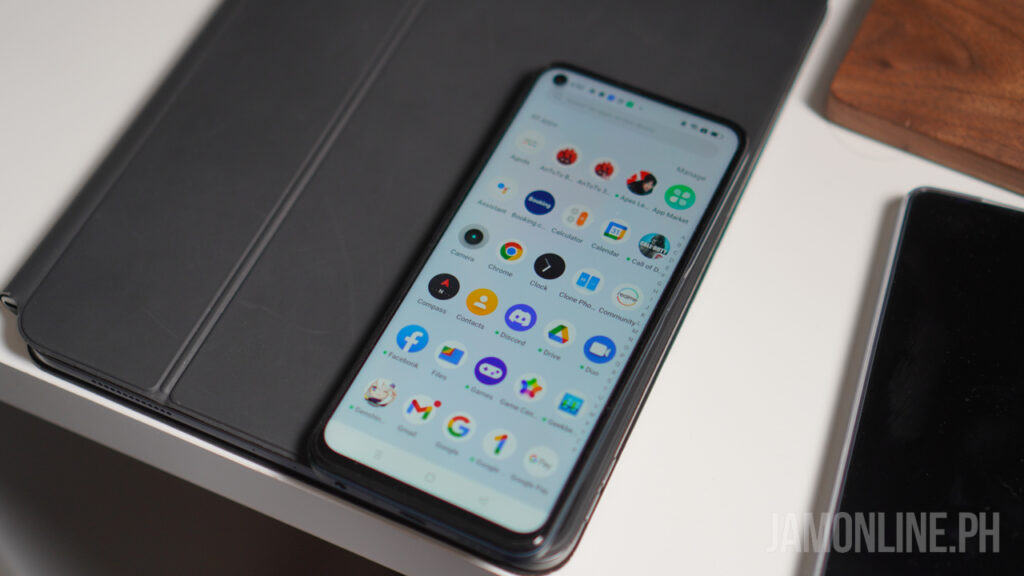
For the software of the smartphone, it still runs on realme UI 3.0 based on Android 12, and honestly, I don’t have any problems with it as the software of the smartphone is smooth and the UI of the smartphone is really user-friendly and easy to the eye. But of course, it still comes with some bloatwares but it’s not really that annoying as you can uninstall some of them. Combined with that is the 120Hz refresh rate on the IPS display which gives a smoother experience on the smartphone.

As for the performance, the smartphone is running on Qualcomm Snapdragon 695 processor which is just new but it performs really well. There’s 5G inside and sometimes, I was getting up to 300MBps speeds at hotspot locations.

The performance is very different from the Pro+ brother and I find this one a little bit lacking. For the benchmarks, we’re getting pretty good performance here. Check out the benchmarks that I got on the smartphone

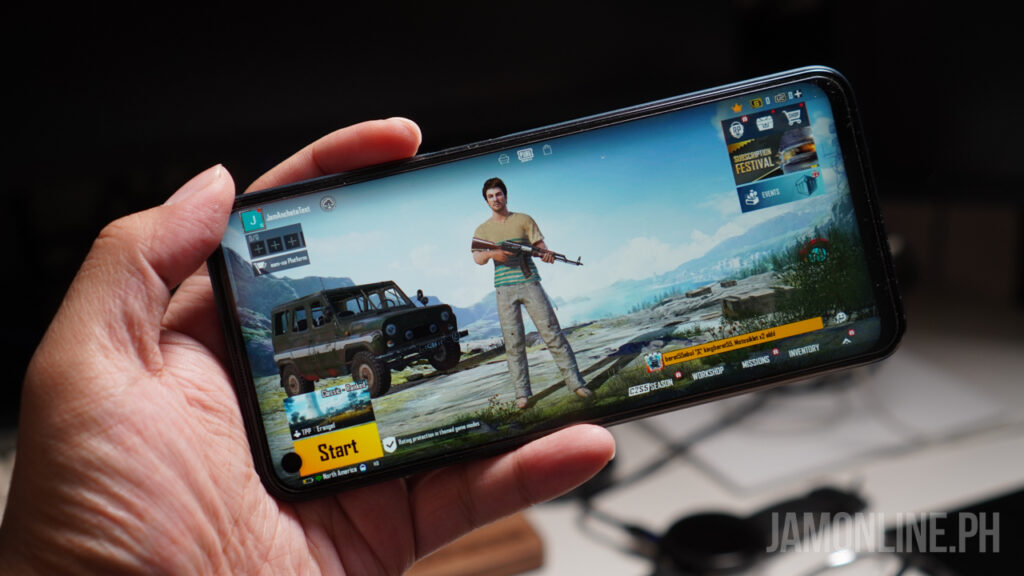
When it comes to gaming, any game that I run on the smartphone, runs pretty well but of course, don’t expect the best performance on the smartphone. Games like Mobile Legends won’t be a problem on the smartphone however with PUBG Mobile, 

Overall, the performance of the realme 9 Pro is what we can expect from its hardware. The Qualcomm Snapdragon 695 performed just fine for basic and light games but it’s not as powerful as the MediaTek Dimensity 920 processor on the realme 9 Pro+

realme 9 Pro Review: Camera

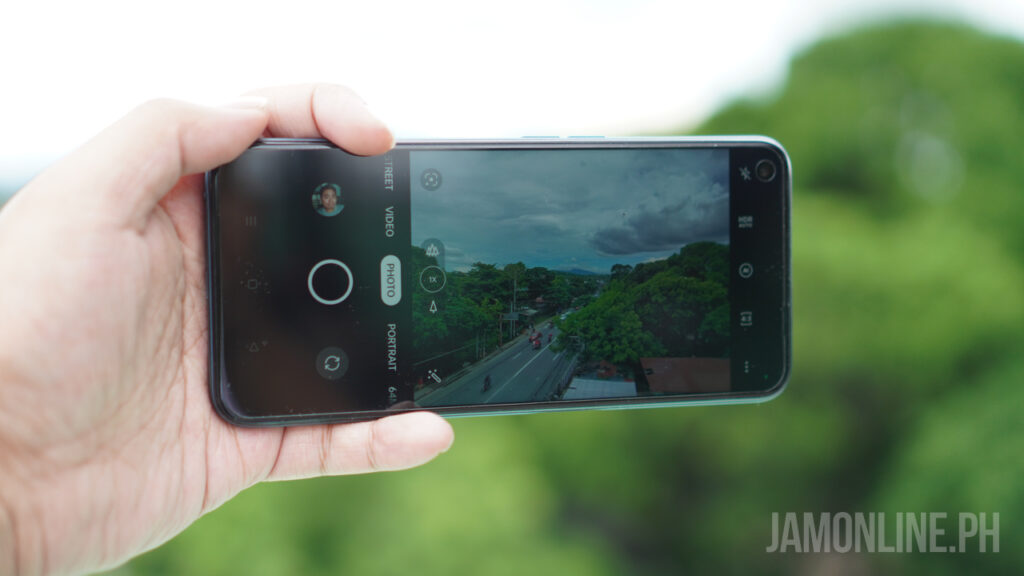
 For the camera of the realme 9 Pro, it comes with a 64MP Main camera along with 8MP ultra wide-angle lens and also a 2MP macro lens. In our test, the camera of this smartphone is also a farcry from its bigger brother. One of the possible reasons is the different processor which gives us a different post-processing in our photos. 

While we find some of the shots produce just the right colors, some of them are softer for its price range and it does lack a little contrast in some of our shots. The dynamic range of the smartphone needs some improvement as well however in night shots, it was better and they’re brighter and more vivid. Check out some of the shots that we took using the smartphone:

realme 9 Pro Review: Verdict

The realme 9 Pro is definitely an attractive smartphone in terms of aesthetics thanks to its light shift design. The looks might be the same with the realme 9 Pro+ but the performance of this one is way different along with its camera. The performance of this one might be slower but it’s still decent enough for modern games and light tasks so no problems on that one. Despite the misses with its camera, the realme 9 Pro did perform well on our night shots.

vivo X80 Pro Review

0

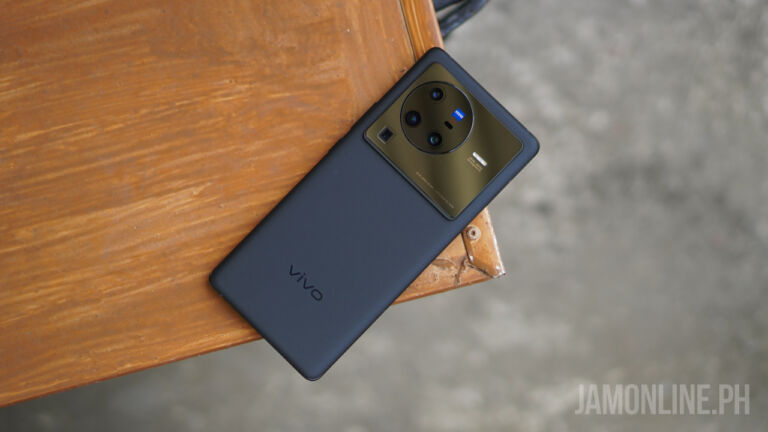
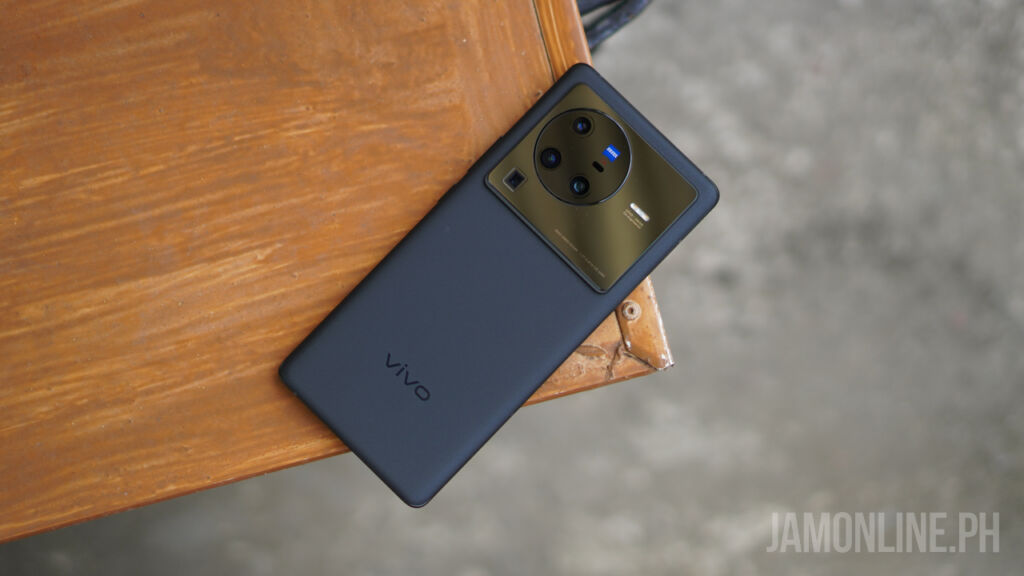
The vivo X80 Pro is the newest flagship smartphone from the company and it packs a lot of features including ZEISS camera, flagship hardware inside, and a sexy design. The smartphone also introduces a lot of new features including ZEISS T* coating standards, ZEISS filters, V1+ chip, and more. And today, we’re gonna review the vivo X80 Pro.

vivo X80 Pro Review: Design and hardware

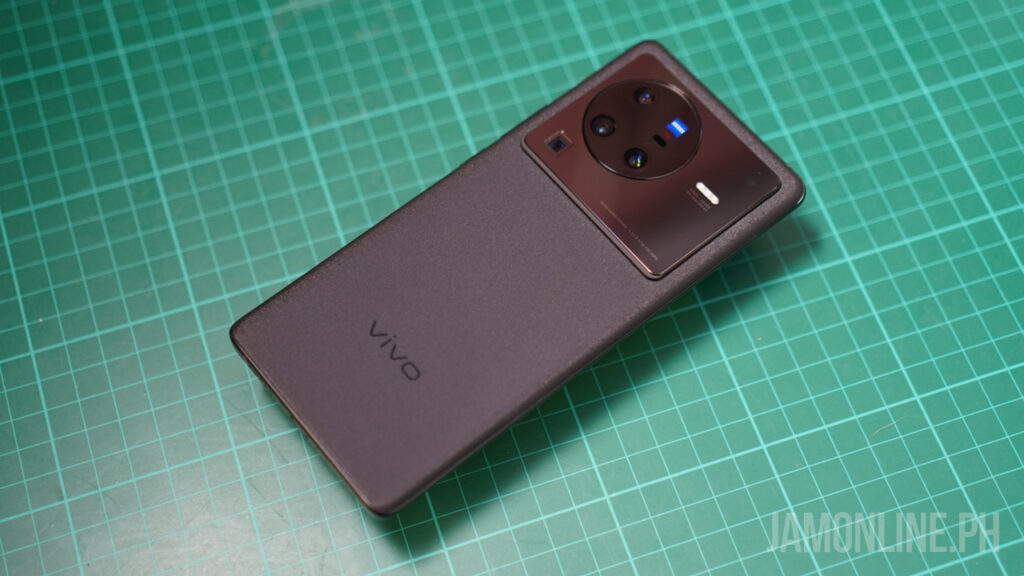
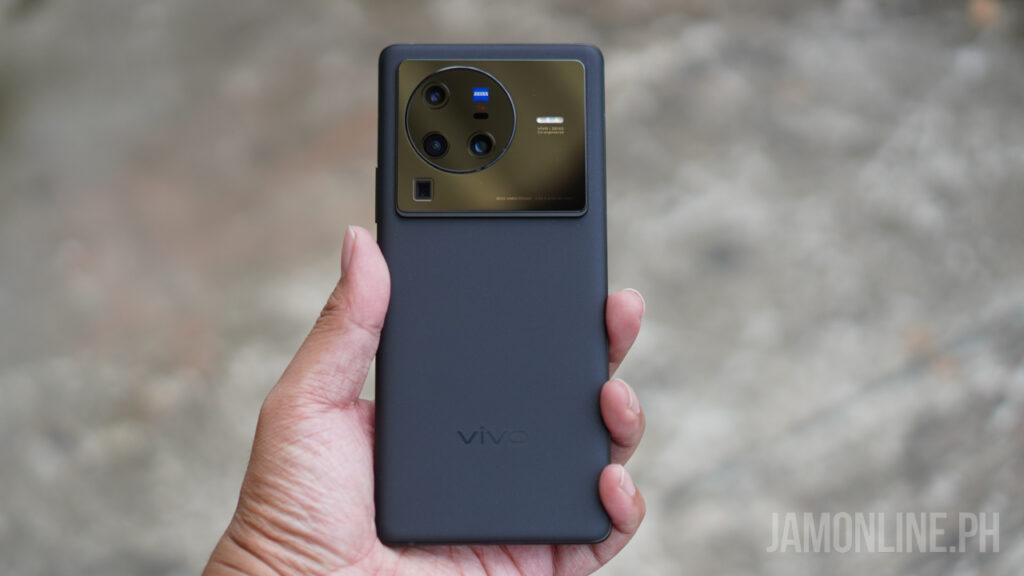
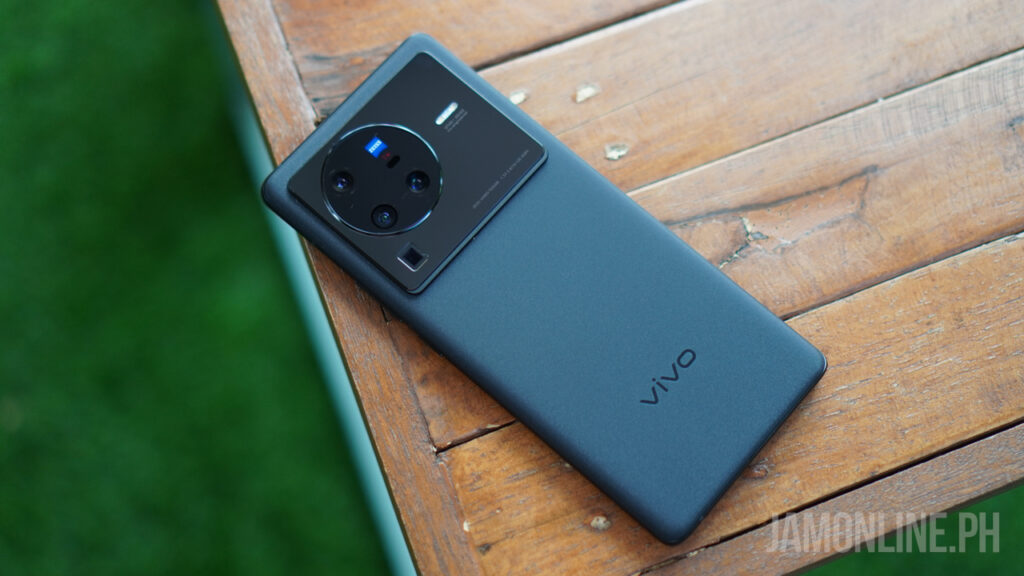
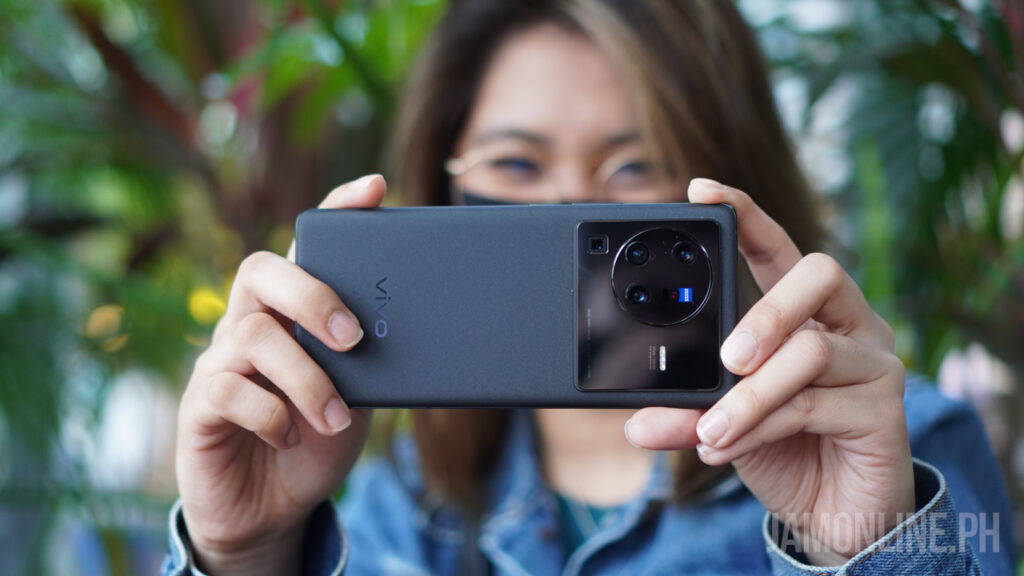
The vivo X80 Pro features the best materials and feel for all of the vivo smartphones that we’ve ever reviewed. Actually, it’s one of my favorites in terms of the design and quality because of how solid the build is along with its premium design.

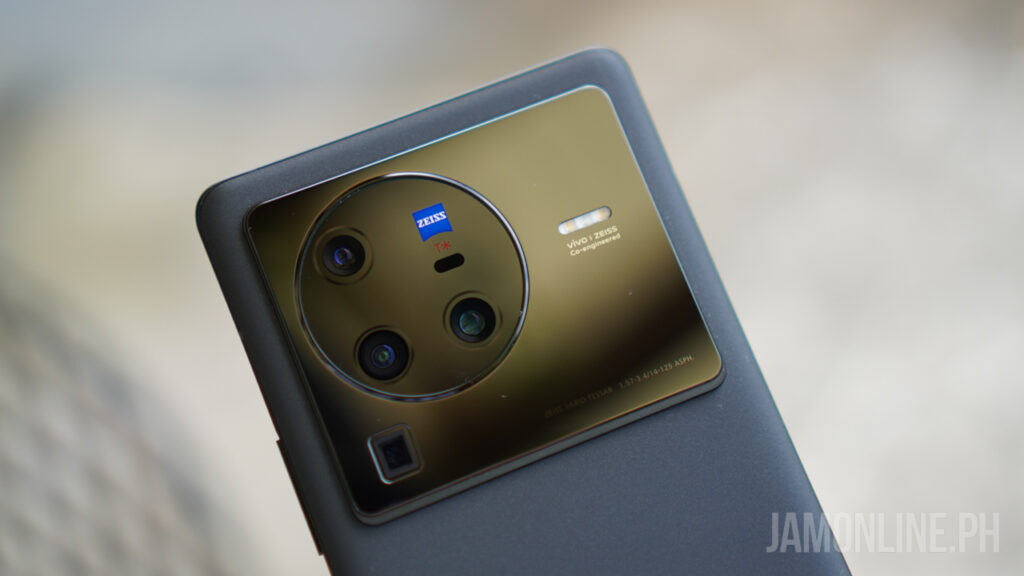
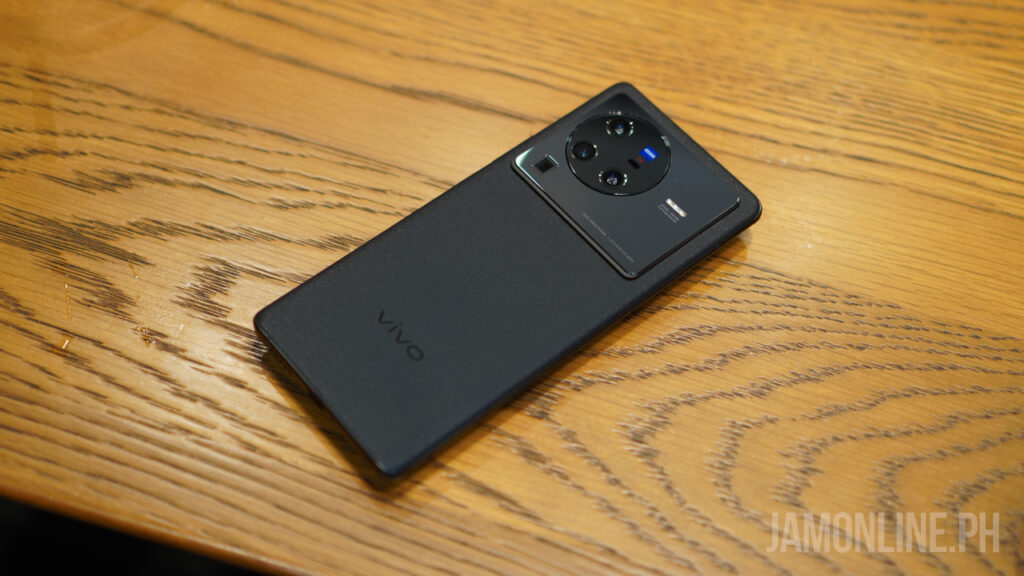
For the back, there’s the glass back with a matte look and thankfully, it doesn’t attract a lot of fingerprints thankfully so it’s a plus for me then there’s the protruding camera module which is abnormally large but the design of it just looks fine for me.

The ergonomics of the smartphone are fine as well as the curves are perfect for my hands despite the large footprint of the smartphone. The vivo X80 Pro also comes with weight but again, the curves does help in making it still ergonomic.

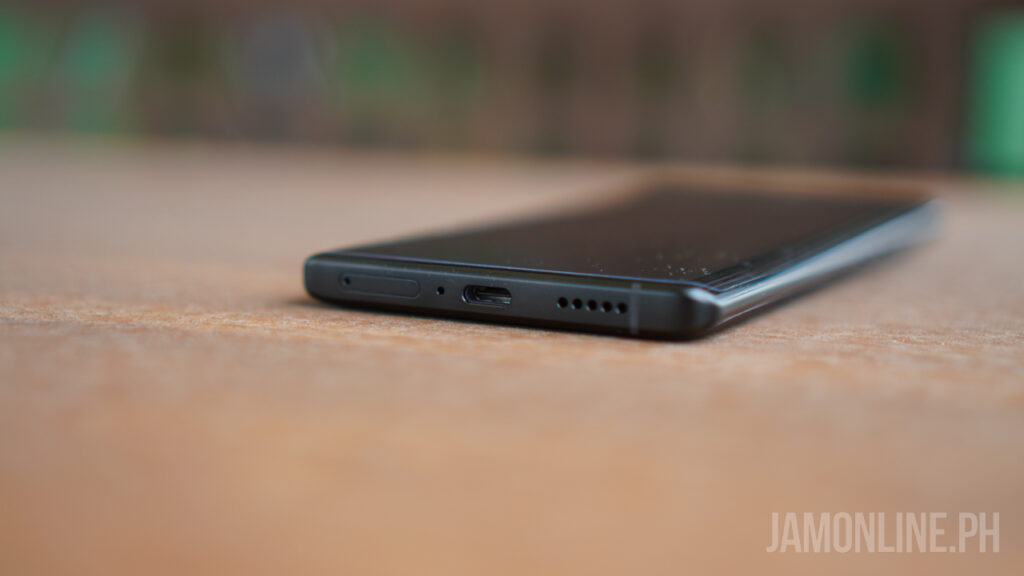
For the ports, the smartphone comes with a USB-C port and it does support the 80W FlashCharge wired charging along with 50W Wireless FlashCharge. The smartphone also comes with a power button and also a volume rocker on the side.

As for the speaker, the vivo X80 Pro comes with a large and pretty good speaker so listening to it with Spotify or just watching movies via Netflix is just fun on the vivo X80 Pro.

vivo X80 Pro Review: Battery

For the battery of the smartphone, it comes with a 4700mAh battery inside and again, it does come with fast charging. Surprisingly, the battery of the smartphone did pretty well as we got a high score in PCMark Work 2.0 Battery test as we got here a score of 11 hours and 58 minutes. One of the best that we’ve seen with this processor.

vivo X80 Pro Review: Display

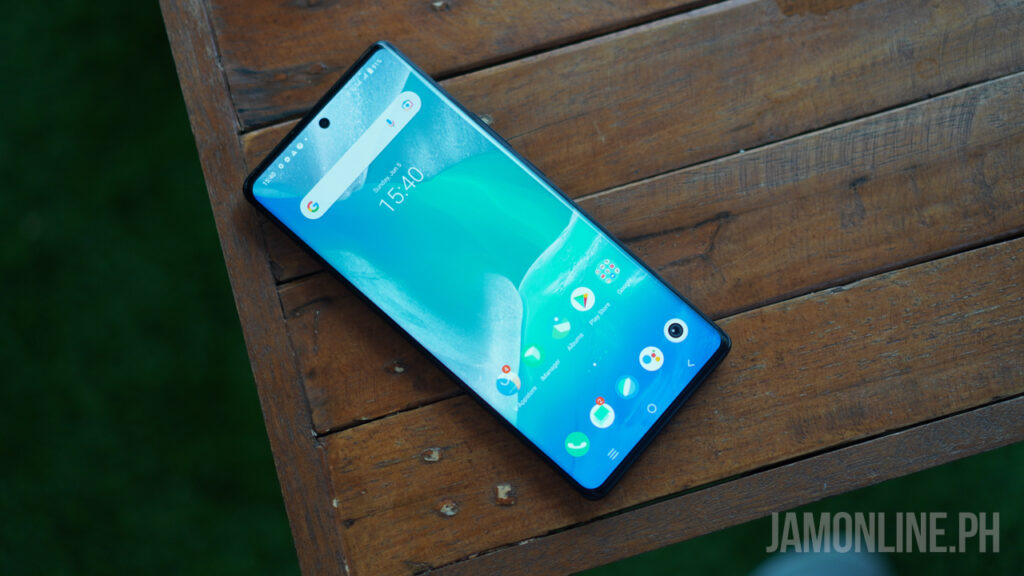
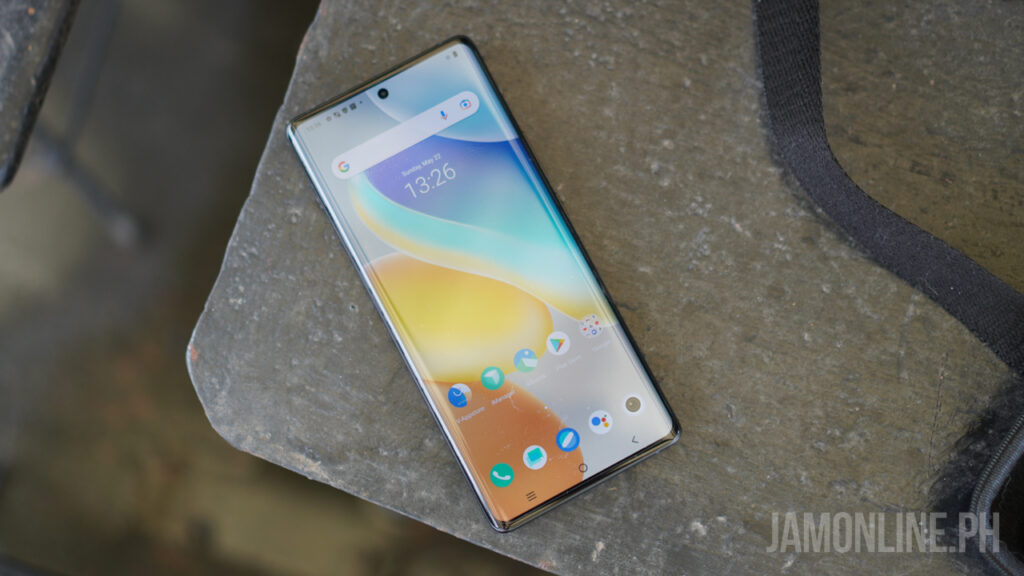
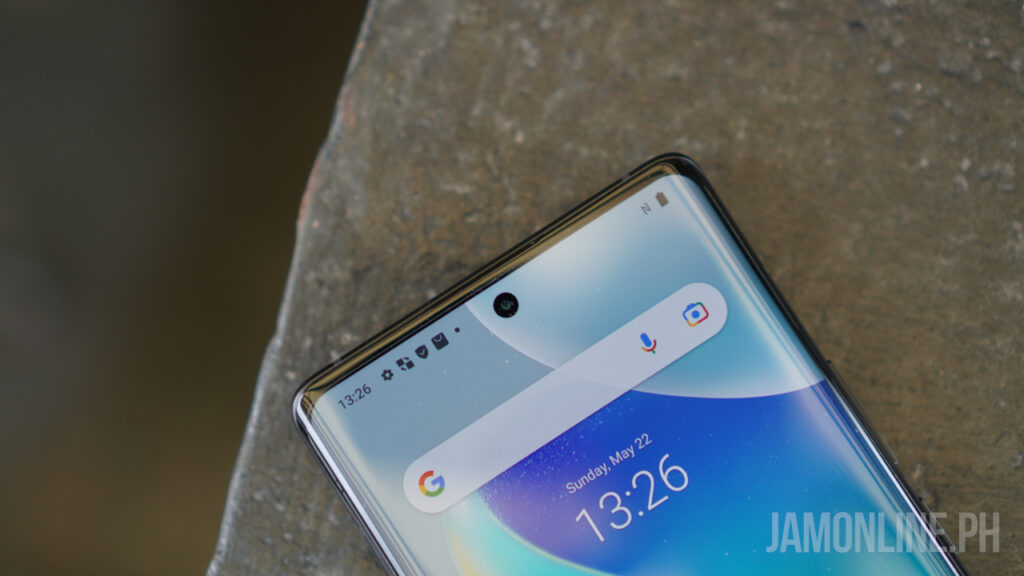
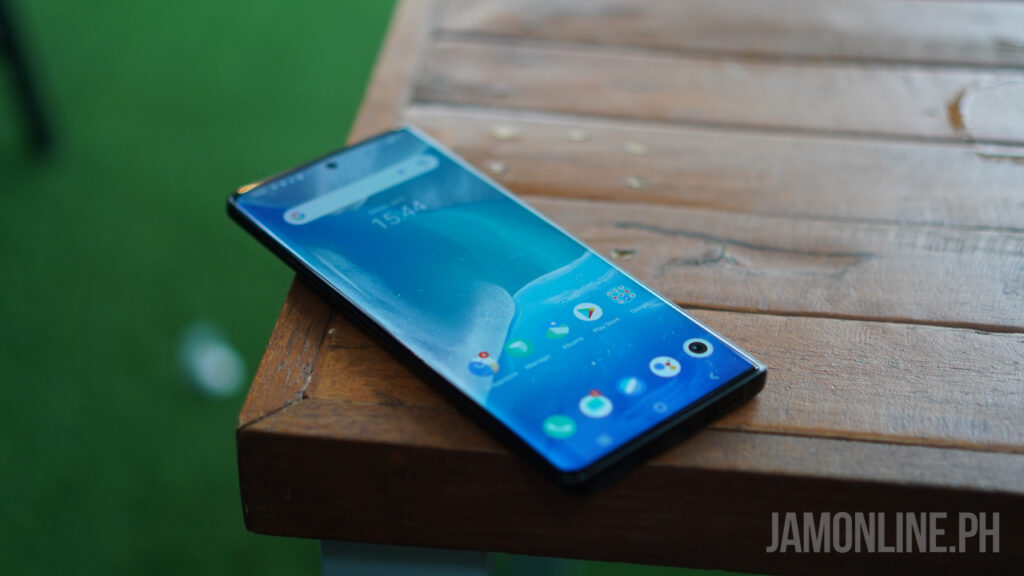
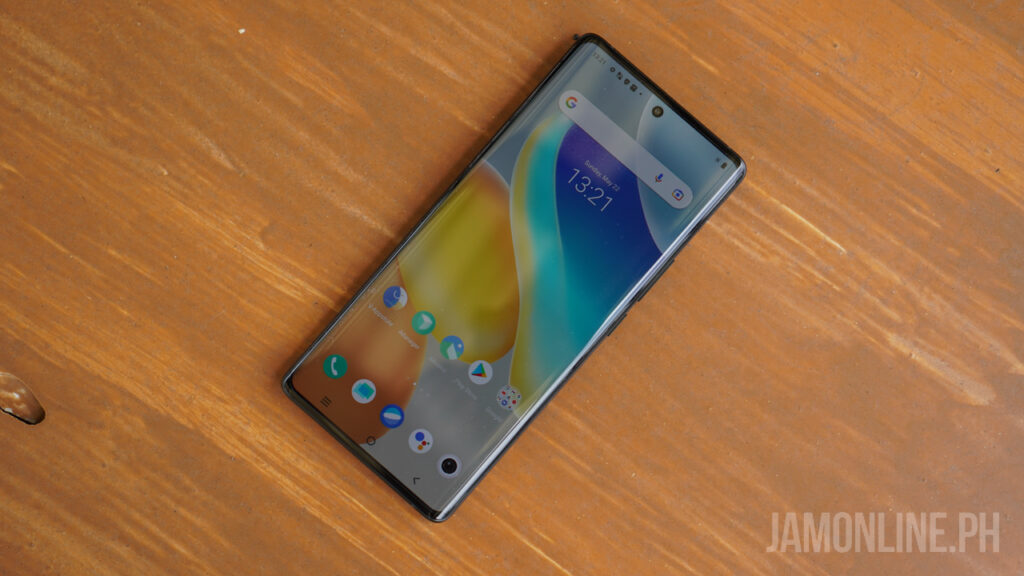
One of the strengths of the smartphone is its display as this one packs a large 6.78-inch display with a WQHD+ resolution and an AMOLED panel and for the refresh rate, there’s the 120Hz as well. It comes with curved edges which is why the smartphone does have a near bezel-less look on the side.

Thanks to its resolution, looking at the display is really fine and easy to the eyes. I love how sharp the display is thanks to its resolution and I also love how bright it is even at under direct sunlight. The vivo X80 Pro’s display isn’t the best that we’ve seen on the market but it’s definitely one of my favorites as this one has bright and vivid colors and it’s very sharp as well.

vivo X80 Pro Review: Software and performance

The smartphone that comes with FunTouch OS 12 is based on Android 12 and honestly, I still find it easy to use but they need some reword with their notifications as I find it too cluttered nonetheless, it’s not really a big issue for me.

As for the performance, the smartphone comes with a Snapdragon 8 Gen 1 Processor along with 12GB of RAM that can be extended up to 16GB by getting some of the memory from the internal storage, and actually, I didn’t have any problems with its performance despite playing longer hours on the smartphone. For our benchmarks, we got decent scores on the smartphone:

When it comes to gaming, I’ve been playing Genshin Impact on the smartphone at the highest settings possible and it does get warm after a few minutes of playing but overall, it doesn’t overheat and vivo did a great job with its thermal and I was still using the case included on the smartphone and the heat was very manageable on the smartphone.

vivo X80 Pro Review: Camera

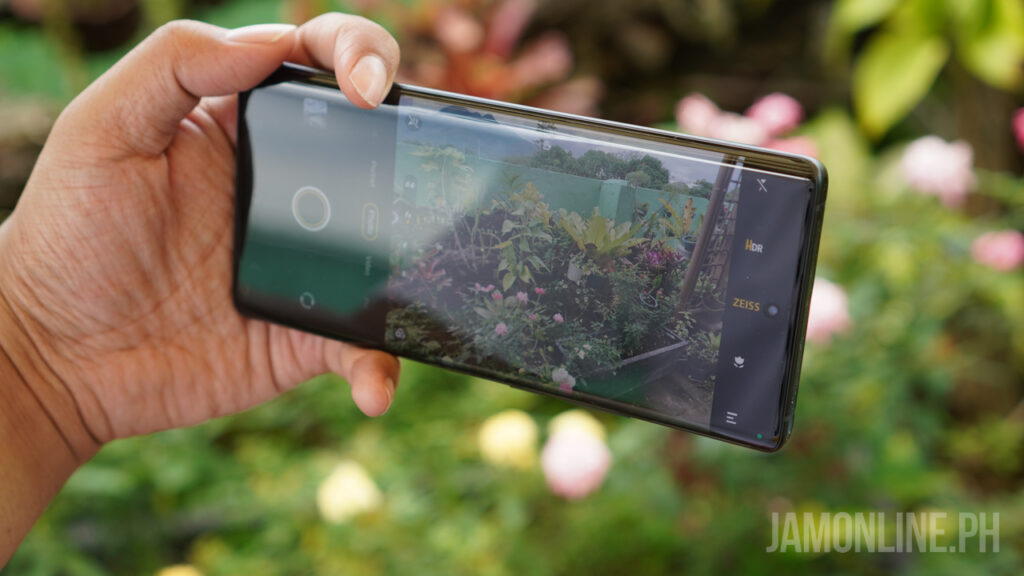
The camera is the biggest thing about the smartphone and yes, the vivo X80 Pro is definitely one of the best this year in terms of camera. Actually, it might be the best one as we got here smartphone lenses co-engineered by ZEISS. Some of you might think that this one is a gimmick but no, actually, the camera quality of the smartphone is just excellent.

First, let’s discuss the unique features of the camera of the vivo X80 Pro. The ZEISS T* coating standards on the vivo X80 Pro are probably one of the biggest underrated features of the smartphone. I really noticed that I have less glare and light flares with my shots at night and the Super Night Shots that I got on the smartphone were great.

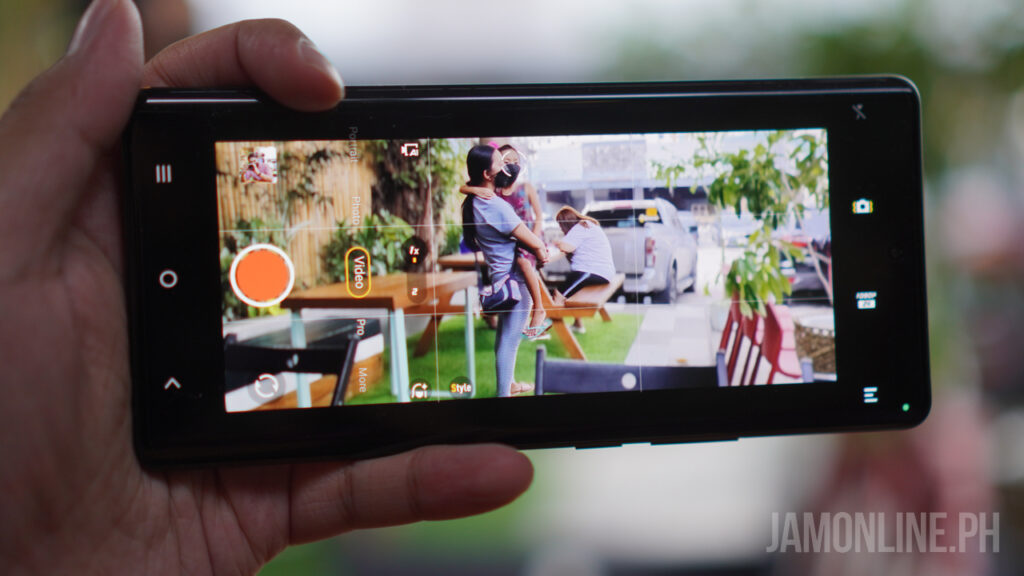
The ZEISS portrait filters give you a brief experience of the ZEISS lenses but my favorite one is the ZEISS Cinematic Video in where you can get wider shots on the smartphone with bokeh effects. You can also record in 24fps which will give us a more cinematic feel on the videos.

For our shots, we’ve noticed that the customized Samsung GNV Sensor on the smartphone perform really well. The shots that we got are awesome and even without the portrait mode, the natural bokeh on the smartphone was still excellent and the shots that we got are sharp and the colors of the smartphone were great as well.

As for the AI processing, I’ve noticed that the smartphone tends to rely on post-processing in most of my shots and it has definitely improved the shots that I got on the smartphone. Initially, most of the headshots were a miss in terms of post-process by the AI of the smartphone but after a few updates on the smartphone, I’ve noticed that vivo X80 Pro has improved and it looks more natural than before. If you are curious with the quality of the shots that we got, check out the shots that we took using the vivo X80 Pro:

Verdict

The vivo X80 Pro has become one of my favorite smartphones this year thanks to the powerful hardware inside the smartphone also the camera that sets the barrier even higher in mobile photography. The design of the smartphone you can also look up to as this one features solid materials and curves except for the large protruding camera module at the back of the smartphone.

If you are confused about which flagship smartphone you should get next time, the vivo X80 Pro is for people who want to have the best Android smartphone in terms of photography and videography. The ZEISS features of the smartphone is something that you would definitely love and thanks to its sensor, the vivo X80 Pro performed really well in terms of camera.

So if you want to get one, the vivo X80 Pro is on the pricier side at Php59,999.