Home Blog Page 628

Nokia Lumia Black update begins rolls out

0

Nokia Lumia Black
Nokia Lumia users! Rejoice! a new update will be coming to your new Nokia Lumia phones. The Nokia Lumia Black update brings you a lot of new features and apps on your phones and there will be improvements in apps and messaging. So what are the new features for the Nokia Lumia phones? Check it out after the break.

  • App Folder. This brand new feature makes your Lumia experience even more fluid by giving you an option to further personalize and organize your Start screen. With App folders you can group similar apps and settings into one folder, a tile, on your Start screen.
  • Nokia Glance screen 2.0. Helps you keep track of information in real time, making all your most important notifications including: phone, messages, email, outlook, calendar, or any apps that use notifications such as Twitter, Facebook, Whatsapp, or games; always visible at a glance on your screen. It saves time and energy.
  • Bluetooth LE. Will now be enabled across the full Windows Phone 8 Lumia range forcompatible gadgets like the Adidas MiCoach accessories. 
  • Nokia Refocus. The amazing Nokia Refocus comes to all Windows Phone 8 Lumia smartphones with 1GB of RAM and upwards.
  • Nokia Beamer. Sharing what’s on your phone is easier than ever with Nokia Beamer. You can now beam documents, presentations, anything you like, to any HTML5-enabled screen by simply scanning a QR code on the screen. It’s coming to all of the phones with 1GB RAM upwards.
  • Nokia Storyteller. The app arranges your photos for you, by date and by place, making it easier to tell the stories behind your pictures, and give extra context through the close integration of interactive maps.
  • Nokia Camera. Combines Nokia Pro Camera and Smart Camera to simplify the photo-taking experience, and ensure you get the perfect shot every time. The app has been available for Lumia PureView smartphones since last year, but it’s now coming to the rest of the WP8 Lumia range. The latest Nokia Camera update also brings raw DNG support for Lumia 1020 owners.
  • Latest generation of imaging algorithms. The Lumia Black update further improves the image quality, especially in Lumia 1020. Among others, the improvements include a new oversampling algorithm, making your images more natural looking with reduced noise, while ensuring your photos remain wonderfully sharp.

The Lumia Black update also brings a series of enhancements from Microsoft to Nokia Lumia smartphones. These include safe driving mode – which cuts out unnecessary distractions when you’re on the road; customised ringtones for each contact. You can now also close apps within the in multitasking view and lock the screen rotation if you wish.

The Nokia Lumia Black update has already begun globally for the Nokia Lumia 1020 and the Nokia Lumia 925 but the variant for the Philippines is still waiting for approval as of this posting. Don’t worry about the other Nokia Lumia phones because other Nokia Lumia WP8 range will follow shortly after. If you want to check if the update is already available, just go to Settings>Phone Update. Yep, you don’t have to plug it on your PC anymore. I strongly recommend to download the phone update via WiFi.
Enjoy the new update Nokia Lumia users!

Samsung Galaxy NotePRO: Meet Samsung’s biggest Galaxy Tablet

0

This is one big-ass tablet meant for productivity and heavy media use. The Samsung Galaxy NotePRO features a 12.2-inch WQXGA (2560×1600) widescreen display. And yes, it’s a world’s first and it is probably one of the biggest Android tablets around. 12.2″ display might be too big for an Android tablet but having this screen size has an advantage for Multi-tasking and content creation. Check out the tablet after the break.

 It also features Magazine UX which acts like Flipboard. It organize your favorite content in an easy-to-use dashboard with automatic feed or news updates and then quickly access the most frequently used apps for a more comfortable reading experience.

The Samsung Galaxy NotePRO would also come with an S Pen (That’s why it’s called NotePRO, DUH!) which you can use for added productivity. The Samsung Galaxy NotePRO would also come with premium apps approximately worth $700.

Samsung Galaxy NotePRO Specifications

  • 12.2-inch WQXGA (2560 X 1600) Super clear LCD
  • Processors:
    • WiFi/3G: Exynos 5 Octa (1.9 GHz QuadCore + 1.3 GHz Quadcore)
    • LTE : Snapdragon 800 2.3GHz
  • 3 GB RAM
  • 32/64 Internal storage with MicroSD Card slot
  • 8 MP Rear Camera w/ LED Flash
  • 2 MP Front Camera
  • 9500mAh
  • Infrared
  • Android 4.4 Kitkat
The Samsung Galaxy NotePRO tablet line will be offered globally and will be available starting from Q1 2014.

Sony Xperia Z Compact: Mini flagship done right

0

Sony Xperia Z Compact

Today at CES, Sony announced a smaller version of their current flagship, the Sony Xperia Z1 in the name of Sony Xperia Z Compact. Unlike the other mini versions of other brands, The Sony Xperia Z Compact doesn’t compromise its performance. Yep, the Sony Xperia Z Compact still used a Snapdragon 800 processor along with that 2 GB RAM on its 4.3” 720p display. Just like its bigger brother, it is still waterproof and it still have that gorgeous 20.7 Megapixel Camera which was used in the Sony Xperia Z1. So yeah, the only main difference was the resolution of the display. Check out the full specifications after the break.

Sony Xperia Z Compact Mini Specifications

  • 4.3” Triluminous IPS display 1280×720
  • Qualcomm 2.2 GHz Snapdragon 800 Quad-Core processor
  • 2 GB RAM
  • 16 GB Internal storage with MicroSD card slot up to 64 GB
  • 20.7 MP Carl Zeiss optics with OIS and LED flash
  • 2 MP front camera
  • LTE
  • NFC
  • 2300mAh battery
  • Black, Pink, Lime and Yellow

Sony just showed the other manufacturers how to make a mini version of a flagship. Actually, I think the Sony Xperia Z Compact could have a better performance on benchmarks and games because its bigger brother, the Sony Xperia Z1 has a 1080p display compared to the 720p of the Xperia Z Compact. So what does that mean? Well, 1080p displays need more power when rendering 3D objects than the 720p display. No word regarding price and availability in the Philippines.

ASUS Zenphone: Affordable dual-sim smartphones with Intel Atom processor

2

ASUS is now really pushing their mobile efforts with the new ASUS Zenphones. Their new line of Android smartphones that comes in 4, 5 and 6 inches and you know what, they’re pretty affordable and all of them are powered by an Intel Atom processor. I notice that the ZenUI looks pretty neat too and the design of these phones kinda resemble their laptops. Why don’t you check out the specifications of these phones after the break

Asus Zenphone 4

  • 4″ TFT LED 800×480 
  • 1.2 GHz Intel Atom Z2520 
  • 4GB Storage with MicroSD card slot
  • 1 GB RAM 
  • 5 MP camera w front camera No LED FLASH
  • HSPA+
  • Dual Sim
  • Black / White / Red / Blue / Yellow
  • 1170mAh battery
  • Android 4.3 with ZenUIupgradeable to Kitkat
Price: $99 / PHP4425

Asus Zenphone 5

  • 5″ 1280 x 720 HD IPS with glove and pencil touch
  • 2.0 GHz Intel Atom Z2580 
  • 4GB Storage with MicroSD card slot
  • 1 GB RAM 
  • 8 MP f/2.0 Pixelmaster camera w/ LED Flash
  • 2 MP front camera
  • HSPA+
  • Dual Sim
  • Black / White / Red / Blue / Gold
  • 2050mAh battery
  • Android 4.3 with ZenUI upgradeable to Kitkat
Price: $149 / PHP6660
Asus Zenphone 6

  • 6″ 1280 x 720 HD TFT LED with glove and pencil touch
  • 2.0 GHz Intel Atom Z2580 
  • 8/16GB Storage with MicroSD card slot
  • 1/2 GB RAM 
  • 13 MP f/2.0 Pixelmaster camera w/ LED Flash
  • 2 MP front camera
  • HSPA+
  • Dual Sim
  • Black / White / Red / Gold
  • 3230mAh battery
  • Android 4.3 with ZenUI upgradeable to Kitkat
Price: $199 / PHP8894
The prices are really attractive and what makes this unique is that they used an Intel Atom processor instead of a MediaTek or Qualcomm processor. Stay tuned for the local availability

ASUS Transformer Book Duet TD300: Dual-OS Tablet with keyboard dock

0

If you think that the ASUS Transformer Book T100 was good, you better look at his new brother, the ASUS Transformer Book Duet. So what’s up with this convertible? Well, you have a device that is running Windows 8.1 but it can also switch to Android in seconds. Imagine that, you could do your office work and play Steam games on Windows 8 and then just switch to Android just to play your favourite Android games. This feature might not be useful to some but it is really nice to see Android is playing around with Windows 8 on one device.

ASUS Transformer Book Duet TD300 starts at $599 for a Core i3 model with a 13.3″ 1366×768 HD display. There’s an Core i7 model too if you feel that the i3 model isn’t for you. The Core i7 variant has a 13.3″ Full HD display, 128 GB SSD with a 1 TB hard disk on the dock. Too bad the Android version inside it is just at Android 4.1 Jelly Bean but hey, this is still a very interesting device. We’ll update you regarding the local availability so stay tuned.

ASUS Transformer Book Duet TD300 Specifications

  • Intel Core i3, i5 or i7 Haswell processor
  • 4 GB RAM
  • Tablet: 64/128 GB SSD
  • Dock: 320 / 500 / 750GB / 1TB 
  • 13.3″ HD (1366×768) or 13.3″ Full HD IPS display
  • Tablet: 342 x 216 x 12 mm ( W x D x H )
  • Docking: 340 x 217 x 16 mm ( W x D x H )
  • 1.9 kg

Nvidia Tegra K1: Bringing 192-cores GPU to your mobile

0

I’m crying right now. Tears of joy. I still can’t believe that the Nvidia Tegra K1 can now match the performance of a desktop GPU. And no, this is a SoC made for mobile. I still can’t believe that the Nvidia Tegra K1 has a 192-core GPU and it uses the Kepler architecture that was used in the desktops. Yes folks, the Nvidia Tegra K1 is even powerful than the PS3 and Xbox 360. The Nvidia Tegra K1 also comes 64-bit and it is even faster than the Apple’s A7 chip which can be found on the Apple iPhone 5s. The Nvidia Tegra K1 will come in a 32-bit, quad-core Cortex A15 clocked up to 2.3GHz and a 64-bit, dual-core Denver CPU, a custom designed CPU based on ARM V8 64-bit  clocked at 2.5GHz. Why don’t you just check out the Unreal Engine 4 demo of the Nvidia Tegra K1 after the break.

Oh man, Imagine if this chip is already inside our phones and tablets right now. I wish we could play GTA V on our mobile phones and tablets very very soon.

Image via Nvidia Blog

MyPhone Agua Hail: 5″ smartphone with Dual-Core processor for P4,598

0

MyPhone just announced their newest smartphone for 2014, the MyPhone Agua Hail. They really like to name their phones to a severe weather. So what’s up with the MyPhone Agua Hail aside from having Coco Martin pose as their endorser? Well, you got a 5″ display, 5 MP Camera, 1.3 GHz Dual-Core and a not so biggy 512 MB RAM. The SRP? It will cost you P4,598 for that device. I know, the price for this device is little steep for its specs especially this year in where we will see Quad-Core processors at the mid range level. Why don’t you check out the full specifications after the break.

MyPhone Agua Hail Specifications

  • 5” Capacitive Touchscreen
  • 1.3GHz Dual-Core Processor
  • 4 GB Internal storage with MicroSD up to 32 GB
  • 512 MB RAM
  • 5MP Camera w/ Front Camera
  • Android 4.2 Jelly Bean
  • 2000mAh battery
It’s really disappointing to see a Dual-Core Processor and 512 MB of RAM for P4,598 but hey, at least you got a large 5″ display in it.

ASUS Transformer Book T100 Review

2

Microsoft is catching up in the tablet race by introducing 8-inch Windows 8 tablets and some affordable 10-inch tablets that is set to compete with the Android and iOS counterparts. One of the most interesting products in the Windows 8 tablet market is the ASUS Transformer Book T100. It is one of the first Windows 8 tablets that packs a Quad-Core Intel Bay Trail Processor. So why is this interesting? It’s because this Windows 8 hybrid comes with a keyboard in the package but it still boasts an affordable SRP of PHP23,500. Yep, imagine having a device with full capabilities of a Windows machine on a price of an iPad. Check out my review after the break.

An affordable price isn’t an excuse for a cheap quality and that’s what ASUS Transformer Book T100 proves us. The back of the tablet is made up of plastic with a soft and glossy texture with the iconic circular design which was prone to fingerprint smudges. But don’t get me wrong guys, plastic may not always be fantastic but the ASUS Transformer Book T100’s quality was pretty good. The quality may not be on par with the iPad but the quality of the ASUS Transformer Book T100 was sturdy despite having a plastic build.

The Transformer Book T100’s keyboard dock is made up of plastic but it really looks good in the eye thanks to that brush metal design but the bottom of the keyboard dock has a rubber-like texture and it is where you can find the Windows 8 sticker. I wish they just placed all the stickers below to have a cleaner look outside. The weight of the tablet and the keyboard dock was just proportional. And yes, the ASUS Transformer Book T100 is very light.

Snapping the tablet into the keyboard was fine but when you want to unsnap it, you have to wiggle it a little bit but after a few weeks of using it, unsnapping the tablet would be a breeze. I also tried picking up the tablet and yes, it was strong enough to hold the keyboard dock without unsnapping. Oh and before I forgot, there’s no extra battery on the dock.

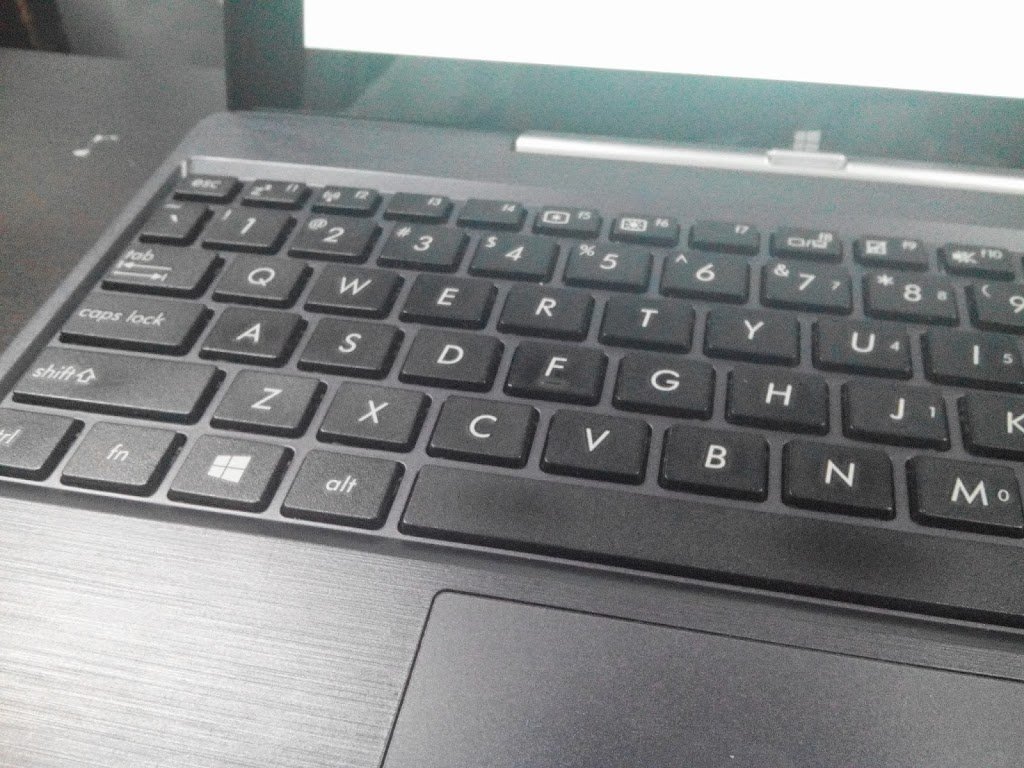
The keys of the ASUS Transformer Book T100 was smaller than I expected. If you’re always typing on a full size keyboard keys, you have to get used to the small keys of the ASUS Transformer Book T100. But don’t worry, the keys aren’t that really small, it is still comfortable to type on once you’re used to it. The trackpad was also a pain to use because of its small size and most of the time, the touchpad mistakenly recognizes it as a Windows 8 gesture because of the small trackpad. Another thing that I hate in it is that the rubber on the sides of the keyboard dock was only glued and it was easily removed. And now, I can’t find those rubbers. I don’t even know when and where I lost them.

There’s a Windows logo on the tablet but that doesn’t work as a capacitive start button. Instead, the start button was placed on the sides of the tablet just below the volume rocker. It’s real bummer. They should’ve removed the Windows Logo on the front. The buttons on sides of the ASUS Transformer Book T100 are too soft whenever I pressed them. I don’t know why but it seems annoying to me as I have to press it harder.

On the other side you got the MicroUSB, Micro HDMI, MicroSD card slot and the Audio jack. I notice that the MicroSD card wasn’t really inserted inside when you put a MicroSD card in it. The MicroUSB is use to charge your tablet but it can also be use for OTG. While there’s one Full USB 3.0 on the keyboard dock which will give you full USB 3.0 speeds (Duh!).

ASUS Transformer Book T100 used a 10.1” IPS display with 1366×768. The numbers might not be impressive but the display of the ASUS Transformer Book T100 was pretty good. The sunlight legibility wasn’t that great but I was still able to read the e-book that I’ve been checking out outside at the middle of the day. But yeah, the glare is very noticeable on the tablet’s display. The viewing angles and the colors of the display was great. Some of you guys might be disappointed with the pixel density, but don’t worry, the 1366×768 still looks good to me. Actually, I was expecting a crappy display on this tablet, but I was wrong. But of course, most of the other displays that has a higher pixel density are still better than this one.

Another thing that you would surely love on this tablet is the audio. This is the tablet that has the loudest speaker that I’ve tried. And yes, I’m still wondering how did the ASUS Transformer Book T100 did that.  Unlike other Windows 8 devices, the ASUS Transformer Book T100 doesn’t use a proprietary charging port. Instead, it uses the MicroUSB and it was really frustrating. The 2.1A isn’t fast enough to fully charge a drained ASUS Transformer Book T100. It took me around 5 hours before I was able to fully charged this drained device. But don’t you worry about the battery life because I was able to use it for 8 hours at average use at 50% brightness while it took me 4-5 hours of desktop gaming before I was able to sucked out all of its juices.

The ASUS Transformer Book T100 is already running Windows 8.1 out of the box. The good thing that I like with this device is that it comes with a full version of Microsoft Office 2013. Yep, no need to pirate or buy one from stores and there’s a free 100 GB storage for 1 year at ASUS Webstorage. But I don’t need that one anymore because I already have a Dropbox and Skydrive account.

Just like Windows Phone, Windows 8 is still struggling for apps. There are only a few Modern/Metro apps and games that are available for the Windows 8 on the Windows Store but unlike Windows RT, you could run desktop applications and games on this tablet. Some of the applications that I installed on the ASUS Transformer Book T100 are Adobe Photoshop CS6 and Adobe Lightroom 5.2. And yes they’re working pretty well but of course, rendering large images would take some time to load.

It’s the first Windows 8.1 device rocking a Bay trail processor that I’ve tried. To give you a little info about the ASUS Transformer Book T100, it is powered by 1.33 GHz Quad-Core Intel Atom Z3740 Bay trail processor along with a 2 GB of RAM. I was disappointed that they didn’t used at least 4 GB in it since the last generation of Intel Atom devices used 2 GB too. The variant that are available in the Philippines are the 64 GB and the 32 GB + 500 GB HDD (Tablet dock) but the one that I got is the 64 GB variant.

I was very impress with the performance of the Intel Atom Z3740. Compared to its predecessor, this one uses an Intel HD graphics GPU compared to the PowerVR GPU which was used in the last generation that’s why there’s a big leap in terms of performance and gaming. Speaking of gaming, here are the list of games that I’ve tried on the ASUS Transformer Book T100:
  • NBA 2k14 (Lowest settings, Full screen 1368×768) – Playable 25-30fps
  • Devil May Cry (Lowest settings, Window Mode 800 x600) – Playable
  • Civilization V (Lowest settings at DirectX9, Full screen 1368×768) – Playable
  • Torchlight II (Medium settings, Full Screen 1368×768) – Playable
  • F.E.A.R. 3 (Medium Settings, 1024 x 768, full screen, All off) – Playable
If you’re planning on playing games that are older than 5 years old, you could probably play this game on the ASUS Transformer Book T100. The only problem that you would encounter with these desktop games are they aren’t optimized for touch devices. The only desktop game that is optimized for touch screens that I’ve tried is Civilization V. The rest? Well, you would want to keep the keyboard and a mouse with the tablet to play on this device. In case you’re wondering, the graphics of these games aren’t that bad thanks to the screen size of the tablet.

Don’t worry about the heat, the Intel Atom processors aren’t really that hot when playing these games but of course, when you’re playing these games, the tablet would be warmer. Look, the performance of the bay trail processor inside this tablet is comparable to a Core 2 duo laptop. Remember, this is a full fledge Windows 8 device so whatever Windows application that you install on this device, it would probably work on the ASUS Transformer Book T100.

What I love about this device is that it focus on productivity. The Android and iPads are really meant for portability and apps but with this device, you would be able to run most desktop apps that you’re probably using for work like Outlook 2013. If you’re a fan of most desktop games, well, you would probably like this device. Why? C’mon, try getting an iPad or an Android tablet. What would you play on it? The mobile version of NBA 2k14? Pfft, the ASUS Transformer Book T100 can run the PC version of NBA 2k14.

The ASUS Transformer Book T100 revives the lost soul of netbooks. The experience and feel might be like a netbook but the convertible changed it all. The ASUS Transformer Book T100 satisfies your need for a tablet and a laptop into one. The real game changer here? It’s the price. The ASUS Transformer Book T100 starts at P23,500 it comes with a keyboard dock and it has a storage of 64 GB. This is even cheaper than most ASUS Android offerings with keyboard. ASUS really want to push down the prices of Windows 8 tablets. They’re pressuring other companies to do the same too.

This device is a game changer. Look guys, if you want a tablet that you’ll use for productivity and office, you might want to look at this device but if you’re into apps and mobile games better stay away to this and settle for and Android or iOS device. But hey! This tablet could run your favourite desktop games and this tablet is pretty powerful too. Your Android tablets and iPads can’t do that! Unlike other notebooks or ultrabooks, this may not be a desktop replacement but it’s a good convertible that you can use for office and casual gaming.
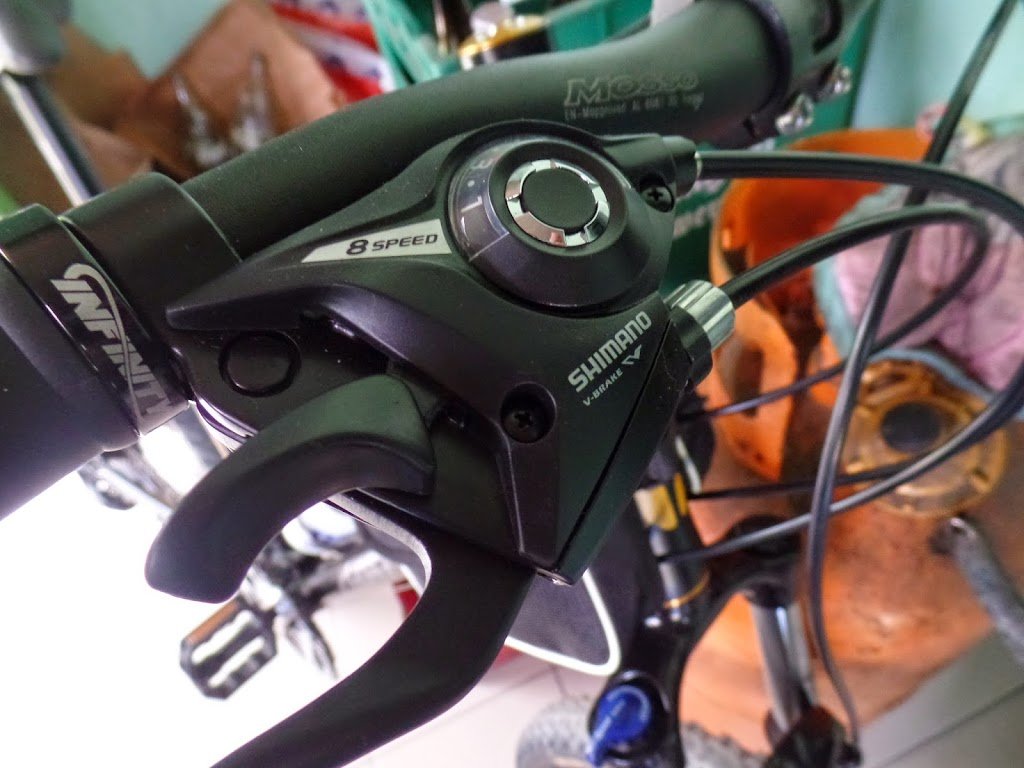
The ASUS Transformer Book T100 comes in two variants – 64 GB and 32 GB + 500 GB HDD on tablet dock. They are now available in the Philippines for P23,500

Ate with red hair not included in the box

JAM Online’s Tech Predictions for 2014

0

jam tech predictions

Yay! 2014! Yep, 2013 is about to end and we saw a lot of interesting technologies this year like the Google Glass. Some of the features like the 1080p display and Octa-core processor which can be found on some flagship smartphones were introduced this year. How about 2014? What are the things that we could see next year? Well, here are some of my predictions for 2014.
More wearable devices

Smartwatches are just the start. Actually, I’ve been using a smartwatch for over a year now – the Sony Liveview. The device is old and it needs a lot of improvement but this year, we’ve seen a lot of new wearable devices like Google Glass, Qualcomm Toq and the Samsung Galaxy Gear. This year? I expect that more affordable wearable devices would be appearing especially on CES this January 2014. Smartwatch might be a trend on 2014 but I’m hoping that more Google Glass-like devices would be appear.

More tablets from local brands

This year, Cherry Mobile announced the most affordable Quad-Core tablet – the Cherry Mobile Fusion Bolt. The performance was somehow disappointing but their recent releases were quite good like the Cherry Mobile Odyssey. Starmobile tablets were pretty good too and they even release a tablet with a TV. I expect that more tablets would be coming from local brands on 2014.

Curve devices

We saw the LG G Flex and the Samsung Galaxy Round this year. Yep, those phones have curve displays. We might see this feature on their next flagship phones. We might also see the LG G Flex’s flexibility and its scratch resistant body to its next flagship.

2014 is really exciting especially this January because a lot of new devices and gadgets would be introduce at CES 2014 that will happen in Las Vegas. On February, I expect that more mobile devices would be launch at MWC 2014 in Barcelona.This 2014, I am really hoping for more innovation on technology. I hope that companies would focus on innovation rather than suing each other. But yeah, I’m really excited with wearable devices.

Cherry Mobile Burst 2.0 Review

0


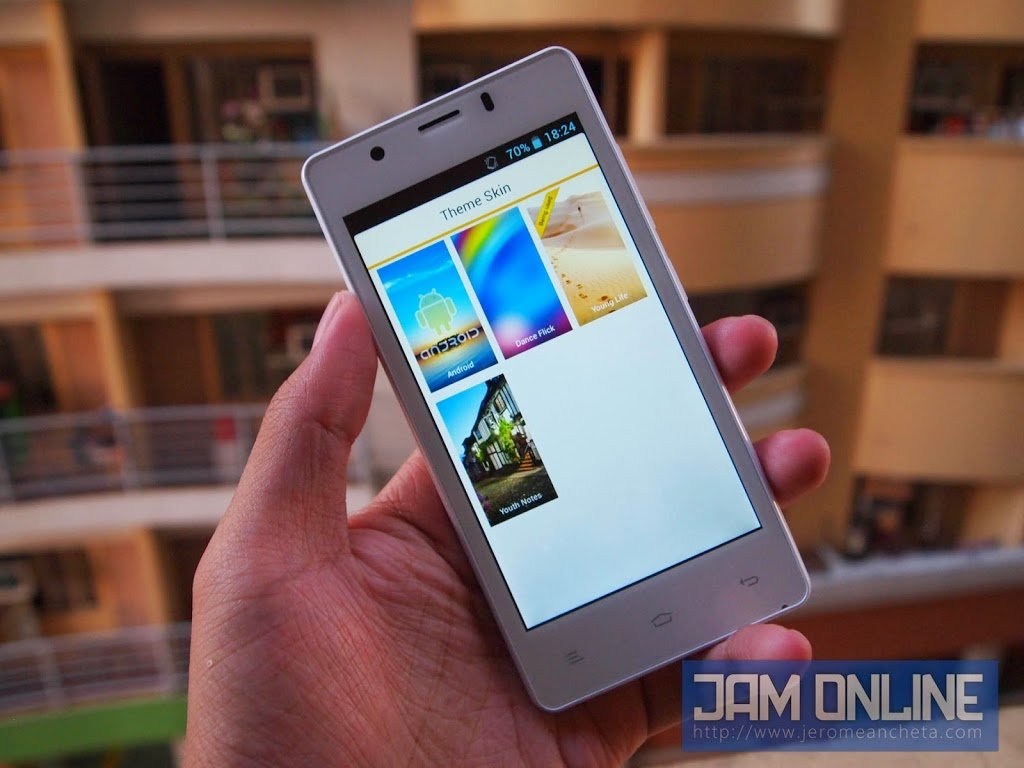
Christmas has ended, probably you’re looking for a new and affordable phone right now. If you’re looking for a smartphone that is below P5,000, you might want to look at the Cherry Mobile Burst 2.0 why? Because it is priced below P5,000 but the specifications of this phone is quite good enough. Yes, the Cherry Mobile Burst 2.0 is running on a quad-core processor. Why don’t you check out how the Cherry Mobile Burst 2.0 fares in my review after the break.

Just like the first Cherry Mobile Burst, the Cherry Mobile Burst 2.0 still have that curvy body which feels a little bit awkward especially when on landscape mode. The curves at the lower part of the phone distract me from playing games when in landscape mode. The bezel on the lower part and the curves are really big which annoys me very much. Actually, the front of the Cherry Mobile Burst 2.0 looks like larger Cherry Mobile Burst.


At the back, you’ll see the rear cover that looks like it was divided into two. But it’s not. The speaker can be seen at the lower part below the logo of Cherry Mobile. I actually had a hard time removing it, but of course, it wasn’t really a big issue for me. I really like the rubber-like texture of the back because it adds more grip into it. Another thing that I notice on the phone is that it looks taller and the bezel on the sides aren’t that big.

One of the biggest disappointments on the Cherry Mobile Burst 2.0 is the display. The viewing angles were pretty bad. The sunlight legibility wasn’t that good too. I wish they put in an IPS display on the Cherry Mobile Burst 2.0. But the Cherry Mobile Burst 2.0 has a large enough display for your gaming needs, worry not about the resolution, it isn’t that bad for its size.
All the connectivity that you’re looking for a smartphone is here except LTE and NFC but that’s expected already. Unfortunately, only one of its Sim card slot can be enabled with 3G. Inside the phone is a 4 GB storage which is probably not enough especially when you love to install games and apps so I strongly recommend you guys to buy an SD card for your media files or if you’re brave enough, just root the phone to do a lot of things with it. But remember, rooting your phone will void your warranty.

The battery of the phone is rated at 2000mAh and I was not surprised that the Cherry Mobile Burst 2.0 performs really well than I expected. The Cherry Mobile Burst 2.0 lasts more than a day of average use. There’s a little bit of browsing using WiFi and a few minutes of gaming. The battery life of the phone was pretty well.

The audio quality of the phone isn’t the best that I’ve heard but it is already acceptable. I expected it to be more crisp and clear. Anyway, the Cherry Mobile Burst 2.0’s audio quality isn’t its best feature. The Cherry Mobile Burst 2.0 doesn’t really boast a special feature so don’t expect too much from it.

There aren’t too much bloatwares on the Cherry Mobile Burst 2.0 which was quite good.
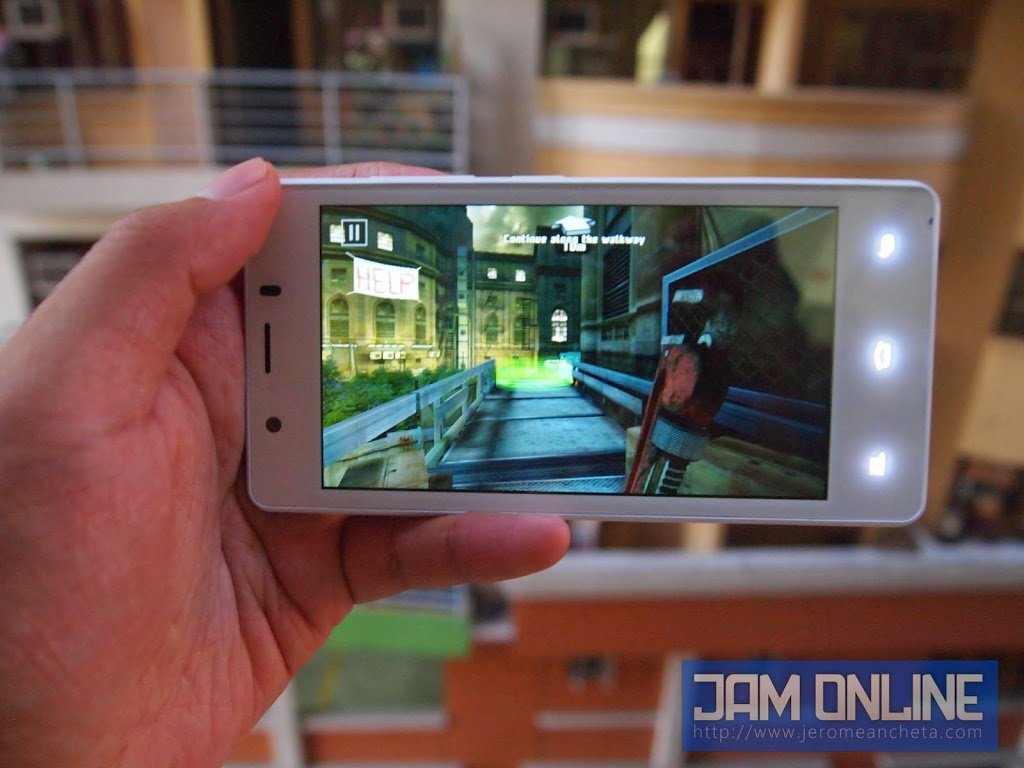
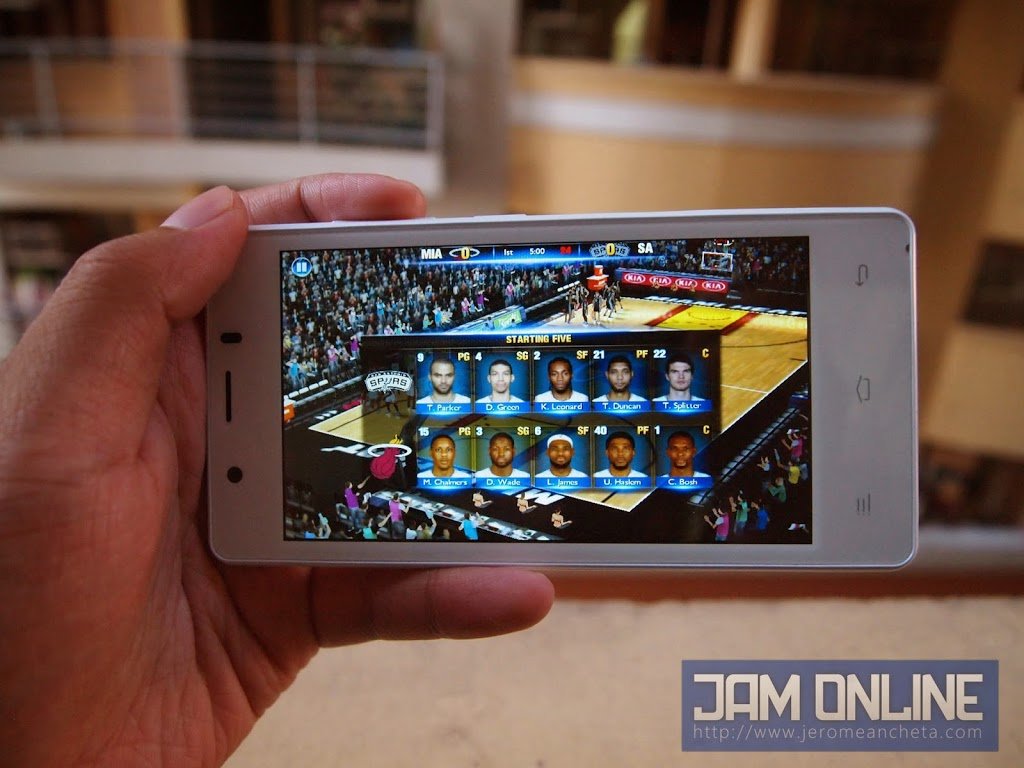
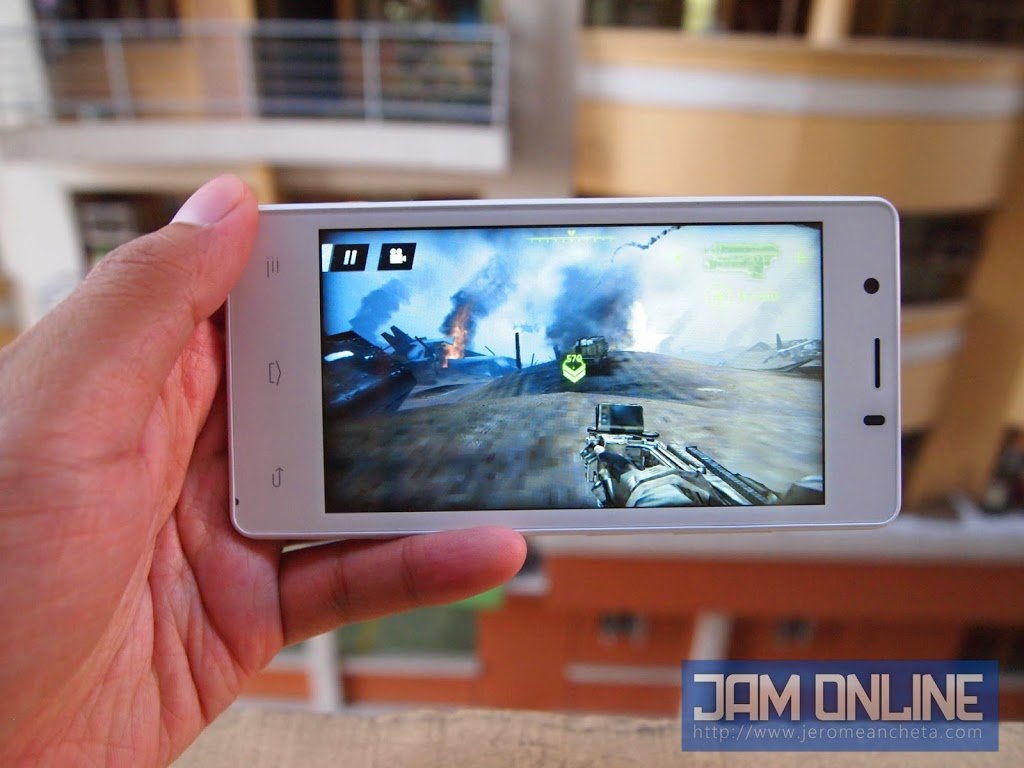
The Cherry Mobile Burst 2.0 doesn’t run on the latest Android but we don’t care much about that as long as the Cherry Mobile Burst 2.0 can run games really well. And yes folks, most of the games that you want, could probably be played on this smartphone. One of the most popular 3D game in the Play Store right now is Dead Trigger 2 and it runs pretty damn well without lags thanks to the Quad-Core MediaTek processor but don’t get fooled with that because when you’re playing Real Boxing and Asphalt 8, you might feel the need for more power because you can’t maxed out the settings at Asphalt 8 (You’re probably at low-mid settings for the burst 2.0) and you wouldn’t feel the smooth frame rates at Real boxing.

I wasn’t disappointed with the 512 MB RAM inside because of its price. Remember, this phone is worth not more than P5,000 so don’t expect a high-end hardware in it. Anyway, the difference between a 512 MB RAM and 1 GB RAM was noticeable but don’t worry, guys, 512 MB RAM isn’t that bad and laggy.
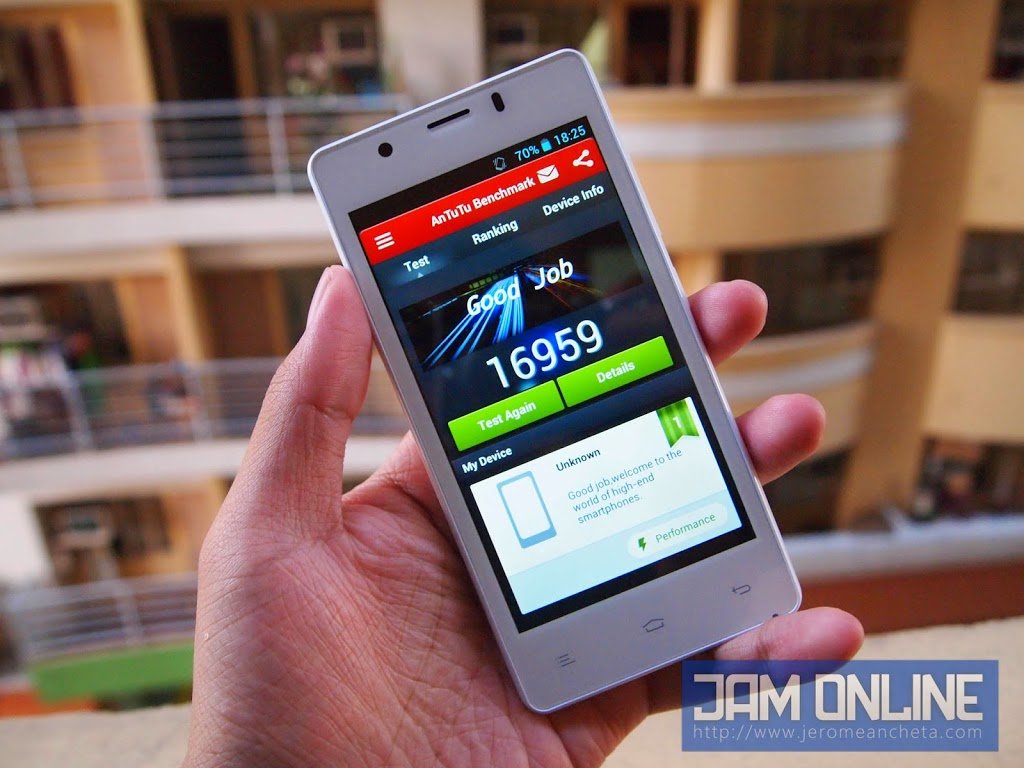
The Cherry Mobile Burst 2.0 got a not-so-surprising score of 13430 at Antutu. Remember guys, the Cherry Mobile Burst 2.0 has a WVGA display which means that it needs less power rendering because of its lower resolution. Yep, that’s why the Cherry Mobile Burst 2.0 got that score.


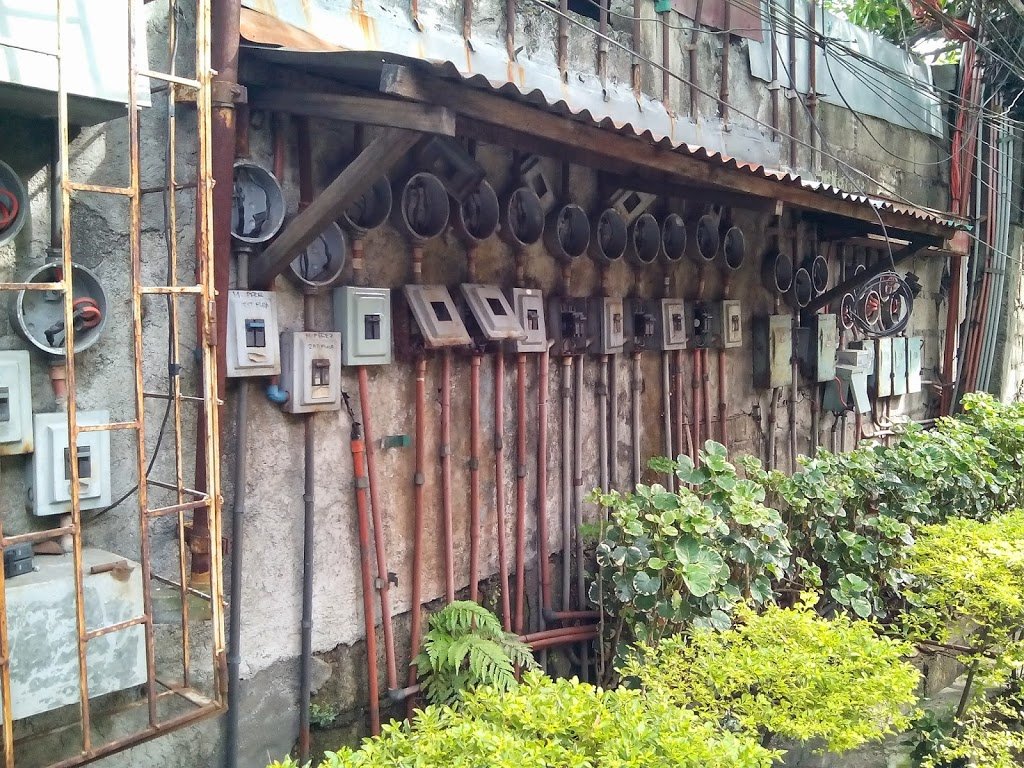
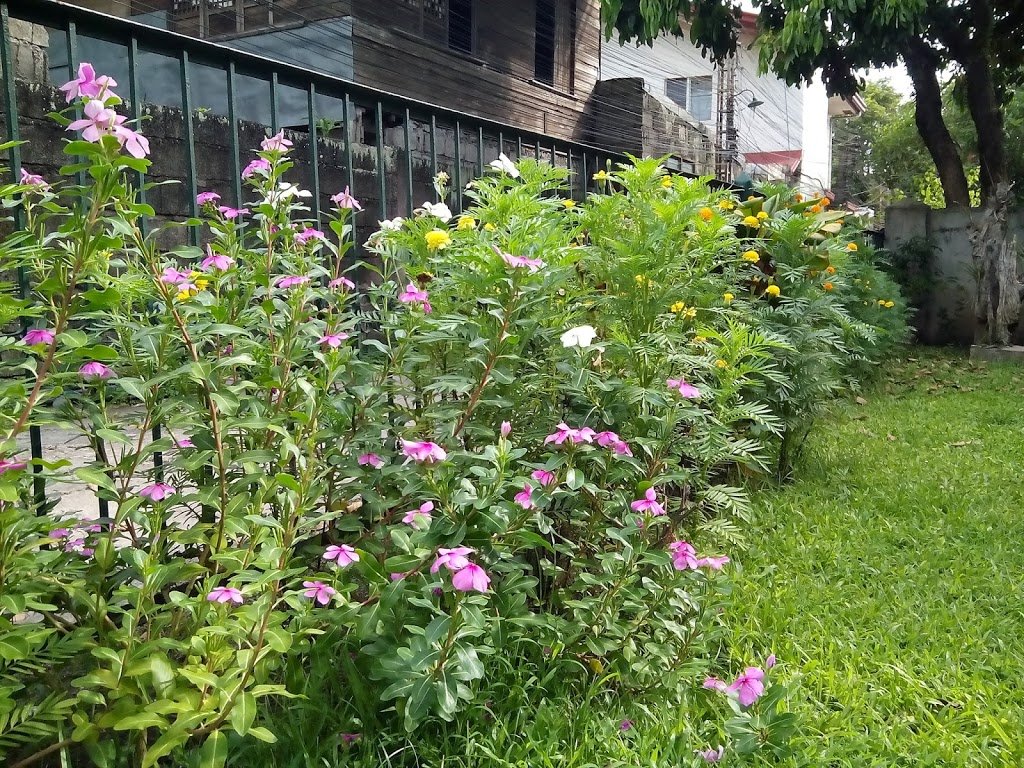
The camera of the Cherry Mobile Burst 2.0 wasn’t that good. The 5 Megapixel camera in it isn’t that good. The colors were a little bit washed out and the noise was very noticeable especially during lowlight conditions. The camera doesn’t have autofocus too. People who are into Macro shots wouldn’t probably like this phone. Here are some shots that I took using the Cherry Mobile Burst 2.0.

While here’s a HD video sample of the Cherry Mobile Burst 2.0. And as expected, the video sample wasn’t that good too. Check out the video sample below.

The Cherry Mobile Burst 2.0 might lack some features like the lack of autofocus and bad viewing angles but the price of the Cherry Mobile Burst 2.0 is certainly very attractive. They used a MediaTek processor instead of a Qualcomm processor which was a nice choice if you’re into performance. If you love instagram and the camera is a big deal to you, better stay away to this phone but if you’re on a low budget and you prefer having a phone with a large screen with a better performance than the Qualcomm MSM8225q processor, you might want to add this on your list. It is now available for P4,699.