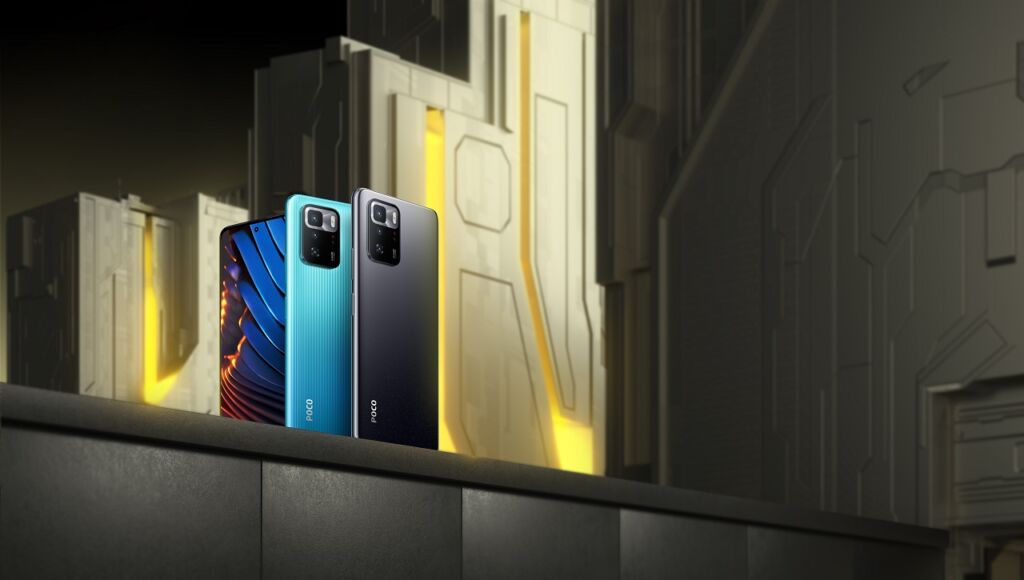
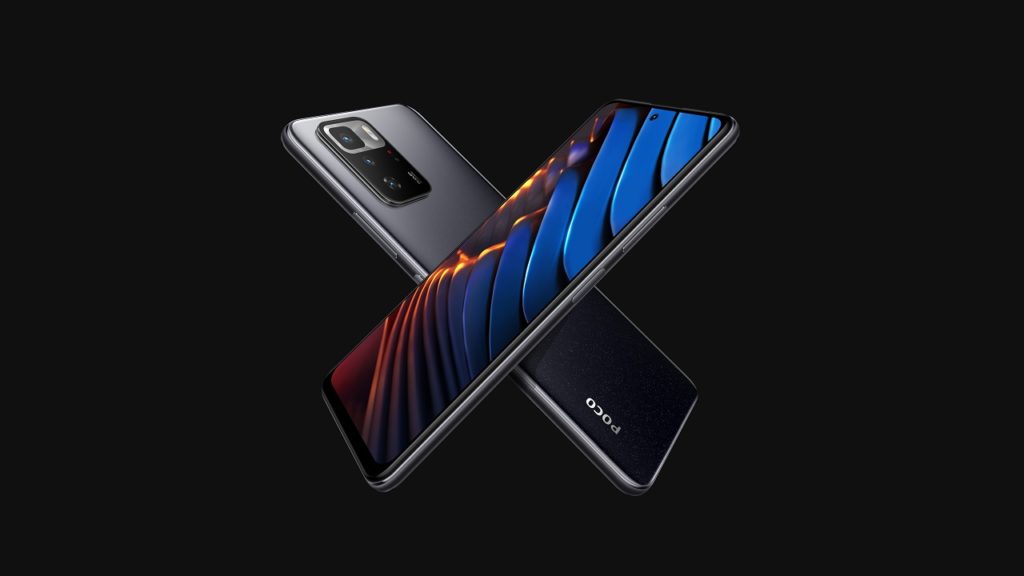
POCO has just launched their newest smartphone in the country — the POCO X3 GT. It’s the latest smartphone from the company that packs a MediaTek Dimensity 1100 chip which also comes with 5G and some cool features including 67W Turbo Charging technology and also the Corning Gorilla Glass Victus.
POCO X3 GT Specs
6.6-inch Full HD+ DotDisplay, 120Hz refresh rate
MediaTek Dimensity 1100 Octa-Core processor
8GB LPDDR4X RAM
128GB/256GB UFS 3.1 storage
64MP Main + 8MP ultrawide + 2MP macro
16MP Selfie Camera
Dual SIM, 5G
Side fingerprint scanner
67W Turbo Charging
5000mAh battery
MIUI 12.5 based on Android 11
The POCO X3 GT is really interesting thanks to its specifications since we got here a Dimensity 1100 which is one of the most powerful processors from MediaTek and then there’s the 6.6-inch display Full HD+ 120Hz which is perfect for gaming.
As for the battery, there’s the 5000mAh battery inside along with 67W Turbo Charging but the best part? the PRICE. The POCO X3 GT will be available in two variants — 8GB+128GB and 8GB+256GB with a price of Php15,990 and Php17,990 respectively. You can get it exclusively at Lazada.
You can get it this August 3 for Php14,990 and Php15,990 for the Global Open Sale and this August 10 for the local sale.
The Samsung Galaxy Z Fold2 is still one of the most unique smartphones in the market today as it features a foldable form factor which is still rare despite being a second-generation smartphone. When it was launch, I was one of the first ones to get dibs on the smartphone as I was really interested in the form factor, and today, I’m gonna share with you my experience with the Samsung Galaxy Z Fold2 after using it for 8 months
Solid and tough build
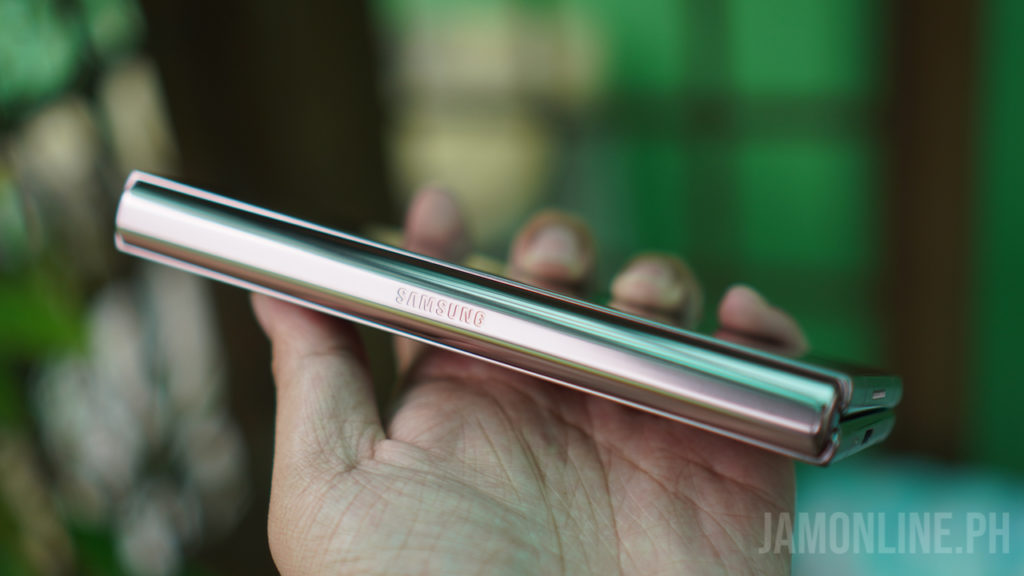
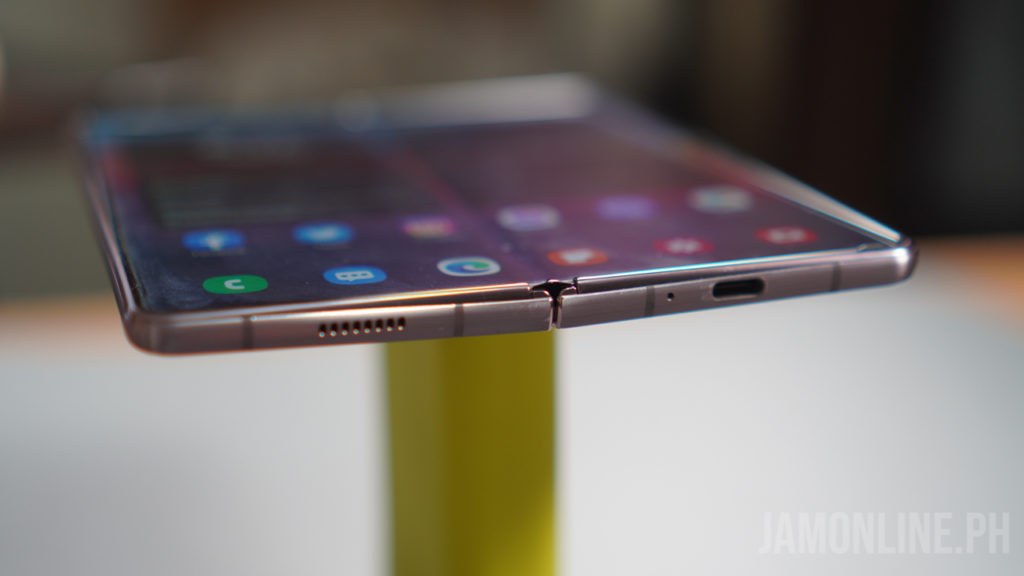
One of the main concerns of people who want to own the Samsung Galaxy Z Fold2 is the hinge and Samsung has improved it over the original Galaxy Fold and I mean, they really improve it as the hinge of the Samsung Galaxy Z Fold2 is capable of handling different angles. In my usage, the firmness of the hinge never changes despite using the smartphone for months, it doesn’t feel loose.
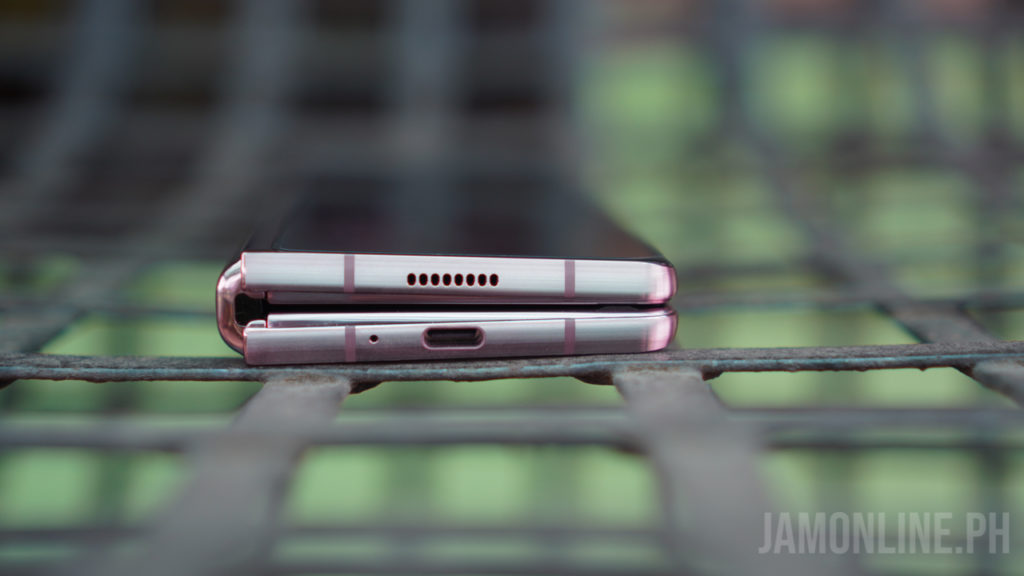
You might’ve read in a review before that there’s a gap inside the smartphone when closing it and honestly, I didn’t have an issue with it as the smartphone’s gap isn’t that big. The smartphone comes with Gorilla Glass 6 protection while the Gorilla Glass Victus protects the cover display of the smartphone and I dropped the smartphone without a case a few times and surprisingly, the glass was tough and it didn’t break but of course, I did see some scratches on the body of the smartphone. So I highly suggest that you get a case for the smartphone.
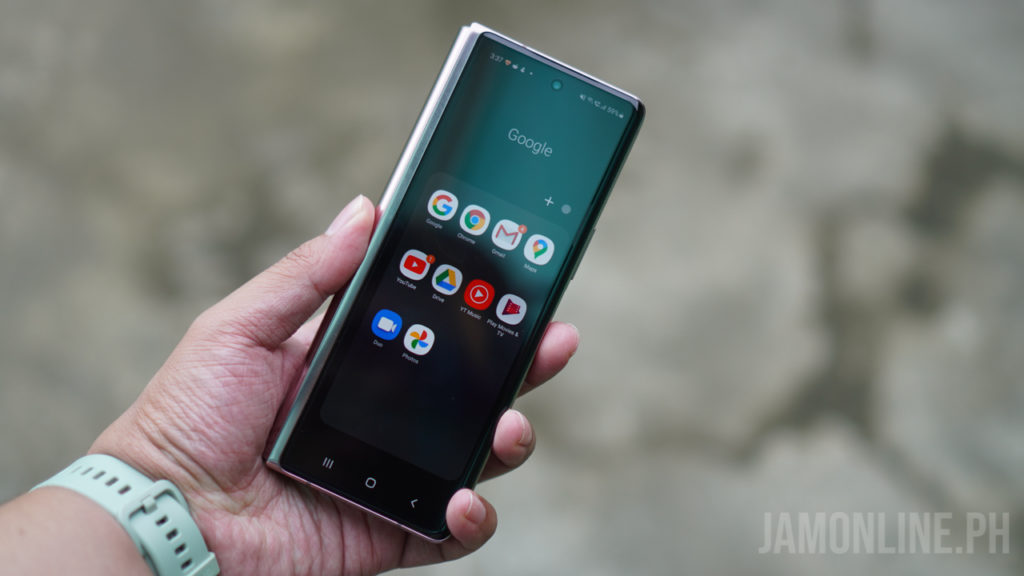
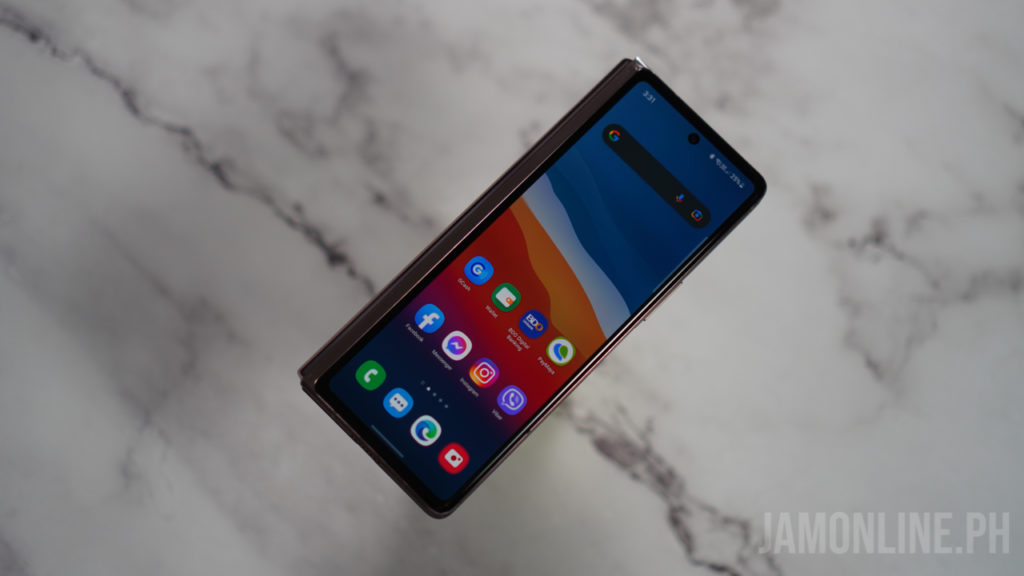
Despite being thicker than most smartphones due to its form factor, the Samsung Galaxy Z Fold2 can still fit in one hand when it’s closed and I can still type on it easily. The rounded edges and the hinge does help in the ergonomics of the smartphone.
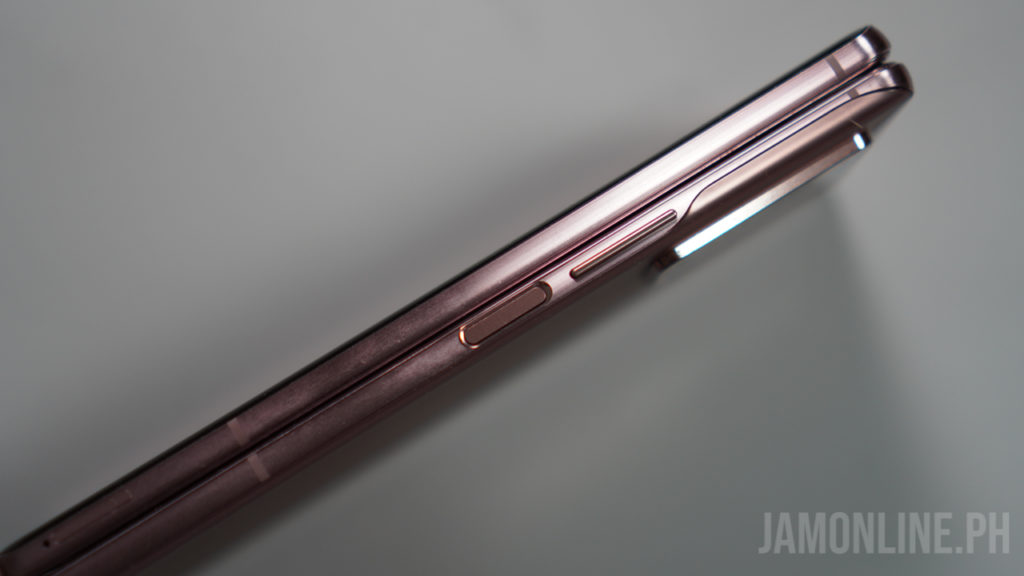
The fingerprint scanner is strategically placed on the side of the smartphone and it’s very easy to access and since this is also the fingerprint scanner, it’s way faster for me to unlock this compared to using an in-display fingerprint scanner on the smartphone.
As expected, there’s no headphone jack on this smartphone but the USB-C port is already enough for me as I’m using the Galaxy Buds Live for months now and it’s already enough for me but of course, your experience would be better if you have the Samsung Galaxy Buds Pro. Speaking of the USB-C port, unfortunately, the Samsung Galaxy Z Fold2 is still using a 25W charging so it still takes some time before you can fully charge your smartphone but thankfully, it supports wireless charging.
Flexible display
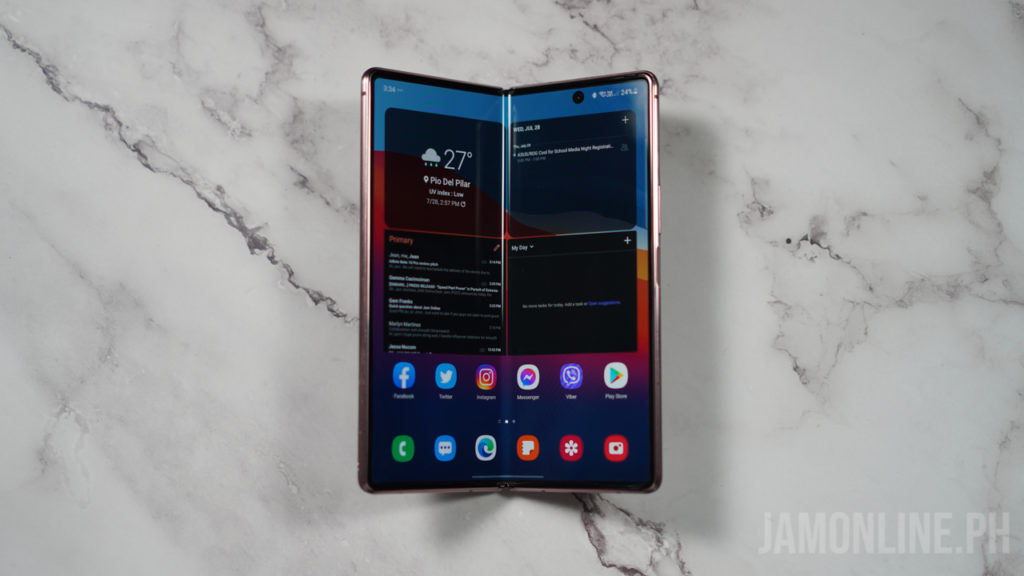
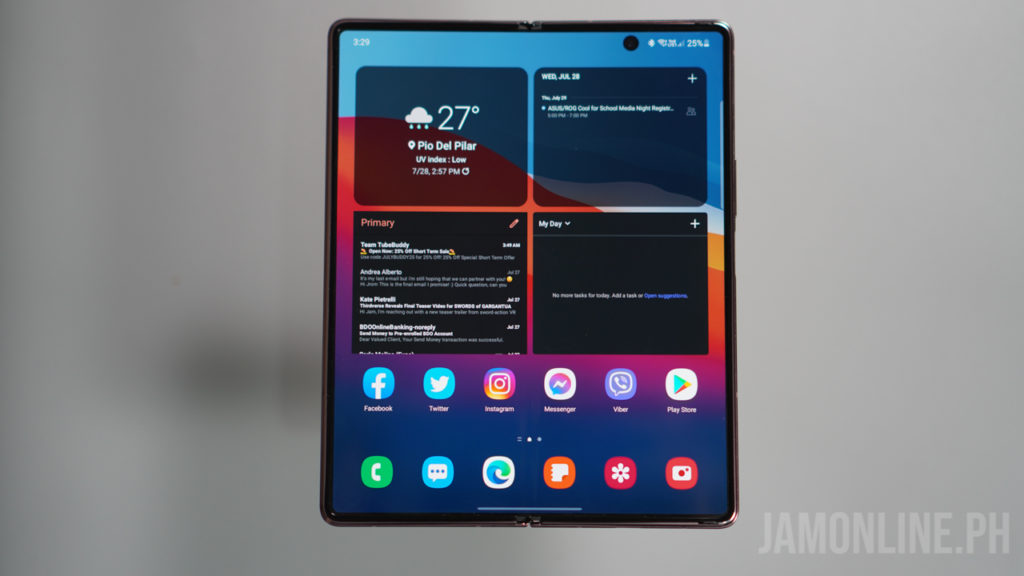
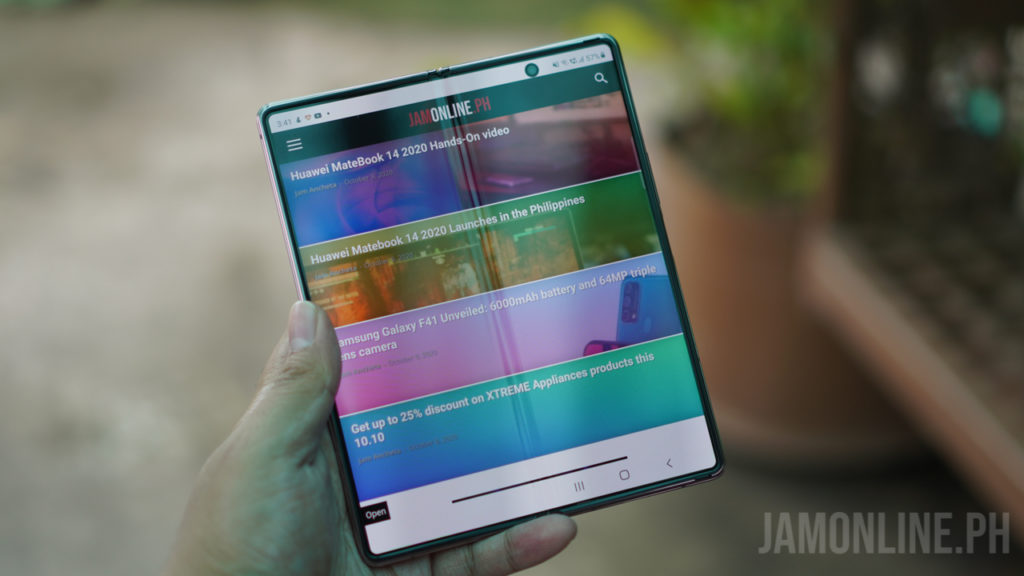
The displays are the main highlight of the smartphone. We got here a 6.23-inch cover display while the foldable display inside is a 7.6-inch display with a 120hz refresh rate and honestly, I didn’t mind the 60Hz refresh rate on the cover display of the smartphone and as for the crease in the foldable display? Well, I already got used to it and it isn’t as bad as you think it is. I actually forget that there was a crease in the middle after some time of using it.
Of course, the colors on the main display were great despite being a foldable smartphone and it was usable even under direct sunlight. The colors were great and there were no damages or even discoloration despite using the smartphone for months. The crease of the smartphone also didn’t change.
Flex mode
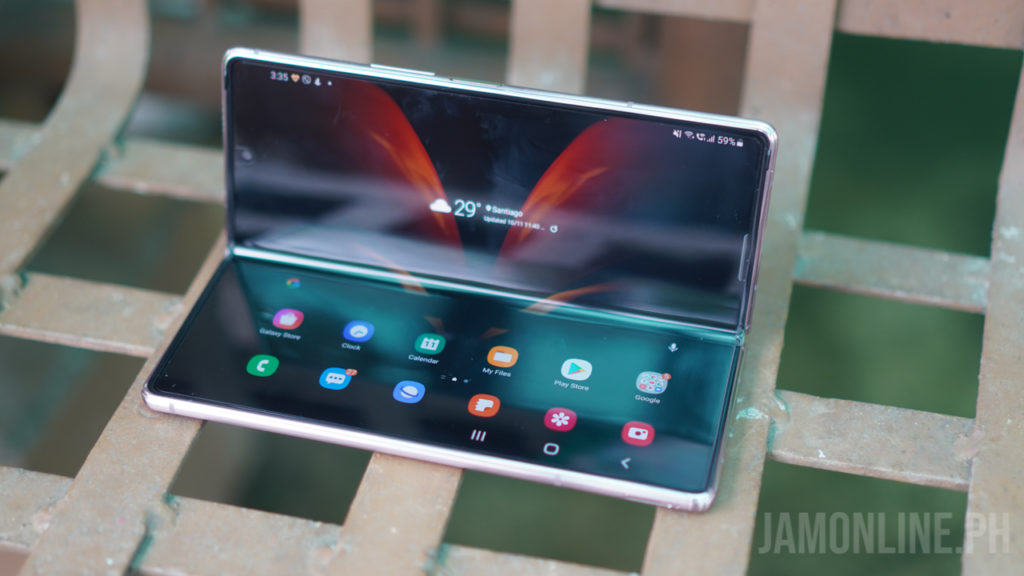
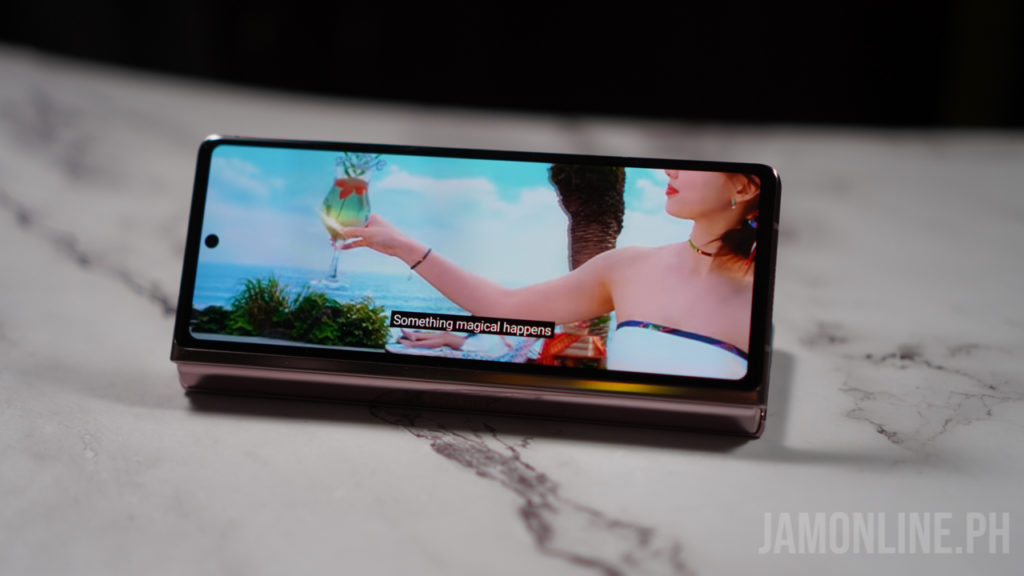
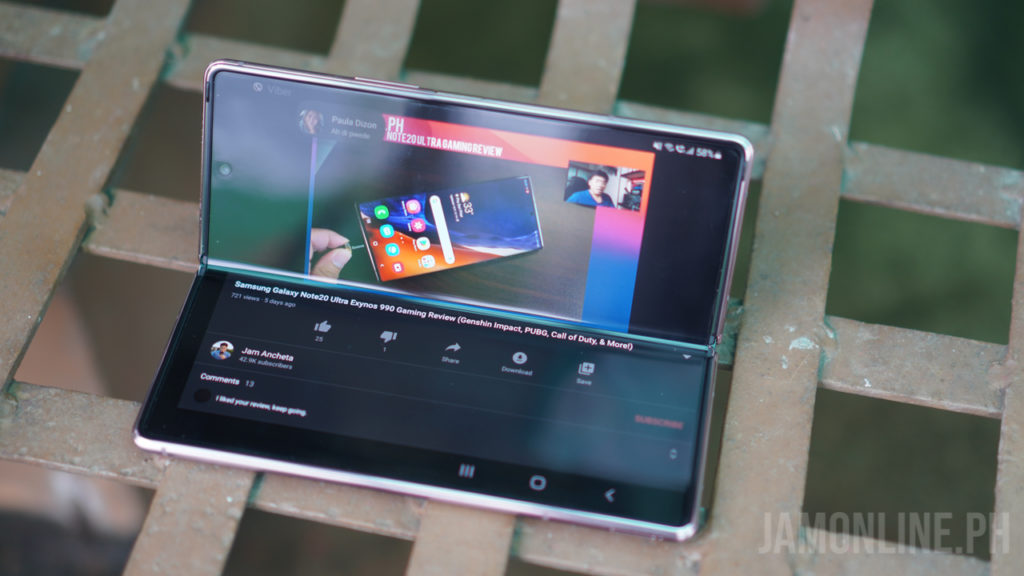
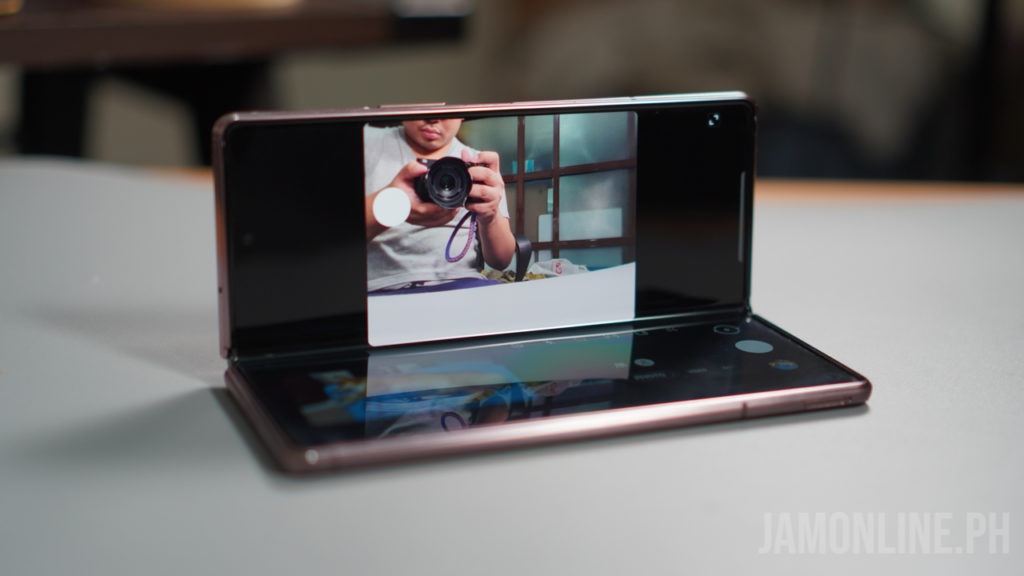
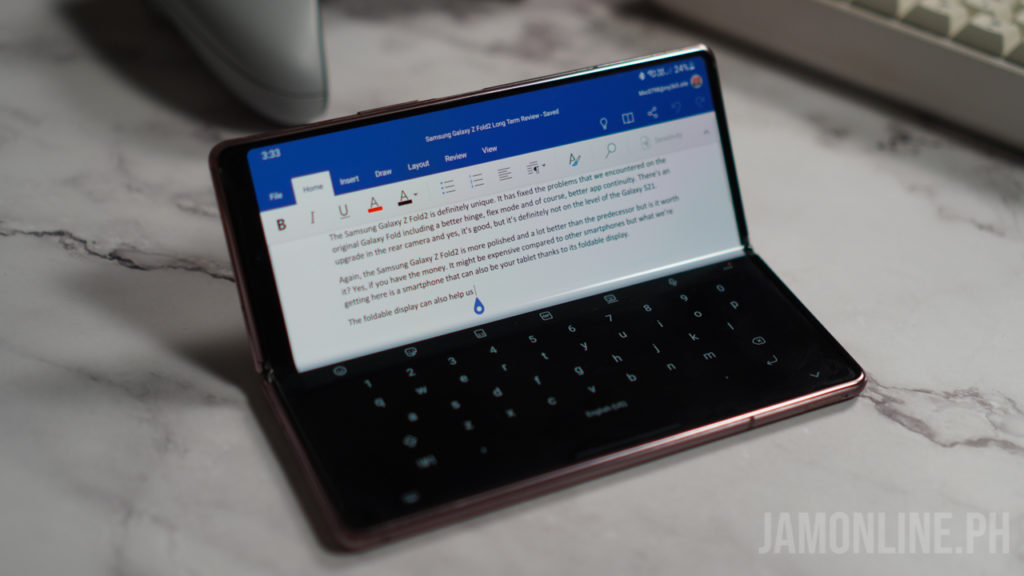
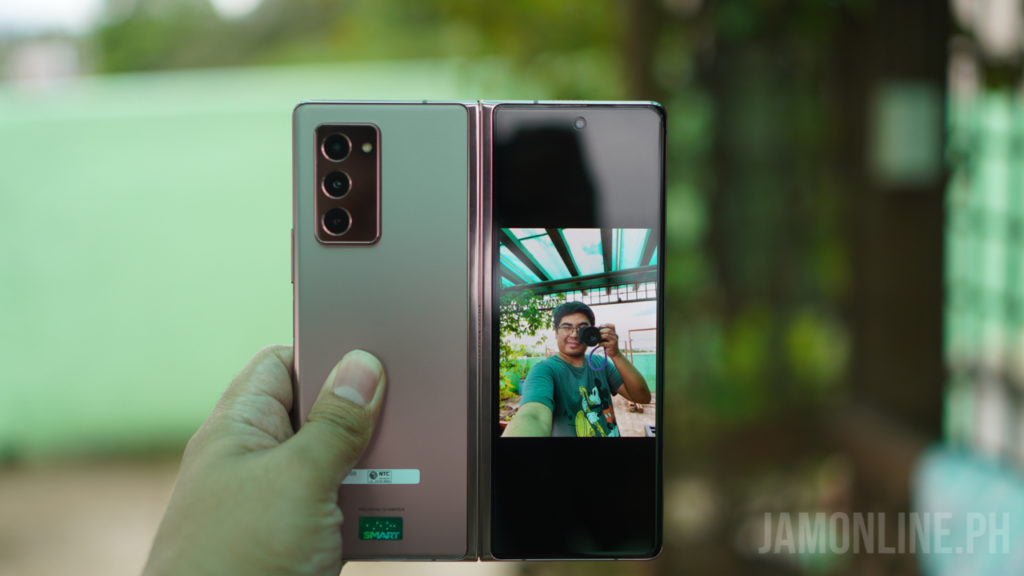
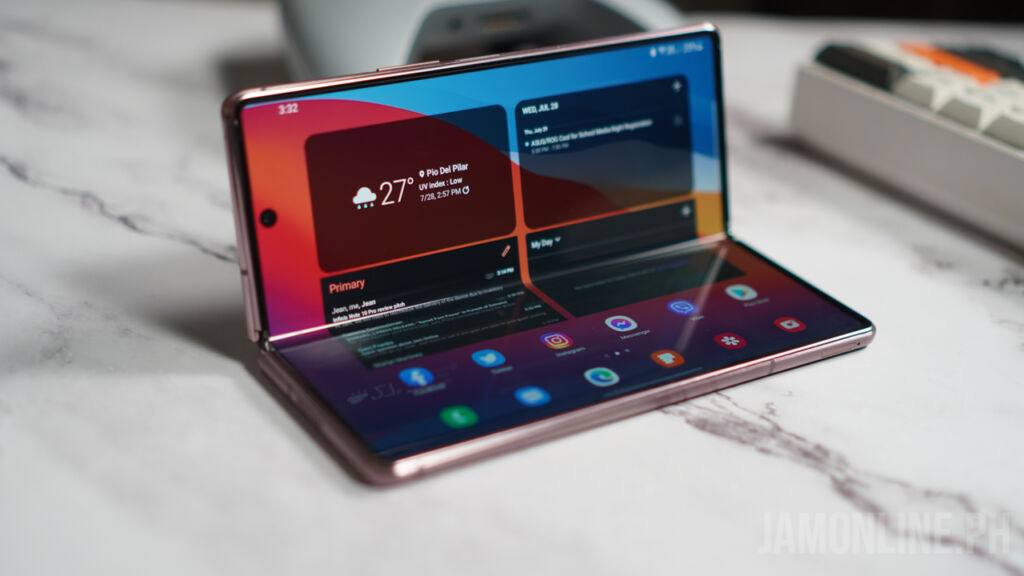
The Flex mode was one of the unique features of the Samsung Galaxy Z Fold2 and in my usage, this was really helpful especially when I’m taking photos or videos of myself so I don’t have to use a tripod anymore. It’s also perfect when checking photos and watching videos as I don’t have to hold the smartphone anymore when placing it on a flat surface
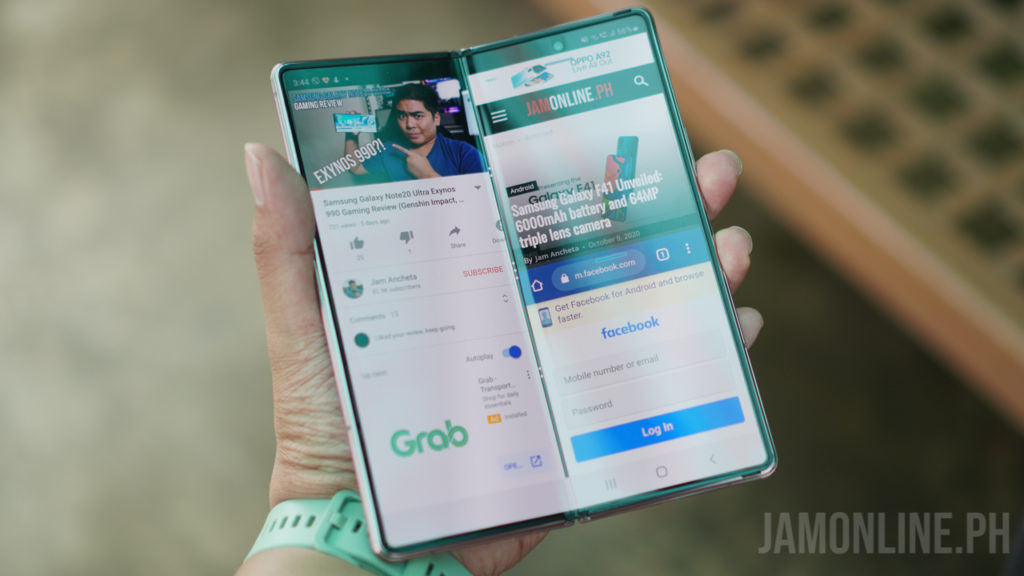
I installed the Nicelock and also the Multistar inside the application on the Galaxy Z Fold2 as I can customize my usage of the smartphone. Whenever I fold the smartphone I can use half the screen for one app and another for the other half. It’s perfect for me when I’m writing my reviews on a table and I only have my Z Fold 2.
Normal battery life
As for the battery life of the Samsung Galaxy Z Fold2, I’m just fine with it and the smartphone could last a day of normal usage for me but sometimes, I still bring a powerbank with me but compared to other flagship smartphones out there in the market, it’s still lagging at 25W.
Software and performance
The Samsung Galaxy Z Fold 2 comes in One UI 3.1 based on Android 11 and so far, I didn’t have any problems with it. Of course, the apps and look of the One UI are still the same but since this is a foldable smartphone, there are features that are exclusive to the smartphone including app continuity. Basically, when you open an application on the cover display, you can still continue using it on a larger display without problems.
My problem with the Galaxy Fold has been fixed too as apps don’t weirdly stretch anymore when opening it on the cover display then switching it to the foldable display. However, switching some app’s screen ratio from the cover display to the foldable display might require you to restart the game or app in case it’s not supported.
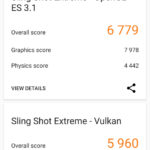
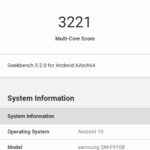
As for the performance, I’m really happy that they’ve used the Snapdragon 865+ on this one instead of the Exynos processor as the Snapdragon variant produces less heat and consistent performance, and in our benchmarks, I was pretty happy with the results that I got on the smartphone.
Screenshot 20201008 160842 3DMark
Screenshot 20201008 155721 Geekbench 5
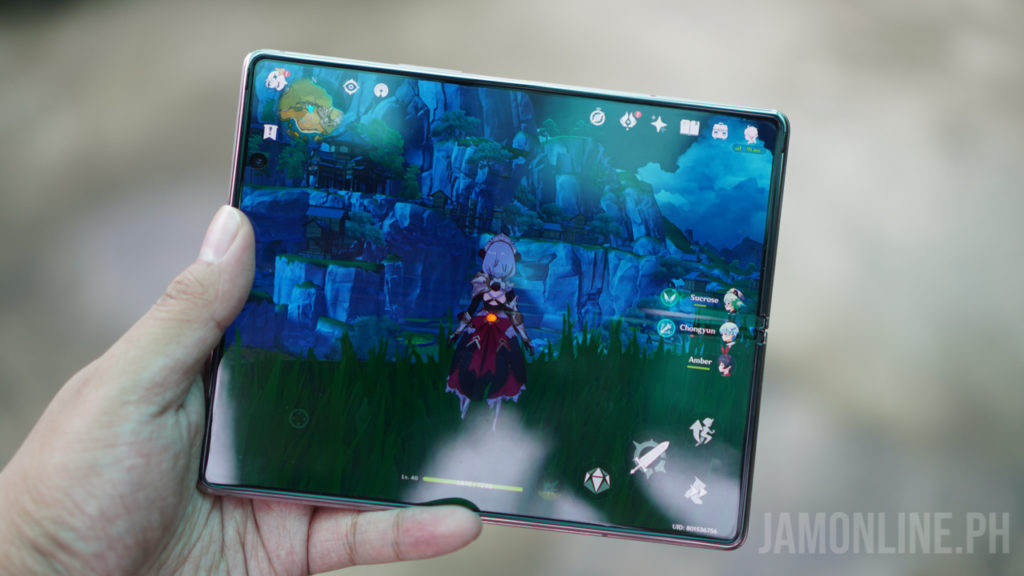
When it comes to gaming, the performance of the smartphone was really good and as expected, it was able to run all of the games that I want on the smartphone including Genshin Impact but of course, it was able to run at the highest settings however I notice that the FPS wasn’t consistent after some time of use which is what I expected on the smartphone for its specs.
Camera
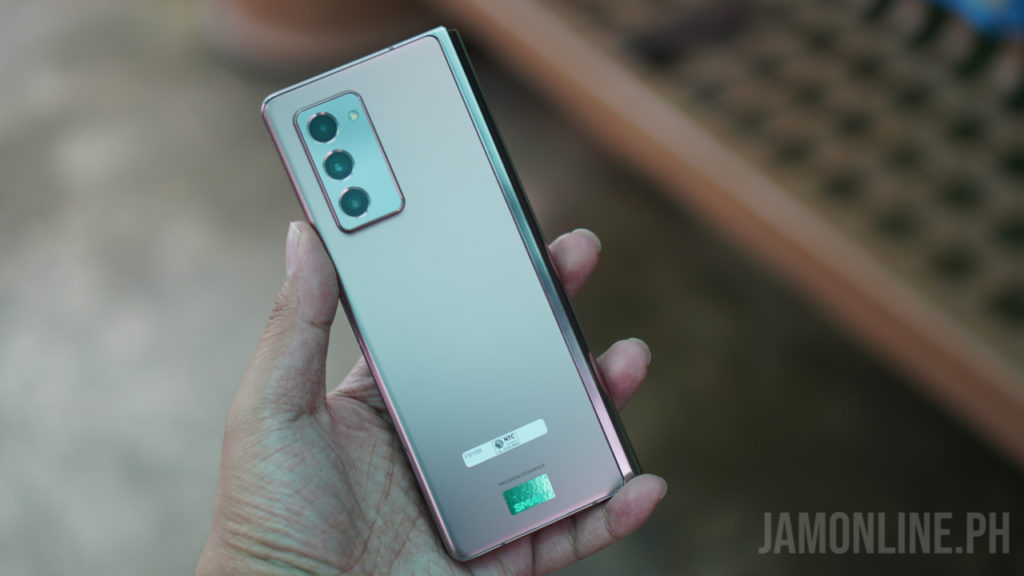
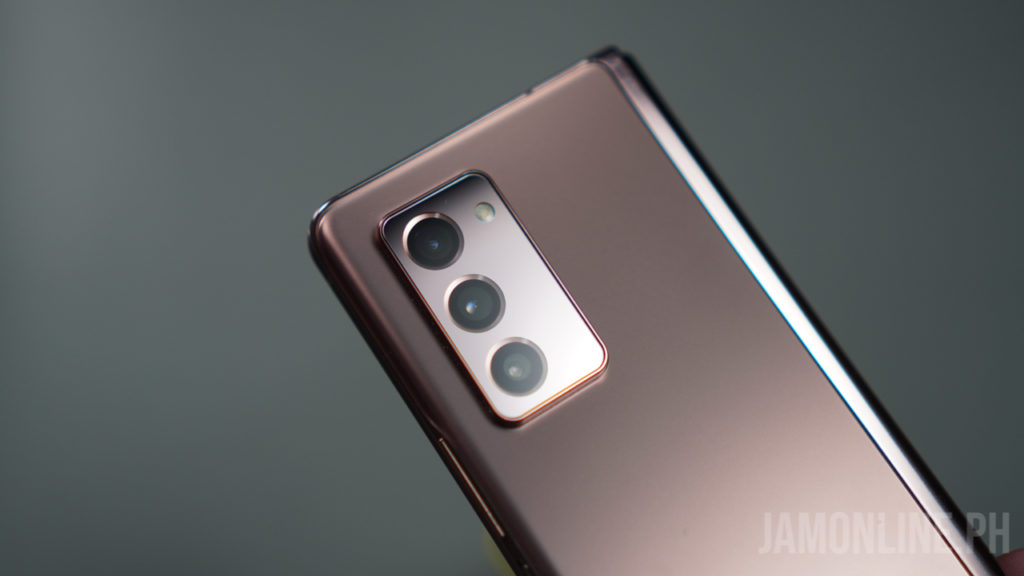
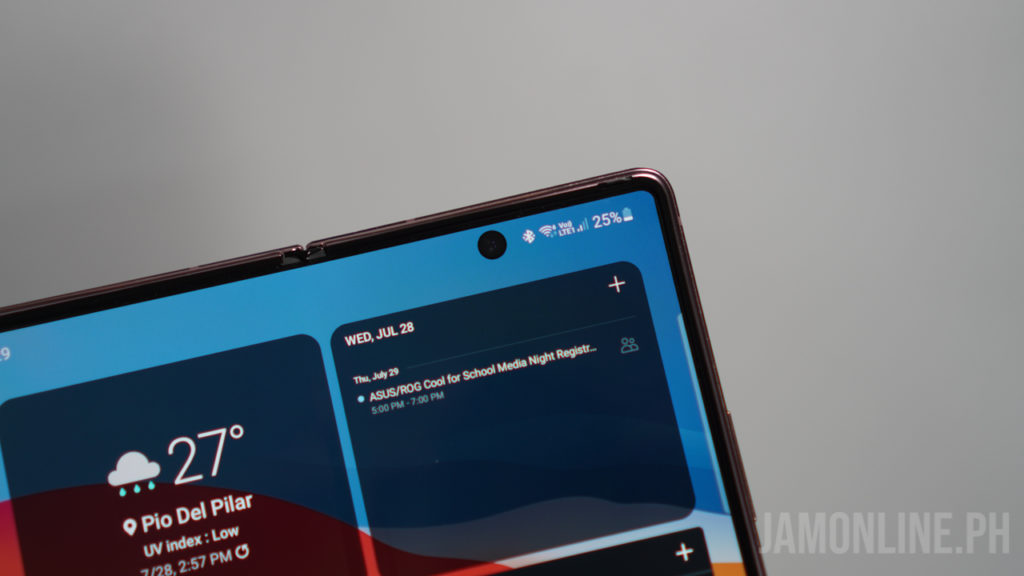
The camera of the Samsung Galaxy Z Fold2 isn’t on par with the one on the Samsung Galaxy S21 series and I’ve seen improvements after the updates on the smartphone. But first, let’s talk about the triple rear camera of the smartphone. There are three 12MP cameras which are wide, telephoto, and ultrawide. For the selfie cameras, there are two selfie cameras with one on the cover display and the other one on the foldable display.
As expected, the ultrawide doesn’t have the same quality as the main camera but the main camera of the smartphone does perform just fine, it’s just that it’s not the best one in the flagship segment.
Most of the shots that I took were just fine but I notice that it’s not the sharpest one out there and in low light, it doesn’t have the same quality that we’re getting on the Galaxy S21 series but hey, at least it’s still fine.
20201011 171744
20201017 201024
20210109 232417
20210203 190715
20210305 151544
20210506 130827
20210601 153334
20201008 103506
20201008 103524
20201011 134642
20201011 154031
20201011 154044
As for the selfie camera, there’s the 10MP selfie camera on both the cover display and the foldable display of the smartphone. I was happy with the selfie cameras on the smartphone and it was fine for video calls and selfies but again, it’s not the best out there in the market.
20210704 190055
20201221 211741
20210130 214032
20210316 161406
20210504 183909
20210528 125246
But the best part about it is that I can fold the smartphone and use flex mode with it. Not only that, because I can also use this so I don’t have to use a tripod for the smartphone anymore. I can take videos without problems on the selfie camera of the smartphone thanks to it.
Verdict
The Samsung Galaxy Z Fold2 is definitely unique. It has fixed the problems that we encountered on the original Galaxy Fold including a better hinge, flex mode, and of course, better app continuity. There’s an upgrade in the rear camera and yes, it’s good, but it’s definitely not on the level of the Galaxy S21.
Again, the Samsung Galaxy Z Fold2 is more polished and a lot better than the predecessor but is it worth it? Yes, if you have the money. It might be expensive compared to other smartphones but what we’re getting here is a smartphone that can also be your tablet thanks to its foldable display.
The foldable display can also help us be more productive and have more screen estate so we can see more and do more on the Samsung Galaxy Z Fold2.
Excited about the upcoming Shopee 8.8 Mega Flash Sale promo? Make sure you follow these five easy tips to enjoy exciting deals!
Shopee has shared five valuable tips to help you enjoy exciting promos at 8.8 Mega Flash Sale, such as Midnight Flash Deals, Daily Php8 Flash Deals, cashback, and FREE shipping with no minimum spend promo.
Follow these tips to maximize and enjoy your shopping experience:
BE ON THE LOOKOUT FOR DAILY FLASH DEALS
Shopee is set to hold several flash deals, hence, you should stay on top of these discounted items.
To make sure that you won’t miss out on your desired products, head to the Flash Deals tab and scroll through the products. On this page, you can also see the items scheduled for flash deals. You can also click on the Remind Me button to get a notification once it goes live.
Meanwhile, Shopee hinted that bigger flash deals will drop daily from midnight to 2 AM.
START ADDING ITEMS TO YOUR CART
Before the Shopee 8.8 Mega Flash Sale, hunt for your favorite product and add them to your shopping cart. This enables you to get the best deal and helps avoid running out of a discounted product that you’ve been eyeing for weeks.
TAKE ADVANTAGE OF FREE SHIPPING
Shopee will give away FREE shipping vouchers, so, don’t forget to visit the Free Shipping tab on the Shopee homepage to see when new free shipping vouchers drop.
SCHEDULE YOUR SHOPPING SPREES
Set reminders for themed sales. Here’s the schedule:
Shopee Mall Sale – July 26
Sports and Motors Sale – July 27
Shopee Beauty Day – July 28
Electronics Sale – July 29
ShopeePay Day – July 30
Home and Outdoors Sale – July 31
Shoes and Bags Sale – August 1
Toys, Kids, and Babies Sale – August 2
Groceries and Pet Care Sale – August 3
Fashion Sale – August 4
Mobile and Laptops Sale – August 5
GET MORE DEALS WITH SHOPEEPAY
Enjoy more exclusive deals when you use your ShopeePay:
Free shipping with a minimum spend of Php199
15% cashback
ShopeePay Php1 Deals
Php10 worth of data for only Php1
Up to 25% cashback on Bills Payment
Up to 20% cashback when you scan to pay with ShopeePay for COD orders with ShopeeXpress rider
THERE’S MORE!
Consumers also have a chance to win more ShopeePay credits when they join the #BudolFinds challenge on TikTok from July 26 to August 28.
To join, they simply have to buy products on Shopee, then shoot a creative 30-second review and include the hashtag #BudolFinds in the caption. The lucky winner will receive up to Php5,000 worth of ShopeePay credits.
So, what are you waiting for? Shopee 8.8. Mega Flash Sale runs until August 8 only.
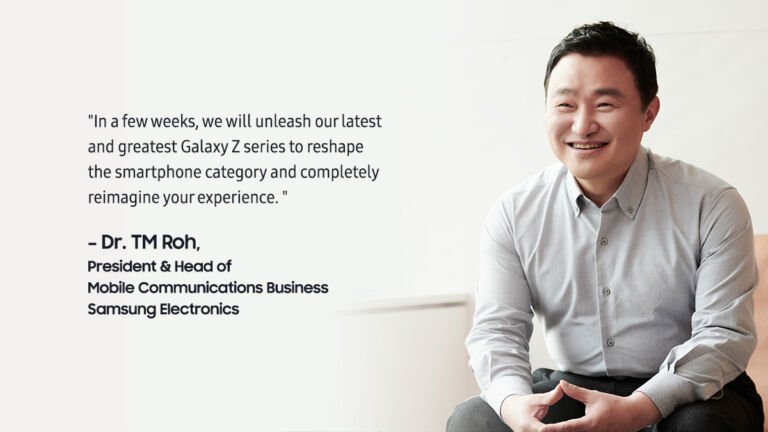
Samsung has confirmed that the next unpacked will now focus on the Samsung Galaxy Z series and there will be no more Samsung Galaxy Note series in this upcoming August Unpacked.
Not only that because they’ve also confirmed that the Next Samsung Galaxy Z fold will also support an S-Pen which paves the way of having the Galaxy Z Fold instead of the Galaxy Note as their next flagship device.
But of course, we can also expect stronger and durable materials for the Galaxy Z Fold and the Galaxy Z Flip.
A few weeks ago, we’ve also seen the leaked renders of the Samsung Galaxy Z Fold3 and the Galaxy Z Flip3 thanks to Evan Blass. The Galaxy Z Fold3 is expected to sport a new camera setup with the same foldable design with some improvements and then there’s the Galaxy Z Flip that will sport a bigger outer display.
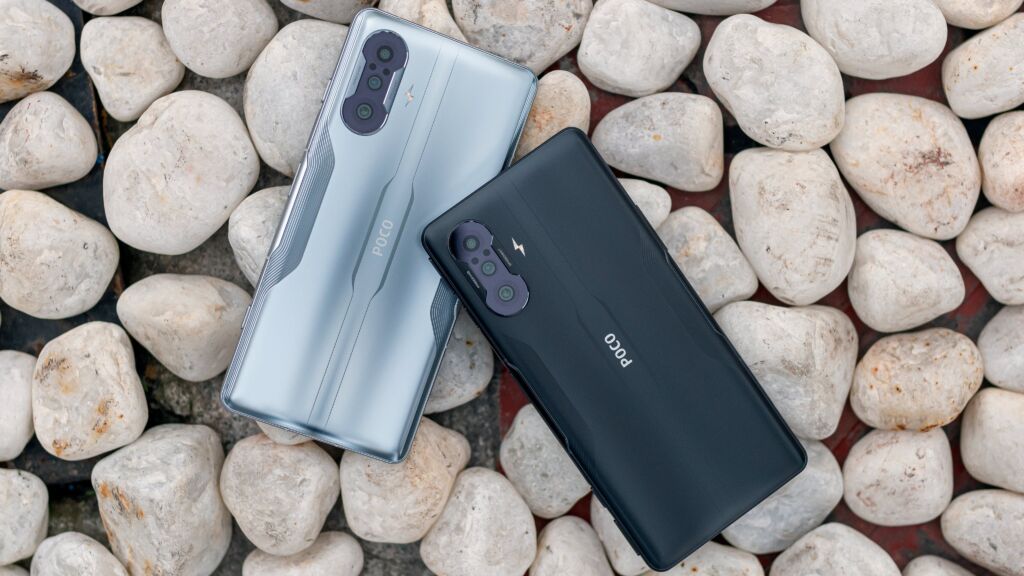
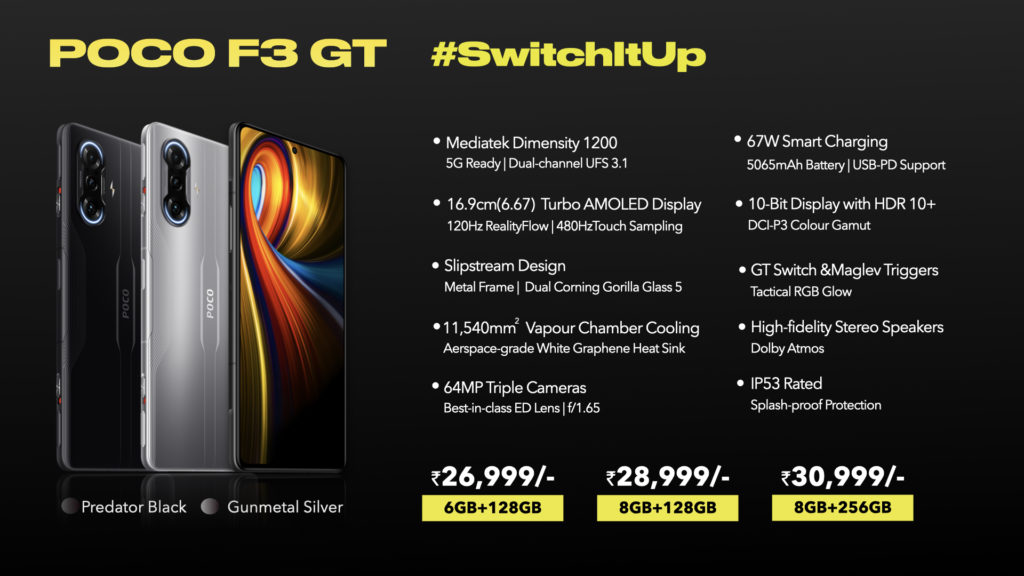
POCO has just unveiled their latest gaming smartphone, the POCO F3 GT and it packs the powerful Dimensity 1200 from MediaTek and it also features a MagLev trigger, a 10-bit AMOLED 120Hz display, and a vapor chamber cooling which is perfect for gaming.
64MP main camera + 8MP ultrawide camera + 2MP macro camera
16MP selfie camera
Maglev triggers
Vapor cooling chamber
67W Smart Charging
5065mAh battery
MIUI 12.5 based on Android 11
The POCO F3 GT focuses on performance thanks to its Dimensity 1200 processor inside. The vapor cooling chamber also helps in the thermals of the smartphone, especially when playing games and then there are the Maglev triggers on the smartphone which are physical trigger buttons for games.
The POCO F3 GT starts at INR 26,999 (Php18,239) for the 6GB+128GB and goes up to INR30,999 (Php20,941) for the 8GB+256GB.
The Bangko Sentral ng Pilipinas (BSP) has just issued an order to Lyka to suspend its operations as an OPS or Operator of Payment System.
However, BSP has invited the entity to register under the Republic Act No. 11127 or the National Payment Systems Act (NPSA). Lyka also expressed their willingness to register with the BSP as an OPS.
The BSP reminds entities operating a payment system to comply with the requirement under the NPSA and BSP Circular No. 1049 to register with the BSP. Circular No. 1049 provides for the Rules and Regulations on the Registration of Operators of Payment System. Registration of an OPS allows the BSP to have oversight of the payment system it operates to ensure that it functions safely, efficiently, and reliably by itself, consistent with the central bank’s objectives of consumer protection and financial stability.
Lyka is a social media platform that launched in the Philippines and it allows you to purchase, exchange and use gifts cards in GEMS as payments for goods and services.
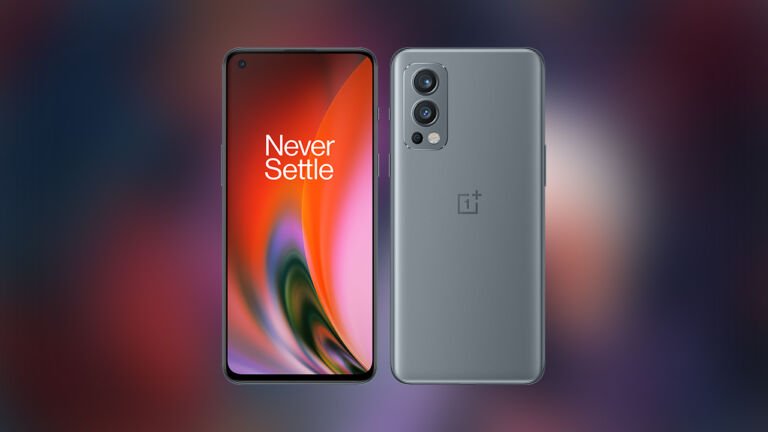
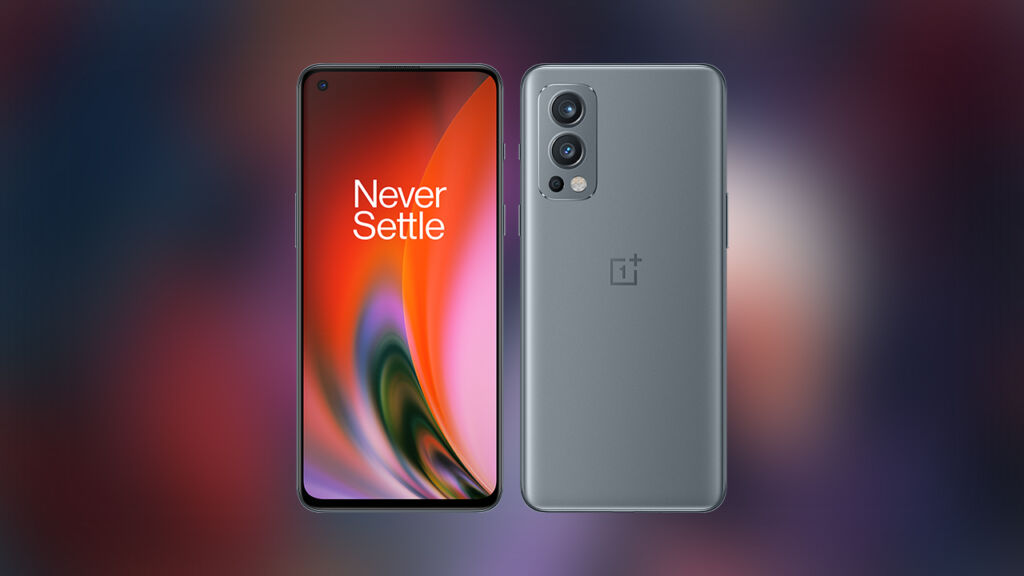
OnePlus has officially unveiled the successor to the OnePlus Nord and it’s the OnePlus Nord 2 and it comes with a lot of surprises as this smartphone features a Dimensity 1200-AI processor inside which is one of the most powerful MediaTek processors out there and then there’s the 6.43-inch AMOLED display with 90Hz refresh rate.
OnePlus Nord 2 5G Specs
MediaTek Dimensity 1200AI Processor
6.43-inch Full HD+ AMOLED Display, 90Hz refresh rate
8GB+128GB/12GB+256G RAM/ROM
50MP main camera + 8MP ultrawide + 2MP macro camera
32MP selfie camera
5G, LTE
In-display fingerprint scanner
65W Charging
4500mAh battery
OxygenOS 11.3 based on Android 11
The OnePlus Nord 2 5G will come in two variants in the Philippines — 8GB+12GB In Blue Haze and 12GB+256GB that will come in Gray Sierra. They are priced at Php21,990 and Php25,990 respectively.
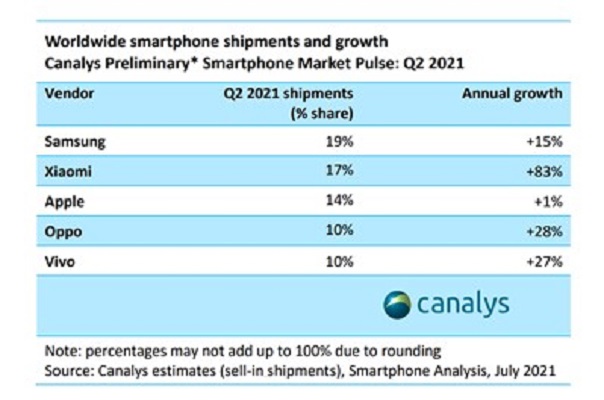
Canalys released their latest data, revealing the top five global smartphone brands in the second quarter of 2021.
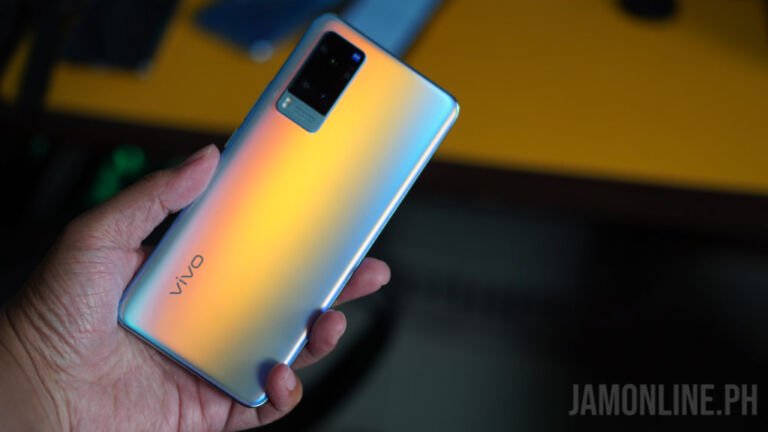
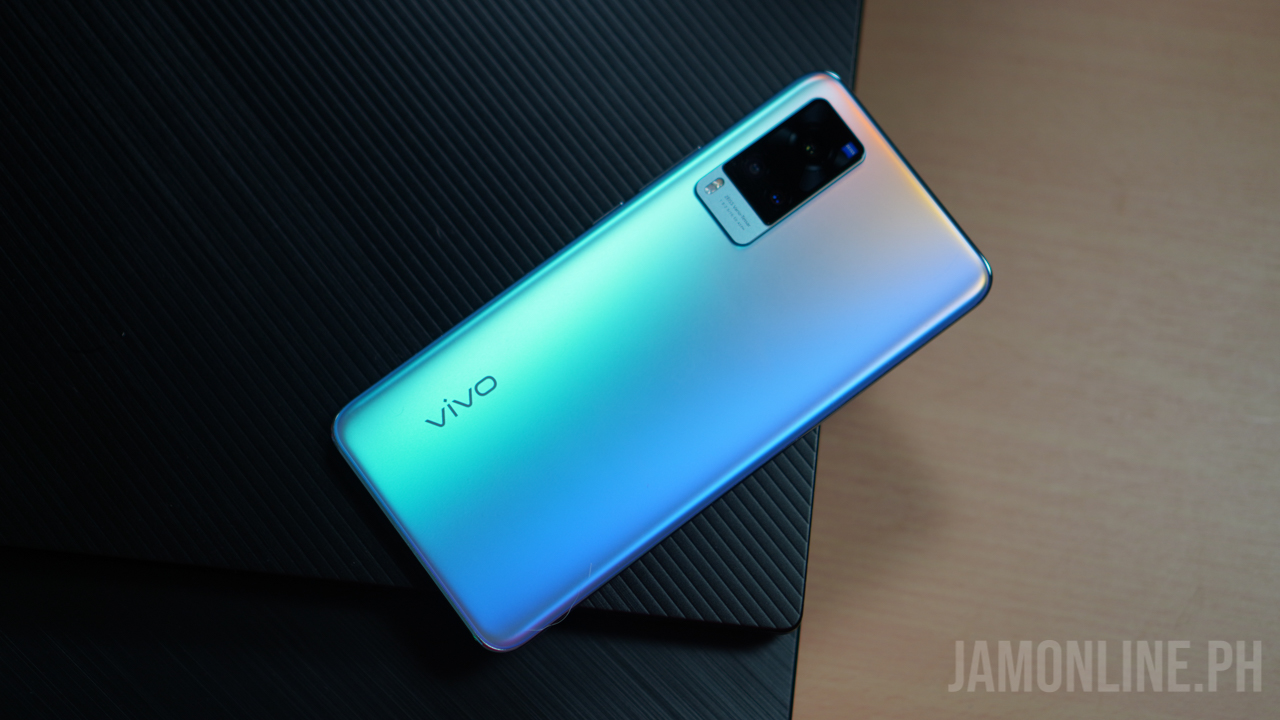
According to the latest smartphone analysis, vivo ranked fifth in global smartphones shipments. The brand also recorded an increase of 27% year on year, as it has a 10% market share in Q2 of this year. For vivo, the latest data showed that the company has been able to maintain its strong growth momentum.
Meanwhile, Samsung is still the king of smartphones, recording 19% of the market share. Followed by Xiaomi with a 17% market share and +83% annual growth.
They were followed by Apple, OPPO, and vivo, respectively.
Here are the details:
Do you agree with the latest global smartphone rankings?
Let us know what you think in the comment section below!
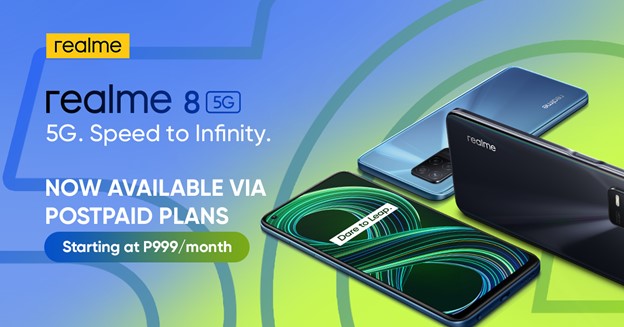
realme 8 5G is one of the most affordable 5G smartphones in the market right now and if you want to get one, it’s now also available via Smart Postpaid plan and you can get it for only Php 999/month.
Just to give you a quick recap, the realme 8 5G features a 6.5-inch Full HD+ display with a 90Hz refresh rate. It’s also powered by Dimensity 700 5G chipset which enables us to run 5G on the smartphone at an affordable price
At Smart Signature Postpaid, you can get the realme 8 5G at Plan 999 and it will come with 5GB of data, unli all-net texts, unli all-net calls, and 50 minute calls to PLDT.
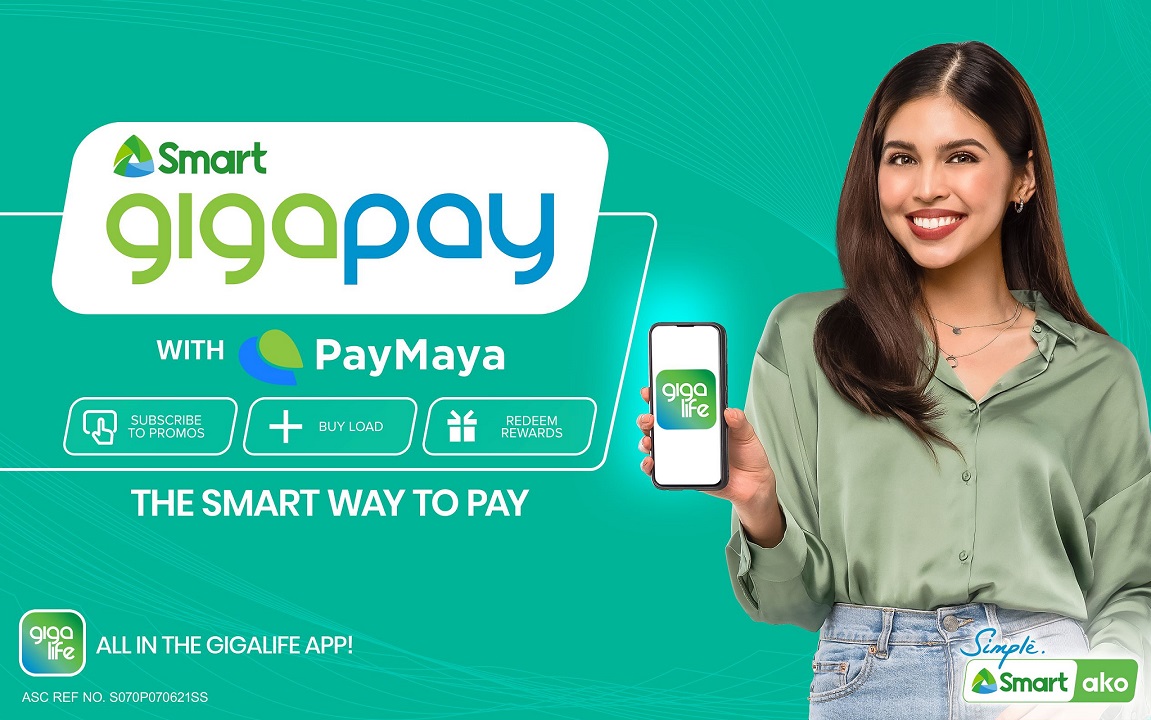
Smart Communications, Inc. (Smart) is bringing its GigaLife app to the next level, as it now offers a more flexible payment option.
Aiming to upgrade Filipino’s digital experience, the GigaLife app now has an in-app payment feature, dubbed as GigaPay with PayMaya. This allows subscribers to buy load and subscribe to data promos a lot simpler and easier.
INTRODUCING GIGAPAY WITH PAYMAYA
Through GigaPay with PayMaya, subscribers of Smart Prepaid, Smart Postpaid, Smart Bro, Prepaid Home WiFi, and TNT can now use their PayMaya account as their payment source for their GigaLife app transactions.
Smart also announced that GigaPay users can reload at all available PayMaya cash-in touchpoints nationwide, and earn GigaPoints which they can use to redeem data offers and exclusive offers.
The GigaLife app is available for FREE download on the Apple App Store and Google Play Store.
So, what can you say?
Share your thoughts with us in the comment section below!


















 out there and then there’s the 6.43-inch AMOLED display with 90Hz refresh rate.