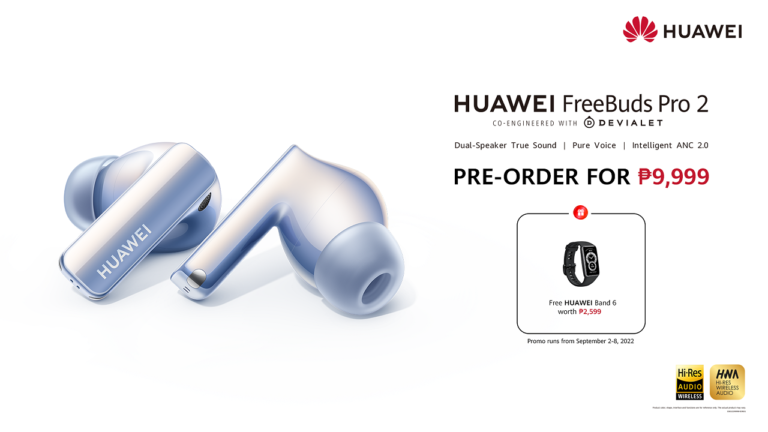
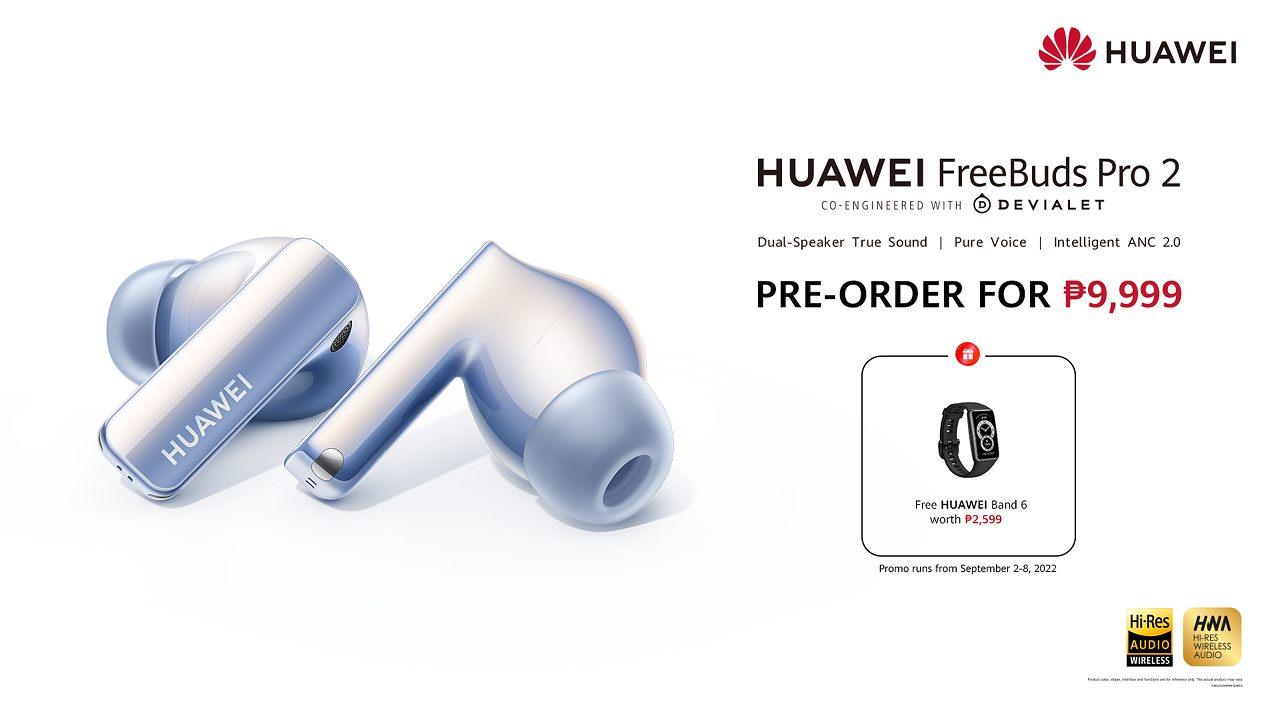
Huawei confirmed the arrival of the FreeBuds Pro in the Philippines on September 2.
The HUAWEI FreeBuds Pro 2 sports a unique Ultra-hearing True Sound Dual Driver sound system. This feature intelligently coordinates two drivers, providing users with excellent audio performance. The device also uses a planar diaphragm, usually found in high-end earbuds, to produce precise trebele and overtones.
Who doesn’t love the bass? Huawei knows this very well, as it equipped the FreeBuds pro 2 with a quad-magnet dynamic driver for medium and lower frequencies to deliver punchier bass. With this, the TWS earbuds offer a wide range from 14Hz to 48kHz for accurate sounds.
The device also has Triple Adaptive EQ technology, allowing the FreeBuds Pro 2 to automatically tune audio according to ear canal structure, wearing posture, and volume level.
Huawei also equipped it with an Intelligent Dynamic ANC 2.0 noise-canceling feature and Pure Voice Call noise cancellation technology.
Consumers can pre-order the HUAWEI FreeBuds Pro 2 for only Php9,999. In addition, those who will pre-order will also get a free HUAWEI Band 6 worth Php2,599.
OnePlus has finally launched their latest flagship smartphone in the Philippines — the OnePlus 10T. The smartphone comes with the latest Snapdragon 8+ Gen1 processor which is the most powerful chip on Android smartphones right now and then there’s the 50MP main camera as well along with 150W charging.
OnePlus 10T Specs
Qualcomm Snapdragon 8+ Gen1 Processor
6.7-inch Fluid AMOLED Full HD+ display
8GB/12GB/16GB RAM
128GB/256GB Internal Storage
50MP main camera + 8MP ultrawide camera + 2MP macro camera
16MP selfie camera
LTE, 5G
Under display fingerprint scanner
150W Fast Charging
4800mAh battery
OxygenOS 12.1 based on Android 12
The OnePlus 10T 5G will be available at Shopee until today for Php2,000 off plus a free Q11 smartwatch. You can get the OnePlus Nord 10T 5G for Php34,990
realme Philippines has officially unveiled the official pricing of the latest products from the company — the realme Watch 3 and the Pad X. Both devices were launched the SM Megamall Fashion Hall.
The realme Pad X is the newest tablet from the company and it features a Qualcomm Snapdragon 695 chipset inside along 6GB RAM and 128GB internal storage with a 10.95-inch 2K FullView Display and also a thickness of only 7.1mm. This tablet will come with WiFi only inside.
The realme Pad X is priced at Php15,999 but it will have an early bird price of Php14,499 at Shopee from August 26 to 28.
The realme Watch 3, features clear Bluetooth calling, a 1.8-inch display, a comprehensive health monitoring and it also comes in Black and Grey. The realme Watch 3 will have an SRP of Php3,499. It will have an early bird sale at Shopee from August 26 to 28 and Lazada from August 28 to 31 for Php2,299
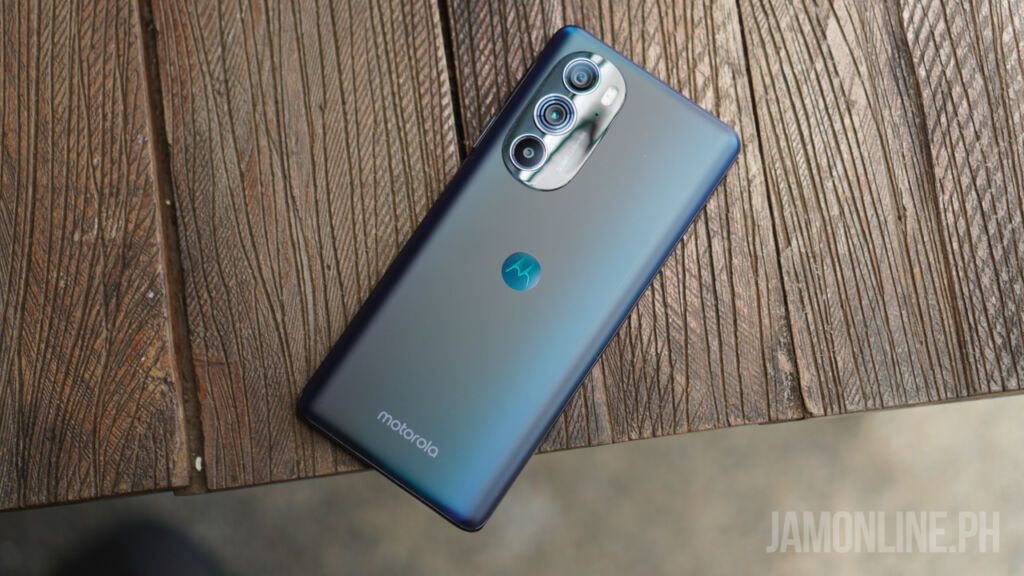
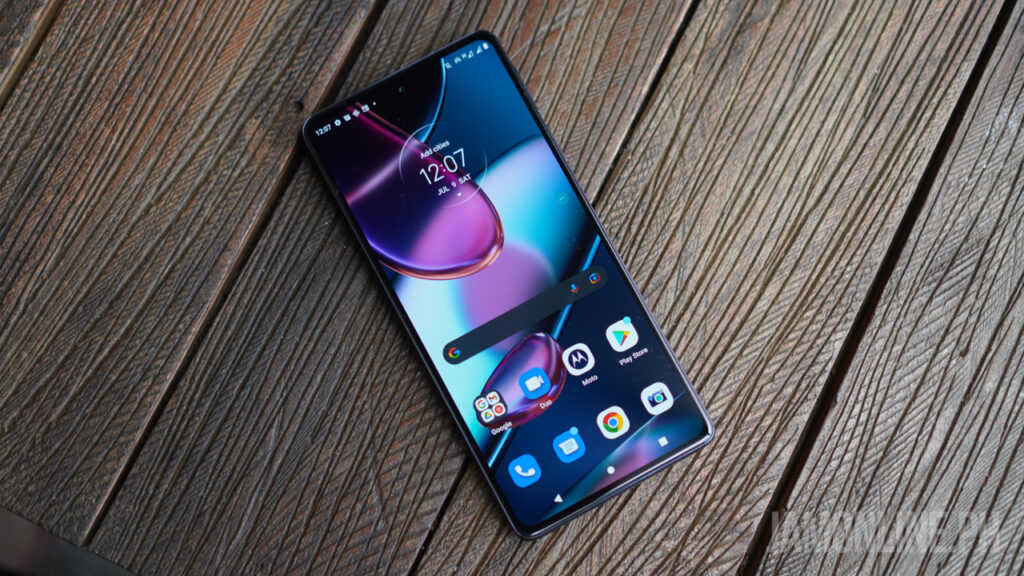
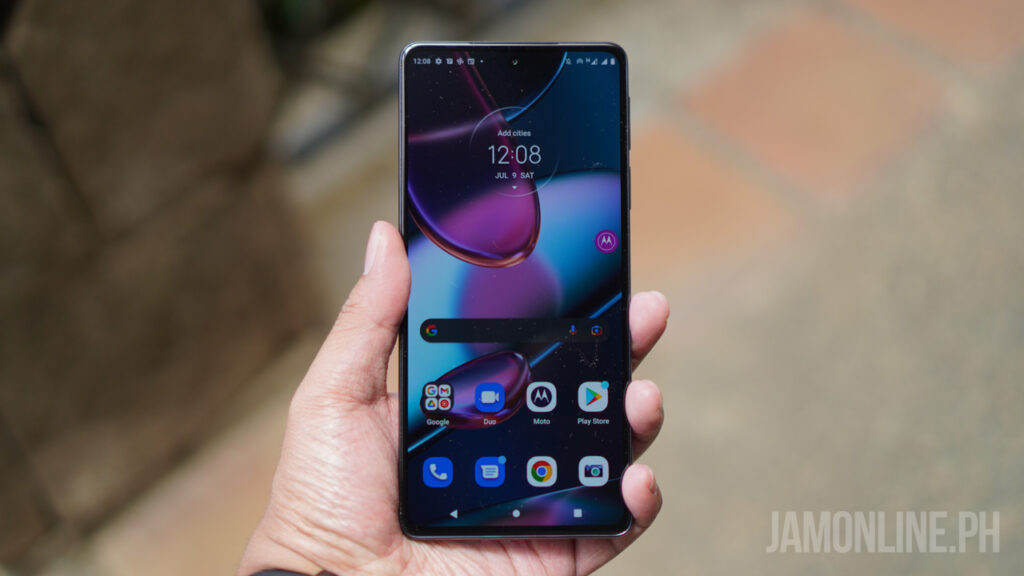
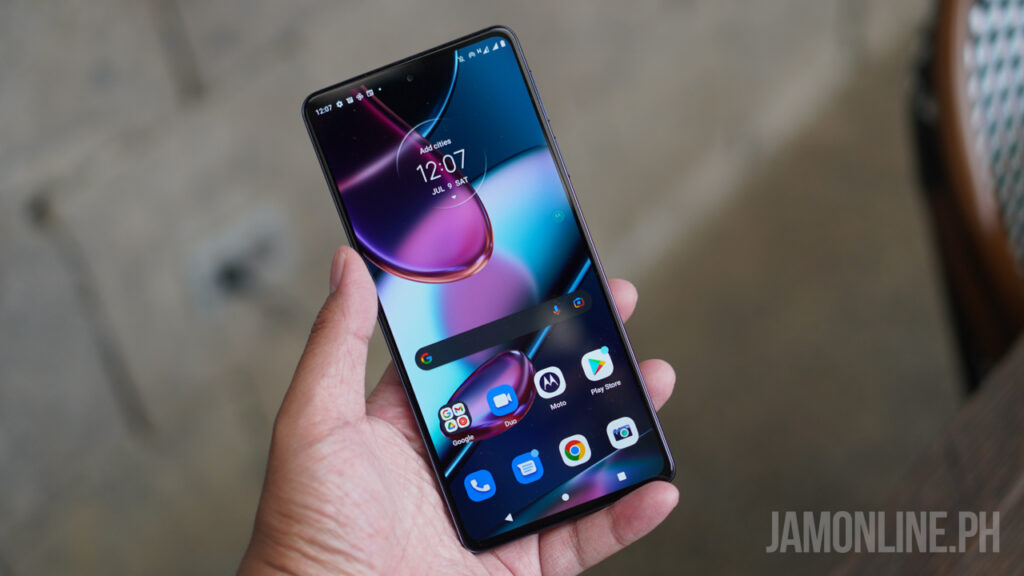
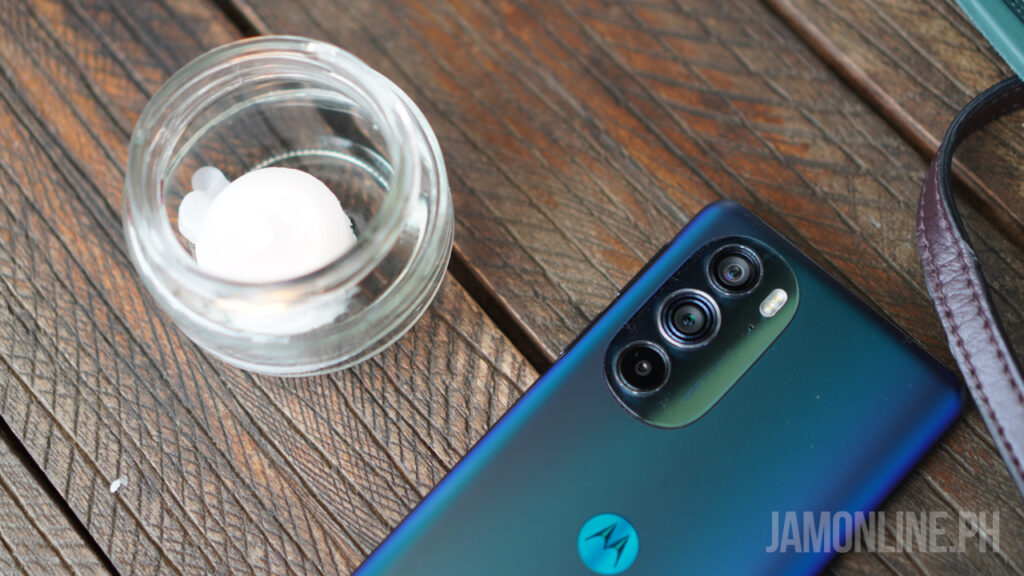
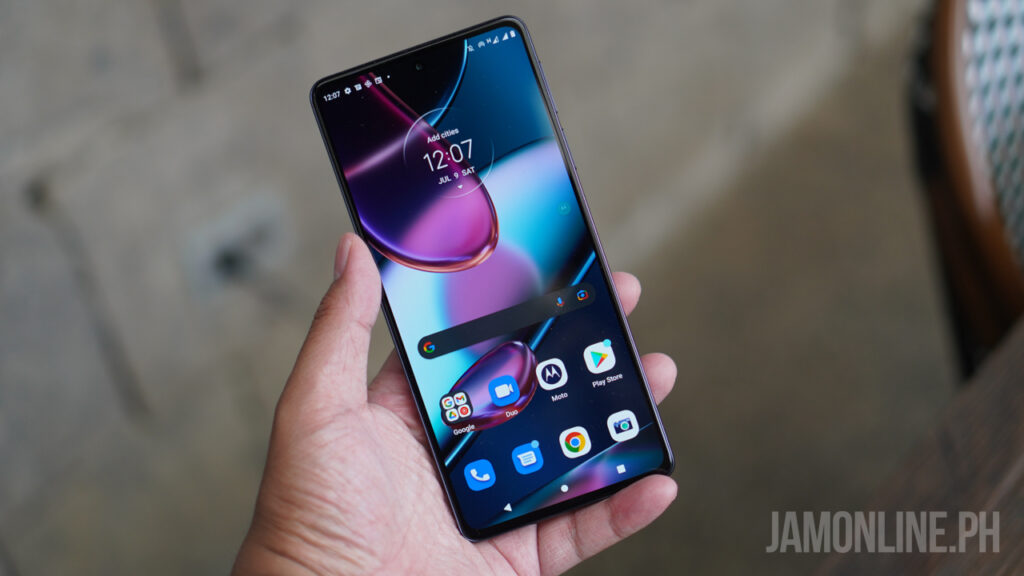
Motorola has recently launched their newest flagship smartphone in the market and it’s the Moto Edge 30 Pro. The smartphone features the Snapdragon 8 Gen 1 Processor inside and of course, there’s the flagship 50MP main camera inside. But what do I think about Motorola’s flagship smartphone in the market? Check it out in our review below:
Moto Edge 30 Pro Review: Design and hardware
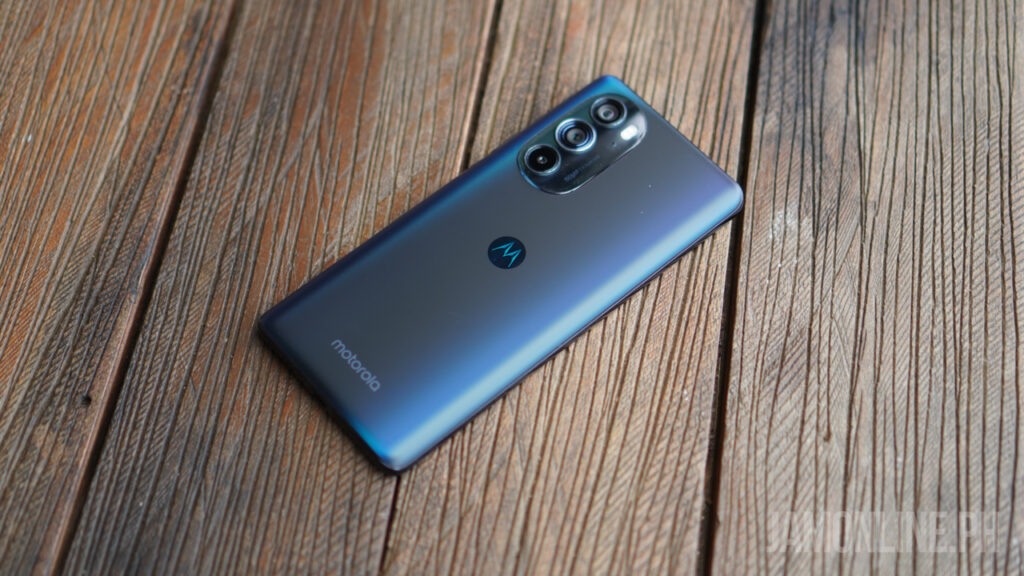
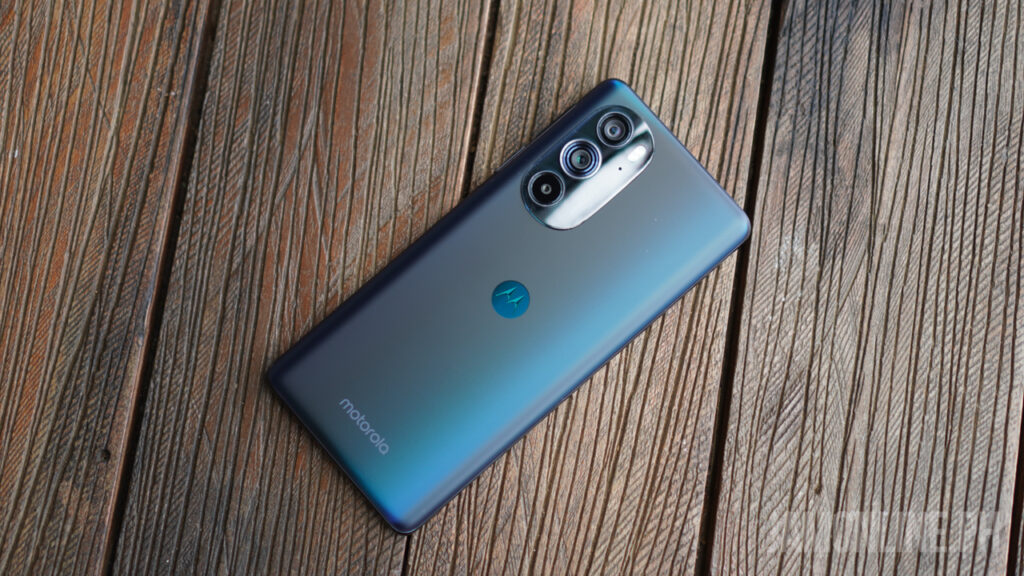
There’s nothing really special about the Moto Edge 30 Pro as this one features a chunky body and also a taller body but make no mistake because this one comes with a premium materials inside with a matte glass back that attracts a little bit of fingerprints so I suggest that use at least a jelly case for this smartphone.
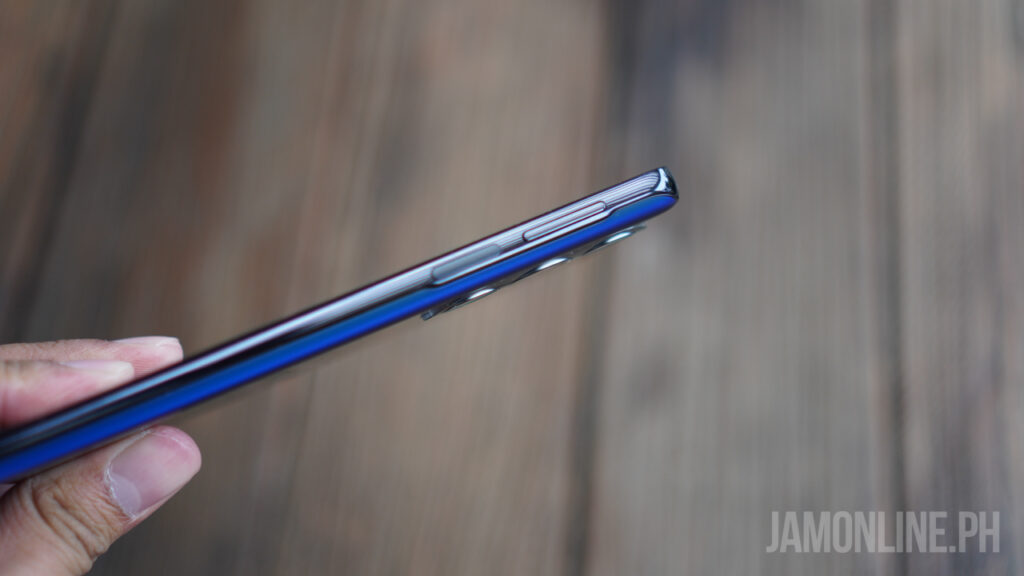
As for the buttons, the placement of the power button and also the volume rocker is oddly placed at a higher part of the side of the smartphone which makes it harder to reach when you’re using the smartphone in one hand.
As for the ergonomics, it’s definitely not bad but not great either. The thick body and also the slippery body of the smartphone gives it a less grip especially when typing on the smartphone on one hand.
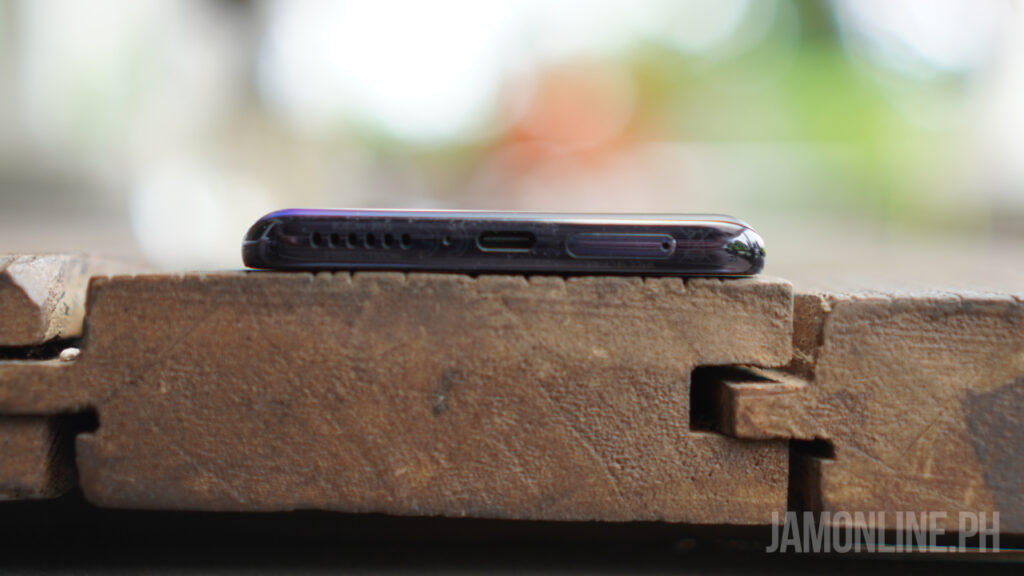
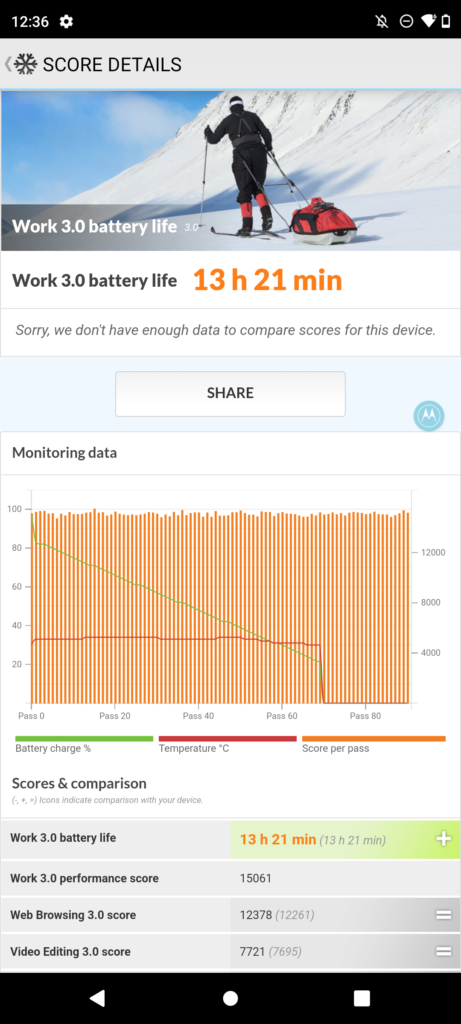
Below the smartphone is where you can find the speaker grill along with the Sim card tray and also the USB-C port that supports up to 68W of fast charging. There’s wireless charging support on the smartphone as well. As for the battery life, we got a fine score of 13 hours and 21 minutes.
Moto Edge 30 Pro Review: Display
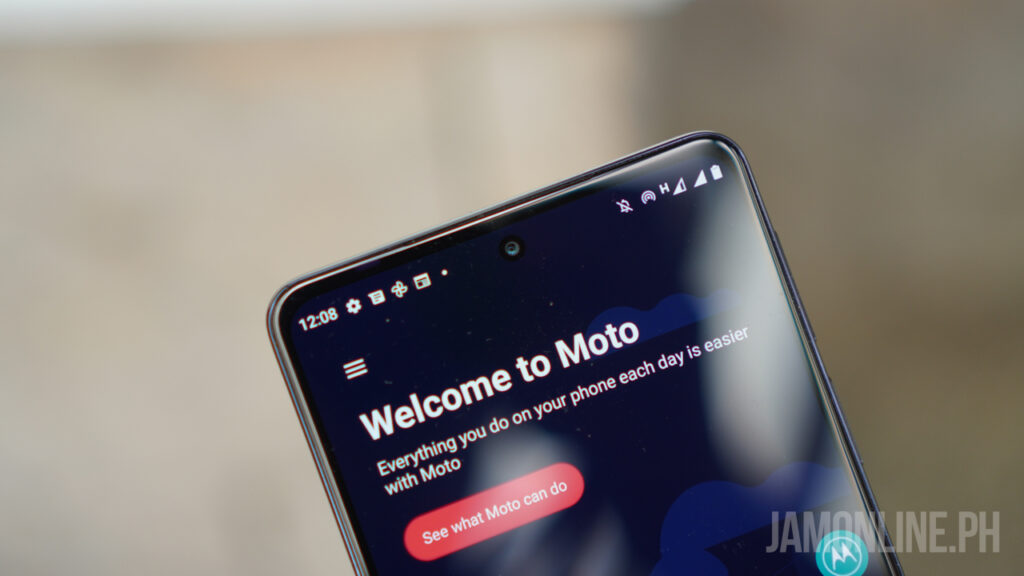
For the display of the smartphone, there’s the 6.7-inch Full HD+ display with an OLED panel. It also features a 144Hz refresh rate which is really smooth but of course, that takes a lot of battery when you’re using it. This also means that the touchsampling rate of the smartphone is very responsive as well.
The colors are great and it does support HDR10+ as well. It’s sharp, and it’s great whether you’re planning on watching movies or playing games on the smartphone. It’s great but definitely not the best on a flagship smartphone.
Moto Edge 30 Pro Review: Software and performance
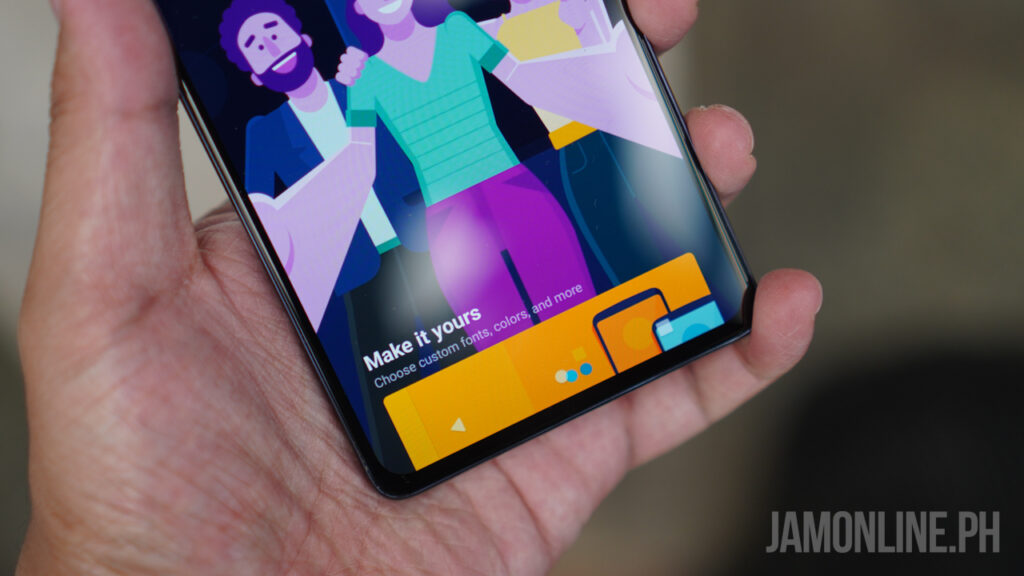
For the software of the smartphone, it runs on Android 12 and it does look like a stock Android which is cool as this one is fast and also swift when navigating on it especially when swiping left and right on the smartphone. But one cool thing about the Moto Edge 30 Pro is there’s a feature similar to Samsung’s DeX mode in where you can plug the smartphone to a monitor and use it in Desktop mode.
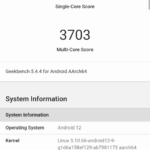
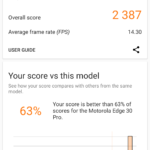
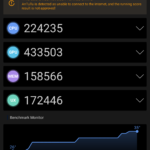
As for the processor, the smartphone comes with a Snapdragon 8 Gen 1 chip inside along with 12GB of RAM and 256GB of internal storage and it was blazing fast. It does feel warm when playing games but it doesn’t get to the point that the smartphone is too hot. In benchmarks, the smartphone ran well and the results that we got were really good.
Screenshot 20220707 015814
Screenshot 20220707 014728
Screenshot 20220707 014300
Gaming won’t be a problem on the smartphone as we can run different games on the smartphone without a hitch whether that’s Mobile Legends: Bang Bang, a PS2 emulator or even Genshin Impact which is a demanding game. The Snapdragon 8 Gen 1 can handle that.
Moto Edge 30 Pro Review: Camera
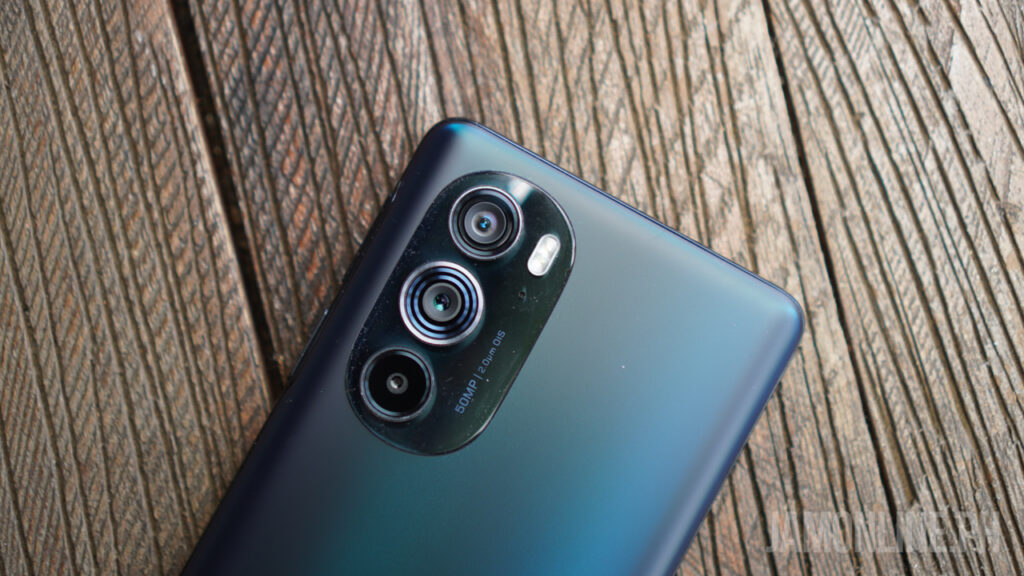
The smartphone comes with a 50MP main camera along with 50MP ultra-wide angle lens and also a 2MP macro lens. Unfortunately, there’s no telephoto lens in the smartphone. Honestly, I find the macro lens less useful compared to other camera lenses out there. I would prefer having a better telephoto lens on the smartphone instead.
For the front-facing camera, there’s the 60MP selfie camera but honestly, there’s not much to see in here aside from the large megapixels in the smartphone as the selfie shots that we got lacks colors and sharpness most of the time especially for a flagship smartphone.
For the rear camera of the smartphone, most of the shots that we took were fine and the dynamic range of the smartphone is pretty good as well. We took pretty good shots, especially in decent lighting conditions. Check out the shots that we took using the smartphone:
IMG 20220715 180852294 scaled
IMG 20220708 150827123 HDR scaled
IMG 20220706 212415714 scaled
IMG 20220716 132110521 scaled
IMG 20220707 203128474 HDR scaled
IMG 20220706 211334383 scaled
IMG 20220706 140125970 scaled
IMG 20220706 140111203 HDR scaled
Moto Edge 30 Pro Review: Verdict
The Moto Edge 30 Pro is a good smartphone. It features the flagship hardware that we need but it doesn’t have the best features in its category. Nonetheless, it’s still a good one as we got here a premium design with its build quality, the powerful processor inside, and of course, there’s still a fine display.
But the best thing about the smartphone is its price. It starts at Php34,995 which belongs in the affordable pricing for a flagship smartphone.
ASUS Republic of Gamers officially started the ROG Masters Asia Pacific 2022.
The esports tournament started on August 15 with a prize pool of US$40,000. It will pit the best Tom Clancy’s Rainbow Six: Siege teams across the region against each other for a spot at the grand finals in Bangkok, Thailand.
“We built the ROG line to create a platform for gamers of all levels to develop their skills, and the ROG Masters APAC is our way to allow them to showcase their incredible talents” said Peter Chang, General Manager, Asia Pacific Region, System Business Group at ASUS. “This year, with Rainbow 6: Siege, we aim to cultivate the best teams across APAC for a phenomenal showdown in Bangkok.”
Players from Southeast Asia, South Asia, Japan, and South Korea can register at the official tournament page: www.rogmastersapac.gg from August 15 to September 15.
Meanwhile, Regional Qualifiers will take place online from September 17 to 18, with qualifying teams competing in Regional Finals on September 24.
The Regional Finals will be broadcast live online across multiple languages, and the Grand Finals will happen in Bangkok at the Thailand Game Show from October 21 to 23.
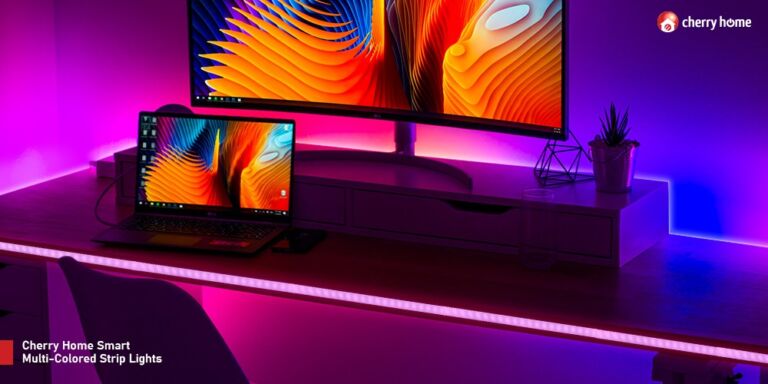
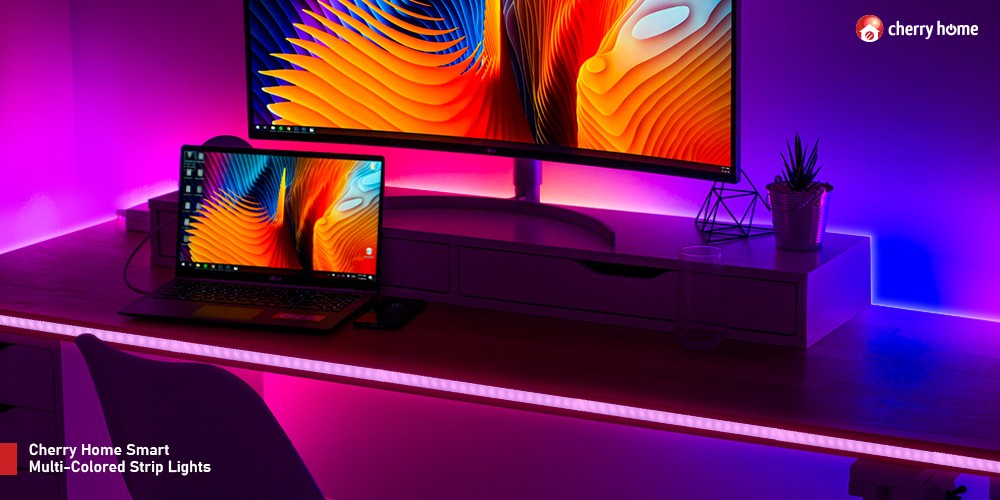
Do you want to have a gamer’s den at home? Achieve it with Cherry Home Smart Multi-Colored Strip Light and with these tips!
INVEST IN A GAMING CHAIR
A gaming chair provides the comfortability that every gamer needs. It is designed to deliver proper back support, avoid muscle strain and improve your gaming experience.
HAVE A DEDICATED GAMING DESK
Ideally, your gaming desk should not be the same as your workstation or study area. Instead, it would be best to have a table where you can place your peripherals and action figures.
GET BLACKOUT CURTAINS
Immerse yourself with your game with blackout curtains. A dark room improves concentration as it minimizes distraction.
CUSTOMIZE TO YOUR LIKING
Give your room an extra kick with the Cherry Home Smart Multi-Colored Strip Light, which displays 16 million RGB multi-colored lights and can also be controlled on your smartphone using the Cherry Home app. Get this for only Php1,380.
vivo celebrates National Heroes Day with its Super Deals promo, allowing consumers to enjoy exclusive deals and service offers.
Through the promo, consumers can score select entry-level and midrange devices at a discounted price. Participating smartphones include the new vivo Y02s, T1x, Y76 5G, and V23 5G.
Meanwhile, participating customers can get up to Php350 off on every purchase of eligible smartphones and accessories via vivo’s E-Store.
Here’s the complete list of products and vouchers:
NHDS50 code
Php50 OFF on accessories
NHDS100 code
Php100 OFF on Y1s, Y01, Y02s, Y15s
NHDS150 code
Php150 OFF on Y15A, T1x
NHDS250 code
Php250 OFF on Y21T, Y33s, Y73, Y76 5G, V21e
NHDS350
Php350 OFF on V23 5G, V23e
Moreover, all vivo customers can also take advantage of exciting service offers such as phone cleaning, maintenance, software upgrades, and diagnostics for FREE on August 29, 2022, during Service Day at all authorized vivo service centers.
On top of that, customers can enjoy 10% off on every purchase of phone accessories
and get exclusive giveaway treats.
The vivo Super Deals promo runs from August 27 to August 29. Consumers can enjoy it through vivo’s website and all authorized service centers nationwide.
So, are you getting one? Let us know what you think in the comment section below!
We’re in the middle of the week again but if you’re at home right now due to the inclement weather then you might want to get a recharge at home before going back to office or to school. And today, I’m gonna share you with some tips on how you can get a restful day with the vivo Y02s.
Consider online service options
It’s really a hassle to go to payment centers these days to pay your bills but today, it’s a lot easier to do bill payments, shopping, and even government transactions via online options that are available. You don’t have to go thru the hassle of commuting or going to physical offices anymore.
You could accomplish these tasks with the vivo Y02s with its MediaTek Helio P35 processor. You can run apps that help you with your online service needs and you can accomplish tasks faster and with ease with its performance.
Go compact with power inside
Opting for a smartphone instead of a laptop gives you a more careless weekend or holiday and if you’re planning on spending your off-day doing a movie marathon or just watching your favorite series then you might want to consider the vivo Y02s’ 6.51-inch HD+ Halo FullView display with 1600×720 HD+ resolution.
It’s also comfortable to hold and grip with its 8.19mm thin body at a weight of just 186 grams.
Complete your tasks
The vivo Y02s feature as a Multi-Turbo 5.5 boosted performance and also a large internal memory so you can install apps and download a lot of files without problems with its 3GB+32GB memory inside that is also expandable up to 1TB via microSD
Chill and enjoy the vivo Y02s
The vivo Y02s will help you relieve stress as you can play all day with its 5000mAh battery that can play YouTube videos nonstop for up to 16 hours and play music on Spotify for up to 20 hours of music playback. You can also get 7 hours of games on PUBG or Mobile Legends and charge it with its 10W charger.
The vivo Y02s is now available for Php6,499 at Lazada, Shopee, TikTok Shop, and their website.
WIKO, a French phone maker, opened its first kiosk in the Philippines, located at Cyberzone, SM City Grand Central.
The newly opened kiosk offered the brand’s smartphone series, including the T3, T10, and T50. Moreover, the poster of WIKO 10 is displayed at the kiosk, suggesting that it might be available in the local market soon.
Meanwhile, WIKO announced a special offer to celebrate this new milestone.
The first 20 customers can score the T3 for only Php5,990 (from Php7,990) and the T50 for only Php8,990 (from Php11,990). In addition, the first 30 customers can also get the T10 for only PhpP3,990 (from Php4,990).
Customers who get first dibs will also receive free WIKO headphones and a box of J.Co Donuts with each purchase.
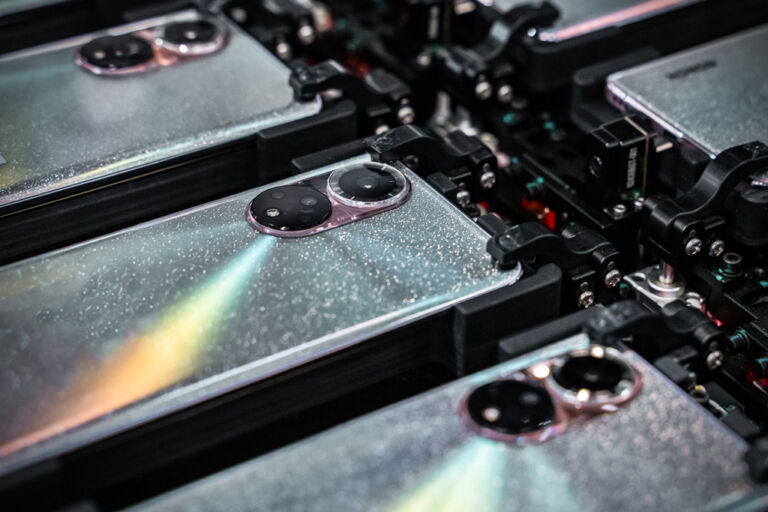
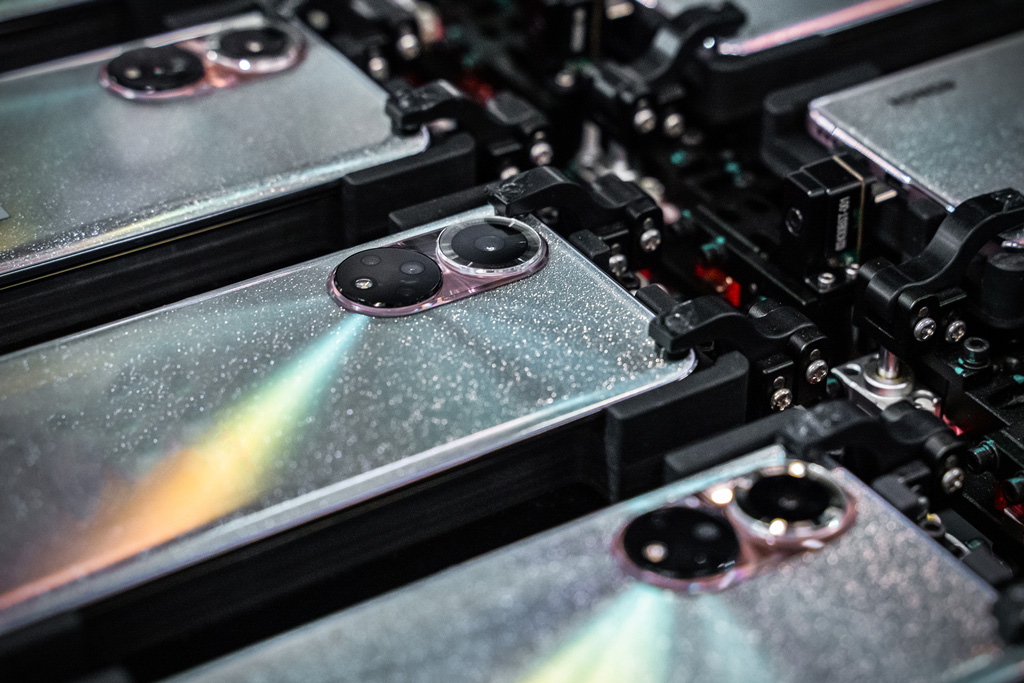
We already know that HONOR is arriving in the Philippines soon but what you didn’t know is what’s inside HONOR’s intelligent manufacturing facility industrial park. The highly-secured facility is also the brand’s first self-funded factory. In case you didn’t know, HONOR is now a separate brand from Huawei after HONOR was bought out during the pandemic, thus, having a separate manufacturing facility now.
According to George Zhao, CEO of HONOR Device Co, Ltd., “The opening of the HONOR Intelligent Manufacturing Industrial Park was a significant milestone of our success in integrating our R&D capabilities into our manufacturing processes. The consolidation allows us to better harness our expertise across both fields,” “In addition to bolstering our manufacturing capacities, the smart manufacturing facility houses world-class production, testing, and quality control equipment that ensures our premium products live up to our customers’ high expectations.”
HONOR’s Intelligent Manufacturing Industrial Park is the brand’s first self-funded factory and it is equipped with the latest manufacturing and testing facilities that support every aspect of smartphone manufacturing. 20% of the staff in the park are R&D personnel so you know that HONOR is really focusing on developing products with its R&D resources.
With its Automated facility, it also reduces the variation and defects caused by human errors. This results in greater consistency in the quality that HONOR products are providing. The Industry-leading high precision automatic manufacturing technology of HONOR including an automatic precision assembly machine can give up a precision of up to 75 microns. The automatic battery assembly equipment adopts high-precision optical detection which can detect foreign bodies as small as up to 40 microns and monitor real-time pressure which will give you a safer battery compared to manual work.
Quality control is also ensured by the manufacturing line with its close monitoring of every step of the assembly line. When an anomaly is detected, there will be an alert triggered followed by a time correction of the issue. HONOR has adopted an intelligent manufacturing production line that can result to an error-free process of material selections and an improved quality in its products.
HONOR has adopted these three cornerstones — Automation, digitalization, and intelligent technology. The park operates with 75% of the production line automated minimizes human error and up to 40% of the automated equipment is developed in-house which gives a tight integration between manufacturing and R&D.
The equipment in the production facility supports digital control system that allows HONOR to manage the whole production line to give better quality and efficiency.