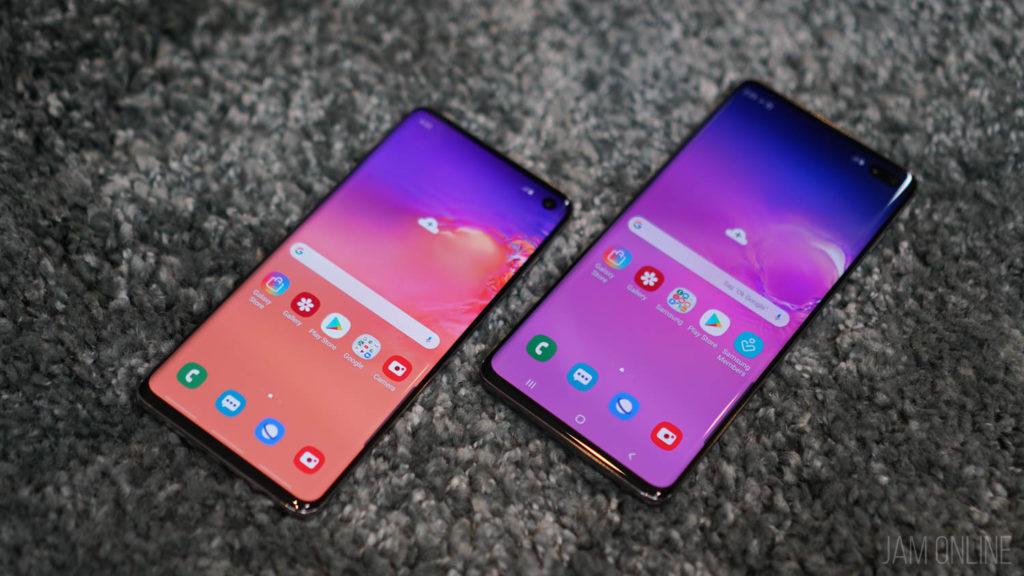
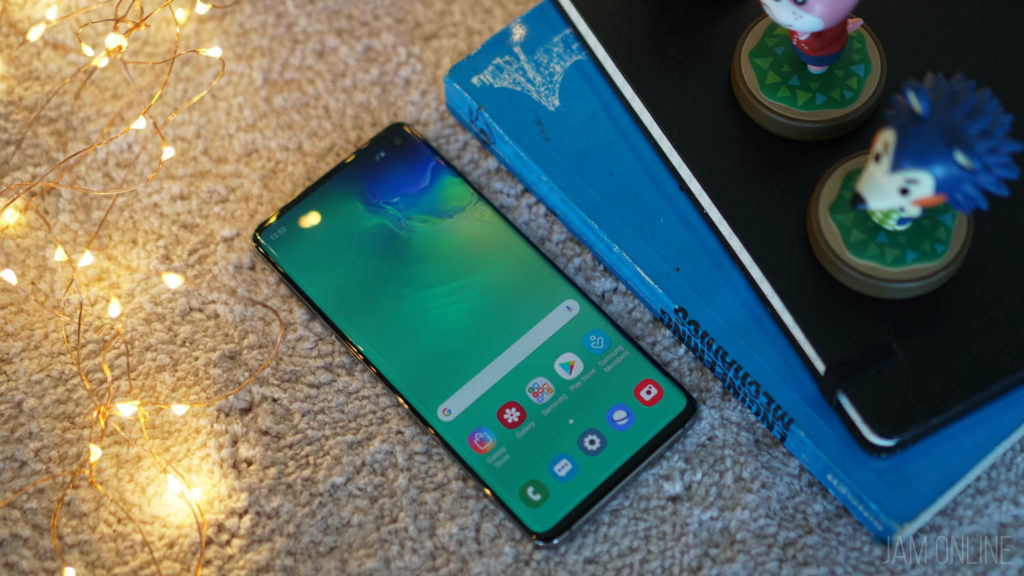
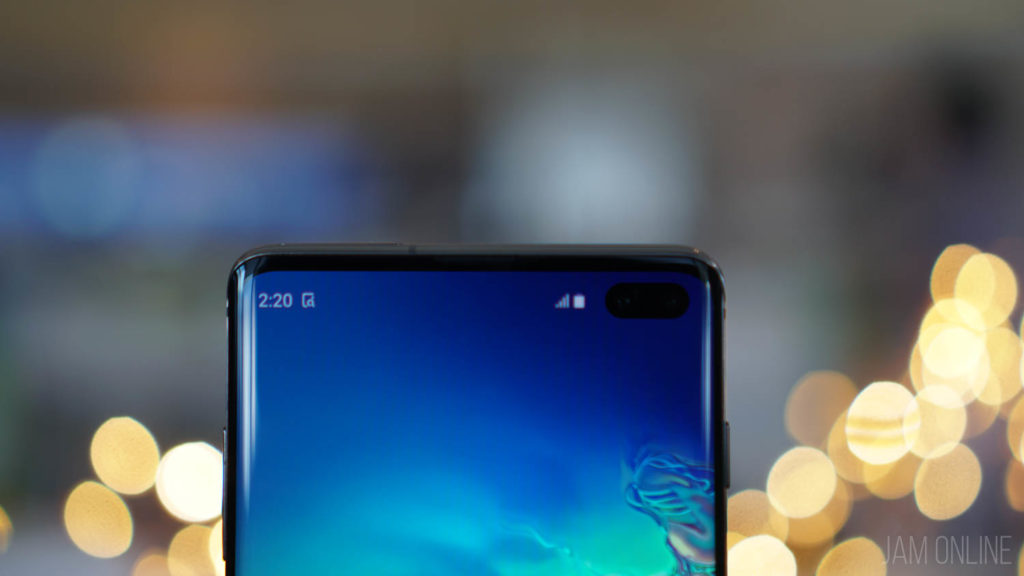
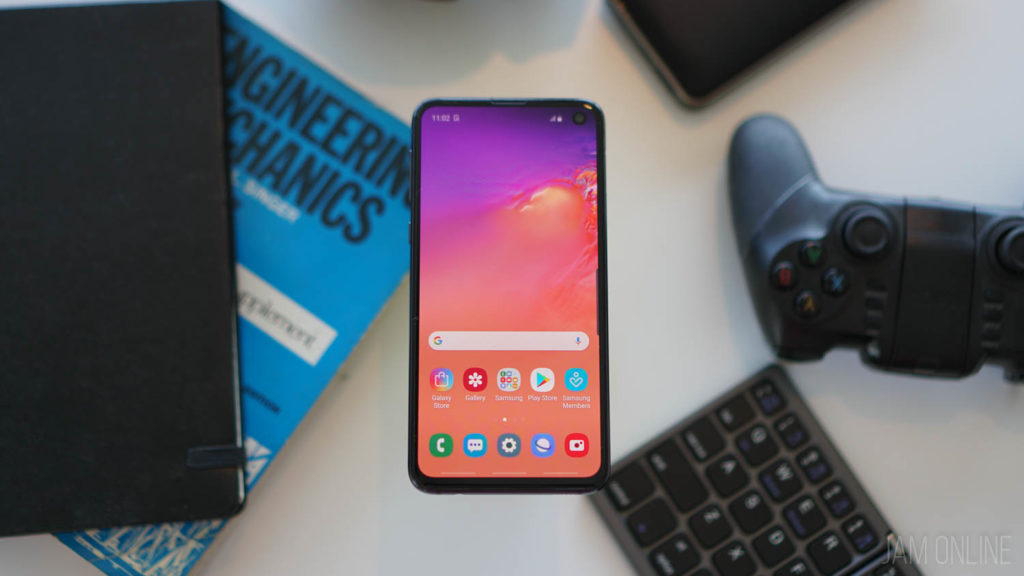
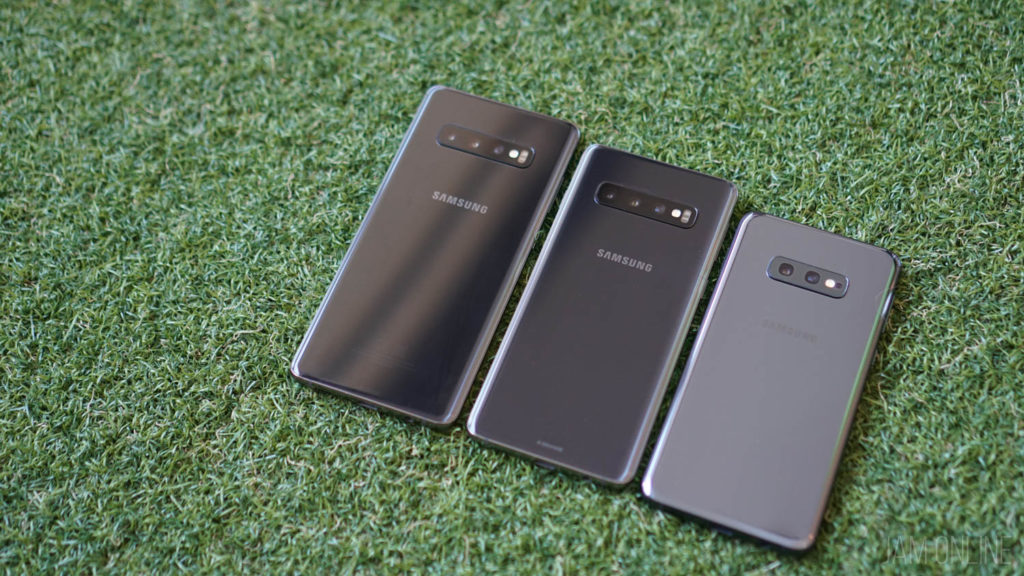
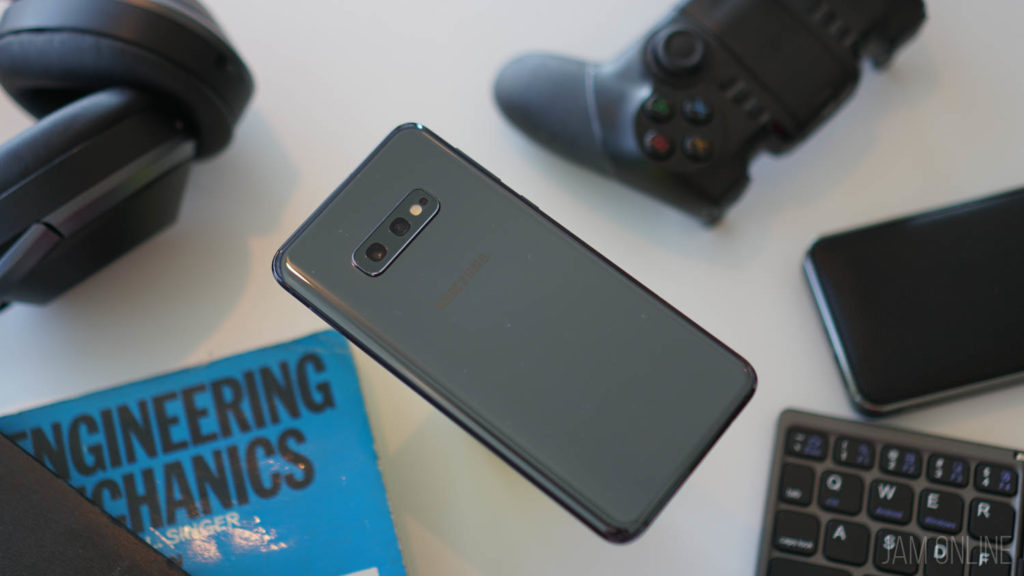
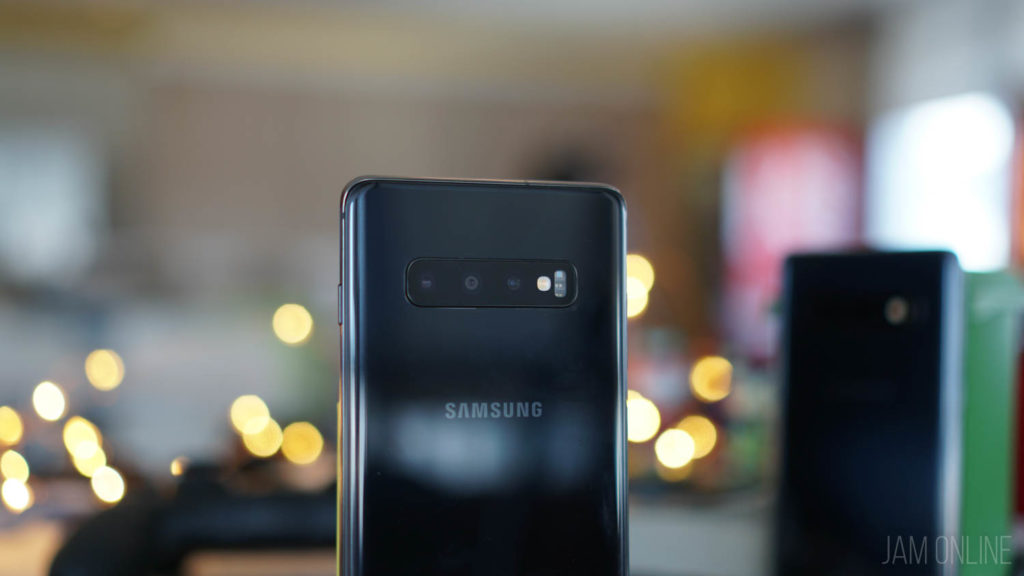
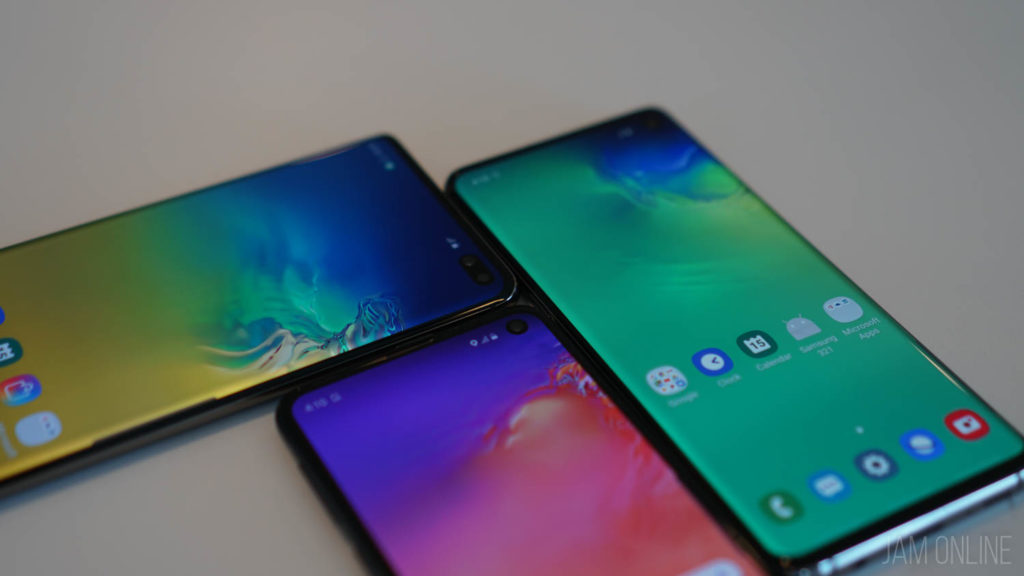
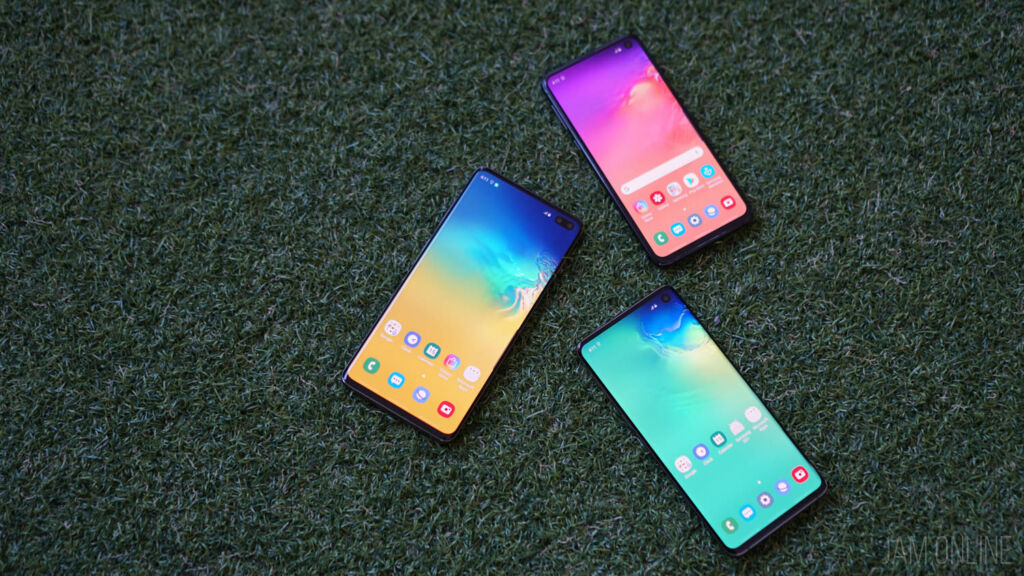
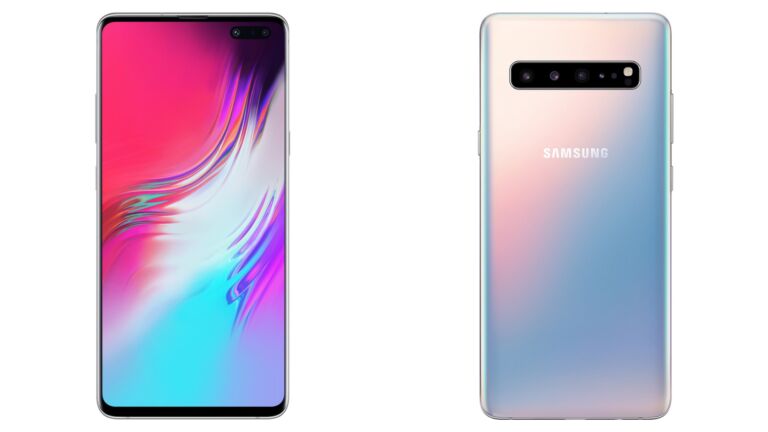
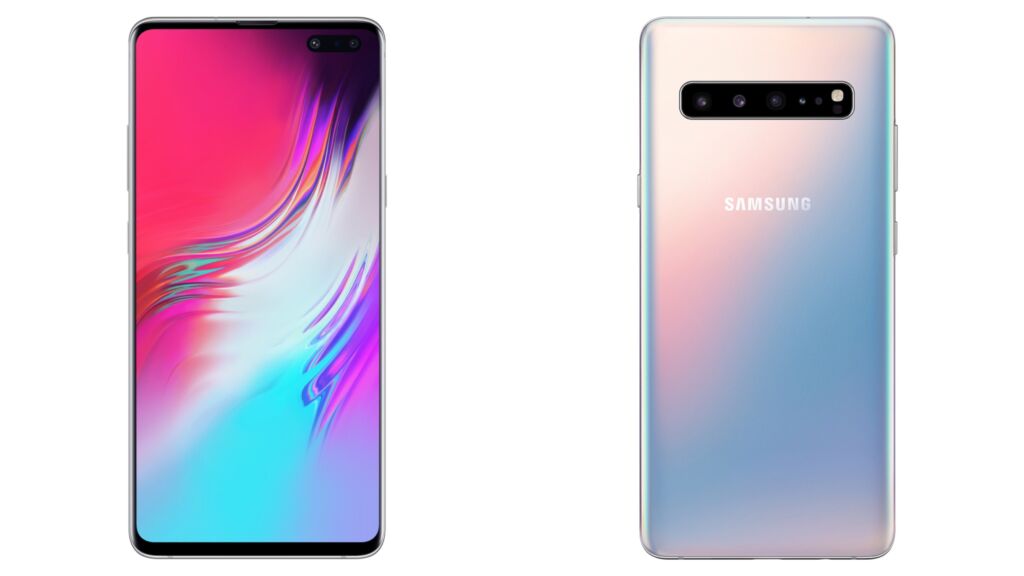
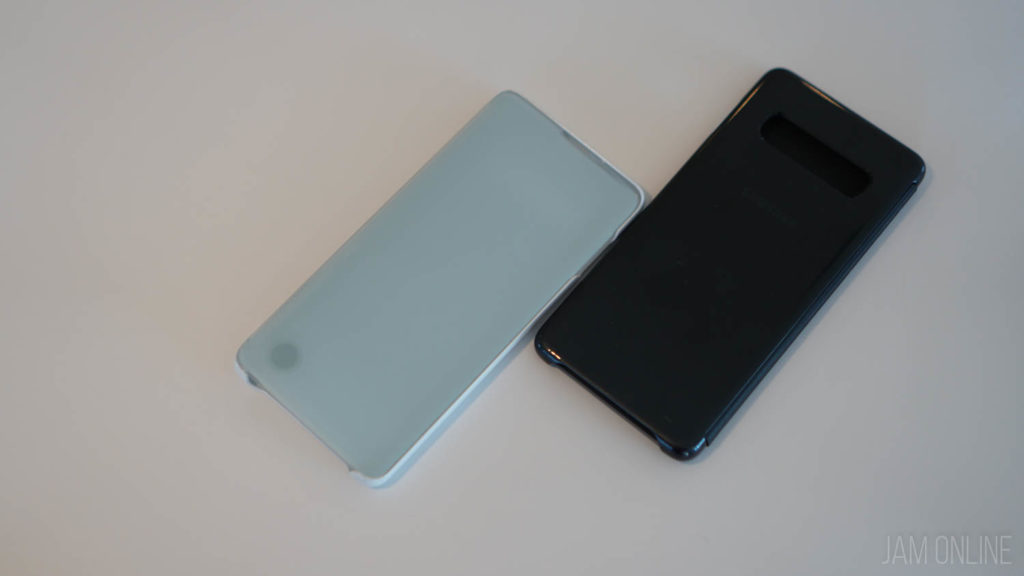
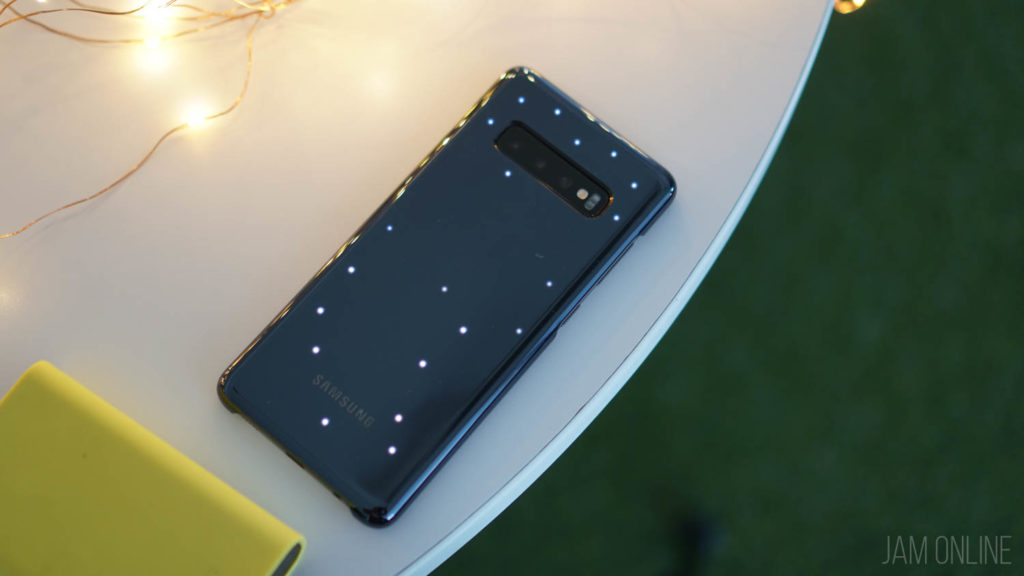
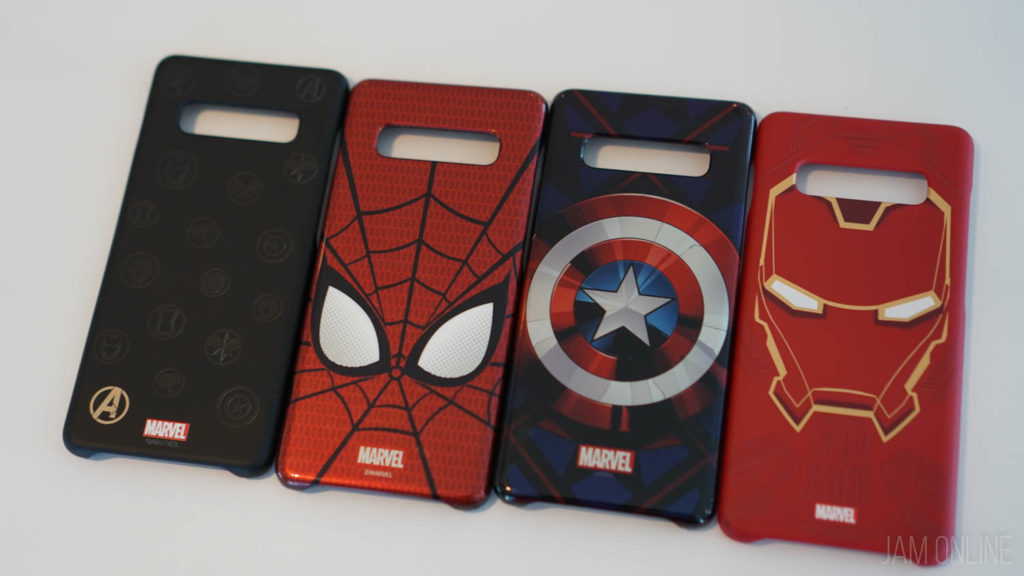
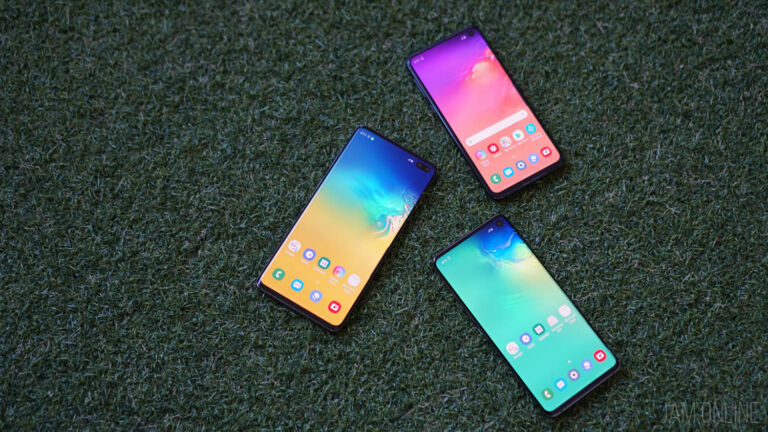
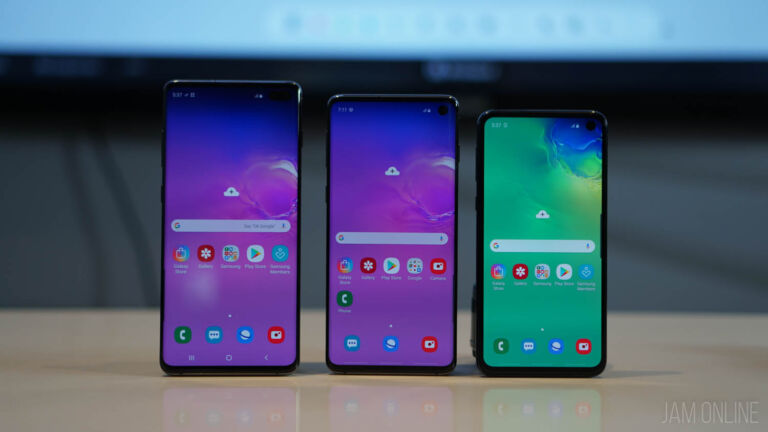
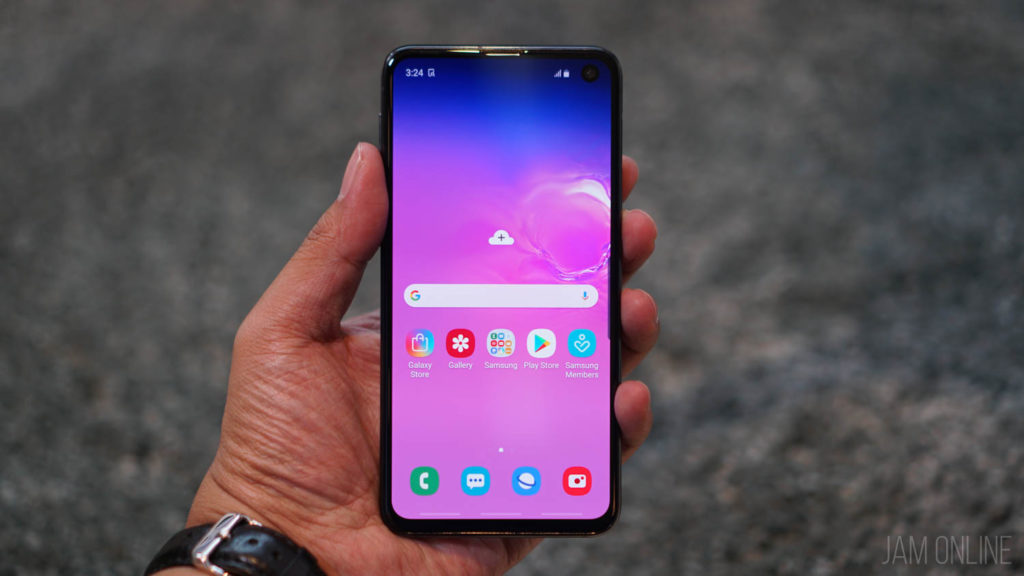
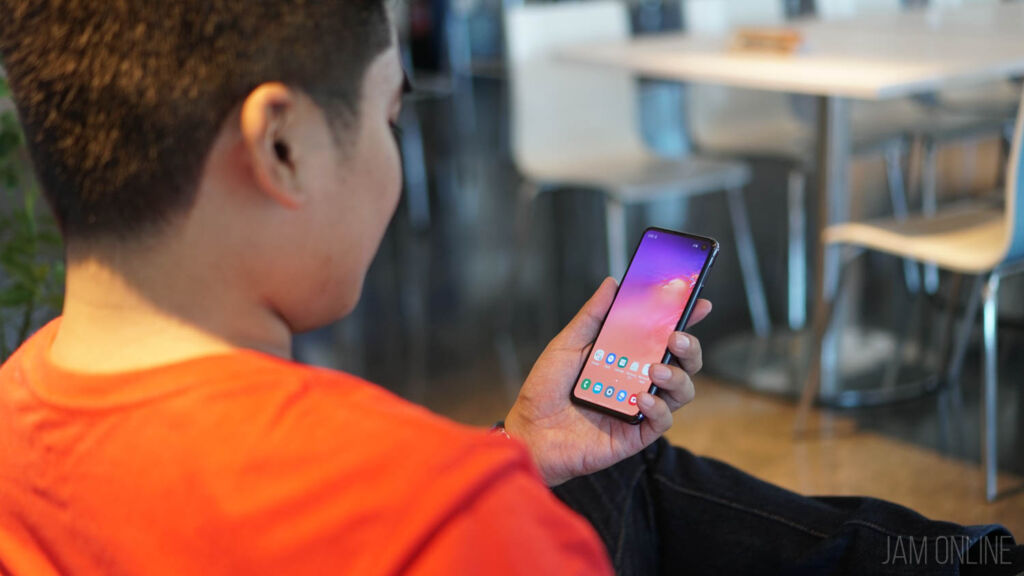
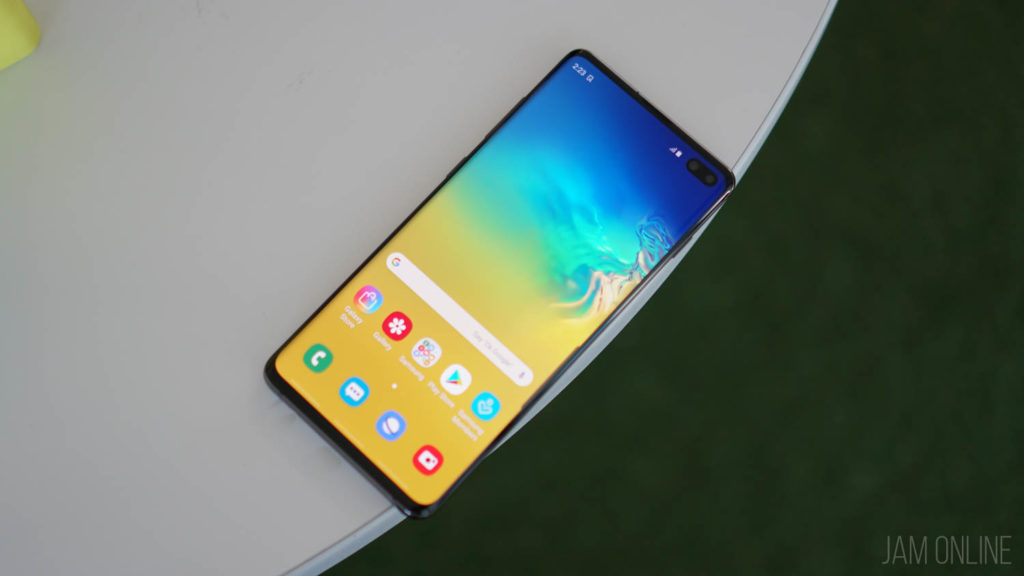
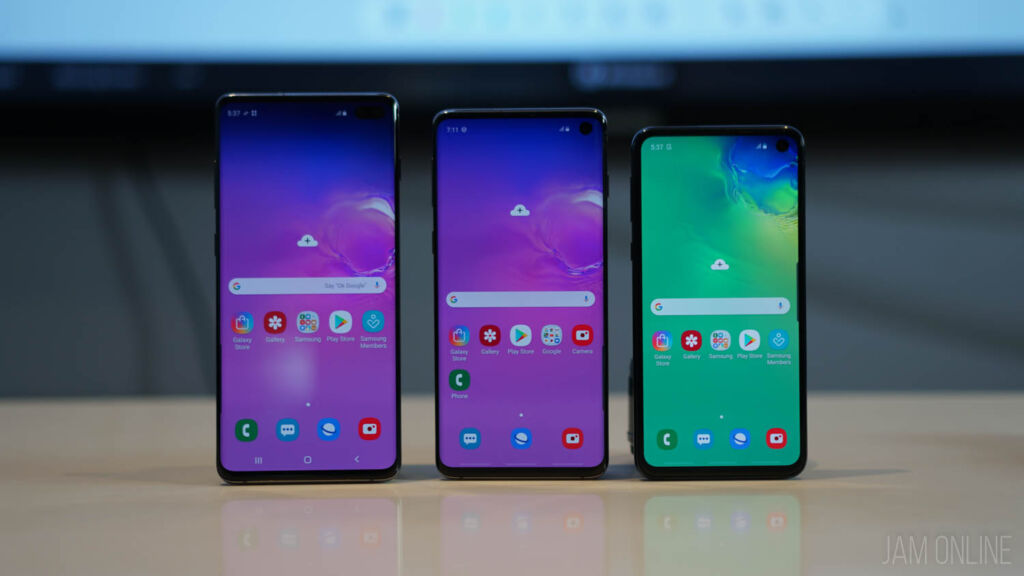
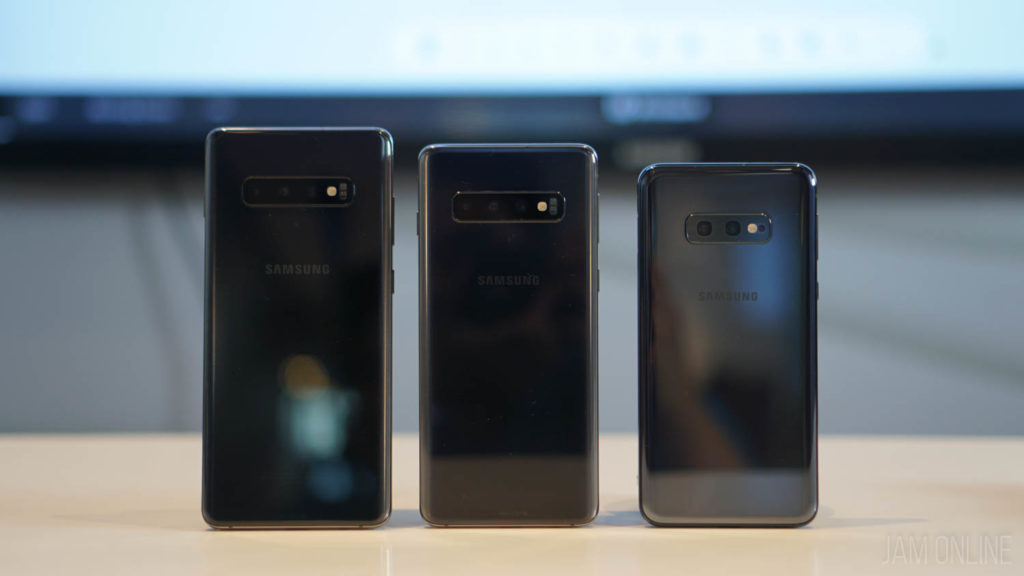
Samsung didn’t join the notch hype but it seems that they’ll be adopting a new one ditching their current infinity display in favor of the Infinity-O display that they’ve announced before. This will definitely give you more screen space with minimal bezels.
Their next flagship smartphone is expected to be unveiled early next year and it is rumored that the Galaxy S10 will come in three variants — S10 Lite, S10, and S10 Plus similar to the current lineup of Apple.
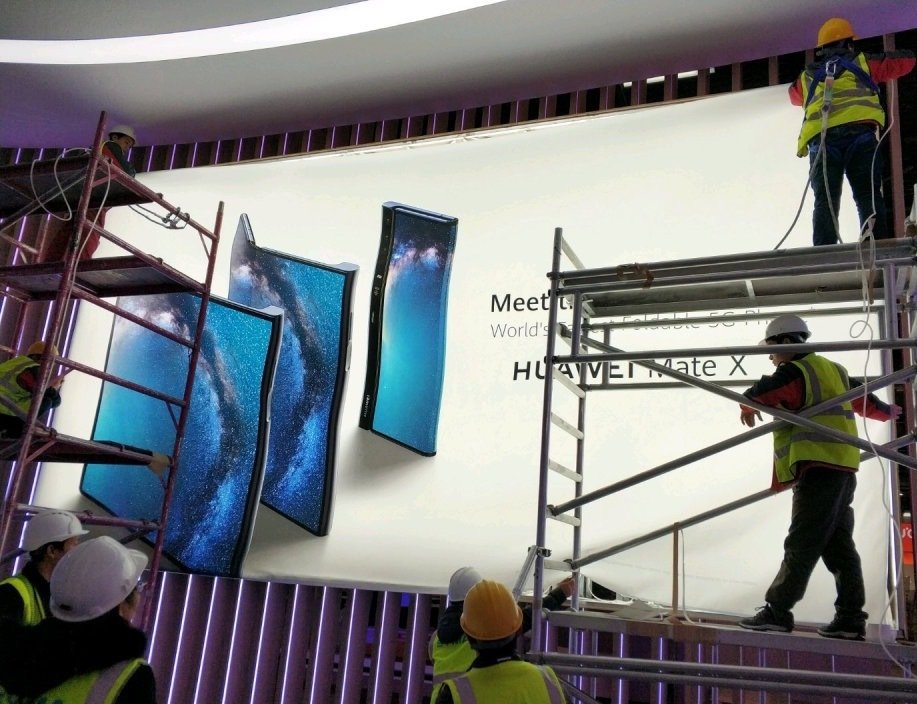
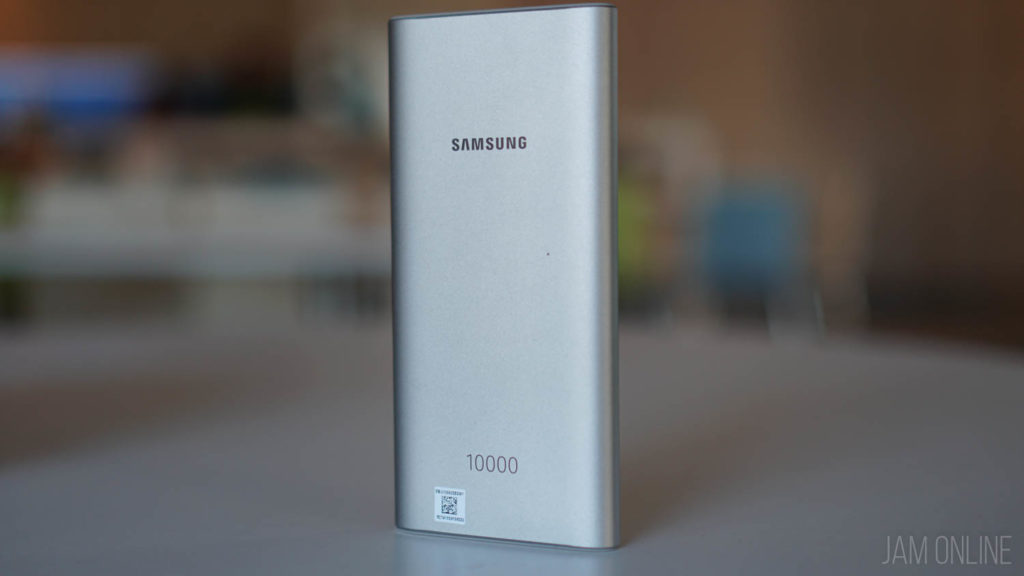
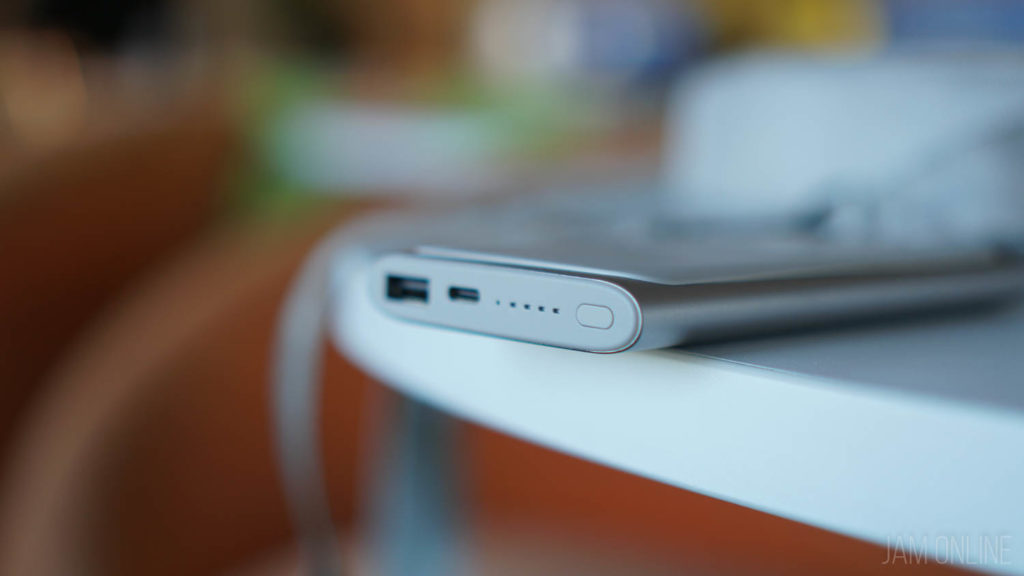
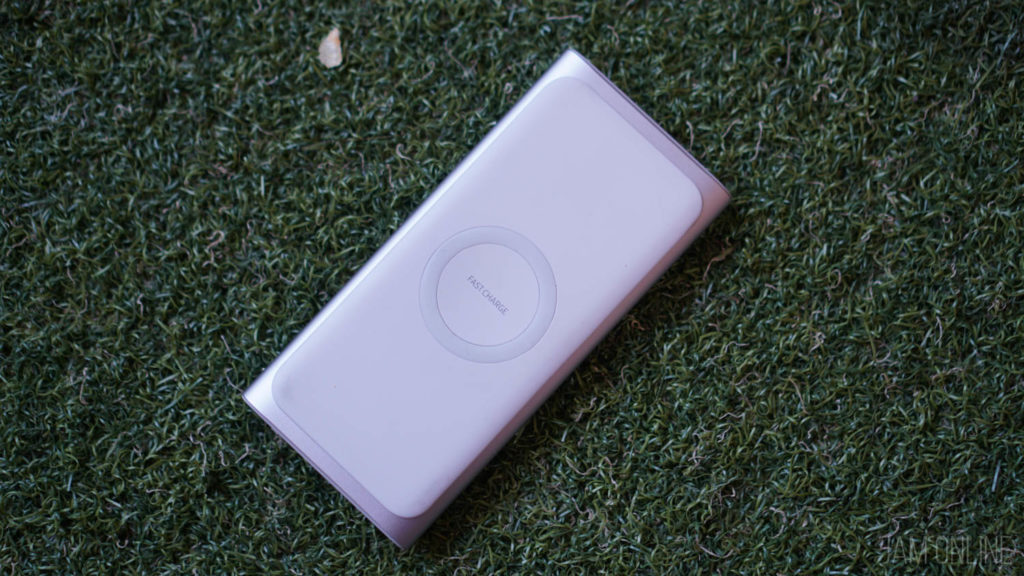
Evan Blass has also added that the Samsung Galaxy S10 is capable of charging other smartphones and watches wirelessly similar to how the Huawei Mate 20 series charges other smartphones.

Again, this is just a leak so take this one with a grain of salt.
The dawn of gaming smartphones has started and one of the gaming brands that is really popular is the ROG brand of ASUS and this year, the Taiwanese company has finally made a smartphone made for gaming that is branded as the ASUS ROG Phone. But is it a gamer’s dream smartphone? Well, do check out our review of the smartphone below.
The ROG design
By just looking at it, you’ll already feel that the design of the smartphone is familiar as the ASUS ROG Phone shares the same design philosophy of ROG products. It features some sharp looking designs with an additional Mayan pattern at the back.
There’s no notch in here but the ASUS ROG Phone is made up of glass on the front and the back and if you love the ASUS ROG design, you’ll surely love the ROG Phone’s gamer feel. Despite its unique design, the ASUS ROG Phone is really ergonomic as it features a curved back and it has a side mounted ports so you can game on the smartphone without the hassle of the cable blocking your gaming experience. But of course, those side mounted ports are also used for connection to its accessories.
Again, the smartphone screams the gamer feels and it packs two copper grills for ventilation and then there’s the ROG Logo at the back that lights up and yes, it has RGB lighting and it features Aura Sync so you can sync it with your other devices. Of course, there are other modes too so you can really customize it.
Thankfully, this is one of the flagships that still pack a 3.5mm headphone jack. There’s the USB-C port which is placed on the side and that side mounted port? It’s covered with a rubber cover which will probably get lost if you’re not careful but don’t worry, there’s an extra rubber cover at the box.
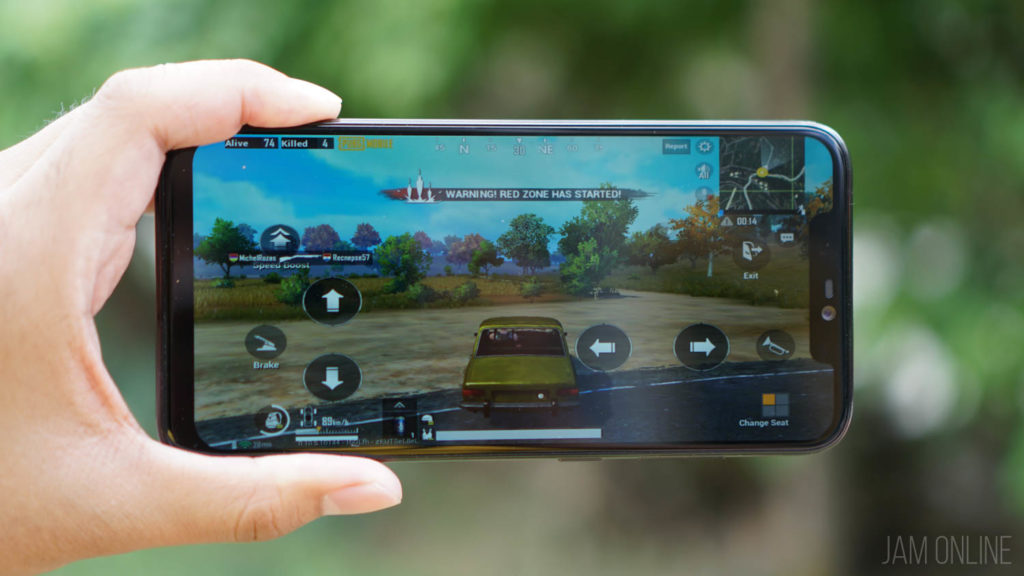
One of the essential features on a gaming smartphone is the speaker, and damn, the ASUS ROG Phone has one of the best front-facing speakers on a gaming smartphone. In PUBG Mobile, it was really useful as I can easily notice where the footsteps are and also when playing music on Spotify.
There’s a feature called AirTrigger which are basically shoulder buttons for the ASUS ROG Phone and this is one of the most useful features of the smartphone if you’re really into gaming. You can map the shoulder buttons to any games and I was really happy that I can use it for drifting and nitro on Asphalt 9 and also for aiming and shooting at PUBG Mobile. You can also control the sensitivity of the air triggers if you feel that you’ll accidentally press the shoulder buttons when playing games.
The ASUS ROG Phone has a lot of unique features that are made for mobile gamers. Yep, unique features like the side mounted ports, Air triggers, ROG Phone exclusive accessories, and many more. But the ROG Phone won’t be a full-fledged gaming smartphone without its accessories and we’re gonna discuss each one of them below.
Gamevice controller and the ROG Phone WiGig Dock
You might think that the Gamevice is another controller for Android for you but this one is special as the Gamevice controller is connected to the ROG Phone via USB-C that’s why it was responsive compared to wireless controllers. Not just that, you can also map the buttons on the ROG phone that’s why you have the flexibility to control the smartphone whatever games that you are playing on the smartphone. Don’t worry about charging and the headphone jack as the Gamevice controller comes with a port for the 3.5mm headphone jack and USB-C. As for buttons, everything was really fine and enjoyable to use.
The best partner of the Gamevice controller is the WiGig dock which lets you mirror the display of the ASUS ROG Phone to an external display. Surprisingly, it was clear and there was no lag. In my experience in playing games, the WiGig Dock can mirror the ROG Phone without lags and the experience was smooth. And yes, you can still connect to your WiFi connection as the smartphone has a different connection to WiFi and the WiGig. These two accessories basically make the ROG Phone similar to a Nintendo Switch.
Aero-Active Cooler
This is the accessory that comes with the ROG Phone and yes, this one is really useful especially if you’re playing games that are really heavy on the graphics or on processing as it cools down the smartphone but 2-3c. However, the cooler does take some power from the battery so I really suggest using this one if you’re charging the smartphone and you want to play on the ROG Phone. Oh, and the Aero-Active cooler does come with a port for charging so you can play while charging the smartphone without heating problems.
ROG Phone case
The ROG Phone Case is one of the essential accessories that you probably need in your ASUS ROG Phone. Basically, the case provides protection your smartphone and yes, it still does show ROG logo at the back and it lets you access the side-mounted ports and of course, it lets you dock the smartphone to its accessories because you can actually remove the middle panel of the ROG Phone case and place the Aero-Active cooler along with the protection at the top and bottom of the smartphone.
TwinView Dock
This is probably the most unique accessory of the ASUS ROG Phone. This lets you have two displays on your smartphone as the TwinView Dock comes with an OLED display and then you have to dock your ROG Phone for the other display. With this accessory, you’ll be able to display two applications at once. This one is really useful especially if you want to play Ragnarok Online M: Eternal Love and also browse your social media, website, or you want to check out the comments on your stream. This is a must-have device if you’re a streamer and you want to have a dual screen for your streaming needs.
Surprisingly, running two games on the ROG Phone on the TwinView dock wasn’t a pain for the ROG Phone. It can smoothly run the game and applications simultaneously.
ROG Mobile desktop dock
Having the ASUS ROG Phone Mobile desktop dock is a big advantage when playing FPS games like Free Fire and PUBG Mobile. This dock lets you connect your 4K monitor, Ethernet, 5.1 channel speakers, and peripherals with its USB ports. It does look beautiful with the smartphone as it lights up with its RGB lighting and it packs a fan inside so you won’t have to worry about your smartphone.
With this accessory, I was able to connect my keyboard and my mouse and despite the lack of support of keyboard and mouse by many games, I was able to map my controls on the game in the ROG Phone. It was very cool and very useful. With this accessory, I really did have an advantage compared to using touchscreen whatever games that I’m playing.
While I do have an advantage when playing games on the ROG Mobile Desktop dock, I would appreciate if ASUS has created a UI that is made for ROG Mobile desktop dock. The accessory basically lets you mirror the display of the smartphone but it would be better if they can create and optimize that large monitor display for better and optimized usage of the accessory similar to the EMUI Desktop and Samsung DeX.
UPDATE: ASUS has reached out to us and they told us that there’s an alternate UI for mobile desktop dock that can scale the monitor resolution and it supports 21:9 ultra-wide displays
The beautiful 90Hz display
I never thought that I would fall in love with the display of the ROG Phone. It’s not the first that we’ve seen a display with a high refresh rate on a mobile device. The Razer Phone has a higher refresh rate at 120Hz along with the iPad Pro. But with the ROG Phone, it’s the first AMOLED display with 90Hz refresh rate which is a first for an AMOLED display and yes, I’m a sucker for AMOLED displays as it produces more vivid colors and better contrasts.
In the case of the ASUS ROG Phone, the 90Hz display was really useful as some games feel different whenever I played on it. It was smooth and it’s really a game changer for me especially when I’m playing Battle Royale or FPS games as I can easily see the enemies even though I’m moving the camera most of the time.
When it comes to display quality, I was quite happy with it and the brightness was just fine. It’s not the best display for a flagship smartphone or even the best AMOLED display around but again, it was just fine for me but when it comes to gaming, this one is really top notch thanks to its 90Hz refresh rate.
Battery Life
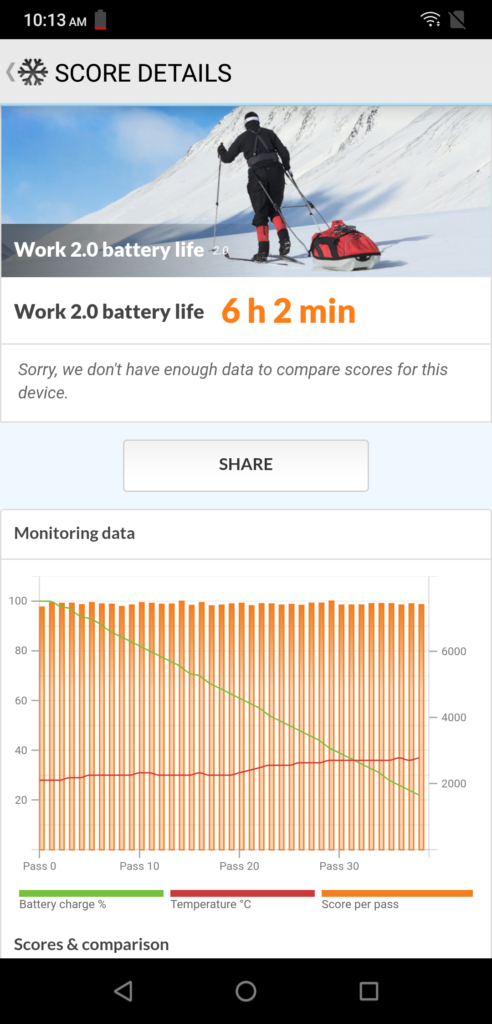
One of the features that need improving on most smartphones is the battery life that’s why ASUS has placed a 4000mAh battery inside it. It’s not the highest on a flagship smartphone but it will do. In my experience, intense or heavy gaming on a day will still require me to charge the smartphone within the day. In our PC Mark battery test, I was able to get 9 hours and 13 minutes which is just fine for me but not impressive.
If you’re into heavy usage or heavy gaming on a day, I will recommend to bring you the fast charger. Oh and yeah, charging the ASUS ROG Phone was really impressive and insanely fast. I was able to charge the smartphone up to 50% at just around 30 minutes. But if you want to play games and charge the smartphone then I suggest using the Aero Active cooler which will drastically decrease the temperature of the smartphone while charging.
Performance
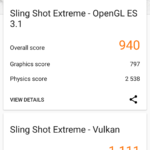
One of the upgrades that were done on the ASUS ROG Phone which is really unique is the speed-binned 2.96GHz Qualcomm Snapdragon 845 processor along with the Adreno 630 GPU. It might not be highest scoring chipset at Antutu but the SD845 can definitely run most games and apps without problems. In our benchmark tests, we’ve noticed that the smartphone has an advantage over other smartphones in the CPU segment thanks to the faster clock speed of the ROG Phone. Check out the benchmark scores that we got on the ASUS ROG Phone compared to other chipsets:
3D Mark, GeekBench and Antutu benchmark scores:
Screenshot 20181116 124903
Screenshot 20181116 155227
Screenshot 20181116 121740
Comparison of the speed-binned 2.96GHz Snapdragon 845 vs 2.5GHz Snapdragon 845
The ASUS ROG Phone has a clear advantage when it comes to CPU performance over the standard SD845 chipsets
GameBench
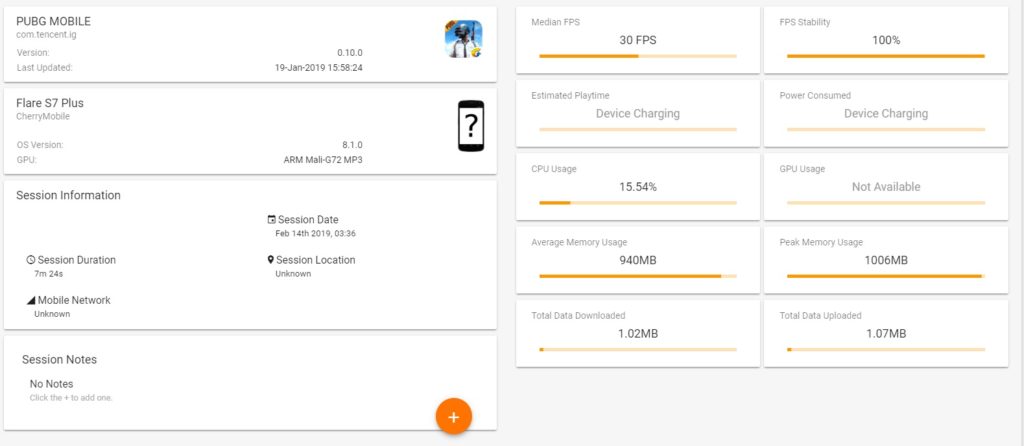
In PUBG Mobile with the HDR resolution and ultra framerates, we got 40fps with 100% FPS stability which is the best that we can get on the smartphone. The 90Hz display also helps me get a big advantage against my opponents. However, I didn’t win a chicken dinner. Talion might not be popular but it is one of the most graphic-intensive game on smartphones right now. The in-game benchmarks of the smartphone show that the FPS can reach up to 45fps however, it drops to 38fps whenever there’s a heavy fight scene. Nonetheless, it was still impressive considering that the game runs at more than 35fps with ultra settings.
Another thing that we’ve noticed is that the ASUS ROG Phone’s GameCool vapor-chamber cooling system is definitely helpful in our usage of the smartphone. We’ve noticed that the ASUS ROG Phone was cooler despite having gaming and with the help of the Aero-Active cooler, we’ve seen a drop in temperatures by up to 3-degrees Celsius.
Software
The ASUS ROG Phone is unique not just in terms of hardware but also in terms of software. Yes, you’ll get the UI similar to the ASUS Zenfone with the skinning of ASUS ROG design but there’s a unique feature called X mode which you can activate by just going to the game center. With this feature, the smartphone’s resources will be optimized for a better gaming experience. But not only that, but you can also create gaming profiles for the smartphone which lets you force to adjust the default refresh rate of the display when playing certain games.
The Game Center is also the home for everything that you want to check out from the smartphone. You can see the CPU and GPU usage of the smartphone and also its temperature which is similar to the ROG Gaming Center on ROG notebooks and PCs. You can also adjust the fan speed of the Aero-Active cooler in this application and also the RGB lighting of the ROG logo at the back. In case you’re worried about the RGB lighting, you can just turn it off at the Game Center.
Camera
Its camera isn’t its biggest or highlighted feature but the ASUS ROG Phone does have a decent camera after an update that we received after 2 weeks of using the smartphone. I noticed that the ASUS ROG Phone’s 12-Megapixel camera along with the 8-megapixel wide angle lens camera. Surprisingly, both cameras performed well in our review. Check out our shots that we took using the smartphone:
P 20181203 061256
P 20181126 185711
P 20181117 172317
P 20181117 172321
P 20181203 151528
P 20181117 165610
P 20181117 165719
P 20181117 170209
The colors were good and the details can be really seen on the smartphone. Again, it’s not a smartphone made for shooting but it does surprisingly well in our review.
Verdict
The ASUS ROG Phone is surprisingly a good smartphone and a great one if you’re into gaming. While some of you might not be a fan of the design of the smartphone but again, the smartphone is made for gaming and for gamers. Every gaming aspect of this smartphone is surprisingly great while I didn’t like its UI but I really appreciate the game center which helps optimize my usage of the smartphone, also the side-mounted ports for its accessories, and the camera was noticeably better than other ASUS Zenfones.
Well, if you’re buying this smartphone, I highly suggest that you get an accessory for this one aside from the Aero-Active cooler that comes with the smartphone to fully experience the best gaming experience on the smartphone. If you’re into FPS games, I highly suggest that you get the mobile desktop dock for an advantage on FPS games, and if you’re into streaming or multitasking I suggest that you get the TwinView dock, and the WiGig Dock and GameVice controller if you want to use your smartphone when playing games while sitting in your couch.
The ASUS ROG Phone is now available in 128GB and 512GB variants for Php49,995 and Php61,995 respectively.
Globe has recently introduced a new service called Globe at Home Air which offers wireless internet to your homes. It is capable of 20Mbps with data capacity of up to 600GB and free access to different content.
How to install Globe at Home Air
Globe at Home air is a self-install broadband postpaid service and you just need to plug in the Globe at Home Air Broadband and the password can be seen at the back of the broadband.
Where to buy Globe at Home Postpaid Wifi
Globe at Home Air is currently available in selected areas in Cavite and Bulacan with plans ranging from Php1299 to Php1699.. You can get it at SM Dasma, SM Rosario, SM Bacoor, SM Baliuag, and SM Marilao.
While going wireless is a nifty solution, I would still suggest going for wired internet plans such as PLDT Home Fibr.
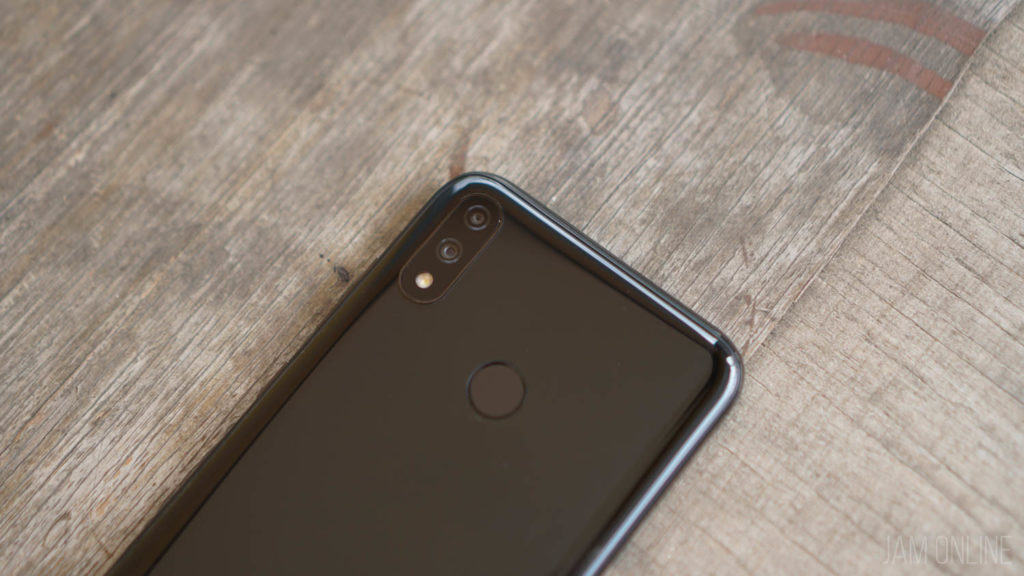
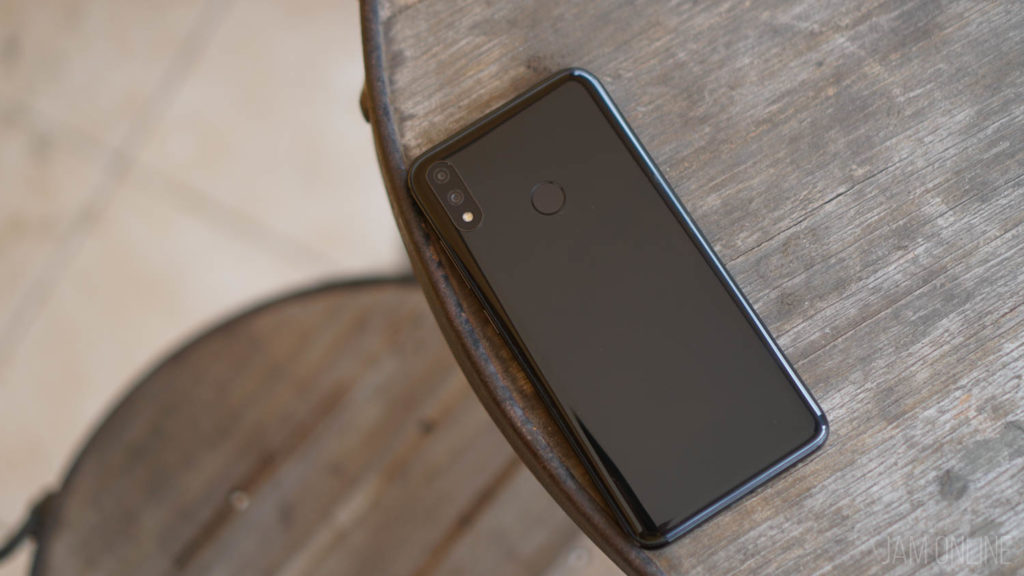
It’s new year and Huawei has just announced their newest smartphone, the Huawei Y7 Pro 2019. The smartphone was unveiled in Vietnam and it has design similar to the Huawei P Smart however, the smartphone is powered by Snapdragon 450 along with the 3GB RAM and 32GB internal storage inside and there’s the 6.26” LCD panel with HD+ resolution and a waterdrop notch.
There’s a dual lens camera at the back that is comprised of 13MP shooter with f/1.8 aperture along with 2MP depth sensor. The front camera is a 16MP sensor.
The smartphone has a 4000mAh of battery which is pretty big enough and will probably last a single day of heavy usage but one downside of this smartphone is lack of the fingerprint scanner but thankfully, there’s the face unlock.
Huawei Y7 Pro 2019 Specs
6.26-inch HD+ display with 19:9 display aspect ratio
Qualcomm Snapdragon 450
3GB RAM
32GB Internal Storage expandable via MicroSD
13MP+2MP Rear camera
16MP Front camera
WiFi, Bluetooth, GPS, A-GPS
LTE
Face Unlock
4000mAh
EMUI 8.2
The Huawei Y7 Pro 2019 is priced at VND3,900,000 (Php8,830~) There’s no word regarding the availability in the Philippines.
Xiaomi smartphones and their devices are definitely hot in the country due to the prices and the hardware that we’re getting from Xiaomi devices and in case you’re curious about their products or you just want to buy one for yourselves then look no further as we got the list of Xiaomi stores in the country. Here are the authorized Mi stores and Mi kiosks in the Philippines:
Authorized Mi Stores
Trinoma Mall – Level 4 Beside Cinema 5, Trinoma Mall North Ave. Quezon City
SM Megamall – Level 4, Cyberzone Bldg. B SM Megamall, EDSA, Ortigas Center, Mandaluyong
SM North Edsa Annex – Level 3 SM North EDSA, Quezon City
Robinsons Place Manila – Level 3, Midtown Wing, Robinsons Place Manila, Pedro Gil St. Ermita, Manila
SM San Mateo – nch its newest Mi Zone in San Mateo, Rizal on July 20, 2019. The new Mi Zone is located at the 2nd floor of Cyberzone, SM City San Mateo, Gen. Luna Ave., Brgy. Ampid 1, San Mateo, Rizal
Mi Kiosks
SM Bicutan – Lower Ground Level, Bldg. A, SM Bicutan, Paranaque City
In case you didn’t know, Xiaomi has been selling products outside tech for a while now and one of their newest products for lifestyle is the Mi transparent luggage. This one doesn’t have a processor or any smart features but this one is quite unique as it features a transparent design.
Well, we’re not fashion experts here at Jam Online but we do know that the Mi Transparent Luggage is beautiful, unique, and expressive. The luggage has a size of 20 inches and it weighs at 2.7kg. The luggage is made up of 100% German pure Bayer transparent PC particles. It also features high-performance PTU Handle and sturdy foot design and as expected there’s the double mechanical TSA customs password lock for added protection
Do you love to browse the internet, call a lot of people, or text different people? Then you don’t have to worry anymore as we got you covered with the latest promos of Globe Gosakto this 2019. Check out the different promos of Globe below.
BEST GLOBE GOSAKTO PROMOS:
Option 1:
Load: Php70
Inclusions: Unlimited all network text, 1GB data consumable
Validity: 1 week
• GOSAKTO70
• Send to 8080
Option 2:
Load: 90 pesos
Inclusions: Unlimited all network text, 2GB data consumable
Validity: 1 week
• GOSAKTO90
• Send to 8080
Option 3:
Load: Php200
Inclusions: Unli all network text, Unlicall to Globe/TM with 3GB Data
Validity: 1 week
GOSAKTO200
Option 4:
Load: Php140
Inclusions: Unli all network text, Unlicall to Globe/TM with 2GB Data
Validity: 1 week
GOSAKTO140
Option 5:
Load: Php120
Inclusions: Unli all network text, Unlicall to Globe/TM with 1GB Data
Validity: 1 week
CALL, TEXT AND SURF
Option 1:
Amount: Php251
Inclusions: 1000 all text, 500 mins call, 1GB data
Validity: 30 days
Promo:
• GOCOMBOAHAF204
• GOCOMBOGKEBFA47
• Send to 8080
Alternative:
• GOCOMBOAHBF191
• GOCOMBOGHEBFA52
• Send to 8080
Commuting in Manila is hard that’s why we always go for TNVS application like Grab. But how much do we really spend in a year on services like Grab? Well, we can now check the total amount we spent on our Grab rides. All you need to do is to follow these steps and get ready to be disappointed with how much you’re spending you’re spending on your Grab rides.
Step 1
You have to login your number to Grab Hub (https://hub.grab.com/) and then it will send a pin code to your Grab app. You have to type in the pin code to the Grab hub in order to access your account.
Step 2
You will be redirected to https://hub.grab.com/rides then set your rides history from the date you started using Grab up to the day today.
Step 3
Download the statement and check if it covered all of the dates that you’ve set. If not, set the date again up to the date to where the date of the statement has started.
So that’s it. It’s really easy to check the total amount you’ve spent on Grab and I know, it’s really frustrating that we’ve spent a lot of money just because commuting in Manila is really bad.
It’s a Merry Christmas for Honor as the company has just announced the Honor V20 that features a punch-hole selfie camera with a 48MP rear camera which is really impressive. This isn’t the first smartphone with punch-hole selfie camera as Samsung has already have it in their Galaxy A8s and Huawei’s Nova 4.
The Honor V20 features a 6.4-inch display with a notch and then there’s the Kirin 980 processor which can be found on the Huawei Mate 20 series too. The smartphone will also come with either a 6GB of RAM or 8GB of RAM and it has two storage options — 128GB and 256GB. The smartphone also comes with a gradient color and also a V that changes its colors depending on the viewing angle of the smartphone.
Honor V20 Specs
6.4-inch Full HD+ IPS Display with punch-hole
2.6GHz Kirin 980 chipset
6GB,8GB RAM
128GB,256GB Internal Storage
48MP Camera + TOF 3D dual rear camera with LED Flash
25MP Front Camera
WiFi, Bluetooth, GPS, A-GPS,
VoLTE
Fingerprint scanner
headphone jack
4000mAh Battery
Honor Magic UI 2.0 based on Android 9 Pie
The Honor V20 will be available in the following variants and prices:
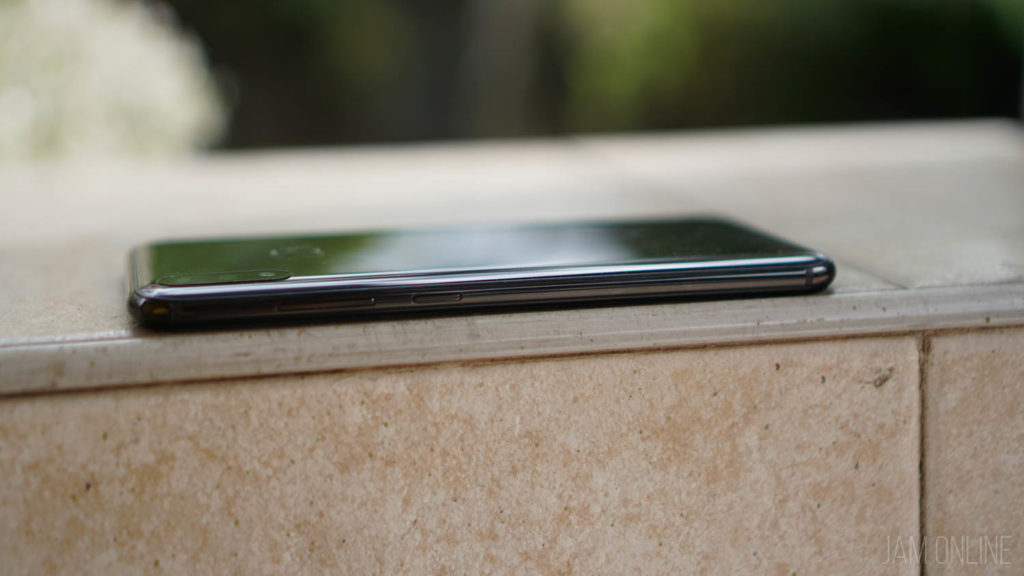
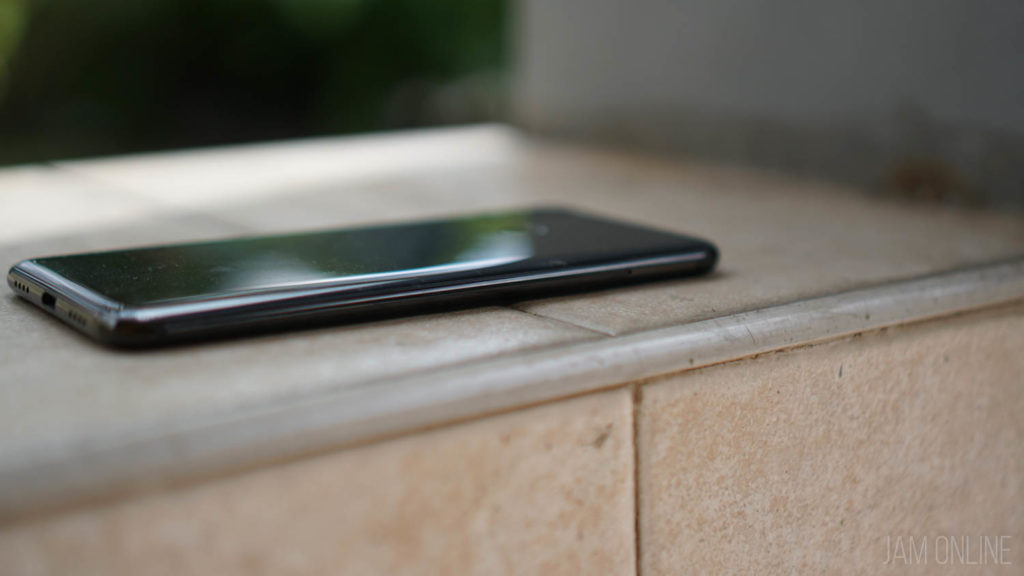
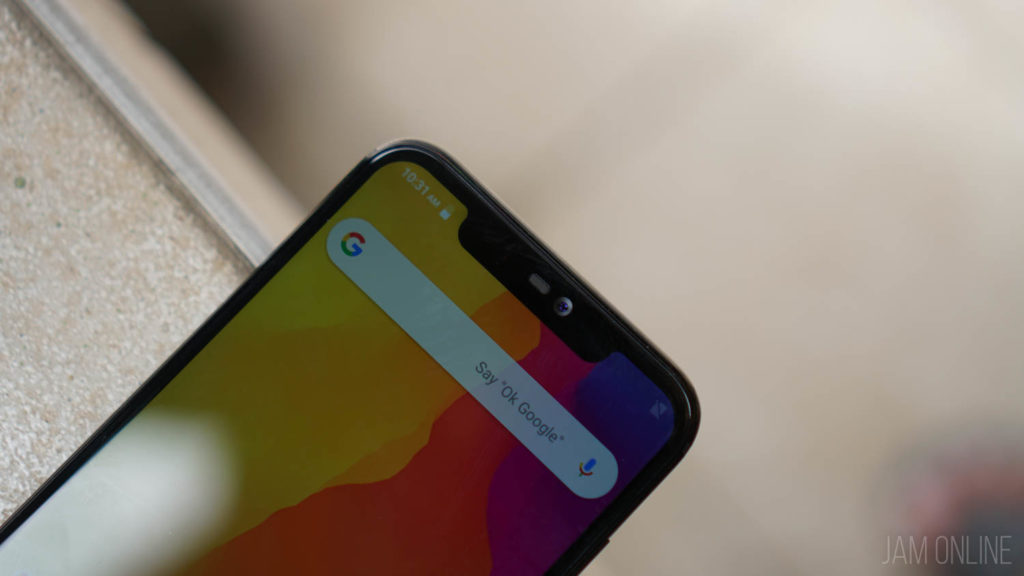
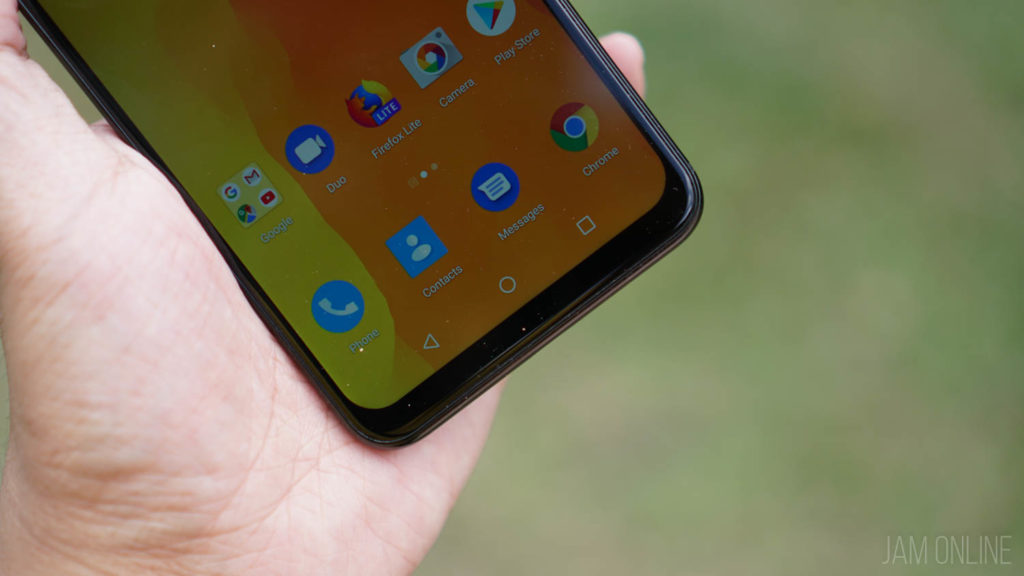
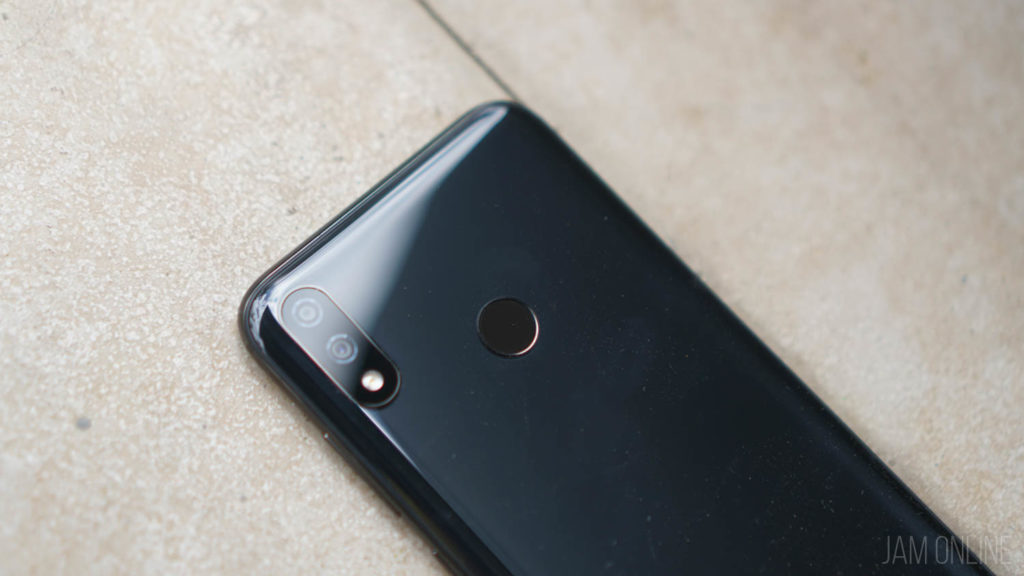
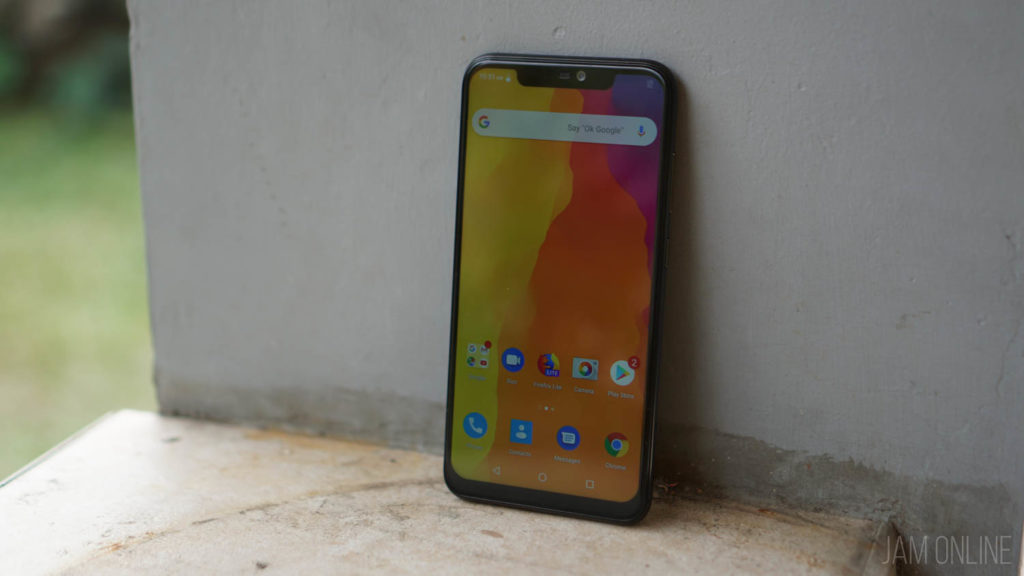
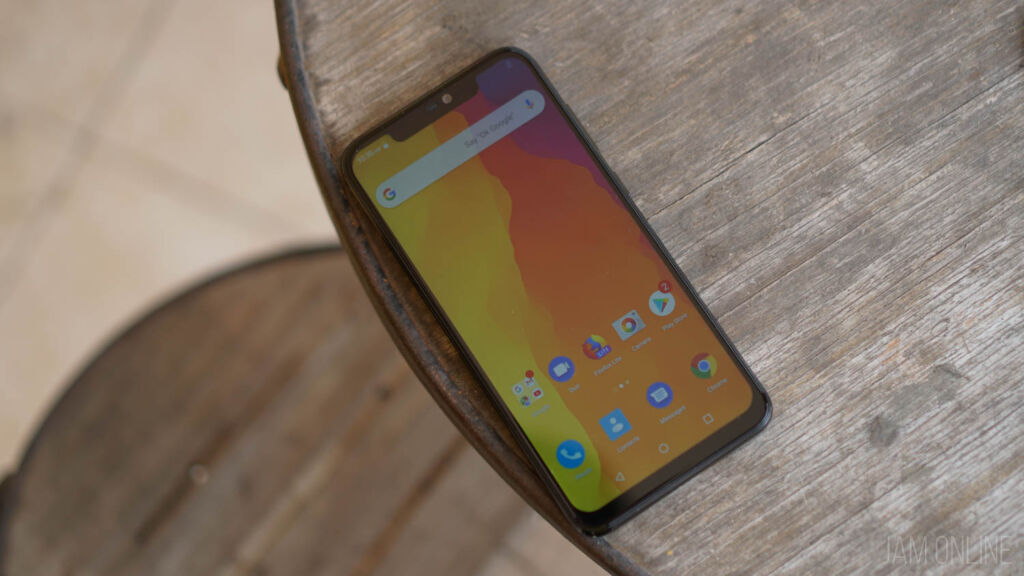
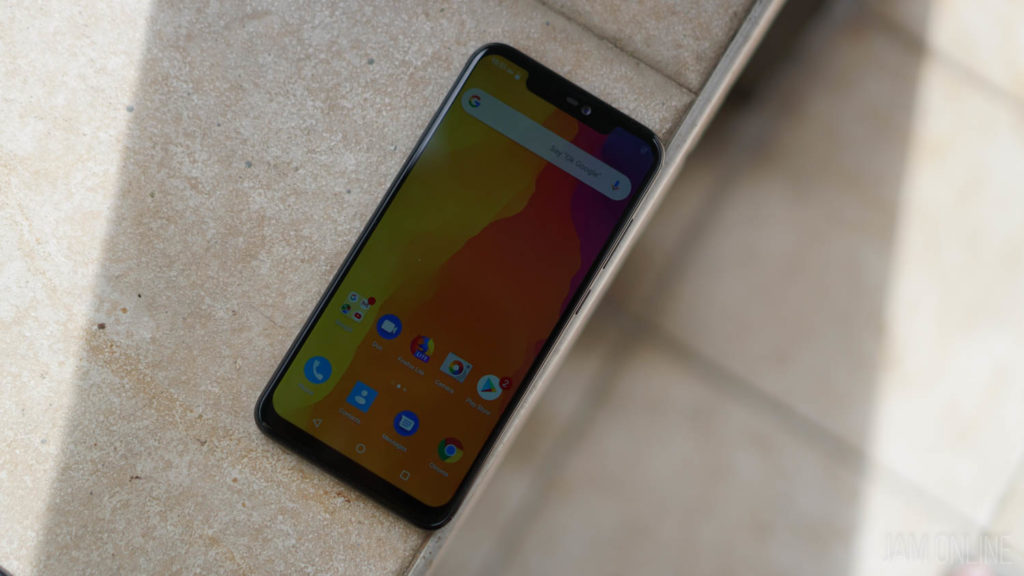
Xiaomi has a surprise for all of us before the end of the year. The company has unveiled the Xiaomi Mi Play which packs an Helio P35 processor which is really new and a design that is really attractive thanks to its three color options.
The Mi Play features a 19:9 5.84-inch Full HD+ display protected by Corning Gorilla Glass 5 and the smartphone’s camera is packed with 12MP+2MP AI dual camera setup.