Home Blog Page 374

Huawei Mate 30 Pro Review: The best camera smartphone right now

2

The Huawei Mate series will always be the innovative and the most powerful line of smartphones from the company and despite the recent pressure from the US government, the company still released the Huawei Mate 30 Pro without GMS and yes, the Huawei Mate 30 Pro is their best smartphone to date and we’re pretty amazed at the hardware inside the smartphone.
Huawei Mate 30 Pro Review: Design and construction
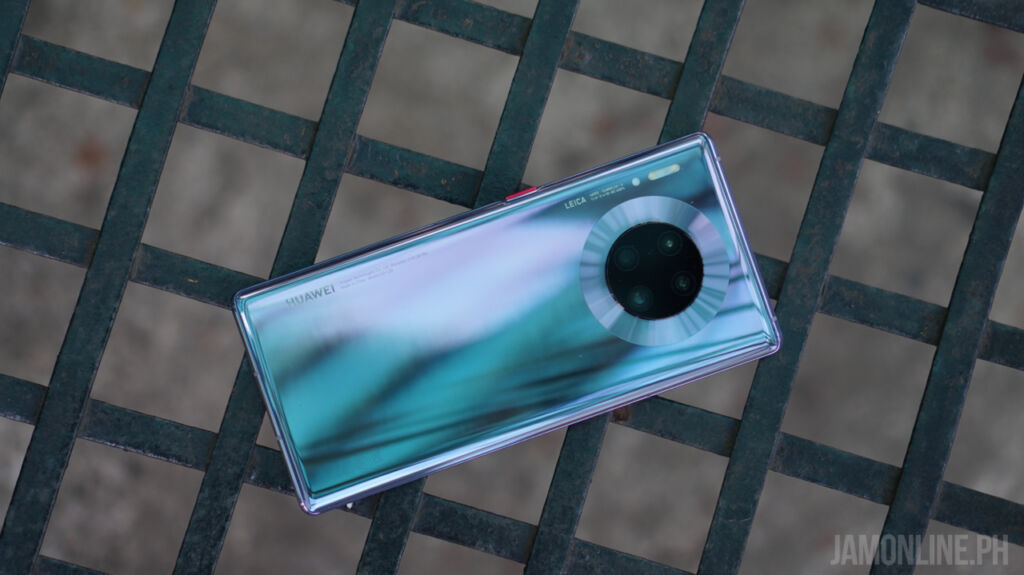
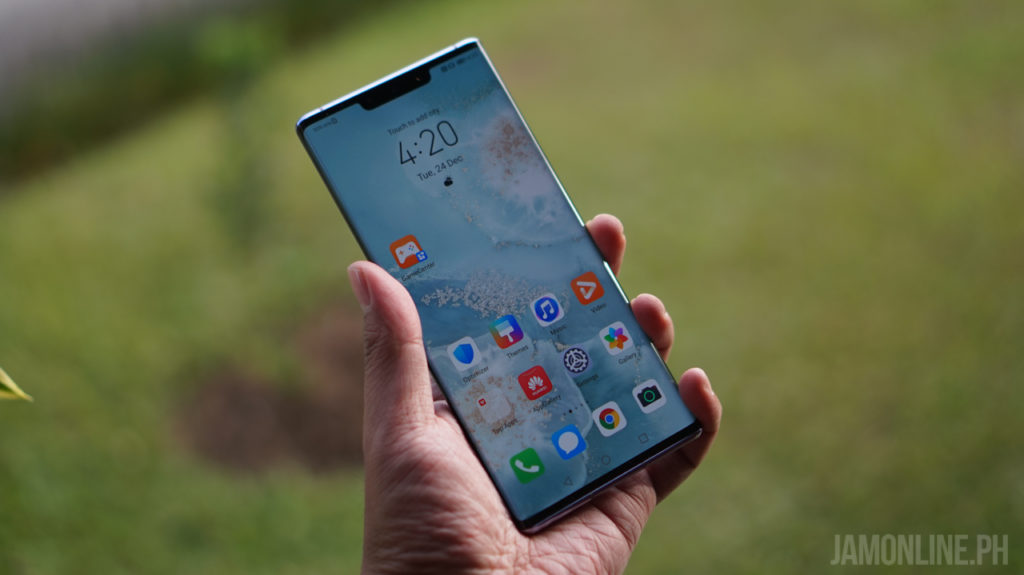
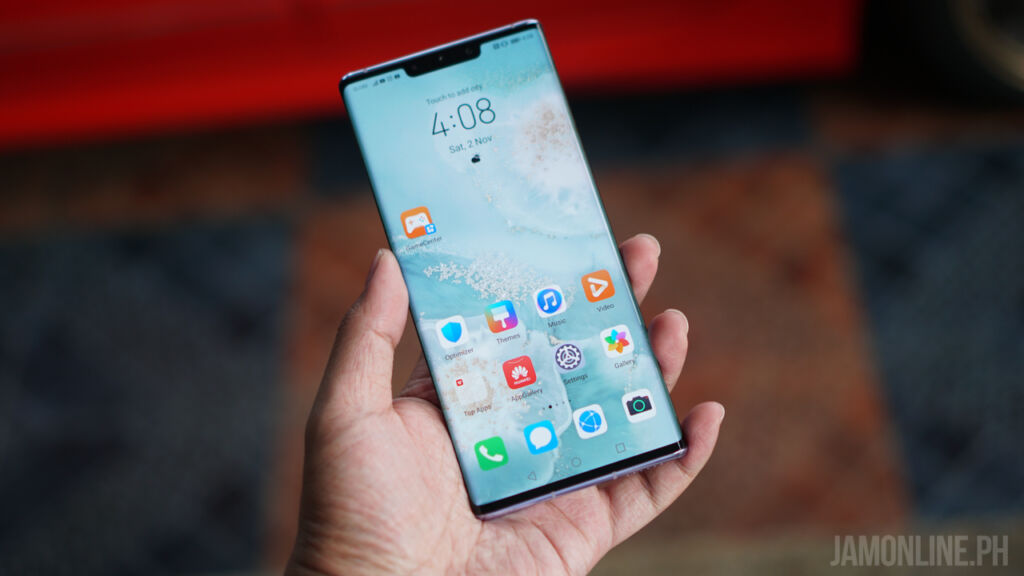
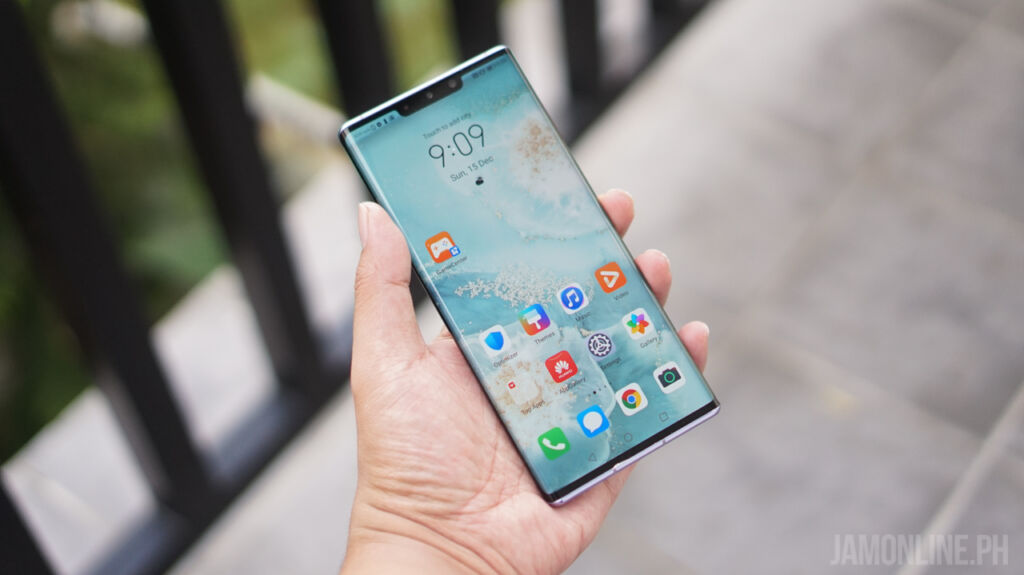
Before we talk about the circular camera setup at the back of the smartphone, let me just tell you that Huawei never failed to amaze us with its ergonomic design. Yes, the curves of the Huawei Mate 30 Pro are just perfect to my hands despite having a big screen size. The waterfall display or the horizon display of the Huawei Mate 30 Pro really added some sexy flair on the smartphone.
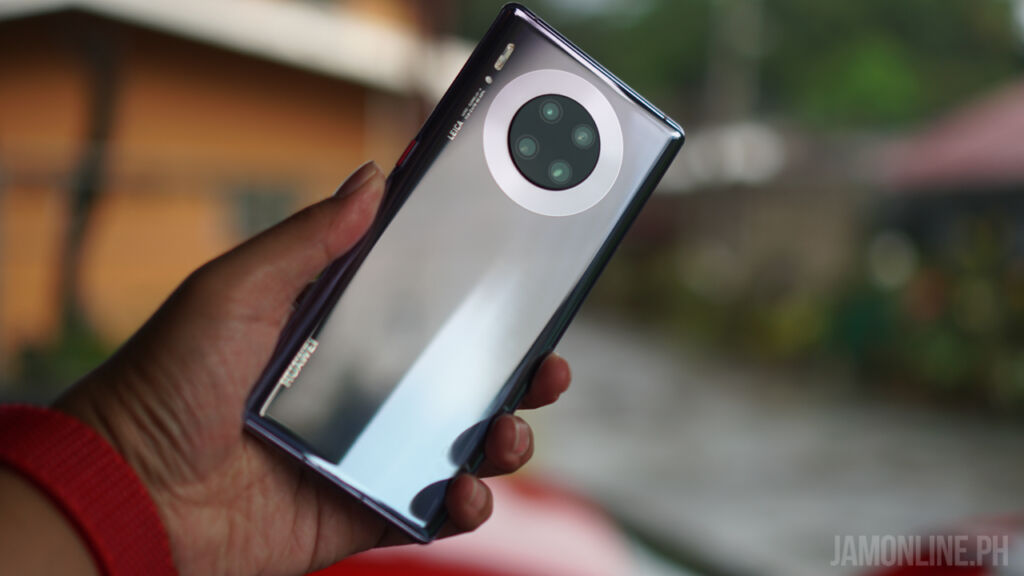
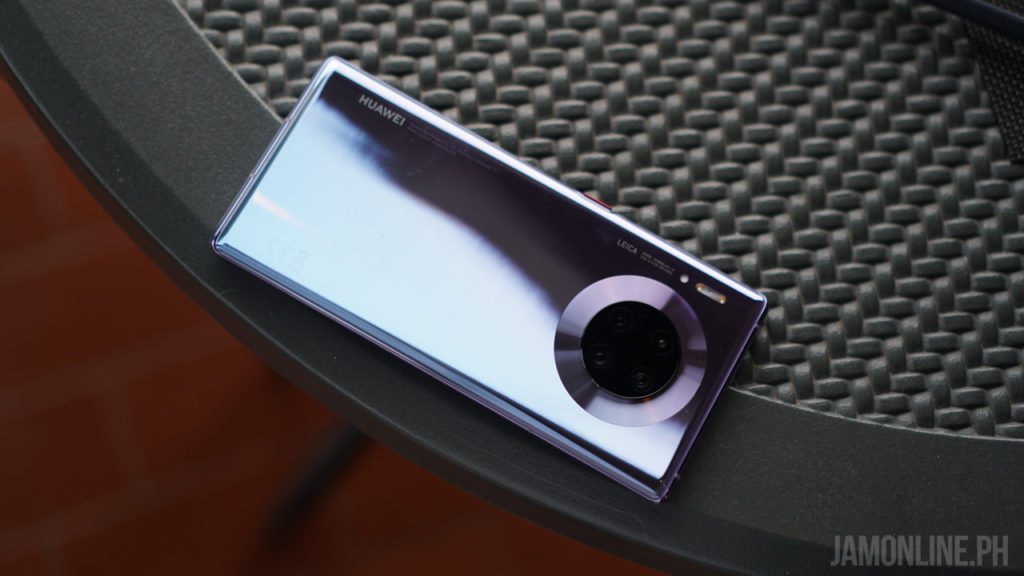
At the back of the smartphone is where you can find the curved glass back with a very reflective design and again, the ergonomics of the Huawei Mate 30 Pro is just perfect for my hand. As expected, the Huawei Mate 30 Pro features a USB-C port and also a speaker grill below and there’s no headphone jack on this one too.
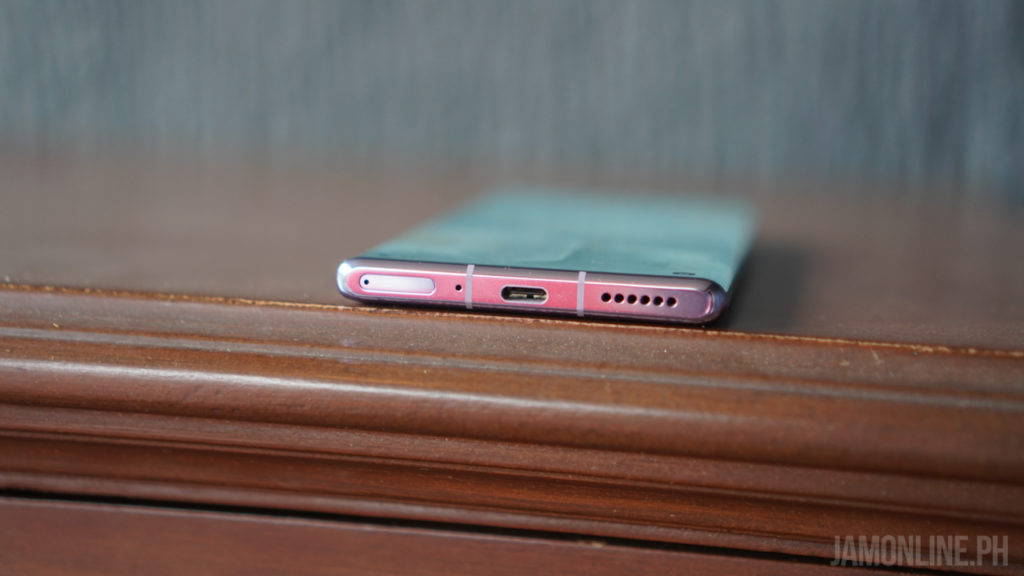
We still have here the power button on the side of the smartphone but the odd thing in here is that we’re missing the physical volume button on the Huawei Mate 30 Pro. Yep, there are no physical buttons for that because in order to control the volume, you need to double-tap on the side of the horizon display and you can adjust it sliding on the display. Pretty cool feature but for some people, they might find it confusing at the start.

So the best way to take a screenshot on the phone is thru gesture in where you close your fist or just do a double knock on the display of the smartphone.
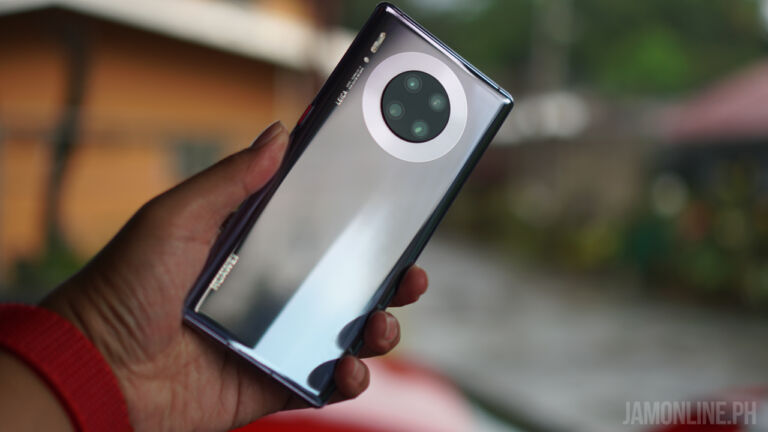
At the back is where you can find the circular camera design that I personally find it odd at first but it does look fine after I saw it in person especially with the materials used on the smartphone, the glass is just perfect along with its curves and it fits perfectly in my hand and that horizon display adds beauty to the smartphone.
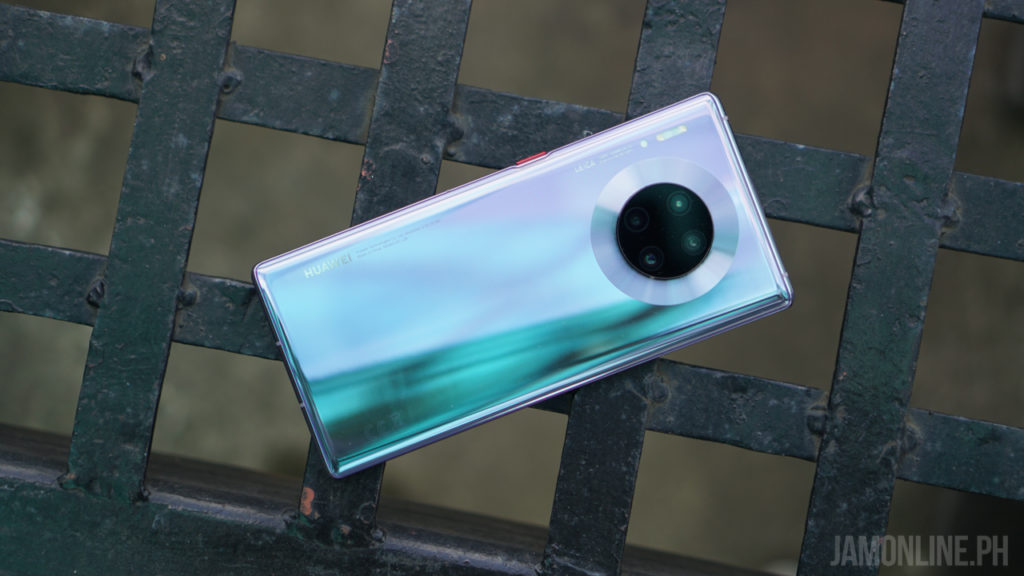
The Huawei Mate 30 Pro doesn’t pack a headphone jack which is already expected but there’s a USB-C port on the smartphone that supports 40W Huawei Supercharge and boy oh boy, it was really fast. Oh and the Freebuds 3 works pretty well on the smartphone so you don’t have to worry about the lack of headphone jack.

Huawei Mate 30 Pro Review: Display
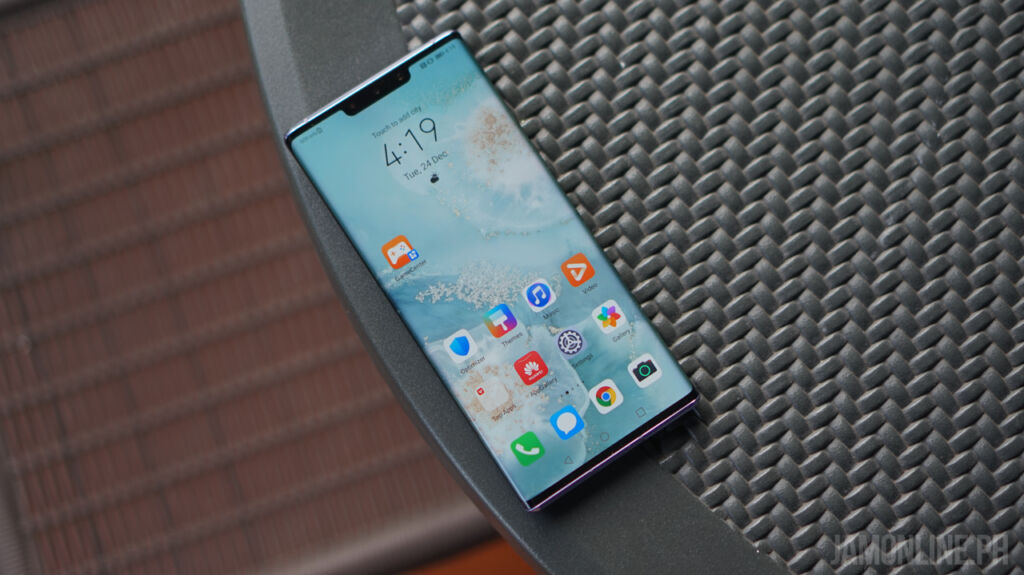
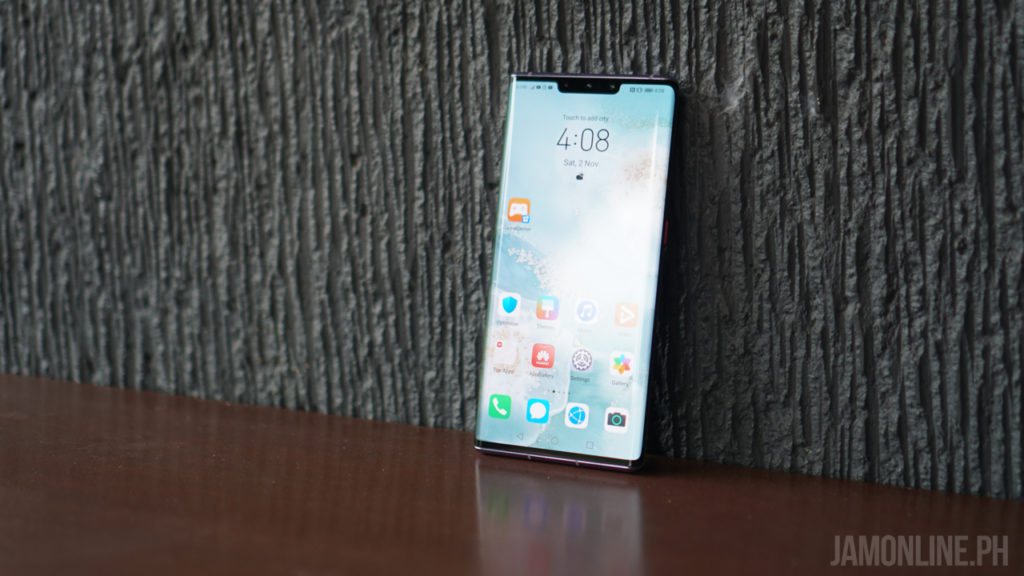
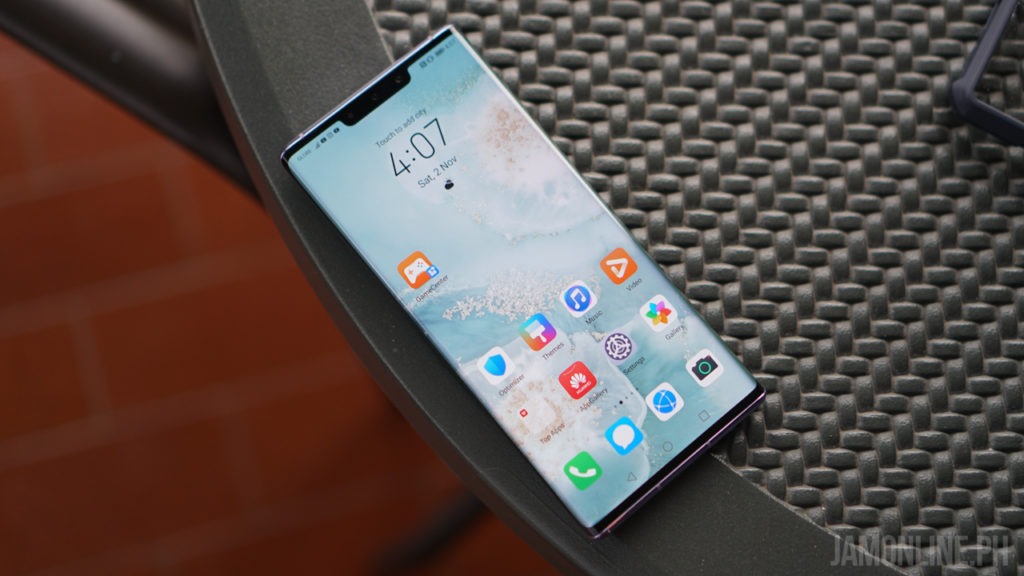
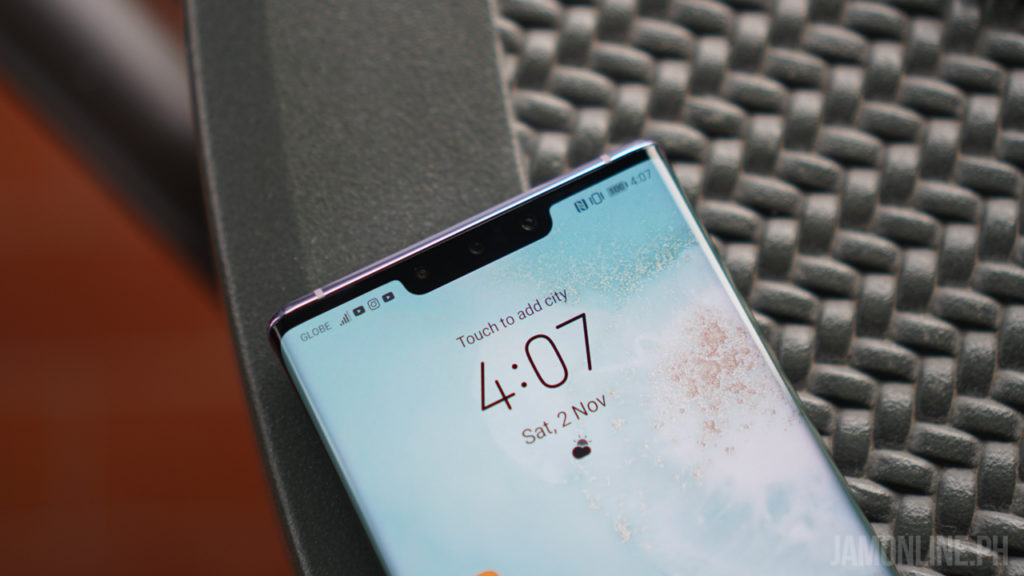
One of the biggest features that Huawei introduced in the smartphone is the horizon display. The Chinese company is proud that the smartphone features a horizon display that stretches up to 88-degrees which is why the smartphone shows a near-zero bezel on the smartphone especially on the sides and damn, it was beautiful.
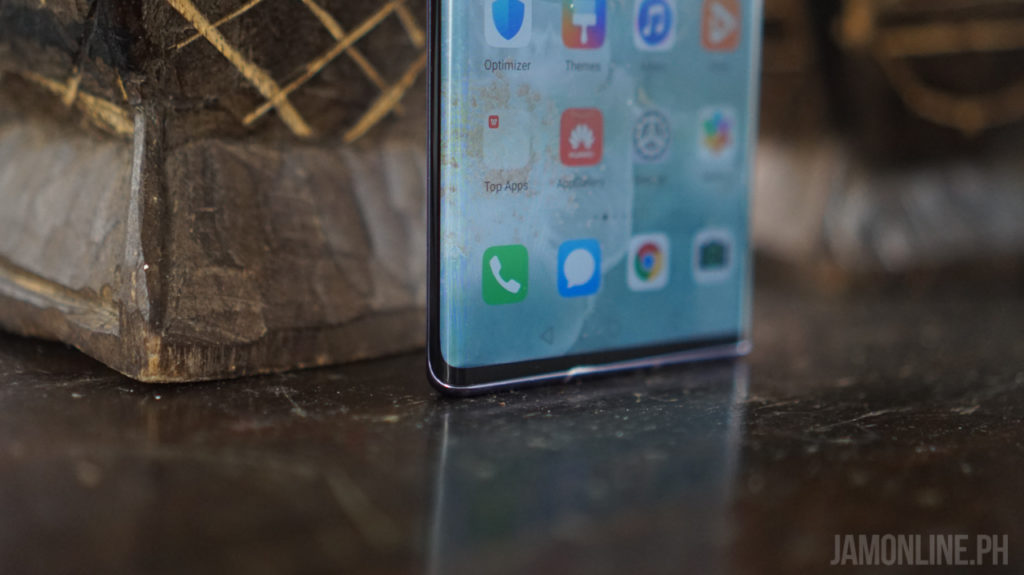
You might be wondering about accidentally touching the sides of the Huawei Mate 30 Pro and in my experience, I didn’t have those problems on my smartphone and the volume control of the smartphone wasn’t really that annoying to me.
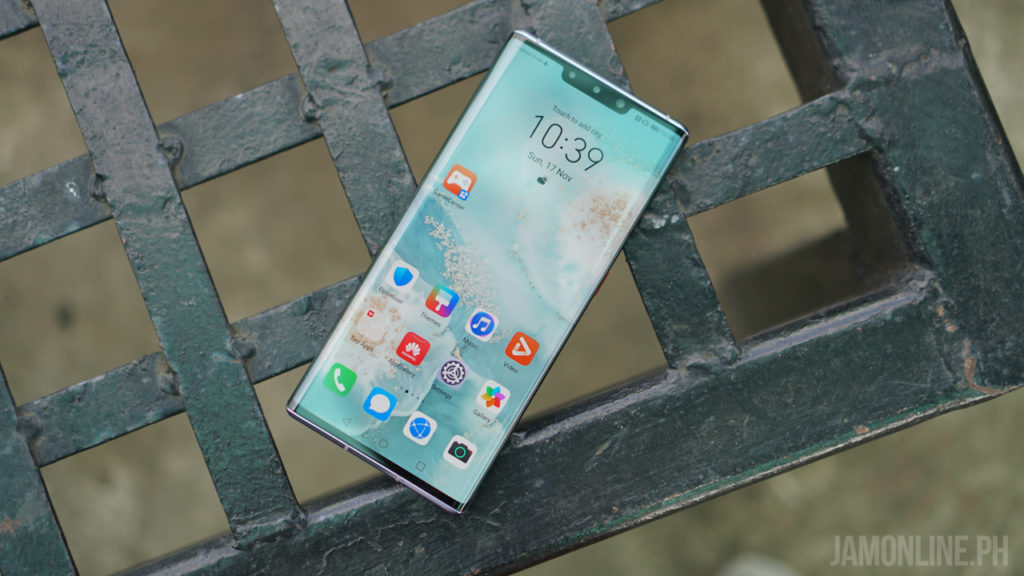
There’s a notch at the top too and it’s still wide because of the sensors but don’t worry because this one offers a better bokeh on selfie mode and of course, better face unlock.
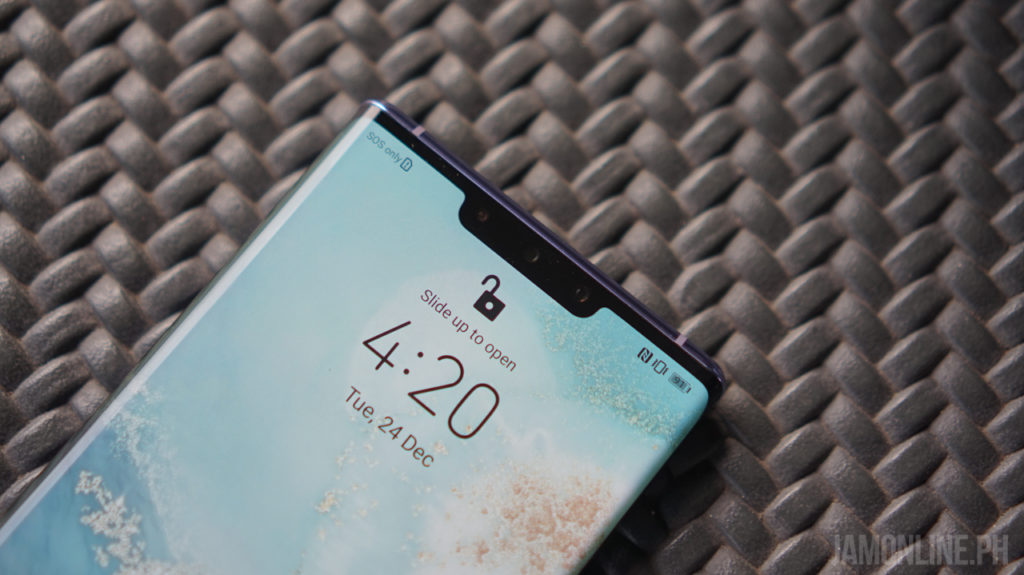
With regards to the quality, well, it’s not a Quad HD display but the panel of the smartphone is excellent. It produces really good colors and the viewing angles are still great. The brightness? It’s really damn good. Overall, the display of the Huawei Mate 30 Pro is an excellent one.
Huawei Mate 30 Pro Review: Battery
Inside the Huawei Mate 30 Pro is the 4500mAh battery and just like other Huawei flagship smartphones, this one has an insane fast charging tech up in its sleeves. There’s the 40W Huawei SuperCharge that can charge your smartphone in almost an hour and charging for 30 minutes will give you almost a half-day of normal usage on the smartphone. There’s a 27W wireless charging too in case you have a wireless charger at your office or home.
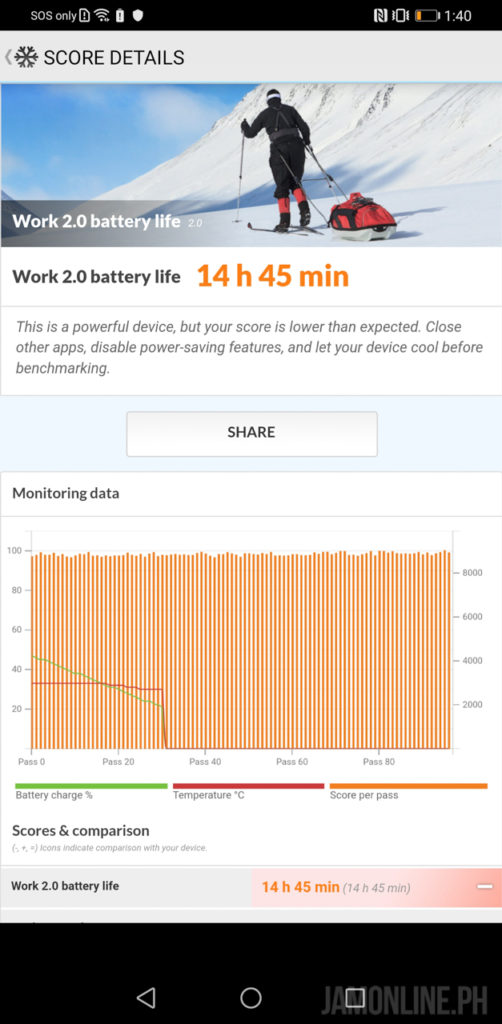
The Huawei Mate 30 Pro was able to last up to a day of average use on the smartphone in my usage and in PC Mark, I was pretty happy with the result that I got on the smartphone as I was able to get 14 hours and 45 minutes on the smartphone which is great for a flagship smartphone.

Huawei Mate 30 Pro: Software
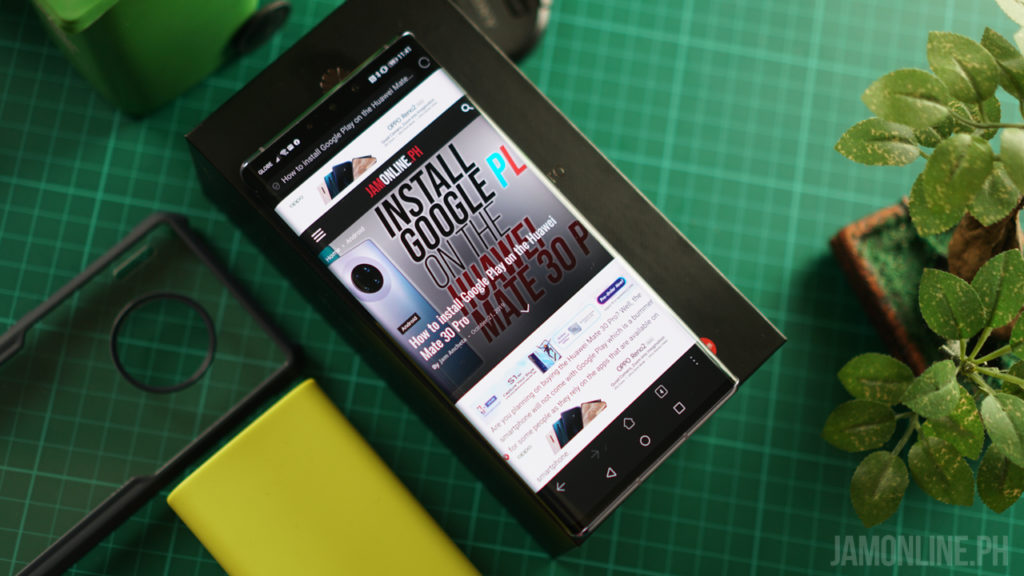
Here’s the interesting part about the Huawei Mate 30 Pro. It’s still running on Android, yes, but there’s a missing component on this one – it’s missing Google Mobile Services inside. This means that the smartphone doesn’t have Google Play and other Google apps but thankfully, there’s a way on how to install Google Apps on the smartphone. We actually made a tutorial for that one. Check it out below:

How to install Google Play on the Huawei Mate 30 Pro

The Huawei Mate 30 Pro is still running on the latest EMUI 10 with Android 10 inside and they’ve replaced the Google Mobile Services with their own Huawei Mobile Services that have their own set of APIs for their apps. But after installing Google Mobile Services on the smartphone, I really didn’t have any problems with it and it feels like a normal Android smartphone since we can download apps and other things to the smartphone.
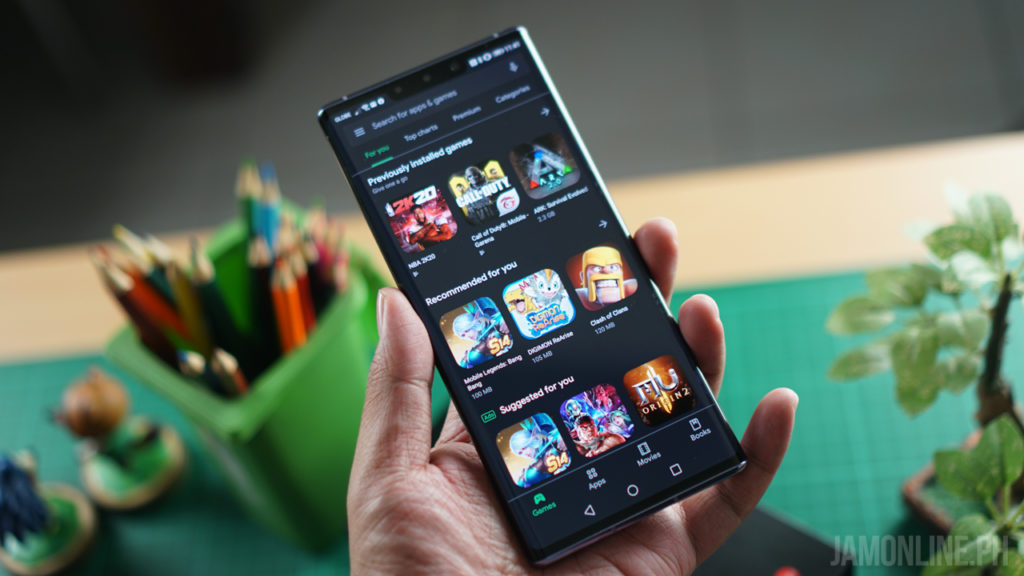
Just like before, the EMUI is very far from vanilla Android but it isn’t bad. It’s fast and it’s very user-friendly in my usage. Everything is pretty smooth on the smartphone and most of the apps that come with it are useful. It would also be awesome if you’re using other Huawei devices and accessories like the Freebuds 3 and the Huawei Watch GT 2 too as they’ve created a pretty good ecosystem too just like Samsung.
Huawei Mate 30 Pro: Gaming and performance
One of the surprising chipset when it comes to performance is the Kirin 990 chipset. It’s very powerful and it’s one of my favorite chipsets that I’ve ever reviewed. Why? Because the thermals of the smartphone are really good with this one and the performance that we got on both benchmarks and gaming on the Huawei Mate 30 Pro was really amazing. Not only that the Kirin 990 is superior in AI. Check out the benchmarks that we got using the Huawei Mate 30 Pro.


  • Antutu – 454444
  • 3DMark Open GL – 5990
  • 3DMark Vulkan – 5481
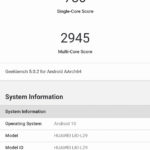
  • GeekBench Single-Core – 780
  • GeekBench Multi-Core – 2945

In gaming, the Huawei Mate 30 Pro does have some advantage thanks to the Kirin 990 processor inside. Every game that we ran on the smartphone didn’t have any problems including the recently released Black Desert Mobile however, in the mentioned game, we can’t maxed out the settings yet but the rest? You’ll have no problems setting games at ultra settings. Check out the FPS on different games that we’ve tried on the Huawei Mate 30 Pro.
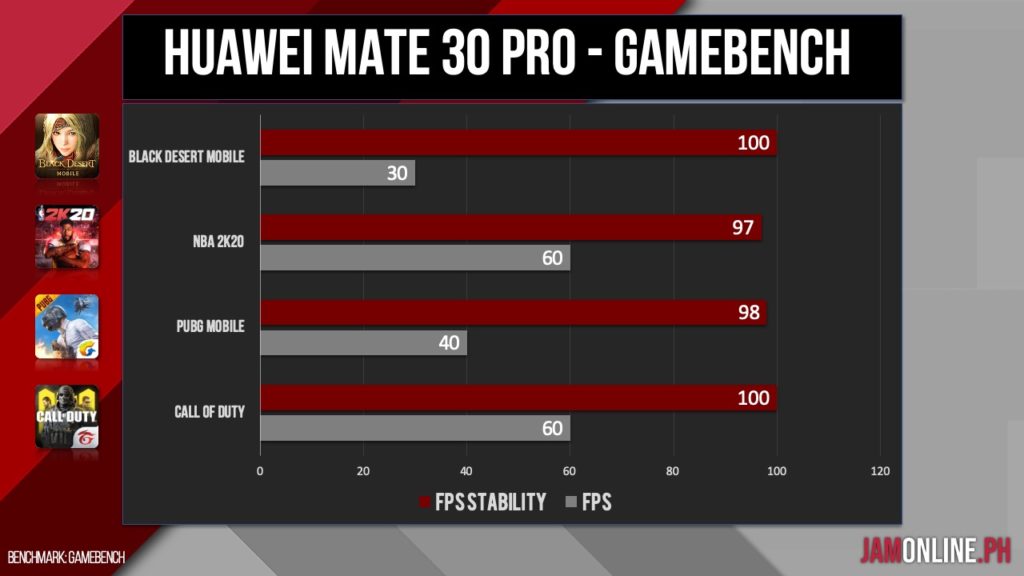
 

We ran PUBG Mobile at HDR settings with extreme framerates and anti-aliasing along with Call of Duty Mobile at the highest settings. As proven by Gamebench, almost any games will run on the Huawei Mate 30 Pro without problems.
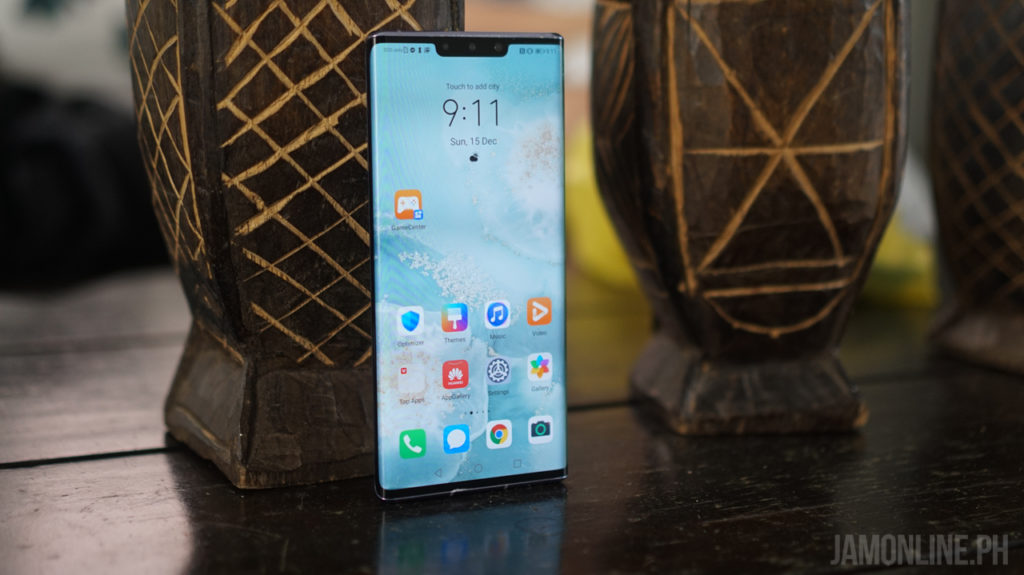
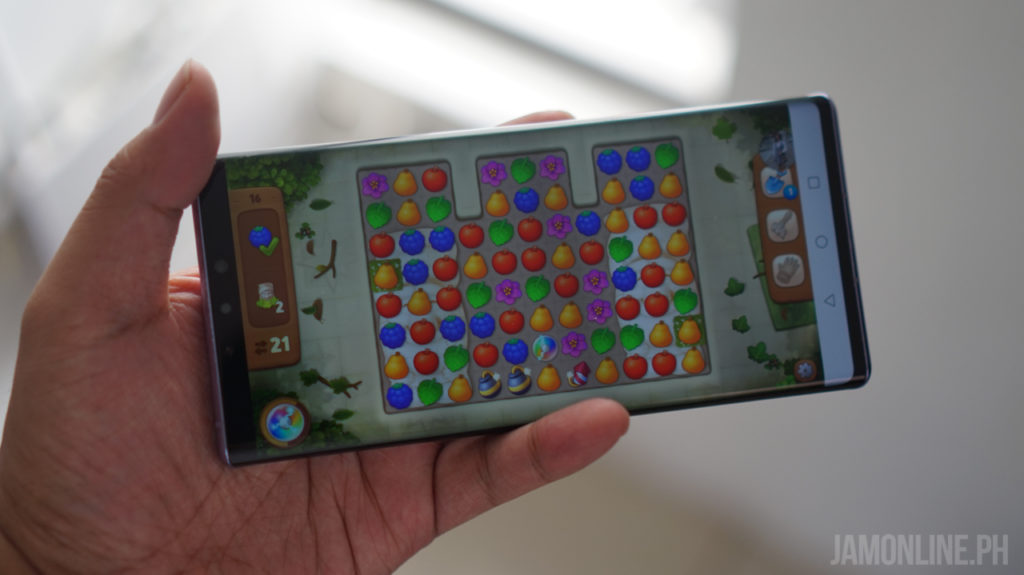
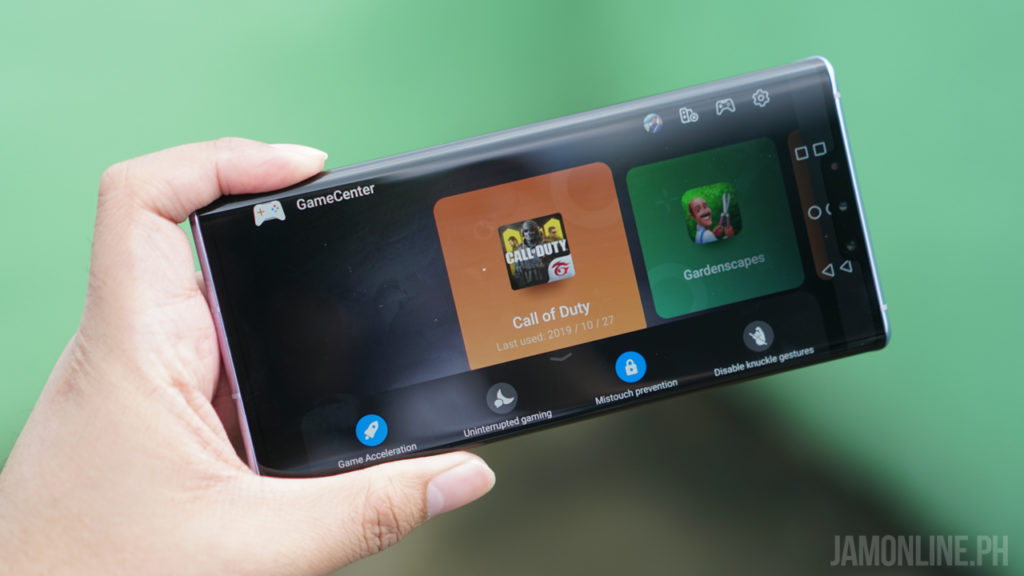
Not only that, the Huawei Mate 30 Pro also features a GameCenter in where we could have a launcher for different games, game acceleration, screen recording but my favorite one is  where you can enable the L/R trigger button thanks to the horizon display of the smartphone which makes it possible to have a shoulder-like buttons on the smartphone

Huawei Mate 30 Pro Review: Camera
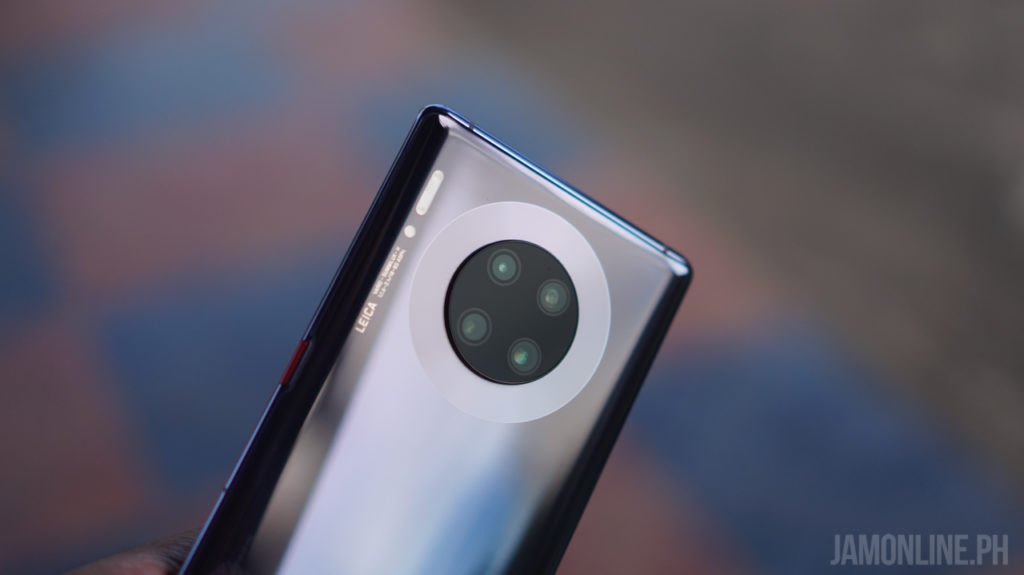
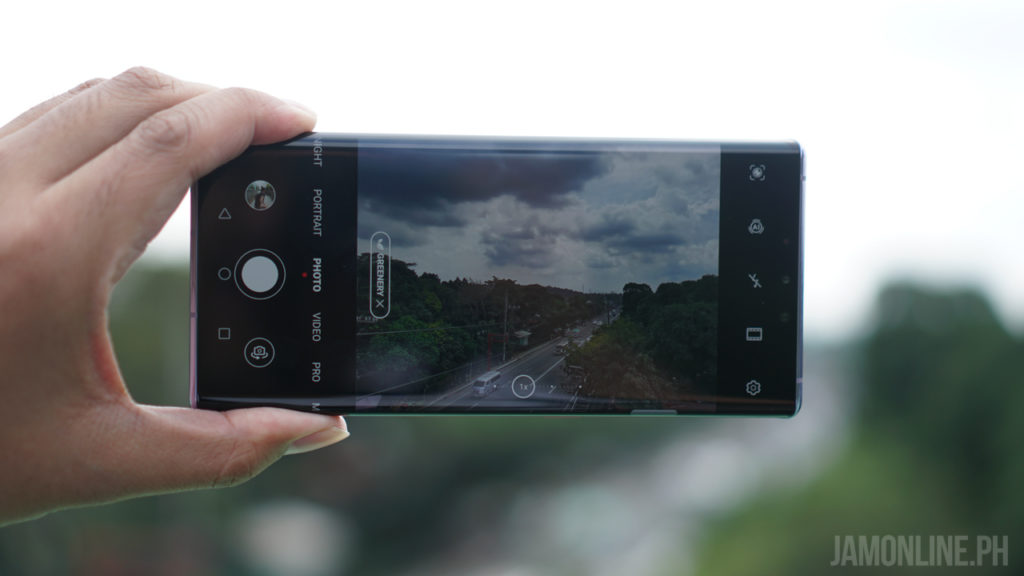
Huawei is known for topping the DxOmark scores every time they release a brand new flagship smartphone and with the Huawei Mate 30 Pro, we’re pretty amazed at every shot that we got on this smartphone especially on video. But before we get down to the camera samples of the Huawei Mate 30 Pro, let’s talk about the quad-camera lens co-engineered by Leica at the back.
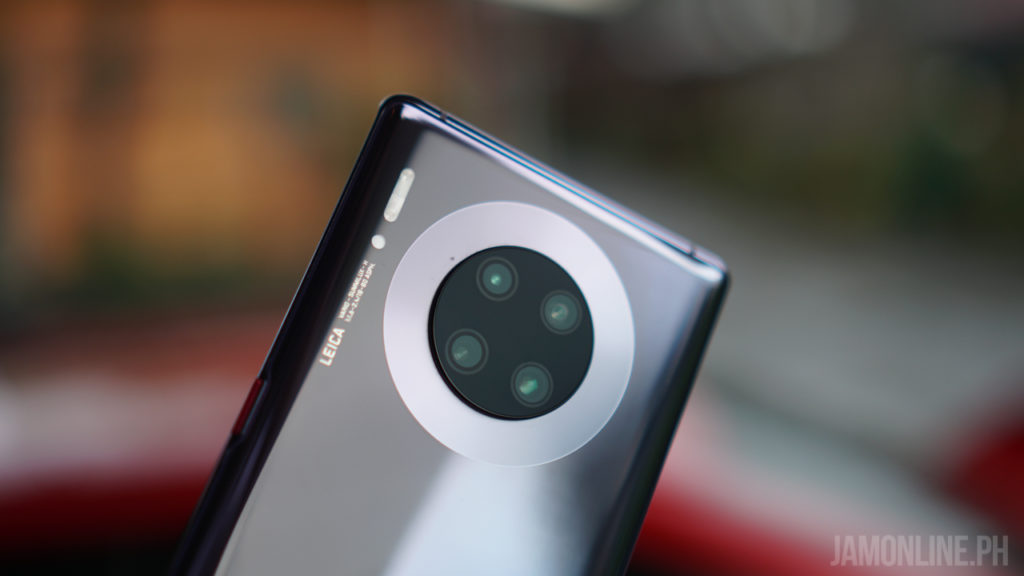
First, we got here a 40MP Cine Camera that is made for filming ultra low-light shots and also ultra slow-motion and ultra wide-angle time-lapse videos and then there’s the 40MP Supersensing camera for better photos and then there’s the 8MP telephoto camera that is capable of 30x digital zoom and then there’s the 3D Depth sensing camera for better bokeh on photos and videos.
The Huawei Mate 30 Pro is also capable of shooting 7680fps slo-mo which is currently the best slo-mo in the smartphone industry. Check out how awesome the slo-mo of the Huawei Mate 30 Pro is:


And of course, check out some of the shots that we took using the Huawei Mate 30 Pro:

The videos that we shot using the Huawei Mate 30 Pro is really good. Even when shooting at low light, the Huawei Mate 30 Pro did a really good job. Check out some of the videos that we took using the Huawei Mate 30 Pro.

Overall, the Huawei Mate 30 Pro has an amazing camera. Whether you want to shoot photos and videos on the smartphone, you wouldn’t have a problem with this one. The selfie camera might not be the best one but it is still a big upgrade from the predecessor.

The rear camera? It’s awesome. the AI was great and the photos that I can capture were sharp. As expected, the bokeh or the portrait mode of the smartphone is really well. Now I can’t wait for the P40 series to arrive soon.
Huawei Mate 30 Pro Review: Verdict
There’s a lot of flagship smartphones out there and the Huawei Mate 30 Pro is one of the best camera smartphones out there and when it comes to performance, the Huawei Mate 30 Pro doesn’t disappoint thanks to the Kirin 990 processor inside. The design and ergonomics of the smartphone are also one of the best out there.
Overall, almost all everything about the smartphone is great but there’s the only thing that we didn’t like about it – the lack of Google Mobile Services. But that problem can be easily fixed with our solution and yes, you can install any Google apps and services without problems on the Huawei Mate 30 Pro after installation.
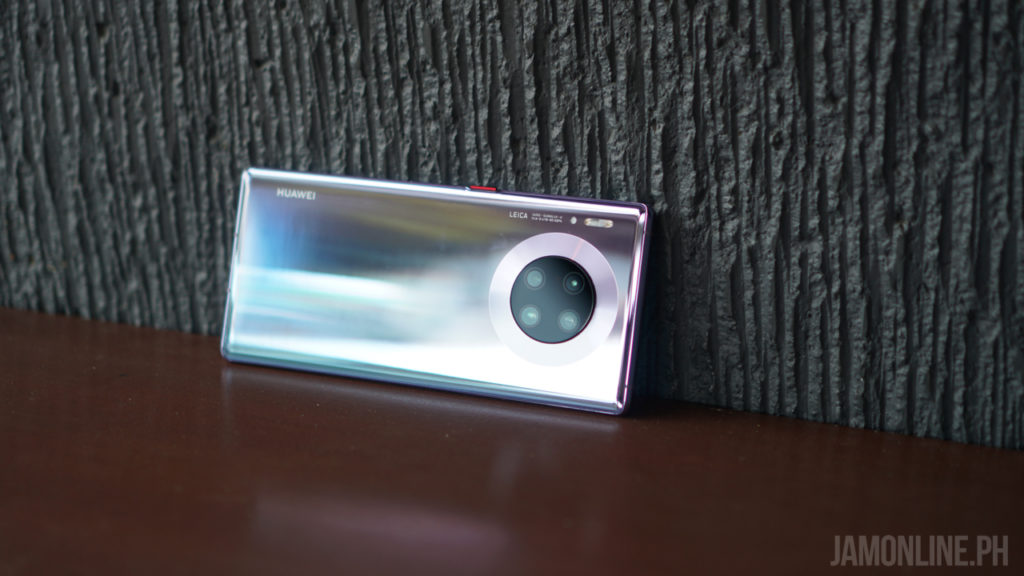
The Huawei Mate 30 Pro is now available for Php50,990.
Samsung launches all-new Odyssey Gaming Monitors at CES 2020

0

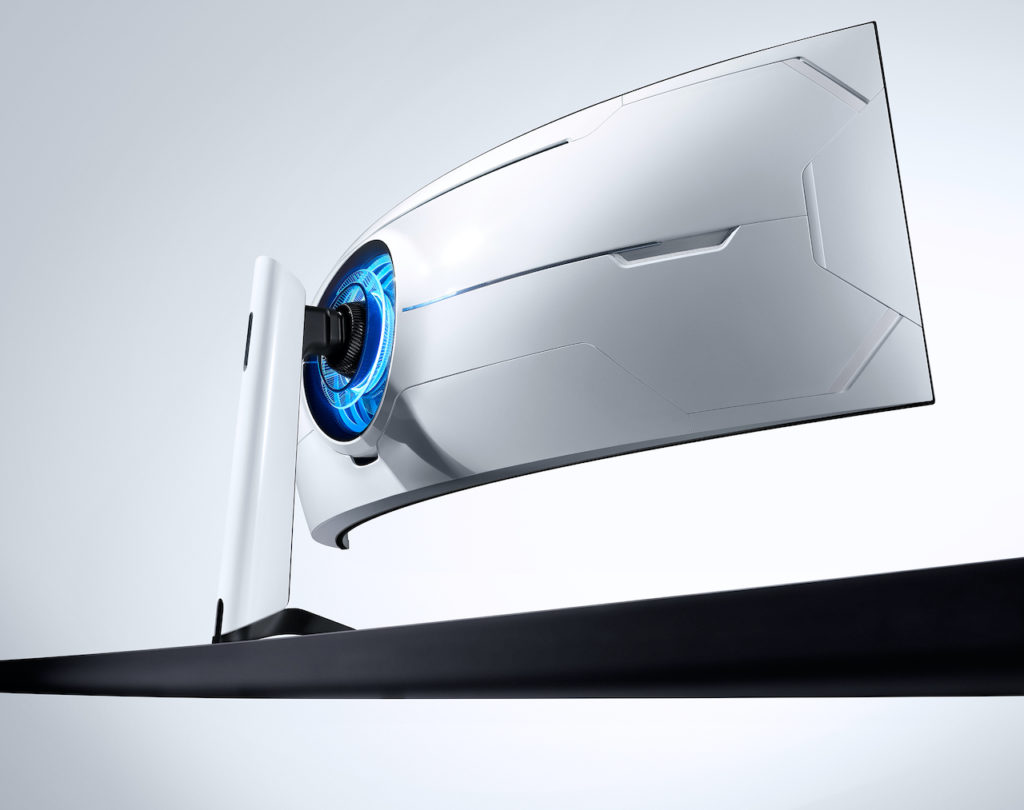
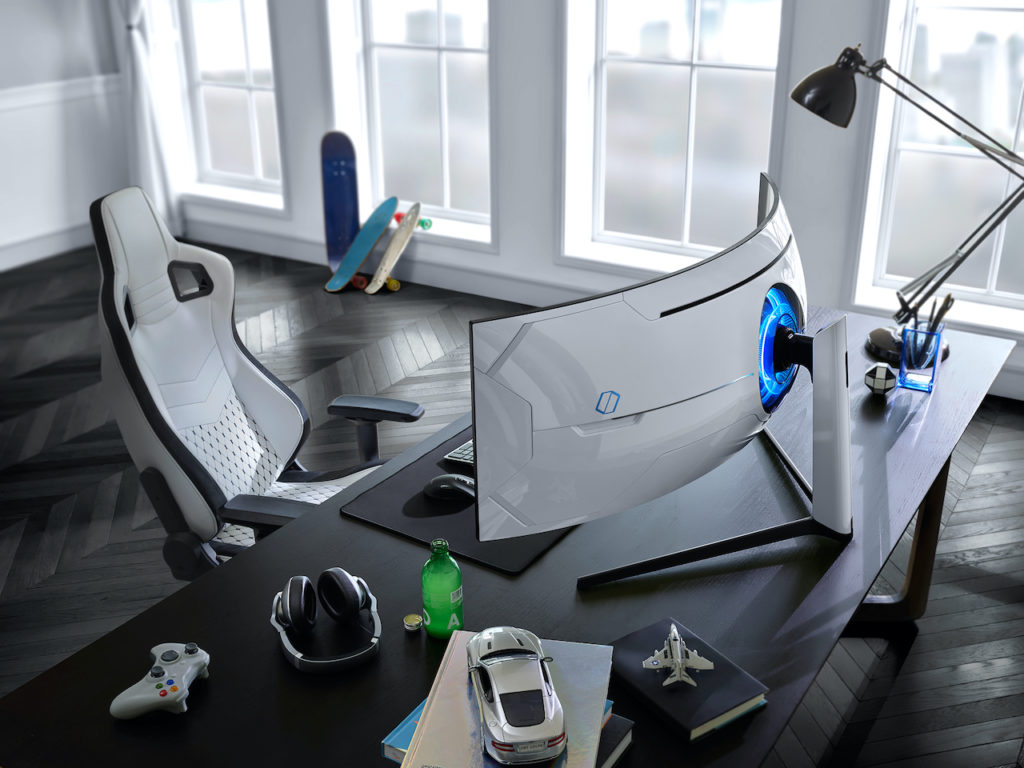
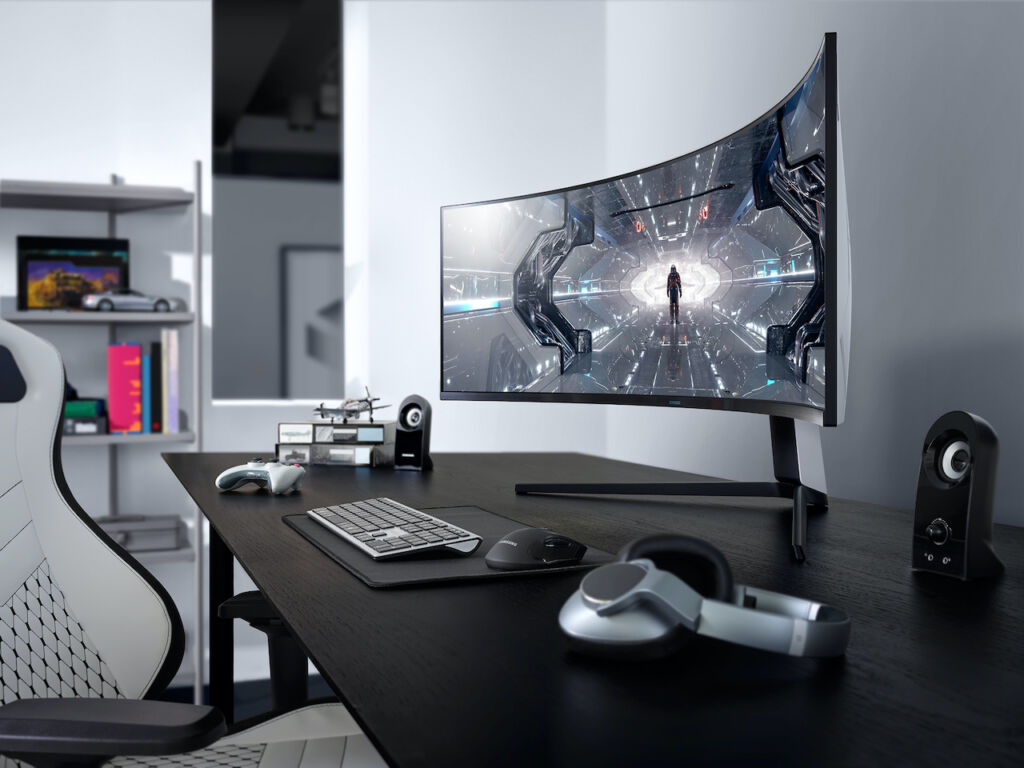
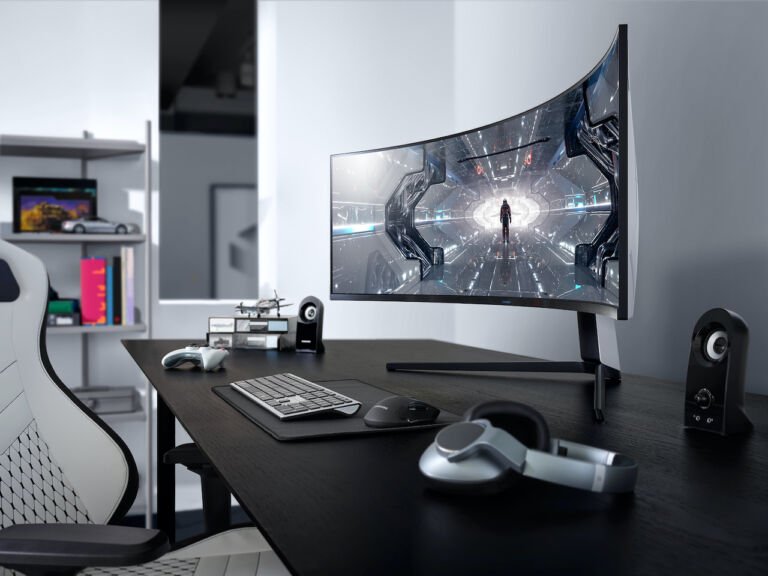
Samsung has just introduced its brand new curved Odyssey gaming monitors at CES 2020. In case you didn’t know, the Odyssey is their line of gaming products including notebooks however, none so far has reached the Philippines. There are two models in the Odyssey monitor line — the G7 and the G9.

Samsung G7 Monitor

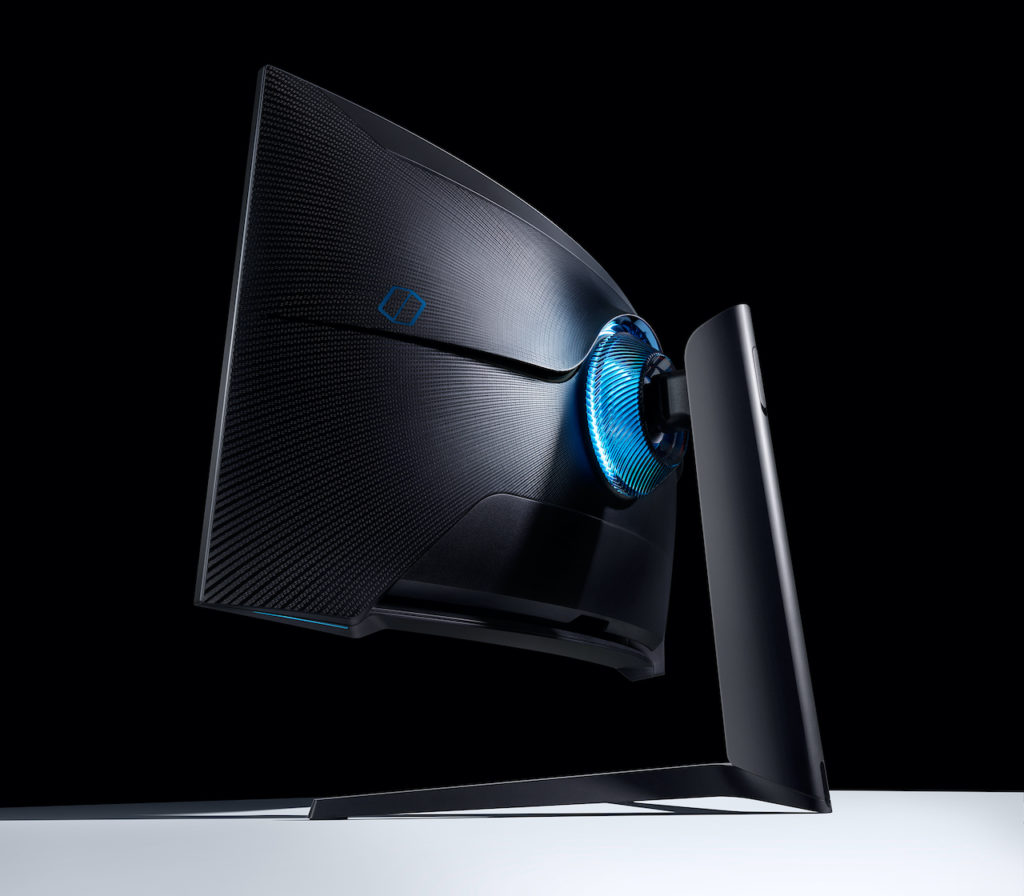
Both monitor lines feature a deep curvature with QLED picture quality. The monitors come with 1ms response time and 240hz RapidCurve and it supports Nvidia G-Sync and Adaptive sync on DP 1.4.

Samsung G9 Monitor

The G7 monitors of Samsung come in two sizes — 27-inc and 32-inch. The G7 family has a 1000R Screen Curvature with a 16:9 panel and 2560×1440 QHD resolution with HDR 600, QLED Panel, 240Hz refresh rate, and a 1ms response time.

Samsung G9 Monitor

While the G9 monitor comes in a larger 49-inch display with a 32:9 display aspect ratio and 1000R curvature. Not only that, there’s a QLED panel too and a better HDR1000, 240Hz refresh rate, 1ms response time, and a beastly 5120×1440 DQHD display.

Samsung UNPACKED 2020 will be happening this February 11

0

It’s January and CES is about to go down in a few days but a leaked video from Samsung has confirmed that the next Unpacked event that will unveil their flagship smartphones — the next Samsung Galaxy Fold smartphone and Samsung Galaxy S11 series or Galaxy S20 series.

In a tweet by Max Weinbach, he posted a video of the teaser in where two boxes appear in the word “Galaxy” instead of letter “a”. According to Max, the left one is teasing the camera setup of the Samsung Galaxy S11 series or Galaxy S20 while the other is teasing the new Samsung Galaxy Fold.


Right now, the details about the launch are still scarce but it is expected to happen this February 11, 2020, in San Francisco, the same city in where Samsung has launched the Samsung Galaxy S10 series.

Huawei is having the AppGallery Festival this January 2020

0

Get Freebies and perks!

Huawei is greeting us an “Appy New Year” as the Huawei Mobile Services celebrates its brand new year by sharing gifts and rewards with its AppGallery Festival. This January, Huawei users can receive perks and vouchers from different selected app partners, Huawei points, and even Huawei smartphones.

In case you’re wondering, the Huawei AppGallery is the official app market of Huawei smartphones and it comes preloaded since April 2018. There are different apps on the AppGallery including categories such as education, lifestyle, shopping, and even games.

With the “New Year, New Start” AppGallery Festival provides deals from leading apps such as Agoda, Lazada, Shareit, and VIU and of course other apps such as Booky, Cashalo, OWTO, SSS and more.

You can also download apps and get up to Php 800 worth of Huawei points during the campaign period when you download selected apps in the AppGallery. There will also be app vouchers and gifts packs from the ‘Gift Center’ on the AppGallery and you can get a month free VIU premium subscriptions, two months Iflix VIP subscribers, seven days CamScanner subscriptions and more.

If you love games, Players of Guns of Glory, Jellipop Match, Mobile Royale, Rise of Kingdoms and Saint Seiya will get you a chance to win HUAWEI smartphones by buying in-game items and pay through HUAWEI In-App Purchases (IAP).

The top 30 spenders across Malaysia, Philippines, Singapore, and Thailand will win a Huawei smartphone and it will be divided into three phases

The first phase will run from 1 st -7th January 2020 with Nova 5T as the prize. The smartphone prizes for Phase 2 (8th -14th Jan) and Phase 3 (15th -31 st Jan) will be revealed on the starting date of each phase.

Here’s the mechanics:
1. Download the participating game(s) from AppGallery
2. Play and purchase in-game items
3. Pay via Huawei IAP with Bank Card (credit/debit) payment method
4. Participants can spend on more than one game to accumulate the spending amount
5. The top 30 in-game spenders across the participating countries will win a HUAWEI
smartphone

If you want to know more about the AppGallery festival, head over to: https://consumer.huawei.com/ph/campaign/appgallery-festival/

Samsung unveils the Galaxy Note10 Lite and Galaxy S10 Lite

0

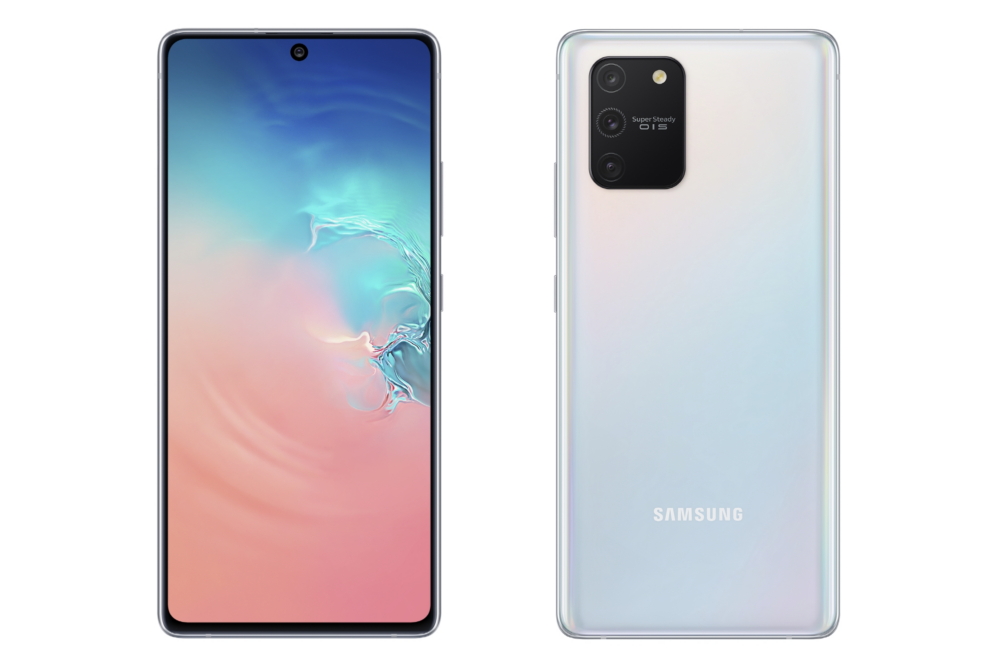
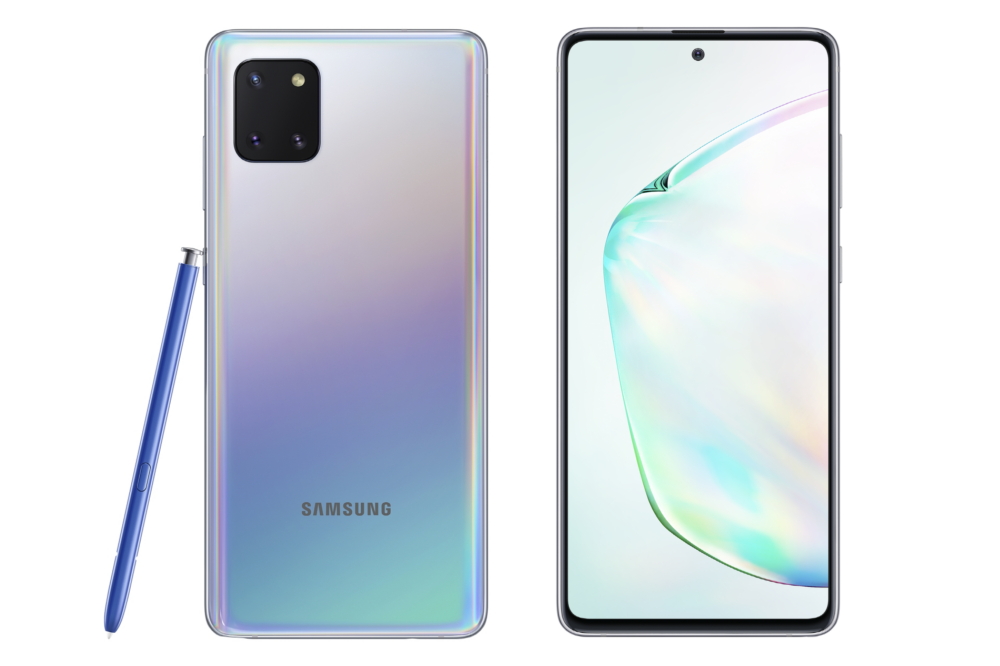
Samsung has announced two new members of the Galaxy smartphone line and these are the Samsung Galaxy Note10 Lite and the Samsung Galaxy S10 Lite. Both smartphones are announced at Las Vegas, Nevada just before the start of CES 2020. Both will have a familiar design as we have seen before on the Samsung Galaxy Note10+ and also a rectangular camera design at the back.

Samsung Galaxy S10 Lite

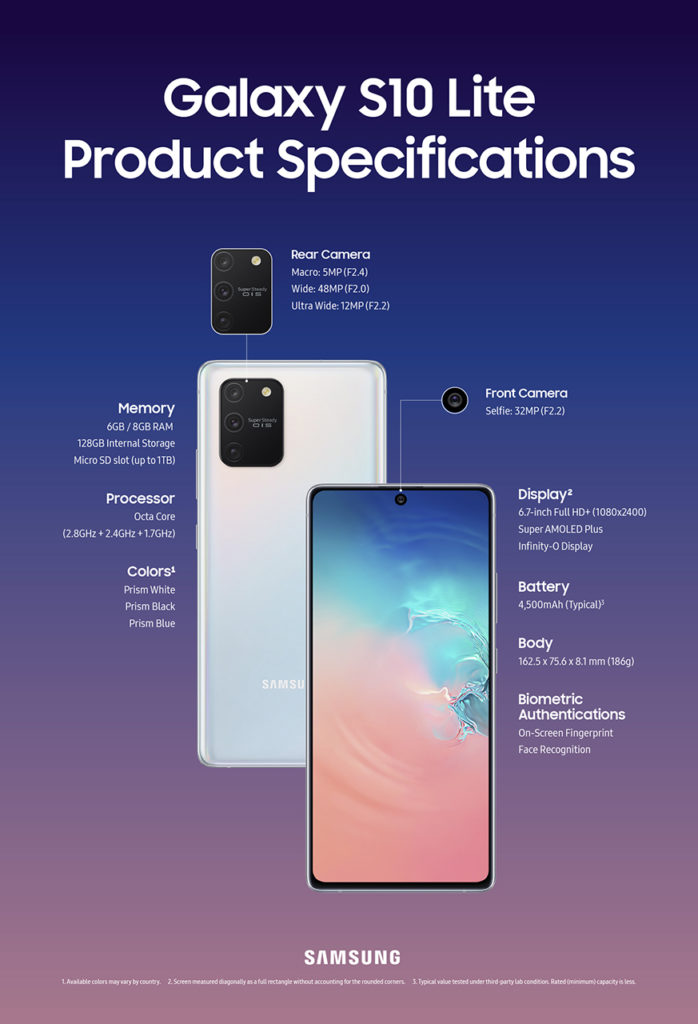
The first one is the Samsung Galaxy S10 Lite that packs a 6.7-inch Full HD+ Super AMOLED display and a powerful Snapdragon 855 processor inside and then there’s the 6GB or 8GB RAM and a 128GB internal storage and MicroSD card slot.

The smartphone features a 48MP f/2.0 aperture with 12MP ultra wide-angle lens, and also a 5MP macro lens. On the front, we got here a 32MP selfie camera. Not only that, the Samsung Galaxy S10 Lite will feature a new Super Steady OIS on its main camera for better stabilization.

Samsung Galaxy S10 Lite Specs

  • 7nm 64-bit Octa-core processor (Max. 2.8GHz + 2.4GHz + 1.7GHz)
  • 6.7-inch Super AMOLED Infinity-O Full HD+ Display
  • 6GB/8GB RAM
  • 128GB Internal storage expandable via MicroSD
  • 48MP Main camera, super steady OIS + 12MP Ultra-Wide angle camera + 5MP macro camera
  • 32MP selfie camera
  • WiFi, Bluetooth, GPS, A-GPS
  • 4500mAh battery
  • On-screen fingerprint scanner, face recognition
  • Prism White, Prism Black, Prism Blue
  • Android 10

Samsung Galaxy Note10 Lite

This one might have an Infinity-O display on the front but this one has a different camera setup at the back and a little bit of different design. First, we still have the S-Pen in here with Air Command Support similar to the Samsung Galaxy Note10 series. This one would have a large 6.7-inch Super AMOLED infinity-o Full HD+ display that looks fine but we do have a different processor and CPU in here.

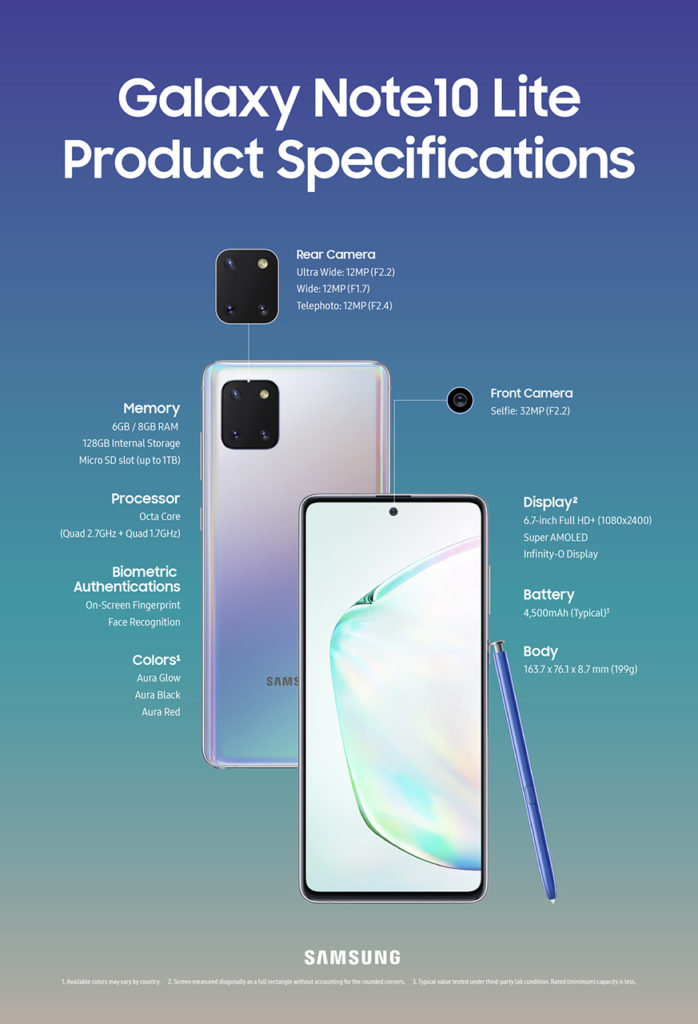
The specific processor wasn’t mentioned but it’s a 10nm 64-bit Octa-core processor (Quad 2.7GHz + Quad 1.7GHz) and then there’s the triple-lens camera that is comprised of 12MP ultra-wide, 12MP main camera, and 12MP telephoto camera.

Samsung Galaxy Note10 Lite Specs

  • 10nm 64-bit Octa-core processor (Quad 2.7GHz + Quad 1.7GHz)
  • 6.7-inch Super AMOLED Infinity-O Full HD+ Display
  • 6GB/8GB RAM
  • 128GB Internal storage expandable via MicroSD
  • 12MP Main camera+ 12MP Ultra-Wide angle camera + 12MP telephoto lens
  • 32MP selfie camera
  • WiFi, Bluetooth, GPS, A-GPS
  • 4500mAh battery
  • On-screen fingerprint scanner, face recognition
  • Aura Glow, Aura Black, Aura Red
  • Android 10

Honestly, I’m a little bit confused with this one as the next generation Galaxy S series smartphones are expected to be unveiled next month but hey, at least there are new Samsung Galaxy smartphones now. No word regarding local availability.

ASUS launches Platinum Protection Warranty Service

0

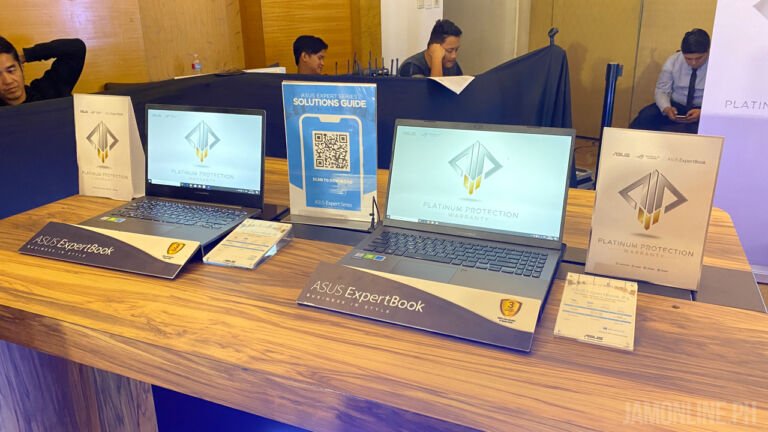
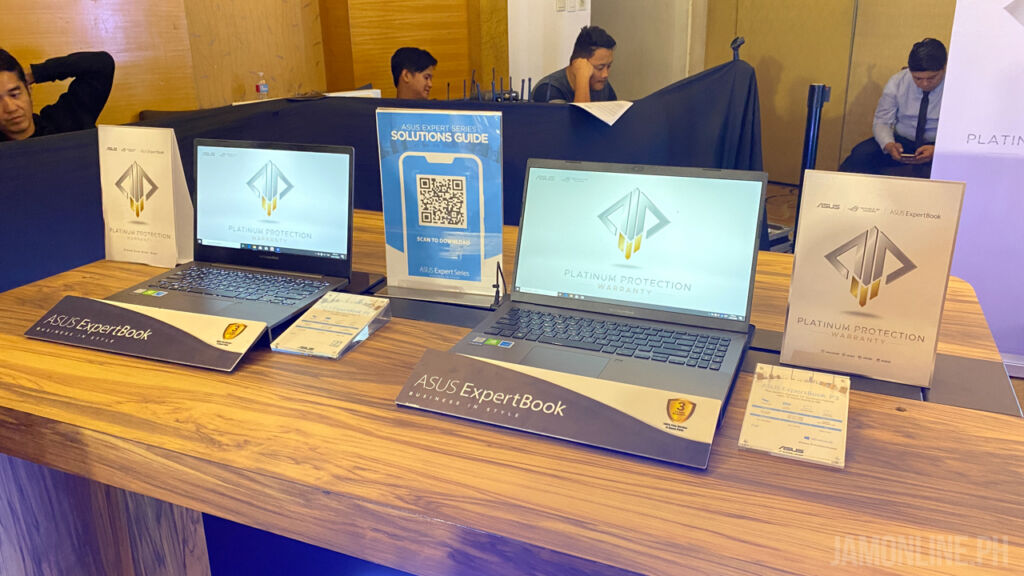
ASUS Philippines has just launched a new service for its customers this new year and it’s called the Platinum Protection warranty service. It will offer a better product experience and warranty service to consumers with no additional cost.

The ASUS Platinum Protection Warranty or PPW will give service and user experience to a whole new level. Yep, even better than the one that we saw before under the ASUS Premium Care because this one will cover ASUS, ROG, and Expertbook notebooks starting January 1, 2020, and it will provide accidental damage within the first year of the warranty at no additional cost.

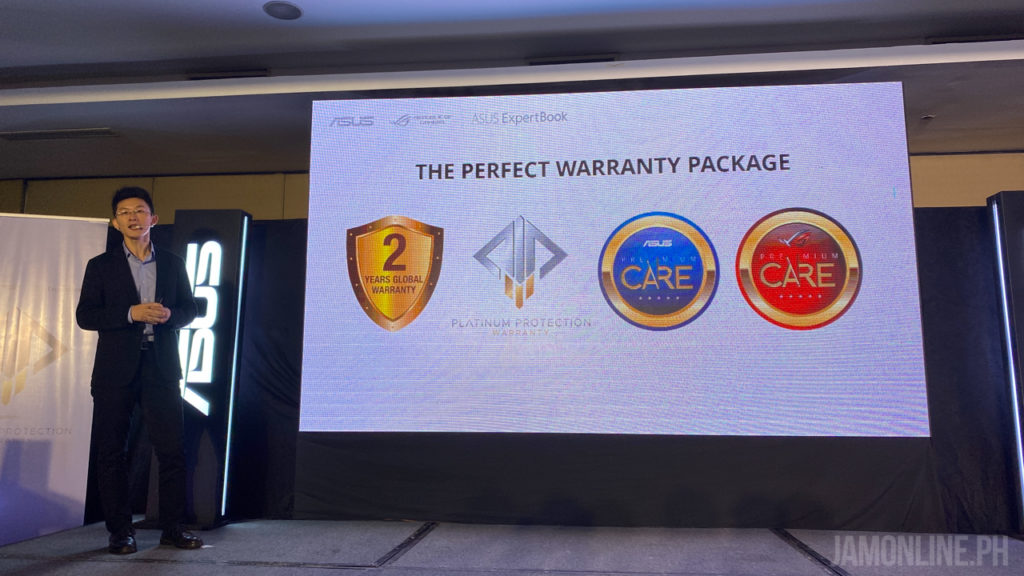
Yes, we will still have the 2 years global warranty and the ASUS Premium Care on ASUS notebooks but this time, it will cover “local accidental damage package” or LADP in where it covers accidental damage such as drops, falls, other collisions, electrical damage, liquid damage and even acts of nature such as earthquakes, floods, and typhoons.

Normally, cost repairs outside the standard warranty coverage will now be more affordable. Eligible ASUS notebooks under PPW, ASUS will be shouldering 100% of the labor cost and 80% of the part replacement cost. All ASUS, ROG, and ExpertBook notebooks purchased from January 1, 2020, and onwards are covered by this warranty. Customers can only claim this service once within the first year of warranty. There are 99 authorized service partners in more than 60 cities where ASUS can already serve you.

To know more about ASUS PPW, you can check out www.asus.com/PH/ASUS_Website_Information/Platinum-Protection-Warranty

Nintendo Switch Lite is now hackable

0

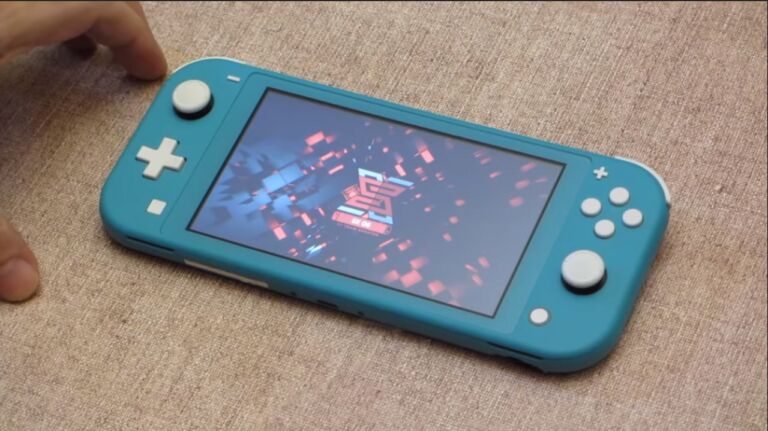
While we do not condone piracy on this website, it’s interesting to know that the Nintendo Switch Lite has been hacked by the Team-Xecuter, the same guys who hacked the OG Nintendo Switch before and it’s now running on the SX OS 3.0 which lets you install homebrew applications on the device.

Team-Xecuter has stated that the method for this will be released early next year and they’ll charge for access to the information. With Homebrew, you’ll be able to install different applications on the game for some, you’ll be able to pirate games on the Nintendo Switch.

This is the first time that the Nintendo Switch Lite has been hacked as the first generation Nintendo Switch and also the newer Nintendo Switch has been hardware patched. The console runs on Nvidia Tegra processor which is why the Nintendo Switch was easily hacked before.

The method by Team-Xecuter will be released this 2020.

Lenovo Philippines teases the Legion gaming smartphone

0

Gaming smartphones are around for a while now and they’re getting really hot lately including the ASUS ROG Phone which is currently our favorite gaming smartphone and of course, there’s the recently released Xiaomi Black Shark 2 smartphone and now, Lenovo wants to join the game with their Legion smartphone, yep, Legion which is the gaming laptop series of the brand.

Lenovo isn’t a newbie in terms of smartphones as the company has already purchased Motorola back in 2014 and Lenovo has already been making smartphones including flagship ones for the past few years but this will be the first time that Lenovo will be introducing a smartphone under the Legion brand.

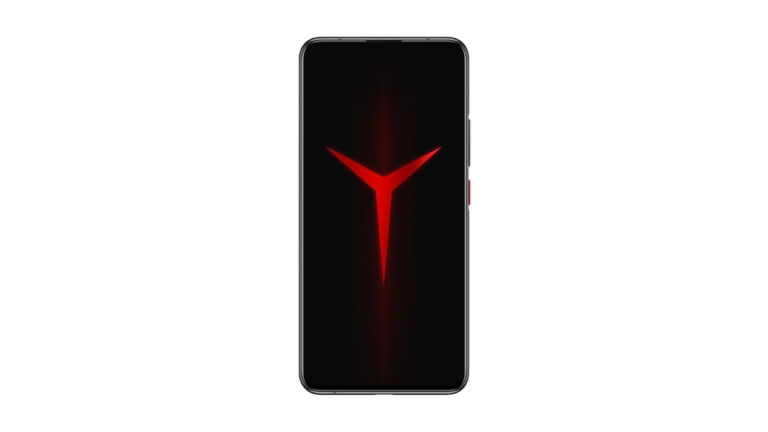
In a recent post of Lenovo Philippines at their Facebook page, they’ve posted a silhouette of a smartphone with the Lenovo Legion logo on the display.

There’s no clear specs with what to expect from Lenovo’s Legion smartphone but do expect that this one would have clear gaming-centric features.

How to play Ragnarok Tactics SEA on PC

0

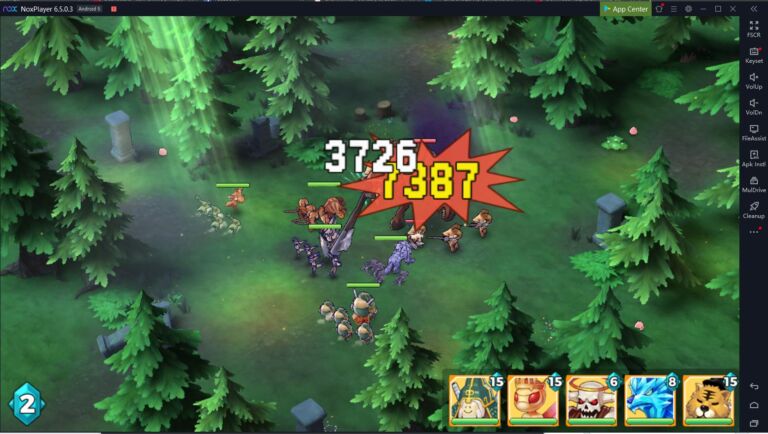
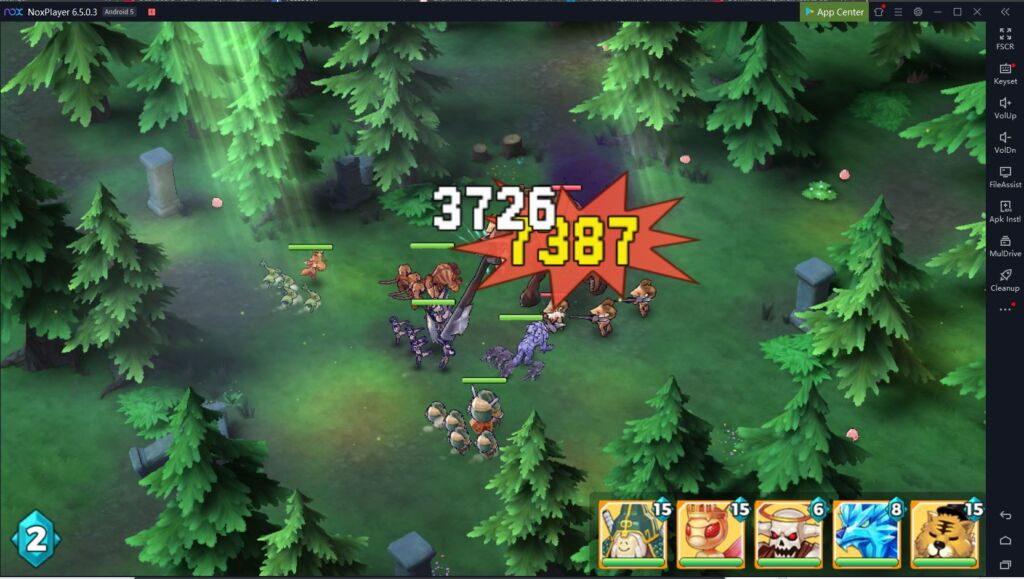
Ragnarok Tactics SEA has just been outed in the market and fans of the series are excited for this one as we can get to see characters and monsters from the Ragnarok series. But unlike the Ragnarok Mobile SEA, this one would have an idle + tactics gameplay and it will be completely different from that game.

If you’re curious about where to download Ragnarok Tactics SEA on your smartphones, you may download it here:

But if you want to play Ragnarok Tactics SEA on PC, there’s a way to do that. Here’s how:

Step 1: Download the NoxPlayer client here: https://www.bignox.com/appcenter/game_management/play-ragnarok-tactics-legendary-war-on-pc-with-noxplayer

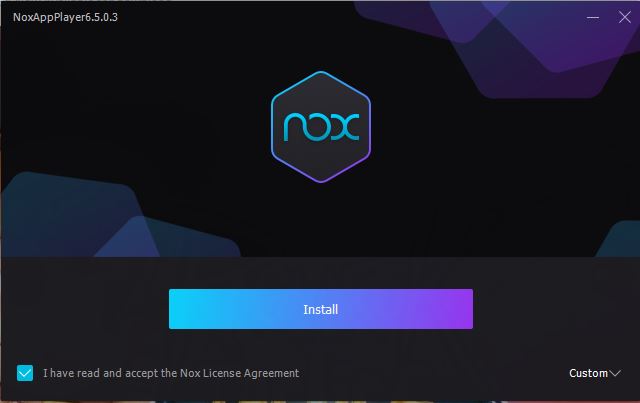
Step 2: Install the NoxPlayer client

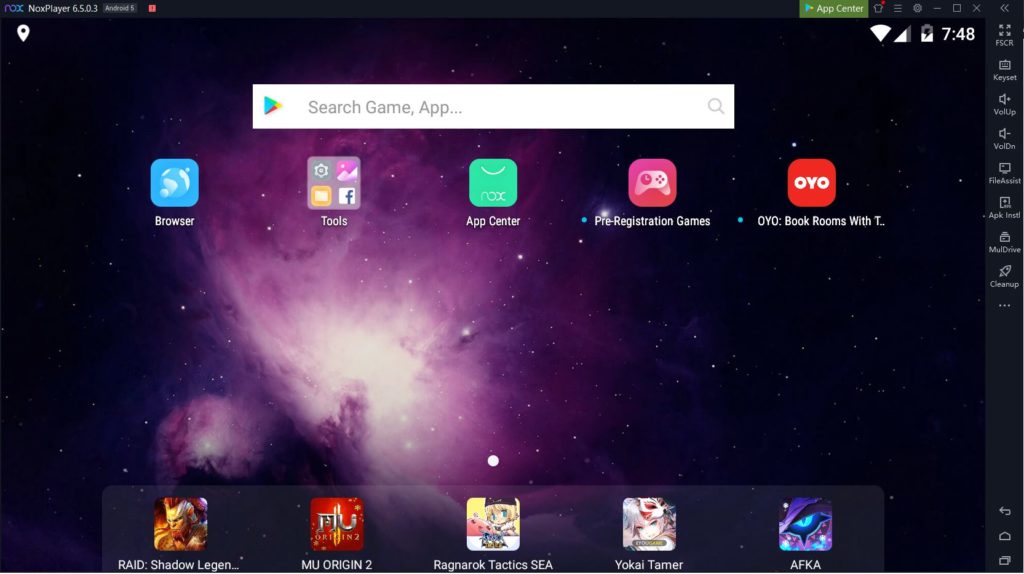
Step 3: Run NoxPlayer and log in to your Google Account

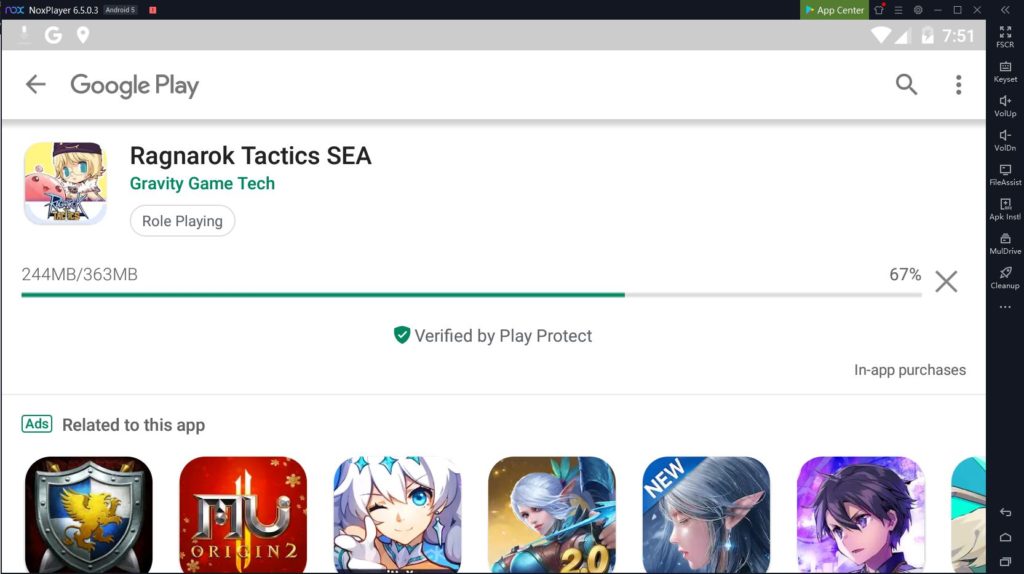
Step 4: Click on the Ragnarok Tactics SEA icon

and install the game

Step 5: You may now enjoy Ragnarok Tactics SEA!

So there we go, you can now enjoy playing Ragnarok Tactics SEA on your Windows PC


Ragnarok Tactics SEA Now Available for download

0

One of the newest spin-offs of Gravity for Ragnarok is here and it’s Ragnarok Tactics SEA. This game will be different from the popular Ragnarok Mobile that is already available on mobile but this one will still be based on the characters and monsters that are already on Ragnarok.

Ragnarok Tactics is a tactics game similar to Final Fantasy Tactics but this one can be played on idle. again, the monsters from the Ragnarok series will still be here and there are also other features in the game including a treasure hunting system, essence system, and summoner duel system in where you can fight other players.

Ragnarok Tactics is now available on iOS and Android. You may download the game below:

Play Store (Android)

App Store (iPhone)